How to Iterate on AI Image Prompts
It's incredibly frustrating when you have a brilliant idea for an AI-generated image, type out your prompt, and what you get back is… well, not quite what you envisioned. We've all been there, staring at a wonky hand or a landscape that looks nothing like the "ethereal mountain valley at dawn" you described. This guide is all about overcoming that common hurdle, diving deep into the art of iteration – the secret sauce to refining your AI image prompts until they truly shine.
Understanding the Iteration Mindset
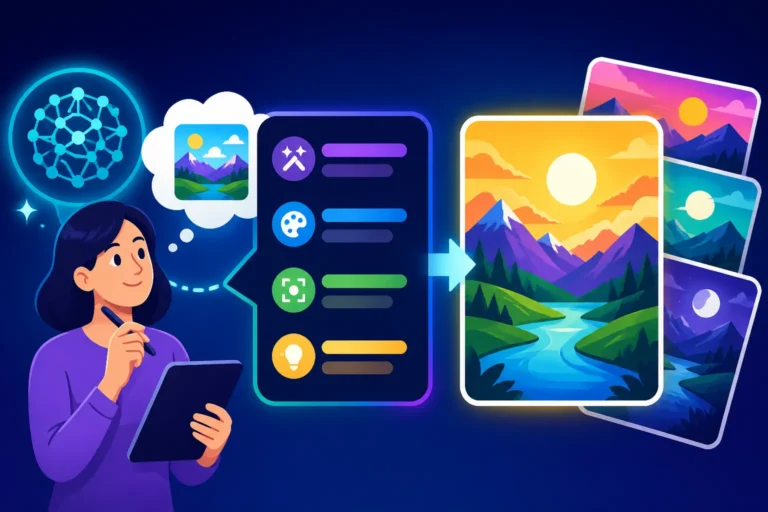
When you're working with AI image generators, thinking of your first prompt as a final declaration is like expecting a masterpiece from a single brushstroke. It just doesn't work that way. Iteration is the process of generating an image, observing the results, identifying what worked and what didn't, and then systematically tweaking your prompt based on those observations. It's less about magic and more about methodical experimentation, like a scientist in a lab, constantly adjusting variables to get the desired outcome.
The Trial and Error Cycle
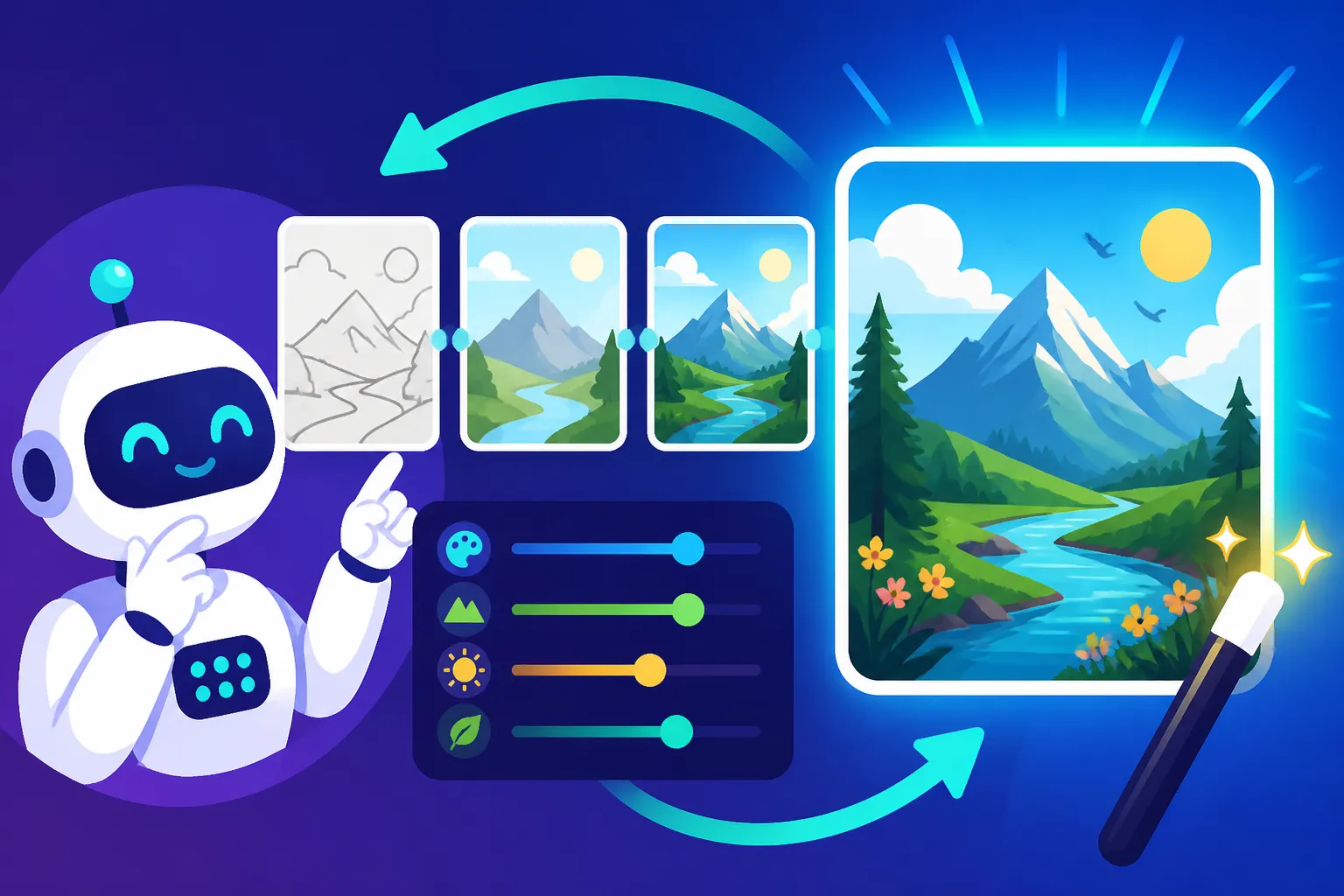
The core of iteration is a continuous loop: Prompt > Generate > Analyze > Refine. It sounds simple, but many people get stuck after the first "generate" step if the result isn't perfect, assuming the tool isn't good enough or their idea is flawed. The truth is, AI models are complex, and they interpret language in fascinating, sometimes unpredictable ways. Your job as the prompt engineer is to learn how your chosen AI tool interprets your words and guide it closer to your vision with each cycle. It's a conversation, not a command. You're teaching the AI what you mean, one refined prompt at a time.
For instance, if you ask for "a majestic lion," you might get a static portrait. Your next iteration, after analyzing the first output, might be to add action and setting: "a majestic lion leaping across a savanna, golden hour, dust trailing behind, dynamic pose." This shows a clear progression from a vague concept to a more detailed scene, directly addressing the static nature of the initial generation.
Why Your First Prompt is Rarely Perfect
Let's be real: AI image generators don't read your mind (yet!). They work by translating your text into a numerical representation and then using that to synthesize an image from vast datasets of existing visuals. This process, while incredibly powerful, leaves a lot of room for misinterpretation. Subtle nuances in your wording, the order of your descriptive elements, or even commonly associated concepts can lead to unexpected results.
Think about it: the phrase "a man walking on the beach" could conjure up hundreds of different scenes in a human mind, from a serene sunrise stroll to a frantic dash away from a rogue wave. An AI sees all these possibilities and statistically weighs them based on its training. Your first prompt is often too broad, too generic, or simply missing the critical details that would narrow down the AI's vast creative space to exactly what you're picturing. That's why diving into techniques like How to Write a Detailed Image Prompt becomes so crucial for effective iteration.
Key Strategies for Effective Prompt Iteration
Once you've embraced the iterative mindset, you need a toolkit of strategies to make your adjustments impactful. Randomly changing words is like throwing darts in the dark; you need to aim. These strategies provide a framework for systematic improvement.
Start Broad, Then Narrow Down
A common pitfall is trying to pack every single detail into the very first prompt. While specificity is ultimately good, it can be overwhelming at the start. It's often more effective to begin with a clear, concise core concept, generate some images, and then gradually introduce more elements based on what the AI gives you. This allows you to test the AI's understanding of your core idea before complicating things.
Imagine you want an image of "a futuristic cityscape." Your first prompt might literally be just that. You generate images and see sprawling metropolises, flying cars, neon lights – good starting points. Now, you observe that all the buildings look a bit too uniform. You might then narrow it down by adding "diverse architectural styles, art deco skyscrapers mixed with brutalist structures and glass towers." Then, perhaps you want a specific mood: "futuristic cityscape at night, vibrant neon glow, light rain creating reflections on wet streets." Each step builds upon the last, progressively refining the vision. This method helps you avoid getting bogged down in detail too early and keeps the creative flow going.
Micro-Adjustments and Testing Variables
The magic often happens in the small, seemingly insignificant changes. Instead of rewriting your entire prompt, try altering one or two words, adding a specific parameter, or adjusting a numerical value. This is where you isolate variables to understand their impact. For example, if you're trying to achieve a certain lighting, instead of changing everything, just swap "golden hour" for "noon lighting" or "dramatic chiaroscuro."
Here’s a practical example:
- Prompt 1: "A cozy living room, warm light, fireplace." (Result: A bit generic, perhaps too bright).
- Prompt 2 (Micro-adjustment): "A cozy living room, dim, warm light, fireplace, cozy ambiance." (Result: Better, but still not quite right).
- Prompt 3 (Another Micro-adjustment): "A cozy living room, dim warm light from a fireplace, bokeh effect, cinematic lighting." (Result: Much closer to the desired mood, focusing on the light quality).
This meticulous approach helps you understand which parts of your prompt are truly driving the visual outcomes and which might be less effective. It also helps in fixing issues like How to Fix Bad AI Image Results by pinpointing the problematic elements.
Utilizing Negative Prompts
Sometimes, it's easier to tell the AI what you don't want to see rather than what you do. This is where negative prompts come into play. Many AI image generators offer a field where you can input terms to exclude from the image generation. This is an incredibly powerful iteration tool, especially when dealing with common AI artifacts or undesirable elements.
Let's say you're generating images of fantastical creatures, but they keep appearing with strange, distorted limbs or extra eyes. Your positive prompt might be "A majestic dragon soaring over a volcanic landscape, epic fantasy art." Your negative prompt would then be "ugly, distorted, extra limbs, mutated, blurry, bad anatomy." By iteratively adding to your negative prompt, you can clean up the output significantly. You can learn more about this in our guide on How to Use Negative Prompts. It’s about gently nudging the AI away from common pitfalls, refining the edges of its creativity to better fit your desired output.
Analyzing Results and Pinpointing Issues
The "Analyze" step in the iteration cycle is arguably the most crucial. Without a critical eye and an understanding of why an image isn't working, your refinements will be mere guesswork.
Identifying Strengths and Weaknesses
When an AI image pops up, don't just dismiss it if it's not perfect. Instead, take a moment to break it down. What did the AI get right? Did it capture the mood? Was the color palette accurate? Are there any elements that are surprisingly good? And crucially, what went wrong? Are the faces distorted? Is the lighting off? Is an object missing or misrepresented?
Creating a mental or physical checklist can be helpful. For example, if you asked for "a serene forest with dappled sunlight," and the trees are great but the light is flat, you know your next iteration needs to focus on lighting. If the light is perfect but the trees look like a dense, dark wall, you might need to add details about "sparse canopy, tall slender trees." This systematic breakdown helps you prioritize your next set of changes, making your iterations more efficient.
Common AI Image Generation Issues to Look For
AI image generators, for all their advancements, still have their quirks. Knowing these common issues can help you diagnose problems quickly and formulate effective solutions.
- Anatomical Anomalies: Extra fingers, distorted faces, weird limbs. This is perhaps the most notorious issue. If you're generating people or animals, scrutinize their anatomy.
- Text/Typography Errors: If you tried to include text in your prompt, it often comes out as gibberish. Tools like Ideogram are better, but it's still a challenge for many.
- Lack of Detail or Over-Detailing: Sometimes images are too vague, other times they're cluttered with unnecessary elements.
- Compositional Problems: Subjects cut off, awkward framing, or a lack of focal point.
- Inconsistent Style or Mood: The image might lack a cohesive artistic style or the emotional tone you intended.
- "AI Look": A tell-tale artificiality, often seen in textures, lighting, or smooth, unnatural transitions. Our guide on How to Make AI Images Look Less AI can provide deeper insights here.
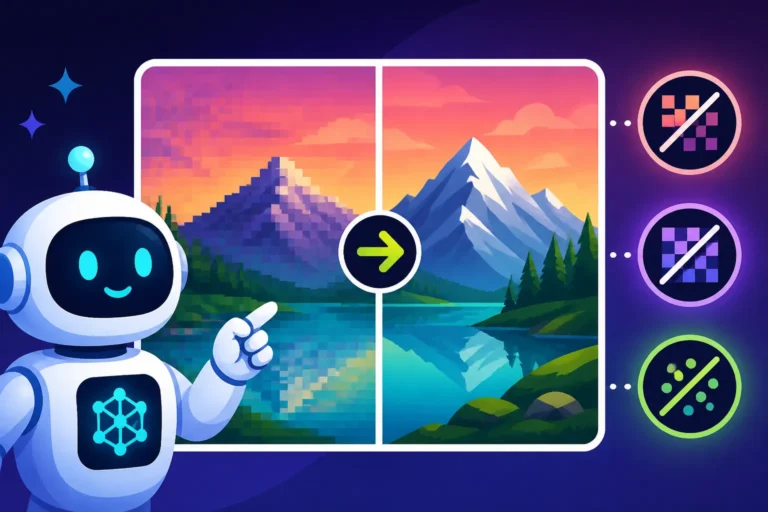
By specifically looking for these patterns, you can address them directly in your next prompt, often through negative prompts or by adding more specific descriptive adjectives. For instance, if you're battling blurry outputs, you might want to review How to Fix Blurry AI Images for targeted solutions.
Advanced Iteration Techniques
Once you're comfortable with the basics, you can elevate your iteration game with more sophisticated methods. These techniques give you greater control and can help you break through creative blocks.
Prompt Weighting and Parameters
Many advanced AI image generators allow you to assign "weights" to different parts of your prompt, telling the AI to prioritize certain concepts over others. For example, in Midjourney, you might use :: to indicate weights. If you want "a red car" but really, really want it to be red, you might write "car::1 red::2." This signals to the AI that "red" is twice as important as "car. "Experimenting with these weights can drastically alter the emphasis of your image, helping you fine-tune the visual hierarchy.
Beyond weights, various parameters can be adjusted, such as aspect ratio (--ar 16:9), stylization strength (--s 750), or chaos (--c 20). Learning these specific commands for your chosen tool is crucial. Imagine you're creating a panoramic landscape: adding --ar 21:9 from the start ensures the composition is right, rather than trying to crop a square image later. Or if your images are too "artistic" and you want more realism, adjusting the stylization parameter downward can bring it closer to your vision. Each tool has its own set of these, and understanding them is a step towards becoming a true prompt engineer.
Using Reference Images or Image Prompts
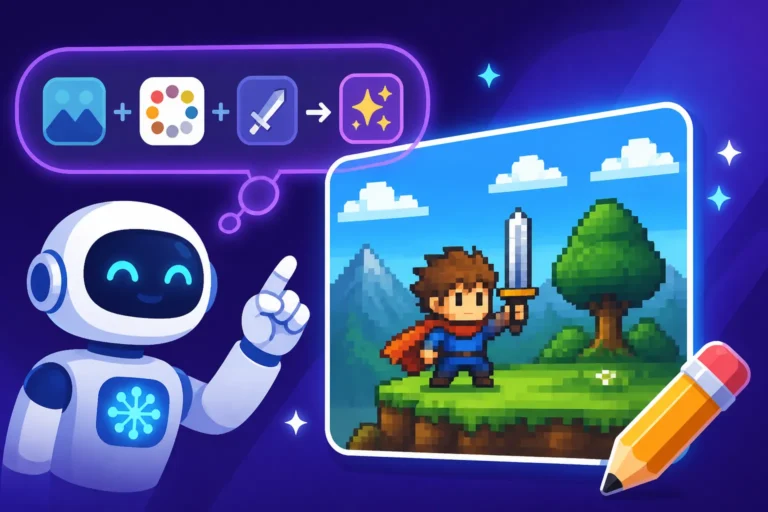
Sometimes, words alone aren't enough to convey your vision. Many AI tools, like Midjourney or DALL-E (often integrated into tools like ChatGPT), allow you to upload an image and use it as a reference. This is a game-changer for consistency and style transfer. You can use a reference image to:
- Establish a specific style: Upload a painting by a particular artist, and then ask for a new image "in the style of the uploaded image."
- Maintain character consistency: If you're generating a series of images with the same character, use a reference image of that character in each prompt to help the AI keep their appearance consistent. This is incredibly useful for storytelling or branding.
- Influence composition or color palette: An image of a vibrant sunset can serve as a color inspiration, or a photograph with a specific compositional layout can guide the AI's arrangement of elements.
When iterating, you can start with a text prompt, generate an image, and then use that generated image as a reference for your next prompt, incrementally guiding the AI towards your ideal. This iterative refinement process, bouncing between text and visual input, is a powerful way to fine-tune results.
Iterating on Prompts with a Table Example
Let's put some of these ideas into practice with a hypothetical scenario. Say you want to generate an image of a vibrant, detailed fantasy city carved into a mountainside, with a unique atmosphere.
Here's how you might iterate:
| Iteration | Prompt | Observations | Refinement Strategy | Next Prompt |
|---|---|---|---|---|
| 1 | "Fantasy city on a mountain." | Generic, lacked detail, typical medieval look. | Add specific architectural style, mood, lighting. Introduce "carved." | "Vibrant fantasy city carved into a colossal mountain, intricate stone architecture, bioluminescent plants glowing, dramatic lighting, magical atmosphere." |
| 2 | "Vibrant fantasy city carved into a colossal mountain, intricate stone architecture, bioluminescent plants glowing, dramatic lighting, magical atmosphere." | Better detail, but bioluminescence is weak, city feels too sparse. | Increase bioluminescence detail, add population element, emphasize "bustling." | "Vibrant, bustling fantasy city intricately carved into a colossal mountain, intricate stone architecture, dense bioluminescent plants glowing brightly, dramatic lighting, misty magical atmosphere, hundreds of glowing windows." |
| 3 | "Vibrant, bustling fantasy city intricately carved into a colossal mountain, intricate stone architecture, dense bioluminescent plants glowing brightly, dramatic lighting, misty magical atmosphere, hundreds of glowing windows." | Bioluminescence improved, but mountain feels too uniform, not "colossal." No sky visible. | Add specific mountain features, camera angle, negative prompt for uniform look. | "Vibrant, bustling fantasy city intricately carved into a colossal, jagged mountain with towering peaks, intricate stone architecture, dense bioluminescent plants glowing brightly, dramatic lighting, misty magical atmosphere, hundreds of glowing windows, wide-angle shot, looking up at the city –no uniform, boring rock" |
| 4 | "Vibrant, bustling fantasy city intricately carved into a colossal, jagged mountain with towering peaks, intricate stone architecture, dense bioluminescent plants glowing brightly, dramatic lighting, misty magical atmosphere, hundreds of glowing windows, wide-angle shot, looking up at the city –no uniform, boring rock" | Much better, but light is too generic "dramatic," still lacks unique character. | Specify lighting source, add unique element to city, mention scale. | "Vibrant, bustling fantasy city intricately carved into a colossal, jagged mountain with towering peaks, intricate stone architecture, dense bioluminescent plants glowing brightly, lit by a mystical aurora borealis above, misty magical atmosphere, hundreds of glowing windows, wide-angle shot, looking up at the city, tiny airships flying between structures –no uniform, boring rock, generic fantasy" |
As you can see, each iteration builds upon the last, directly addressing the shortcomings and pushing the image closer to the desired outcome. This structured approach helps in mastering the process, and understanding How Long Should an AI Image Prompt Be and How Specific Should AI Prompts Be can further empower this table-driven method.
Overcoming Iteration Frustration
Let's face it, iteration can sometimes feel like a grind. You might hit a wall, feel like you're not making progress, or even get frustrated with the AI's stubbornness. It happens to everyone! But there are ways to keep your spirits up and maintain momentum.
Taking a Break and Fresh Eyes
One of the most effective strategies when you're stuck is to simply walk away. Staring at the same set of images and prompts for too long can lead to "prompt blindness." Your brain gets used to the imperfections, and it becomes harder to spot new angles for improvement. Take a break, work on something else, or even just go for a walk. When you come back with fresh eyes, you'll often notice subtle details or new possibilities you missed before.
It’s similar to how writers step away from their drafts before editing; distance provides clarity. Sometimes, even sharing your problematic output with a friend or colleague who isn't familiar with your specific vision can provide invaluable objective feedback. They might spot an obvious flaw or suggest a prompt change you hadn't considered.
Experimenting with Different Keywords and Synonyms
If you've tried multiple iterations and the image just isn't quite hitting the mark, try swapping out your core descriptive keywords for synonyms or related concepts. The AI's understanding of "serene" might be different from its understanding of "tranquil" or "peaceful." Its interpretation of "vibrant" might differ from "luminous" or "radiant."
For example, if "ethereal" isn't giving you the wispy, dreamlike quality you want, try "sublime," "transcendent," or "otherworldly." Each word carries slightly different connotations and may tap into different aspects of the AI's training data. Don't be afraid to pull out a thesaurus or simply brainstorm related terms. You might be surprised how a single word swap can unlock a completely new and improved set of results, making your next iteration a breakthrough.
Leveraging Community and Resources
You're not alone in this! The world of AI image generation is bustling with vibrant communities, forums, and resources. If you're truly stuck, don't hesitate to:
- Browse prompt galleries: Websites like Lexica Art, Civitai, or even the galleries within tools like Leonardo AI and Playground AI, showcase countless prompts and their outputs. Seeing how others achieve specific styles or effects can be incredibly inspiring and provide new ideas for your own iterations.
- Join Discord servers: Many AI tools, like Midjourney, have active Discord communities where users share tips, troubleshoot problems, and even critique prompts. The collective knowledge can be immense.
- Read specialized guides: There are tons of fantastic resources out there. For instance, if you're wrestling with the initial setup, a guide like Midjourney Prompt Guide or DALL-E Prompt Guide can provide foundational knowledge. If you're looking for broader wisdom, check out Best AI Image Prompt Formulas to see structures that consistently yield good results.
By engaging with these communities and resources, you can learn new techniques, discover hidden parameters, and even find prompt examples that you can adapt and iterate upon for your own specific needs. It's all about collaborative learning and growth in this exciting, fast-paced field.
Disclaimer
The information provided in this article is for general informational purposes only. While we strive to offer accurate and up-to-date guidance on AI image generation and prompt iteration, the field of artificial intelligence is rapidly evolving. Tools and their capabilities can change frequently. Always refer to the official documentation and terms of service for any specific AI image generator you use.