Common AI Image Prompt Mistakes
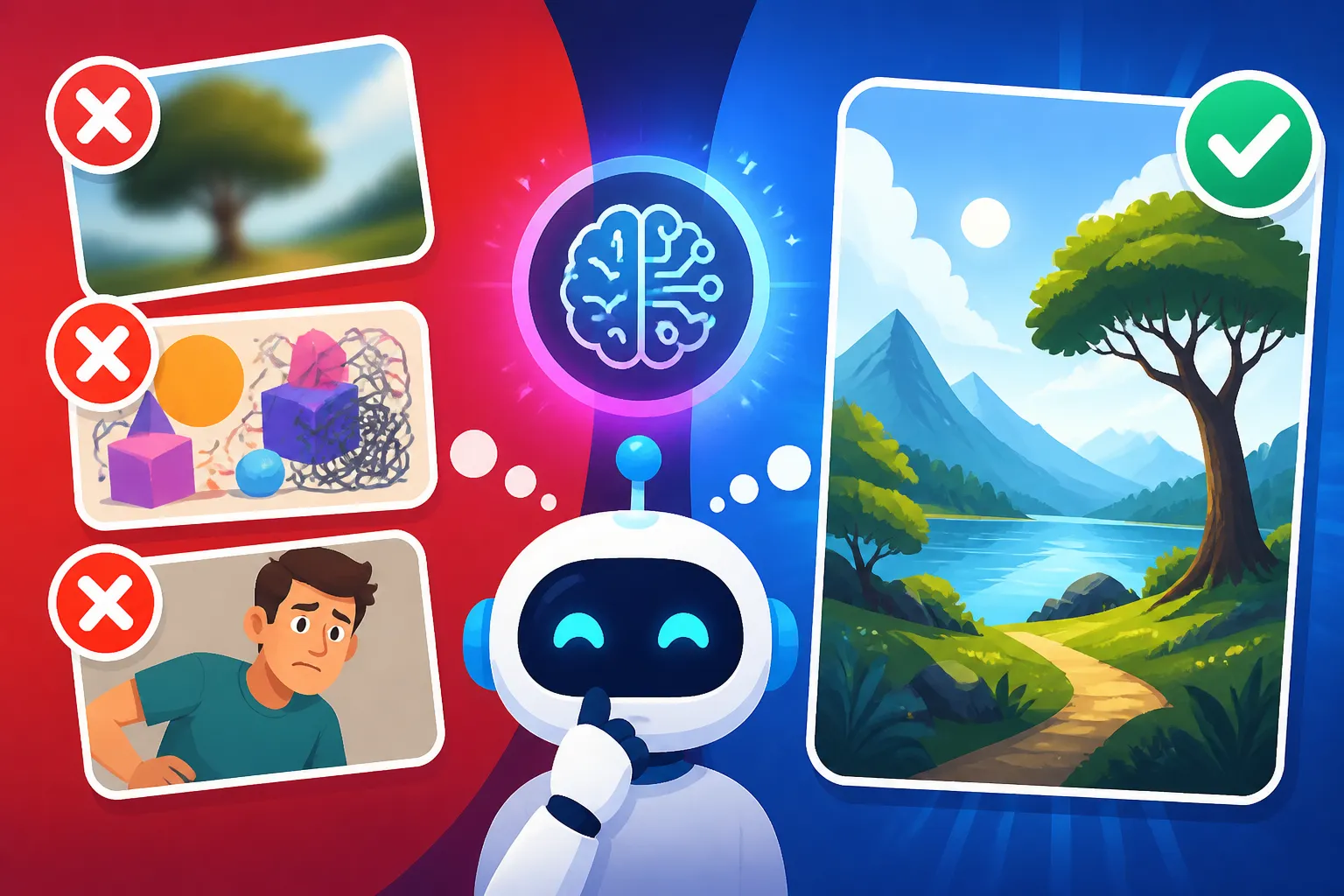
It’s incredibly frustrating, isn't it? You stare at a blank prompt box, carefully type out your vision for an AI-generated image, hit enter with a hopeful sigh, and then… poof. What you get back is often a garbled mess, something totally unrelated, or just profoundly underwhelming. It feels like the AI just didn't get it. You’re not alone in this struggle. Crafting effective AI image prompts is more art than science, and it’s easy to fall into common traps that lead to disappointing results. This comprehensive guide will shine a light on the most frequent prompt mistakes and, more importantly, equip you with the knowledge to avoid them, turning your AI image generation journey from frustrating to fantastic.
The Vague Prompt Trap: When "Just A Photo" Isn't Enough
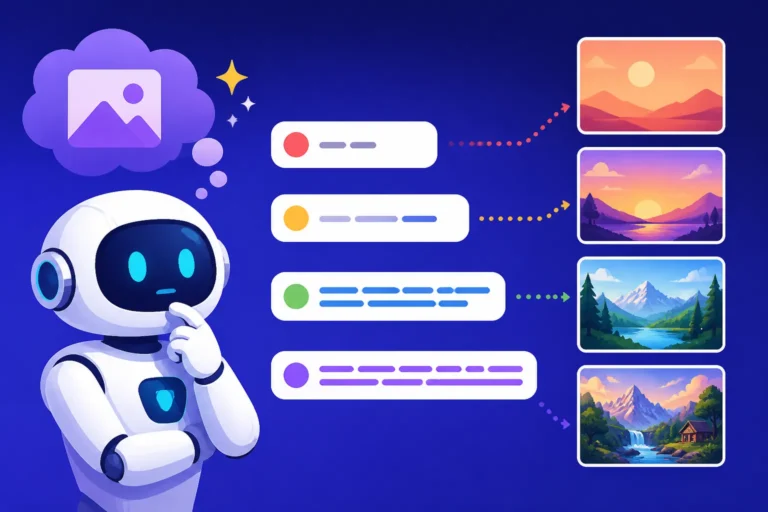
One of the biggest hurdles beginners face is the belief that AI can read minds. We're used to quick Google searches where "cute cat" gives us a million adorable felines. But AI image generators, while incredibly powerful, need a lot more specific guidance to truly capture your unique vision. A vague prompt often leads to generic, uninspired, or even nonsensical outputs because the AI is left to fill in too many blanks based on its vast, but often generalized, training data.
Broad Categories Lead to Generic Outputs
When you type something like "a car" or "a person" into an AI image generator, what do you really expect? The AI, in its earnest attempt to fulfill your request, will likely give you the most statistically average representation of a car or person it knows. Think about it: a car could be a sleek sports car, a rusty pickup truck, a vintage sedan, or a futuristic concept vehicle. A person could be any age, gender, ethnicity, emotional state, or setting. The AI doesn't know your preference, so it defaults to a middle-of-the-road interpretation.
This often results in images that lack character, detail, and the specific mood you had in mind. For instance, asking for "a forest" might produce a pleasant but unmemorable green expanse, devoid of the ancient gnarled trees, mist-shrouded paths, or sun-dappled clearings you envisioned. The AI simply processes the core noun and provides a very generalized interpretation, missing all the evocative nuances that make an image truly stand out. It's like asking a chef for "food" – you'll get something, but it might not be what your palate desires.
How to Inject Detail and Clarity
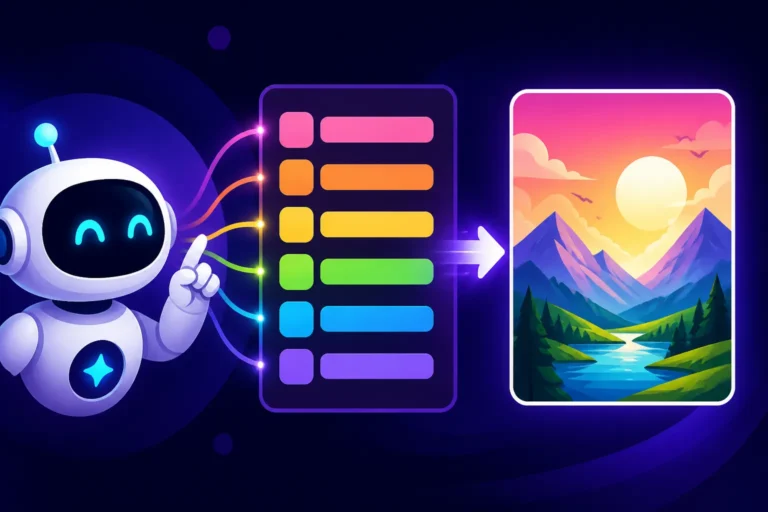
The antidote to vagueness is specificity. Think of yourself as a director giving precise instructions to a highly skilled, but literal-minded, artist. Break down your mental image into its core components and articulate each one. Consider the subject, action, environment, lighting, mood, color palette, and artistic style. Instead of "a car," try "a sleek, chrome-plated futuristic sports car speeding through a neon-lit Tokyo street at night, rain-slicked pavement reflecting city lights, cinematic, hyperrealistic."
Every adjective and descriptive phrase adds another layer of instruction, guiding the AI closer to your desired outcome. Don't be afraid to list out elements. For example, if you want to create stunning AI Images for Etsy Sellers, you wouldn't just say "jewelry." You'd specify "delicate silver necklace with a tiny emerald pendant, sparkling on a velvet cushion, soft bokeh background, macro photography style, natural window light." The difference in outcome will be monumental. The more descriptive you are, the less the AI has to guess, and the more likely you are to achieve a result that truly resonates with your initial idea.
Over-Prompting: Too Many Cooks Spoil the Broth
On the flip side of being too vague, there's the tendency to throw every possible keyword and idea into a single prompt, hoping that more information equals better results. This common mistake, known as over-prompting or keyword stuffing, can be just as detrimental as under-prompting. When an AI model receives a jumble of conflicting or redundant instructions, it struggles to prioritize and reconcile them, often leading to a chaotic, inconsistent, or downright bizarre image.
The Keyword Stuffing Pitfall
Imagine telling an artist to paint "a photorealistic, impressionistic, cubist portrait of a cyberpunk unicorn in a medieval castle, holding a smartphone, with a samurai sword, surrounded by floating donuts, highly detailed, blurry background, sharp foreground." The artist would understandably be confused, probably give you a blank stare, and then produce something that's a bizarre mashup of contradictory styles and elements. AI models, while powerful, operate similarly. They don't inherently understand artistic harmony or logical coherence.
When you stuff a prompt with too many keywords, especially those that are unrelated or directly conflict, the AI tries to incorporate all of them. This can dilute the impact of your core subject, create visual noise, or lead to strange artifacts. For instance, asking for "a serene mountain lake, vibrant colors, monochrome, peaceful, energetic, foggy morning, clear blue sky" is a recipe for disaster. The AI can't decide between vibrant and monochrome, or foggy and clear, resulting in a confusing blend that satisfies neither instruction fully. Simplicity and focus are often key, especially when you are just starting out and trying to master AI Image Prompt Guide for Beginners.
Finding the Sweet Spot: Concise and Powerful Prompts
The key to avoiding over-prompting is to be concise and intentional. Instead of listing every single idea that comes to mind, prioritize the most crucial elements that define your image. What is the absolute core message or visual? Start with that, and then gradually add descriptive details that enhance and support your core idea, rather than contradicting it. Think about the hierarchical structure of a prompt – what should be emphasized?
Many AI tools, like Midjourney, allow for prompt weighting, where you can assign different levels of importance to various parts of your prompt (e.g., subject::2 style::1). This feature is invaluable for guiding the AI without overstuffing. If your tool doesn't have weighting, rely on placing the most important terms at the beginning of your prompt. A focused prompt, even if slightly shorter, often yields much better results than a verbose one. Remember, you can always iterate and add more details in subsequent prompts if the initial output needs refinement, which is a core concept in How to Iterate on AI Image Prompts.
Ignoring Negative Prompts: What Not to Say
Many new users focus solely on what they want to see in their image, completely overlooking the crucial role of negative prompts. A negative prompt is essentially a list of things you don't want the AI to include or specific qualities you want to avoid. This powerful tool acts as a filter, helping the AI refine its output by explicitly telling it what to exclude from its vast pool of training data.
Why Explicitly Excluding Elements Matters
Without negative prompts, AI models operate on a "generate everything it can" principle, often filling in perceived gaps based on general associations within its training data. This can lead to unwanted elements creeping into your image, like distorted limbs, blurry textures, garbled text, or unintended objects in the background. For example, if you prompt for "a beautiful woman," without a negative prompt, you might end up with extra fingers, misplaced eyes, or a strange amalgamation of features because the AI hasn't been explicitly told to avoid these common generative artifacts.
The generative nature of these models means they are excellent at creating, but less intuitive at self-correction without specific instruction. If you're aiming for realism, for instance, you'll find that negative prompts become indispensable for polishing images to avoid that tell-tale "AI look." They help to push the AI's output away from common imperfections and closer to photographic quality. This is especially true when attempting to achieve truly lifelike imagery, where How to Write AI Prompts for Photorealistic Images is heavily reliant on careful negative prompting.
Crafting Effective Negative Prompts
The art of negative prompting involves anticipating common AI generation pitfalls and explicitly telling the model to steer clear. Common terms to include in your negative prompts often target technical flaws and undesirable elements. These include:
ugly,deformed,mutilatedextra limbs,missing limbs,bad anatomy,disfigured hands,malformed fingersblurry,out of focus,low quality,jpeg artifacts,grainytext,watermark,signature,logoduplicate,cloned,croppednoisy,poorly drawn
Different AI tools handle negative prompts in various ways. Midjourney uses a --no parameter (e.g., /imagine prompt: a happy dog --no blur, text), while others like Stable Diffusion or Leonardo AI often have a dedicated "Negative Prompt" box where you list your unwanted terms. Experimentation is key to discovering which negative terms are most effective for your specific artistic goals and the particular AI model you are using. A well-crafted negative prompt can drastically improve the cleanliness, accuracy, and overall quality of your generated images, allowing you to focus on the positive aspects of your scene. This is a critical skill for any serious AI image creator, as detailed in guides like How to Use Negative Prompts.
Forgetting Structure and Order: The Jumbled Jargon
Just like in human language, the order and structure of your words matter profoundly when communicating with an AI image generator. It’s not just about what you say, but how you say it. Many users fall into the trap of simply listing keywords without considering how the AI might interpret their sequence, often leading to a lack of emphasis or a confused composition.
The Impact of Keyword Order
Most AI image generation models process prompts in a sequential manner, giving more weight and emphasis to the terms that appear earlier in the prompt. If you put "a blue sky" at the beginning of your prompt, the AI will prioritize that element more heavily than if it's buried at the end. This means that if your most important subject or stylistic choice is not at the forefront, the AI might give it less attention, leading to a diluted or secondary presence in the final image.
Consider the difference between "a bustling city street, cyberpunk, raining, neon signs" and "cyberpunk, neon signs, raining, a bustling city street." In the first example, the AI might first focus on generating a typical city street and then try to apply cyberpunk, rain, and neon elements to it. In the second, "cyberpunk" and "neon signs" are established as primary themes, likely resulting in an image where those aesthetic elements are more dominant and foundational to the scene. Understanding this subtle but critical aspect of prompt engineering can dramatically improve the compositional focus and overall adherence to your core vision. It's a fundamental principle highlighted in resources like Prompt Structure: Subject, Style, Lighting.
Logical Flow and Grouping Elements
Beyond just keyword order, the overall logical flow and grouping of elements within your prompt can significantly influence the output. Think about organizing your prompt like you would organize a sentence or a paragraph:
- Start with the core subject: What is the main focal point of your image?
- Add key descriptors: What adjectives, actions, or defining characteristics describe your subject?
- Define the environment/setting: Where is your subject? What's happening around them?
- Specify artistic style/medium: What kind of art style are you aiming for (e.g., digital painting, photorealistic, watercolor)?
- Refine with technical details: Include lighting, camera angles, color palettes, and other nuanced instructions.
Using commas effectively can also help the AI parse distinct elements, preventing them from blending together in unintended ways. For instance, instead of "woman forest mist ethereal," try "a woman, ethereal, standing in a misty forest." This structure provides clearer boundaries between concepts. By thinking about your prompt as a structured set of instructions rather than a simple keyword dump, you help the AI build the image in a more coherent and intentional way, bringing you closer to the impressive results often seen in Best AI Image Prompt Formulas.
Not Iterating: One-Shot Wonders Rarely Work
It's common to hear experienced AI artists say that creating stunning images is an iterative process. Yet, many newcomers expect to type a single prompt, hit generate, and receive a masterpiece on the very first try. This expectation often leads to frustration and giving up prematurely. The reality is that AI image generation is a dialogue, not a monologue, and successful prompting almost always involves a series of refinements.
Expecting Perfection on the First Try
The "one-shot wonder" mentality is perhaps the most common psychological trap in AI art. We see incredible images shared online and assume the creator simply typed one perfect phrase and out popped digital gold. What we don't see are the dozens, sometimes hundreds, of iterations, tweaks, and prompt adjustments that went into achieving that final result. AI models, despite their intelligence, are still algorithms that interpret text. Their interpretation might not always perfectly align with the nuanced, unspoken vision in your mind.
Expecting a flawless image from a single prompt is like expecting a chef to create your dream meal from just the word "dinner." They might make something good, but it won't be your dream meal without further instruction and feedback. Embrace the process of discovery. The initial generations are often valuable starting points, offering visual cues that can help you understand how the AI interprets your words, even if the result isn't exactly what you hoped for. This patient approach is crucial to truly grasp the principles in a Midjourney Prompt Guide or DALL-E Prompt Guide.
The Power of Refinement and Variations
The true magic of AI image generation often lies in the refinement process. Once you get an initial set of images, analyze them critically. What worked? What didn't? What was completely off? Then, use that feedback to adjust your prompt for the next generation. This could involve:
- Adding more specific details: If a character looks generic, add details about their clothing, hair color, or expression.
- Removing unwanted elements: Utilize negative prompts to filter out imperfections or undesirable objects.
- Changing stylistic cues: Experiment with different artists, art movements, or photography terms.
- Adjusting parameters: Modify aspect ratios, chaos levels, or stylization settings if your tool allows.
- Using image-to-image or remix functions: Many tools let you use a generated image as a starting point for further variations, allowing you to gradually steer the AI towards your vision.
Think of each generation as a step closer to your goal. Small, incremental changes are often more effective than completely rewriting a prompt. If you change too many things at once, you won't know which alteration led to which result. By systematically refining your prompts, you enter into a collaborative dance with the AI, progressively shaping the output until it matches your creative aspirations. This methodical approach is the bedrock of achieving How to Get Better AI Image Results.
Misunderstanding Style and Medium: Artistic Mismatches
One of the most exciting aspects of AI image generation is the ability to evoke a vast array of artistic styles and mediums. However, a common mistake is to either use these terms incorrectly or to try and combine incompatible styles in a single prompt, leading to visually jarring or incoherent results.
Mixing Incompatible Artistic Styles
Imagine trying to paint a portrait that is simultaneously "photorealistic," "cubist," and "impressionistic." While a human artist might abstractly draw inspiration from these, trying to render them all literally at once would result in a nonsensical image. The same principle applies to AI. If you prompt for "a whimsical cartoon character, oil painting style, hyperrealistic lighting, 17th-century Baroque," the AI will struggle to reconcile these disparate visual languages.
The AI will attempt to blend all instructions, often resulting in a messy, visually confused image that fails to achieve any cohesive aesthetic. For example, a "photorealistic anime" might result in a character with uncanny valley features, neither fully cartoon nor truly real. Understanding the core characteristics of different art styles and mediums is crucial. A simple rule of thumb: if two styles fundamentally contradict each other (e.g., abstract vs. detailed, minimalist vs. ornate), try to pick one or find a complementary blend, rather than a conflicting one.
Aligning Vision with Technical Terms
To truly master the aesthetic of your AI images, you need to align your creative vision with the appropriate technical and artistic terminology. This means moving beyond generic terms like "cool art" and embracing the vocabulary of art history, photography, and design.
- Art Movements: Instead of "artsy," consider specific movements like
Surrealism,Art Deco,Expressionism,Abstract Impressionism,Pop Art, orRenaissance painting. - Mediums: Specify
oil painting,watercolor,charcoal sketch,digital illustration,pixel art,3D render,vector art, ormixed media collage. - Photography Terms: Use
bokeh,depth of field,wide angle,macro photography,long exposure,HDR,cinematic,film noir. - Lighting: Describe the light source and quality:
golden hour,dramatic chiaroscuro,softbox lighting,backlit,volumetric light,neon glow.
For example, if you're aiming for stunning typography within an image, you might consult resources like Ideogram 3.0 Text Rendering Review to see how that tool handles specific text-based styles. By using precise descriptors, you give the AI a clear stylistic framework to operate within, allowing it to generate images that are not only aesthetically pleasing but also faithful to a recognized artistic tradition or visual language. This meticulous approach to detailing style is a cornerstone of crafting effective prompts, as explored in detailed guides on How to Write AI Image Prompts.
Summary of Common AI Image Prompt Mistakes
To help you visualize the difference between common mistakes and effective prompting, here’s a quick table summarizing the pitfalls and how to correct them.
| Prompt Mistake Category | Bad Prompt Example | Problem | Good Prompt Example | Why it's better |
|---|---|---|---|---|
| Lack of Specificity | a dog |
Too vague; leads to generic results. | a cheerful golden retriever puppy leaping through a field of sunflowers at sunset, volumetric lighting, hyperrealistic, cinematic |
Specifies breed, action, setting, time, lighting, style, and realism level. |
| Over-Prompting | a beautiful woman, pretty, elegant, stunning, gorgeous, attractive, lovely, enchanting, charming, captivating, alluring, graceful, charming, bewitching, fetching, delicate, exquisite, fine, splendid, radiant, dazzling, glorious, sublime, magnificent, magnificent, marvelous, wonderful |
Redundant and repetitive; AI struggles to prioritize meaning. | a radiant woman, elegant and poised, in a flowing silk gown, standing on a moonlit balcony overlooking a Venetian canal, cinematic lighting, ultra-detailed |
Concise descriptors focus on distinct qualities and setting. |
| Ignoring Negative Prompts | a futuristic robot (gets extra parts/weird textures) |
Fails to exclude common AI artifacts or unwanted elements. | a futuristic robot, sleek design, metallic sheen, glowing blue eyes, city skyline background, highly detailed, --no ugly, deformed, blurry, extra limbs, poor anatomy, text, watermark |
Explicitly removes common AI errors and ensures a clean, polished final image. |
| Forgetting Structure | old mystical forest tree glowing magic ancient roots |
Jumbled order, no clear hierarchy of importance. | an ancient, mystical forest, a giant glowing tree at its center, twisting roots illuminated by ethereal magic, dark fantasy art, high detail |
Establishes the core scene (forest) then introduces the main subject (tree) and its defining characteristics, with style and detail last. |
| Not Iterating | Generating a flower once and being disappointed. |
Expects perfection immediately; misses opportunity for refinement. | Starting with a flower, then a red rose, then a single crimson rose, dewdrops on petals, soft morning light, bokeh background, macro photography after analyzing initial results. |
Embraces iterative refinement, building complexity and detail based on successive generations, which is vital for How to Iterate on AI Image Prompts. |
| Artistic Mismatches | a photorealistic cartoon sketch of a dog |
Combines contradictory styles that the AI cannot reconcile effectively. | a whimsical cartoon illustration of a dog, vibrant colors, clean lines (if aiming for cartoon) OR a photorealistic sketch of a dog, charcoal on paper, high contrast (if aiming for realistic sketch). Never combine them like the first example. |
Focuses on a single, cohesive artistic style. The AI can then apply consistent stylistic elements without confusion. This is key to understanding AI Image Prompt Examples by Style. |
Disclaimer
The information provided in this article is for general guidance and informational purposes only. While we strive to provide accurate and up-to-date content regarding AI image generation, the field is rapidly evolving. The capabilities, features, and specific prompt syntax of various AI tools (like Midjourney, DALL-E, Stable Diffusion, etc.) can change frequently. Always refer to the official documentation or community guidelines for the specific AI tool you are using. Individual results may vary based on your prompt, the AI model, and its current version.