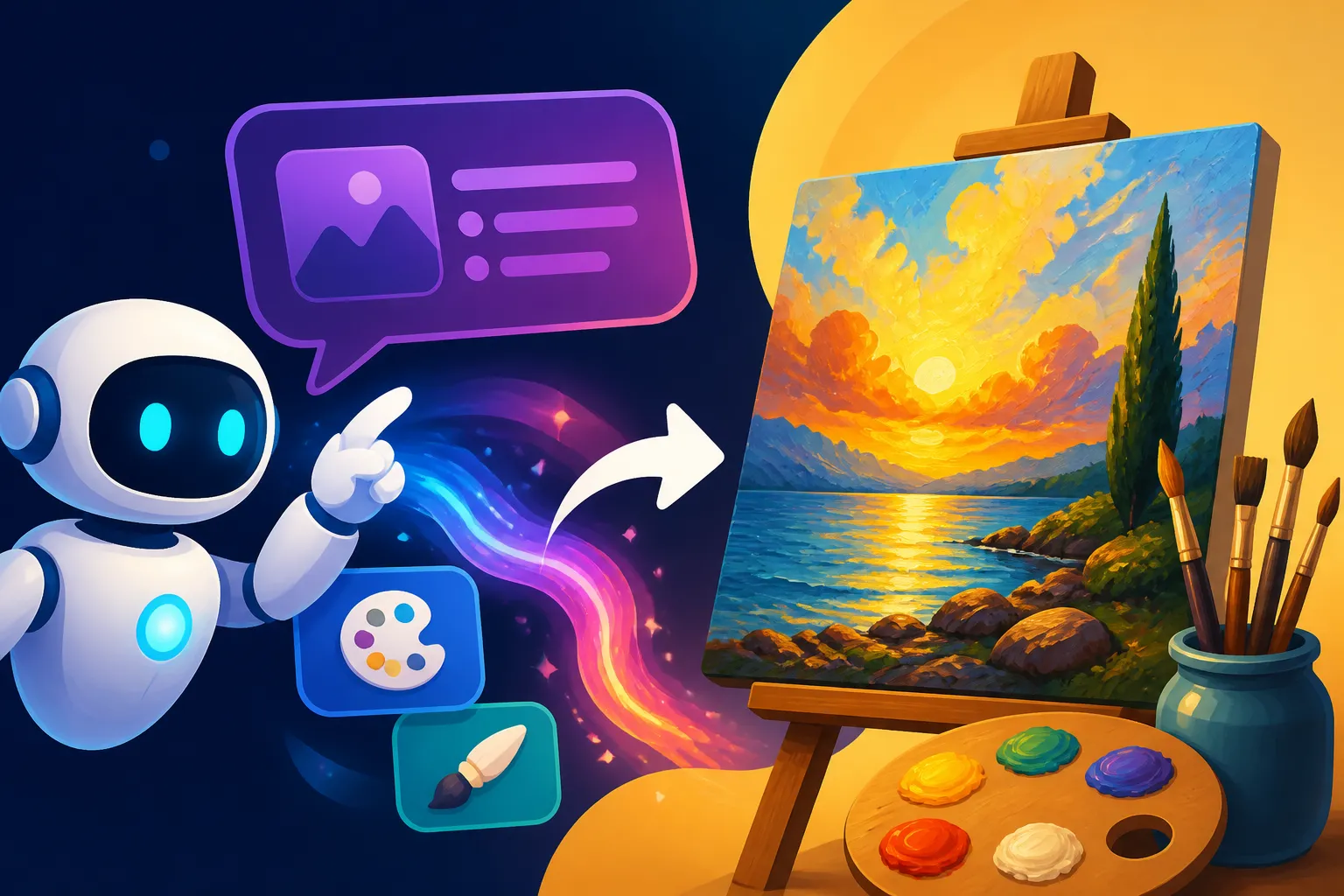
How to Write AI Prompts for Oil Painting Images
Ever found yourself staring at a blank prompt box, desperately trying to conjure up a beautiful, rich oil painting from your favorite AI image generator, only to be met with something that looks flat, digital, or just plain off? It's a common frustration among creators. Getting AI to truly capture the nuanced textures, light, and depth of a traditional oil painting takes more than just adding "oil painting" to your prompt. This comprehensive guide is here to demystify the process, helping you craft prompts that coax breathtaking, authentic-looking oil masterpieces from your AI tools.
Understanding the Essence of Oil Painting for AI Prompts
Before we dive into the nitty-gritty of prompt construction, let's take a moment to appreciate what makes oil painting so unique. It’s not just a medium; it's a centuries-old tradition with distinct characteristics that we need to communicate effectively to our AI. When an AI misses these cues, your "oil painting" often ends up looking like a generic digital painting or a photo with a quick filter.
Key Characteristics of Traditional Oil Painting
Traditional oil painting is characterized by a richness and depth that's hard to replicate in other mediums. It's not just about the final image, but the process and the materials themselves. Think about the physical presence of an oil painting – you can often see the history in its surface.
Firstly, visible brushwork is paramount. Unlike smooth, airbrushed digital art, oil paintings proudly display the artist's hand. We often see impasto, where paint is laid on thickly enough that the brushstrokes are visible and create texture. This texture, sometimes enhanced with a palette knife, adds a sculptural quality to the surface, catching light in unique ways. Secondly, texture isn't just about brushstrokes; it's about the thickness of the paint, the tooth of the canvas, and the way layers build up over time. This tangible quality gives the painting a three-dimensional feel.
Thirdly, light and color blending are distinct. Oil paints dry slowly, allowing artists ample time to blend colors directly on the canvas, creating smooth transitions and subtle gradations that are truly luminous. This slow drying time also facilitates glazing, where thin, transparent layers of paint are applied over dried layers, building incredible depth and a glowing quality. Finally, the richness and depth of color are unparalleled. Pigments suspended in oil binders often appear more saturated and vibrant, and the layering process allows for complex, deep hues that almost seem to glow from within. Getting your AI to understand and render these subtle but crucial characteristics is the first step toward creating truly exceptional oil painting images.
Common Pitfalls When Prompting for Oil Paint
If you've spent any time with AI art tools, you've likely encountered some frustrating results when aiming for an oil painting aesthetic. It's incredibly disheartening to type in "beautiful landscape, oil painting" and get back something that feels utterly devoid of that classic, tactile quality. You're not alone in feeling this way! Many common AI art generators, left to their own devices, default to a smoother, more stylized interpretation that doesn't quite hit the mark.
One of the most frequent issues is a flat, filtered look. Instead of genuine brushstrokes and layered textures, the AI might simply apply a uniform "paint" effect over what is essentially a photographic base. This results in images that lack the organic imperfections and tangible depth of real oil on canvas. There's no sense of the paint having been applied; it just is. Another common problem is a lack of genuine texture. The AI might understand "painting" but completely miss "oil painting" characteristics like impasto or the distinct marks of a palette knife. The surface appears smooth, without the subtle ridges and valleys that define true oil art.
Furthermore, you might find the light and shadow don't behave like they would in an oil painting. Instead of the deep, rich chiaroscuro or the soft, diffused luminosity often achieved through glazing, you get generic lighting that doesn't enhance the painted feel. Colors might look vibrant but lack the nuanced blending and richness that slow-drying oil paints offer. It often ends up looking like an oversaturated digital illustration rather than a masterpiece created with physical pigments. Recognizing these common missteps is crucial because it helps us identify exactly what we need to emphasize and correct in our prompts to steer the AI in the right direction.
Crafting Your Core Prompt: Elements for Success
Moving beyond those initial frustrations, let's talk about building a prompt that actually works. Think of it like a recipe: you need the right ingredients in the right order and with the right emphasis to get the delicious result you're after. For AI oil paintings, it’s all about being specific and descriptive across several key areas.
The Subject and Composition
Every great painting starts with a compelling subject and a thoughtful composition. For your AI prompts, this means clearly defining what you want to see and how it should be framed. Don't just say "a cat"; envision the cat, its surroundings, and the mood you want to evoke.
Start by being precise with your subject. Instead of a vague "flower," try "a single vibrant red rose, still life." Instead of "cityscape," specify "a bustling Parisian street scene at dusk." The more descriptive you are about your primary focus, the better the AI can anchor its generation. For instance, rather than "a woman," consider "a regal portrait of an elderly woman with deep, knowing eyes." This specificity sets the stage for the rest of your prompt. You can learn more about general prompt writing by checking out our guide on How to Write AI Image Prompts.
Next, consider the composition. Do you want a wide, sweeping landscape or a tight, intimate close-up? Use terms like "wide shot," "medium shot," "close-up portrait," "dynamic angle," or "from a low perspective looking up." You might also describe the arrangement of elements, such as "a triangular composition with a focal point in the foreground." If you have a specific artistic school in mind, you can hint at it here. For example, "a serene landscape in the style of Dutch Masters" or "a dramatic, romantic portrait reminiscent of Renaissance artists." Remember, these stylistic hints are about inspiring the AI, not asking it to directly copy, especially when it comes to living artists. Being clear about your subject and its arrangement is a foundational step in creating stunning AI art.
Emphasizing Style and Medium Details
This is where many general "painting" prompts fall short for oil paintings. To truly differentiate your desired output from a generic digital painting or a watercolor, you need to explicitly tell the AI about the distinct qualities of oil as a medium. These are your magic words for achieving that authentic look.
Start with the obvious: "oil painting" and "oil on canvas" are non-negotiable. But don't stop there. To get that tactile quality, you need to introduce terms that describe the physicality of the paint. Keywords like "impasto" are incredibly powerful, telling the AI to apply paint thickly, creating a raised surface. Follow that up with "thick brushstrokes" or "visible brushwork" to ensure the painter's hand is evident. If you want a more textured, almost sculpted feel, add "palette knife texture." These terms directly instruct the AI on how to render the paint's surface, moving it away from flat digital renderings.
Beyond texture, think about the inherent qualities of oil paint. Use "rich colors," "deep luminosity," "glowing tones," and "masterful blending" to guide the AI on how to handle the color palette. These phrases help convey the slow-drying nature of oils that allows for such depth and seamless transitions. You might even use contrasting terms in your negative prompts, like "no digital art," "no watercolor," or "no smooth texture," to further refine the AI's understanding. By loading your prompt with these specific medium details, you're giving the AI a much clearer picture of what you envision, moving beyond a simple style and into the realm of true artistic replication. For a more general approach to getting started with AI art, you can also explore our AI Image Prompt Guide for Beginners.
Mastering Light, Color, and Atmosphere
Just like in traditional painting, the way light and color interact is critical to conveying mood, depth, and the overall aesthetic in an AI-generated oil painting. A strong command over these elements in your prompt can transform a good image into an unforgettable one. It's not just about what's in the picture, but how it feels.
Let's talk about light first. Oil paintings often excel at capturing nuanced lighting, from the dramatic contrasts of Baroque art to the soft glow of a Dutch interior. Be specific: do you want "dramatic chiaroscuro lighting," which features strong contrasts between light and dark areas, often with dark subjects and brightly lit details? Or perhaps "soft, diffused light," suggesting an overcast day or an interior scene with indirect illumination? "Golden hour glow" can evoke warmth and romance, while "backlighting" can create striking silhouettes. Don't forget terms like "contrasting highlights and shadows," "spotlight effect," or "natural light streaming through a window." The way light falls on your subject and its surroundings will profoundly impact the final mood and realism of your oil painting. If you're looking for even more ways to manipulate light, check out our guide on How to Add Lighting to AI Prompts.
Next up is color. Oil paints are renowned for their ability to produce deep, vibrant, and incredibly blendable colors. Describe your desired palette: "vibrant color palette with jewel tones," "muted earthy tones," "bold primary colors," or "a harmonious analogous color scheme." You can also specify temperature, like "warm, inviting colors" or "cool, melancholic hues." Consider how the colors should be applied and blended: "masterfully blended colors," "subtle color shifts," or "dynamic color contrasts."
Finally, consider the atmosphere. This is the emotional and sensory context of your painting. Words like "misty," "serene," "stormy," "melancholy," "joyful," "eerie," or "nostalgic" can guide the AI to imbue the scene with the right emotional weight. For example, a "serene cottage with soft diffused light and a muted earthy palette, oil on canvas with thick brushstrokes" paints a very different picture than "a stormy coastal scene with dramatic chiaroscuro lighting and bold primary colors, impasto oil painting." By meticulously detailing these aspects, you give the AI a rich tapestry of information to work with, resulting in a much more sophisticated and emotionally resonant oil painting.
Advanced Techniques for Next-Level Oil Paintings
Once you've mastered the basics, you'll want to push the boundaries and achieve truly unique and artistic oil painting images. This involves digging deeper into art history, leveraging the AI's advanced features, and embracing an iterative workflow that mimics a painter's own creative process.
Incorporating Artistic Influences and Periods
One of the most powerful ways to guide an AI to produce a specific aesthetic is to reference established artistic influences and historical periods. Think of it as giving the AI a rich library of visual styles to draw from, helping it understand the nuances you’re after.
For instance, if you're aiming for dramatic lighting and intense emotion, you might reference the Baroque period. A prompt might include "a portrait, oil on canvas, with dramatic chiaroscuro lighting, reminiscent of Caravaggio." The AI will then understand the deep shadows, the spotlight effect on key figures, and the intense realism that defined that era. If you're after landscapes bathed in soft, ethereal light with visible brushstrokes, look to Impressionism. You could prompt for "a lily pond scene, oil painting, with loose, painterly brushstrokes and soft, dappled light, evoking Monet." This isn't about copying specific paintings but adopting the characteristics of the style.
Other periods offer different flavors: Post-Impressionism for bolder colors and more symbolic content (think Van Gogh's expressive brushwork), Romanticism for grand, emotional narratives, or Realism for unidealized, true-to-life depictions with a focus on technique. When incorporating specific painters, phrase it carefully: "with the vibrant color and expressive brushwork of Van Gogh" rather than "in the style of Van Gogh." This focuses on the qualities of their work. While this technique is incredibly powerful for generating specific aesthetics, especially for personal use or learning, always be mindful of copyright concerns, particularly when referencing living artists for commercial projects. It's generally safer to focus on broader art movements or deceased masters. For more on prompting specific styles, check out our guide on How to Write AI Prompts for Specific Art Styles.
Using Negative Prompts and Parameters
Sometimes, telling the AI what not to do is just as important as telling it what to do. This is where negative prompts come into play, refining your results by eliminating undesirable characteristics. Combined with specific parameters unique to each AI tool, you can exert remarkable control over your oil painting outputs.
Negative prompts are your secret weapon against those common pitfalls we discussed earlier. If you're constantly getting images that look too digital, simply add "no digital art," "no watercolor," "no smooth texture," "no photography," or "no filter" to your negative prompt. This acts as a filter, pushing the AI away from styles that mimic other mediums or techniques that detract from the oil painting aesthetic. For example, if you find the AI making skin too smooth, you might add "no airbrush" or "no flawless skin" to encourage a more textured, painterly rendition. A thorough understanding of how to use negative prompts can dramatically improve your generated images, so be sure to check out our dedicated article on How to Use Negative Prompts.
Beyond negative prompts, most AI image generators offer parameters that allow for fine-tuned control. For instance, in Midjourney, you might use --s 250 to adjust the stylization level, making your oil painting either more abstract or more literal. The --ar 3:2 parameter would specify an aspect ratio, which can be crucial for composition. Stable Diffusion users might experiment with different checkpoints or models specifically trained on classical art or painting styles, or utilize features like ControlNet for even more precise compositional guidance. While these parameters vary by platform (for example, Midjourney has unique parameters detailed in its Midjourney Prompt Guide), learning to leverage them, often through trial and error, gives you an immense power to shape the final output to truly capture the essence of an oil painting.
Iteration and Refinement: The Painter's Process
The journey from a blank canvas to a finished oil painting is rarely a straight line. It involves sketching, layering, adjusting, and often stepping back to see the work with fresh eyes. Generating AI art, especially complex styles like oil painting, should be approached with the same iterative and refined mindset. Don't expect perfection on the first try – that's a recipe for frustration!
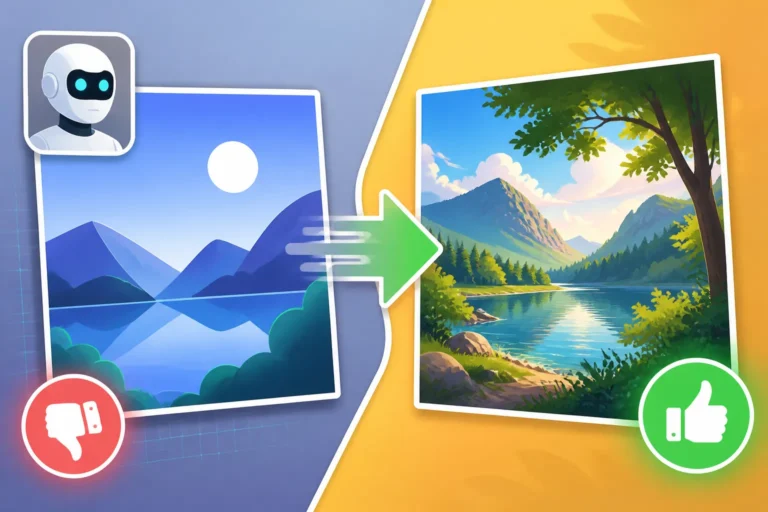
Think of your initial prompt as the underpainting or preliminary sketch. You generate a few images, examine them, and then identify what's working and what isn't. Perhaps the brushstrokes are great, but the lighting is off. Or the colors are rich, but the composition feels a bit dull. This is where the refining truly begins. Instead of scrapping everything, you make small, targeted tweaks to your prompt. Add a specific lighting term, adjust a color description, or introduce a parameter like a different aspect ratio. Generate again. Compare. This constant feedback loop is essential. You might generate multiple versions, pick the one that's closest to your vision, and then use it as a reference or even as an image prompt (if your tool allows) to further guide subsequent generations.
This process mirrors how a painter might work on a piece, adding layers, correcting mistakes, and subtly enhancing details until the desired effect is achieved. Don't be afraid to experiment with slight variations in wording, synonyms for descriptive terms, or different orders for your prompt elements. Sometimes, the smallest change can yield a dramatically different and improved result. Remember, your AI is a tool, and like any tool, it responds best to clear, consistent, and iteratively refined instructions. Embracing this workflow is key to unlocking the full potential of AI for creating stunning oil painting images. If you're constantly aiming for better results, our guide on How to Get Better AI Image Results offers even more strategies.
Practical Examples and a Prompt Cheat Sheet
Now that we've covered the theoretical groundwork and advanced techniques, let's put it all into practice with some concrete examples. Seeing how these elements come together in actual prompts can make a huge difference in your understanding and execution.
Step-by-Step Prompt Construction Examples
Let's break down how to build effective oil painting prompts, moving from a simple concept to a rich, detailed instruction for the AI.
Example 1: A Tranquil Landscape
- Initial Idea: A forest, oil painting. (Too vague, will get generic results)
- Adding Subject & Composition: "A serene forest path, winding deep into ancient woods, wide shot."
- Emphasizing Style & Medium: "A serene forest path, winding deep into ancient woods, wide shot, oil on canvas, impasto, thick brushstrokes, visible texture, painterly."
- Mastering Light, Color, & Atmosphere: "A serene forest path, winding deep into ancient woods, wide shot, oil on canvas, impasto, thick brushstrokes, visible texture, painterly, soft diffused light filtering through the canopy, dappled sunlight on the leaves, rich earthy tones, a misty, enchanted atmosphere."
- Adding Artistic Influence (Optional): "A serene forest path, winding deep into ancient woods, wide shot, oil on canvas, impasto, thick brushstrokes, visible texture, painterly, soft diffused light filtering through the canopy, dappled sunlight on the leaves, rich earthy tones, a misty, enchanted atmosphere, reminiscent of Hudson River School landscapes."
Example 2: A Dramatic Portrait
- Initial Idea: A woman's portrait, oil painting.
- Adding Subject & Composition: "A close-up portrait of a thoughtful young woman, looking directly forward, subtle smile."
- Emphasizing Style & Medium: "A close-up portrait of a thoughtful young woman, looking directly forward, subtle smile, oil paint, deep texture, fine brushwork, layered colors, hand-painted quality."
- Mastering Light, Color, & Atmosphere: "A close-up portrait of a thoughtful young woman, looking directly forward, subtle smile, oil paint, deep texture, fine brushwork, layered colors, hand-painted quality, dramatic chiaroscuro lighting, warm golden highlights, rich dark background, melancholic mood."
- Adding Artistic Influence (Optional): "A close-up portrait of a thoughtful young woman, looking directly forward, subtle smile, oil paint, deep texture, fine brushwork, layered colors, hand-painted quality, dramatic chiaroscuro lighting, warm golden highlights, rich dark background, melancholic mood, inspired by Dutch Golden Age portraits."
Example 3: A Vibrant Still Life
- Initial Idea: Fruit on a table, oil.
- Adding Subject & Composition: "A still life arrangement of ripe figs and scattered grapes on a wooden table, bowl in the center."
- Emphasizing Style & Medium: "A still life arrangement of ripe figs and scattered grapes on a wooden table, bowl in the center, oil painting, bold impasto, textured surface, broad brushstrokes, rich pigments."
- Mastering Light, Color, & Atmosphere: "A still life arrangement of ripe figs and scattered grapes on a wooden table, bowl in the center, oil painting, bold impasto, textured surface, broad brushstrokes, rich pigments, strong overhead lighting creating sharp shadows, vibrant and contrasting jewel tones, a feeling of abundance and classic beauty."
These examples demonstrate how building a prompt layer by layer with specific, evocative language helps guide the AI toward the desired oil painting aesthetic. For even more specific examples tailored to this medium, you might want to look at our AI Prompt Examples for Oil Painting Art.
A Table of Essential Oil Painting Keywords
To help you quickly build and refine your oil painting prompts, here's a handy cheat sheet of keywords. Mix and match these to achieve varied and stunning results.
| Category | Keywords for Oil Painting |
|---|---|
| Medium Details | oil painting, oil on canvas, impasto, thick paint, heavy texture, palette knife, visible brushstrokes, painterly, hand-painted, layered oil, oil pigments, traditional oil painting, wet-on-wet, glazing technique |
| Texture & Surface | textured canvas, rough surface, gesso, brushstroke texture, impasto strokes, raised paint, canvas texture, dry brush, broken color, coarse texture, gritty, palpable texture |
| Lighting | chiaroscuro, dramatic lighting, low key lighting, high key lighting, soft diffused light, golden hour glow, backlighting, rim light, strong highlights, deep shadows, atmospheric lighting, moody light, studio lighting, natural light, contrasting light and shadow, luminous, radiant, ethereal glow |
| Color & Tone | rich colors, deep hues, vibrant palette, muted earthy tones, jewel tones, harmonious colors, analogous colors, complementary colors, warm tones, cool tones, monochromatic, sepia, subtle gradations, blended colors, expressive color, bold pigments, intense saturation, soft pastels, alla prima |
| Era/Movement | Baroque, Renaissance, Impressionism, Post-Impressionism, Realism, Romanticism, Dutch Golden Age, Old Masters, Figurative, Abstract Expressionism, Academic art, Pre-Raphaelite, Luminism (use as 'reminiscent of' or 'inspired by') |
| Artistic Qualities | masterwork, museum quality, fine art, masterpiece, realistic, hyperrealistic, expressive, evocative, emotional, artistic rendition, classical art, painterly aesthetic, painter's touch, art station, DeviantArt (for modern digital painting influence but ensure "oil painting" is stronger) |
| Composition | dynamic composition, balanced composition, symmetrical, asymmetrical, rule of thirds, leading lines, depth of field, shallow depth of field, wide angle, close-up, focal point, panoramic, portrait orientation, landscape orientation |
By carefully selecting and combining keywords from this table, you can transform your generic prompts into detailed instructions that will guide your AI to create truly authentic and stunning oil painting images. Remember, the more descriptive and specific you are, the better the AI can interpret and generate your vision.
Disclaimer
The information provided in this article is for general guidance and informational purposes only. While AI image generation tools are powerful, the legal landscape regarding AI-generated art, particularly concerning copyright and commercial use, is still evolving. Always exercise caution and consult legal professionals for specific advice, especially when using AI-generated images for commercial purposes or when referencing specific artists' styles. The output quality can vary significantly between different AI models and versions.