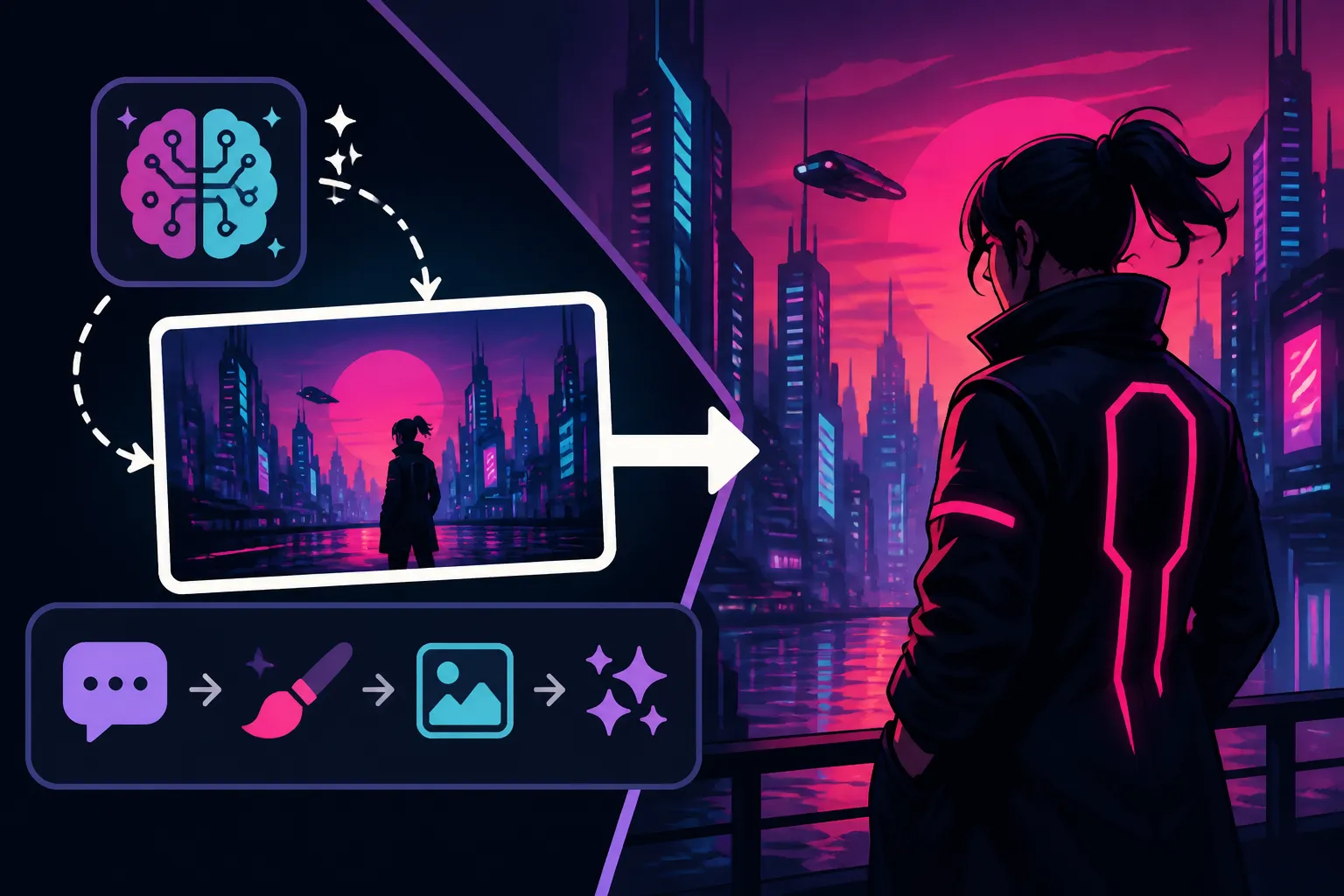
How to Write AI Prompts for Cyberpunk Images
Ever felt like your AI-generated cyberpunk images just don't quite hit that gritty, neon-drenched mark you're picturing? It's a common frustration. You type in "cyberpunk city" and get something that looks more like a generic sci-fi scene than the dark, rain-slicked metropolis humming with high-tech and low-life. This guide is all about helping you bridge that gap, transforming vague ideas into precise prompts that coax truly authentic and breathtaking cyberpunk visuals from your AI image tools.
Deconstructing the Cyberpunk Aesthetic for AI
Before you even start typing, it's crucial to understand what truly defines the cyberpunk genre from a visual perspective. It's more than just cool robots and flashy lights; it's a deep-seated blend of philosophical and visual motifs that your AI needs to grasp. When we talk about cyberpunk, we're talking about a specific mood, a particular palette, and recurring architectural and technological elements. Trying to generate a great image without this foundational understanding is like trying to bake a cake without knowing the ingredients – you might get something edible, but it won't be what you envisioned.
Core Visual Elements
The cyberpunk aesthetic is a feast for the eyes, but it’s a very particular kind of feast. Think about the iconic scenes from movies like Blade Runner or games like Cyberpunk 2077. These aren't just random futuristic settings; they're carefully constructed worlds built from specific visual components. Getting your AI to understand these components is key.
First and foremost, neon lights are practically a character in themselves. They're everywhere, illuminating darkened alleyways, plastered across towering corporate skyscrapers, and outlining intricate circuitry on futuristic billboards. Specify colors: "vibrant pink and electric blue neon signs," "glowing green holographic advertisements." Don't just say "neon"; describe its dominance and how it interacts with the environment. Another non-negotiable is rain-slicked streets. The constant drizzle, the glistening reflections of neon on wet asphalt, the steam rising from sewer grates – these elements add immense depth and atmosphere. You might prompt for "heavy rain," "puddles reflecting city lights," or "misty, humid atmosphere." This isn't just about weather; it's about the pervasive sense of gloom and urban decay contrasted with technological brilliance.
Then there are the towering skyscrapers that blot out the sun, creating canyons of concrete and steel. These aren't just buildings; they're monuments to corporate power and technological advancement, often adorned with massive holographic projections or digital screens displaying advertisements and propaganda. Think about mentioning "gothic futurism architecture," "densely packed urban canyons," or "structures reaching into perpetual smog." For the tech itself, integrate keywords like "advanced cybernetics," "bio-luminescent tech implants," "flying vehicles (spinners)," or "intricate wiring and exposed circuits." Finally, don't forget the grime and decay. This isn't a pristine future; it's a world where advanced tech coexists with poverty, pollution, and neglect. Keywords like "worn metal," "graffiti-covered walls," "dystopian squalor," or "decaying infrastructure" will help paint a more complete picture.
Mood and Atmosphere
Beyond the tangible objects, the feeling of cyberpunk is what truly sets it apart. It’s a genre steeped in existential dread, corporate control, and the struggle for individual identity in a dehumanizing future. Conveying this mood to your AI is critical for an impactful image. It's not enough to describe what is there; you need to describe how it feels to be there.
The overarching mood is often dystopian and gritty. This means an oppressive atmosphere, a sense of unease, and a constant struggle. You can achieve this by adding descriptive adjectives to your environment prompts: "oppressive cityscape," "bleak urban landscape," "grim future." Consider how the lighting contributes to this: "low-key lighting," "shadows swallowing details," "harsh contrasts." It's about highlighting the dark underbelly of technological progress. This leads to a strong futuristic noir sensibility – think trench coats, shadowy figures, and a sense of mystery or impending doom. Phrases like "neo-noir aesthetic," "detective in a rainy alley," or "smoky back rooms of a corporate tower" can evoke this specific blend.
The core philosophical conflict of "high-tech, low-life" is central to the atmosphere. This means advanced technology rubbing shoulders with poverty and street-level struggle. You want images that show sleek, gleaming tech against a backdrop of slums, street vendors, or desperate individuals. Prompting for "street-level view," "poverty amidst affluence," or "dilapidated structures next to soaring towers" can help emphasize this juxtaposition. The characters, too, should reflect this. They are often alienated and cybernetically enhanced, trying to find meaning in a world that often treats them as disposable. Consider how facial expressions, body language, and costume design contribute to this feeling of isolation or defiance.
Crafting Your Cyberpunk Prompt Formula
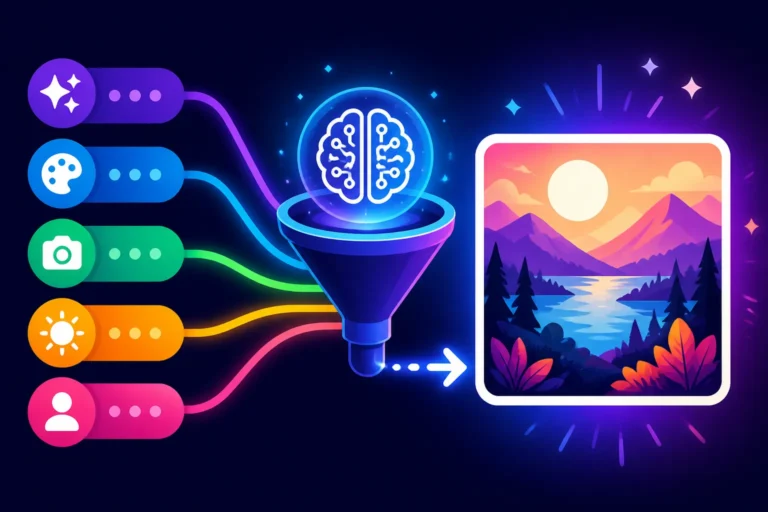
Now that we've broken down the essential ingredients, let's talk about putting them together into a prompt. Think of this as building a recipe, where each component adds flavor and depth to your final image. A good prompt isn't just a list of words; it's a carefully structured sentence or paragraph that guides the AI's imagination. Mastering this structure is key to getting the specific visions you have in your head to manifest on your screen.
If you're looking for more general guidance on structuring your commands, understanding How to Write AI Image Prompts is an excellent starting point. For specific stylistic approaches, check out guides like How to Write AI Prompts for Photorealistic Images or How to Write AI Prompts for Anime Images if you want to blend styles.
The Subject and Scene
Every great image needs a focal point and a setting. In cyberpunk, this means deciding who or what is at the heart of your image and where they are located within that rich, complex world. Without a clear subject and scene, your AI might generate a beautiful but ultimately generic background.
First, identify your main subject. Is it a lone figure gazing out over a rainy metropolis? A sleek, customized vehicle navigating crowded sky-lanes? A bustling marketplace filled with augmented humans and robots? Be specific about their identity and role. For characters, think about archetypes: "cyber-samurai with glowing katana," "disgruntled hacker hunched over a holographic keyboard," "street-smart augmented mercenary," "data broker in a shadowy booth." Describe their attire: "tech-wear jacket," "chrome implants," "LED-enhanced clothing." The details here will define the character’s place in the cyberpunk hierarchy.
Next, define the scene or environment. This is where your core visual elements from earlier come into play. Are we in a "rain-slicked alleyway at night," a "neon-drenched rooftop overlooking a sprawling city," a "crowded, futuristic market street," or a "high-tech corporate office with panoramic views"? Combine these with atmospheric descriptors. For instance, instead of just "city," try "a sprawling, multi-tiered megacity shrouded in perpetual twilight, illuminated by a labyrinth of vibrant neon signs and holographic advertisements." If you want to showcase specific vehicles, mention "flying cars soaring between skyscrapers," or "a heavily armored futuristic motorcycle speeding through crowded thoroughfares." The more descriptive you are about the interplay between the subject and their surroundings, the more immersive your output will be.
Style, Lighting, and Composition
This is where you infuse your image with artistic flair and cinematic quality. The choice of style, how light interacts with the scene, and how elements are framed can dramatically alter the impact of your cyberpunk image. Don't leave these to chance; guide your AI with specific keywords.
To begin, specify an artistic style. Do you want photorealism or something more stylized? For photorealism, use phrases like "ultra-realistic photograph," "cinematic still," "shot on ARRI Alexa 65," "hyper-detailed, award-winning photography." If you lean towards a more illustrative or artistic feel, consider "digital painting," "concept art," "graphic novel style," "anime-inspired cyberpunk art," or "oil on canvas." You can even blend styles, like "futuristic ink wash painting" or "neon-infused watercolor." For tools like Midjourney, you might explore specific parameters mentioned in a Midjourney Prompt Guide to fine-tune your aesthetic.
Lighting is paramount in cyberpunk; it defines the mood. Think beyond just "dark" or "bright." Instead, use terms like "dramatic chiaroscuro lighting," "volumetric fog illuminated by neon," "rim lighting outlining the figure against a dark backdrop," "god rays piercing through smog," "fluorescent glow," or "backlit silhouettes." Describe the light sources: "from holographic billboards," "from rain-reflected streetlights," "from glowing cybernetic implants." For a truly dynamic look, try "dynamic lighting" or "dramatic shadows." For composition and camera work, think like a film director. Use "wide shot," "dutch angle," "low-angle perspective looking up at skyscrapers," "close-up of augmented face," "anamorphic lens flare," "depth of field," "cinematic composition." These details tell the AI how to frame the scene, creating a more professional and intentional image. For more control over lighting, consider reading guides on How to Add Lighting to AI Prompts.
Adding Detail and Specificity
The magic often lies in the small, intricate details that breathe life into your cyberpunk world. These granular descriptions push your image from generic sci-fi to a truly believable, immersive cyberpunk vision. Don't be afraid to pile on the descriptive adjectives and nouns; the AI thrives on them.
Think about specific technological enhancements or detritus. Beyond general "cybernetics," specify "glowing neural implants," "data cables running along skin," "bionic arm with intricate gears," "holographic wrist communicator." For environmental details, consider "steam rising from manholes," "grimy ventilation shafts," "cracked concrete with glowing moss," or "discarded ramen containers littering the street." These tiny visual cues tell a story about the world.
Integrate cultural influences and atmospheric layers. Perhaps "Japanese Kanji characters" on neon signs, "Mandarin script on storefronts," or "corporate logos of fictional megacorporations like 'Arasaka' or 'Tyger Claws'" (if your AI model is trained on such data and understands these specific references, which some do surprisingly well). Add weather conditions beyond just rain: "acid rain," "perpetual fog," "sleet hitting neon signs," or "heavy smog creating a hazy horizon." The goal is to make the scene feel lived-in and complex. Don't shy away from sensory details that imply smell or sound, even though AI can only generate visuals. For instance, "the air thick with pollution and the smell of ozone" might prompt the AI to render a visibly polluted atmosphere. Remember, the more specific and rich your descriptions, the more likely the AI is to produce something truly unique and not just another cliché.
Advanced Prompting Techniques for Cyberpunk
Once you've got the basics down, it's time to elevate your prompting game. This involves not just telling the AI what to do, but also what not to do, and understanding that prompt generation is an iterative process. It's like a sculptor chipping away at stone – sometimes you add, sometimes you remove, always refining. For broader concepts on improving your results, take a look at our Best AI Image Prompt Formulas guide.
Negative Prompts and Refinement
Sometimes, the best way to get what you want is to explicitly state what you don't want. This is where negative prompts become invaluable. They act as a filter, steering the AI away from undesirable elements or common pitfalls that can ruin a cyberpunk aesthetic. Many times, you'll find that an AI image generator leans into generic aesthetics unless guided away from them.
Common issues in AI image generation, especially for specific genres like cyberpunk, include overly clean aesthetics, cartoonish elements, or unwanted artifacts. To combat this, you might include negative prompts like "no cartoon," "no anime," "no cartoonish," "no comic book style" if you're aiming for realism. If your images are coming out too bright or colorful in a way that detracts from the grit, use "no bright colors," "no vibrant hues," "no pastel," or "no cheerful." For unwanted technical flaws, "no blurry," "no out of focus," "no distorted," "no ugly," "no watermark," or "no text" can be very effective. It's also wise to negate common AI errors, such as "bad anatomy," "extra limbs," "deformed hands," or "malformed faces," which can plague even the best generators, though they are improving.
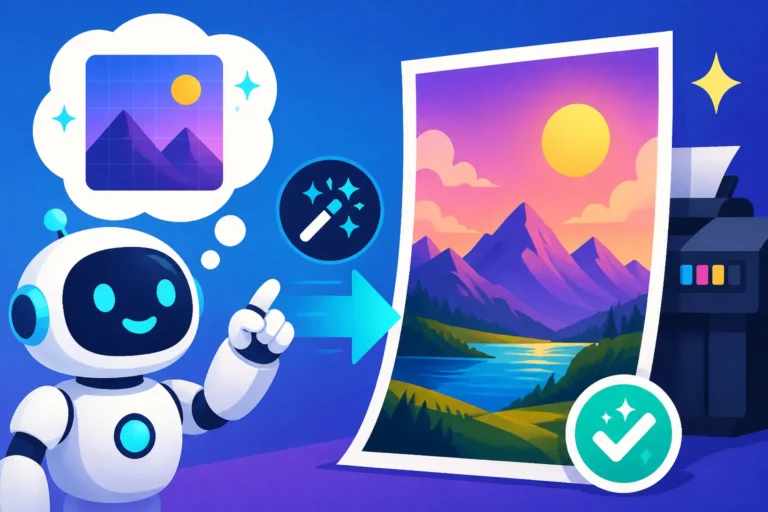
The refinement doesn't stop there. Once you get an image, look critically at it. What's wrong? Is the mood off? Are certain elements not appearing as you imagined? Adjust your main prompt by adding more specific details or strengthening certain keywords. For example, if your "rain-slicked streets" aren't wet enough, change it to "hyper-realistic, glistening rain-soaked streets with strong reflections." If characters look too generic, add more specific traits or clothing details. Learning How to Fix Bad AI Image Results is an ongoing process of iterative refinement, and negative prompts are a powerful tool in that arsenal.
Iteration and Experimentation
Prompting isn't a one-and-done deal. It's a continuous process of trying, observing, and tweaking. Think of each generated image as a learning opportunity. The more you experiment and iterate, the better you'll become at understanding how your chosen AI tool interprets your instructions, whether it's DALL-E in ChatGPT or a dedicated platform like Stable Diffusion.
Start by generating a few variations with your initial prompt. Analyze what works and what doesn't. Perhaps the overall mood is right, but the character's attire is off, or the lighting isn't as dramatic as you envisioned. This is where you begin your iterative journey. Tweak one element at a time to see its impact. Change a single adjective ("dense fog" to "thick, suffocating smog") or add a new descriptive clause ("with visible power conduits running up the sides of buildings"). For tools like Midjourney, you can use subtle prompt variations or rerun the prompt to get different seeds.
Don't be afraid to try wildly different approaches. If a "cinematic wide shot" isn't working for a character, try a "dramatic close-up." If "neon signs" are too dominant, try "subtle glowing accents." Experiment with the order of your keywords; sometimes placing the most important descriptors at the beginning of the prompt can give them more weight. Incorporate different artists' names for stylistic influence – for example, adding "in the style of Syd Mead" or "inspired by H.R. Giger" can drastically alter the aesthetic. Remember, every AI model has its unique biases and strengths, and only through consistent experimentation will you unlock its full potential for cyberpunk imagery. For a deep dive into specific parameters, a Stable Diffusion Prompt Guide or a Midjourney V7 Features and Updates review could offer more technical insights.
Here's a quick overview of key cyberpunk elements and the keywords you can use:
| Cyberpunk Element | Key Prompt Keywords (Examples) |
|---|---|
| Cityscape | Neo-Tokyo, dystopian metropolis, sprawling megacity, urban canyons, towering skyscrapers, industrial district, rain-slicked streets, foggy, smog-filled atmosphere |
| Lighting & Atmosphere | Neon glow, volumetric light, cyberpunk noir, dramatic chiaroscuro, low-key lighting, rim light, ambient blue/purple/pink hues, atmospheric haze, steam, heavy rain |
| Technology | Cybernetics, bionic implants, holographic ads, flying cars (spinners), data cables, glowing circuits, robotic, AI, advanced tech, vintage tech, exposed wiring |
| Characters | Hacker, street samurai, augmented human, rogue AI, corporate drone, femme fatale, cyberpunk detective, wearing tech-wear, chrome skin, glowing eyes, trench coat |
| Mood/Vibe | Gritty, dystopian, oppressive, high-tech low-life, alienated, neo-noir, dark future, hyper-capitalism, futuristic decay, rebellion, corporate tyranny |
| Art Style | Photorealistic, cinematic, digital painting, concept art, graphic novel, anime art, synthwave aesthetic, vaporwave, in the style of Syd Mead/H.R. Giger/Katsuhiro Otomo |
| Composition/Camera | Wide shot, low angle, close-up, Dutch angle, anamorphic lens flare, deep depth of field, establishing shot, cinematic composition |
| Negative Prompts (Often) | No cartoon, no blurry, no deformed, no ugly, no vibrant colors, no cheerful, no watermark, no text, no children, no animals (if not desired) |
This table is a great starting point for building robust prompts. Remember to mix and match to create unique combinations! If you want to explore how specific tools handle text within images, our Ideogram Review: Best for Text in Images might offer some valuable perspectives that could be applied to your cyberpunk prompts.
Disclaimer
The information provided in this article is for general guidance and informational purposes only. While AI image generation tools are powerful, the output can vary widely based on the model, prompt complexity, and ongoing technological advancements. Always review the terms of service for any AI image generator you use, particularly regarding commercial use and intellectual property rights, as these can change rapidly.