How to Write AI Prompts for Cartoon Images
You know that feeling when you're trying to generate a fun, expressive cartoon image with AI, but instead, you end up with something that looks either too realistic, too generic, or just… off? It’s incredibly frustrating when your vision for a lively, animated scene clashes with a stiff, soulless output. This guide is here to unravel that mystery, providing you with the practical, actionable strategies you need to write AI prompts that consistently produce the vibrant, dynamic, and stylistically accurate cartoon images you're dreaming of.
Understanding the Cartoon Aesthetic: More Than Just "Cartoon"
It's tempting to just type "cartoon character" and hope for the best, but the world of cartoons is incredibly diverse! Just like you wouldn't tell a human artist to "draw a painting" without specifying oil, watercolor, or digital, you need to be precise with your AI. The generic "cartoon" prompt often leads to a middle-of-the-road result that lacks personality because the AI doesn't know which cartoon aesthetic you're aiming for. It's like asking for a "car" and getting a generic sedan when you really wanted a vintage muscle car or a futuristic electric vehicle.
Deconstructing Different Cartoon Styles
When we talk about "cartoon," our minds might jump to anything from classic Disney to modern anime, or even the quirky, angular designs of early 2000s flash animations. Each of these styles has a distinct visual language that can be broken down into specific prompt elements. Thinking about these variations before you even start typing can drastically improve your results.
For instance, consider the smooth, rounded forms and rich, often muted color palettes of a classic Disney animated film versus the sharp, exaggerated angles and dynamic motion lines of a shonen anime. Or compare the simplified, often geometric shapes and bold outlines of a Hanna-Barbera cartoon from the 60s with the more detailed, textured digital animation seen in modern Pixar movies. The line weight, the character proportions (are they chibi, realistic, or exaggerated?), the background complexity, and even the emotional range conveyed by expressions are all style indicators. If you're looking to delve deeper into specific animated aesthetics, check out resources like our guide on How to Write AI Prompts for Anime Images or even How to Write AI Prompts for 3D Render Images for those CG-animated styles.
Key Elements That Define a Cartoon Image
Beyond the broad style categories, there are fundamental principles that make an image "cartoony." These are the ingredients you want to bake into your prompts.
- Simplification: Cartoons often simplify complex details. Think about how a character's hand might be drawn with only three fingers and a thumb, or how a background might be rendered with minimal lines and flat colors. This isn't about laziness; it's about conveying information efficiently and focusing the viewer's eye.
- Exaggeration: This is where cartoons truly shine! Exaggeration allows for heightened emotion, dynamic action, and memorable character design. A character might have enormous eyes to show surprise, ridiculously long limbs for a comedic stretch, or a tiny body with a giant head.
- Expressiveness: Cartoon characters are masters of non-verbal communication. Their facial expressions and body language are often highly animated and clear. The AI needs to understand that you're not looking for subtle shifts, but bold, unequivocal expressions.
- Line Art and Coloring: Many traditional cartoon styles rely heavily on clear, strong outlines. The coloring often employs flat fills or simple gradients rather than complex shading, especially in older styles. Even modern digital cartoons often mimic this clean, illustrative look. Understanding how to prompt for these elements is crucial.
Crafting Your Cartoon Prompt: The Essential Ingredients
Now that we've got a grasp on the underlying aesthetics, let's talk about building your prompt. Think of it like a recipe – you need to add the right amount of each ingredient in the right order to get the desired result. A good prompt is clear, concise, and descriptive, guiding the AI to understand your vision precisely.
Subject and Action: The Core of Your Image
Every image needs a subject and often, that subject is doing something. For cartoon images, this is where you infuse personality and narrative. Don't just say "a dog"; describe your dog.
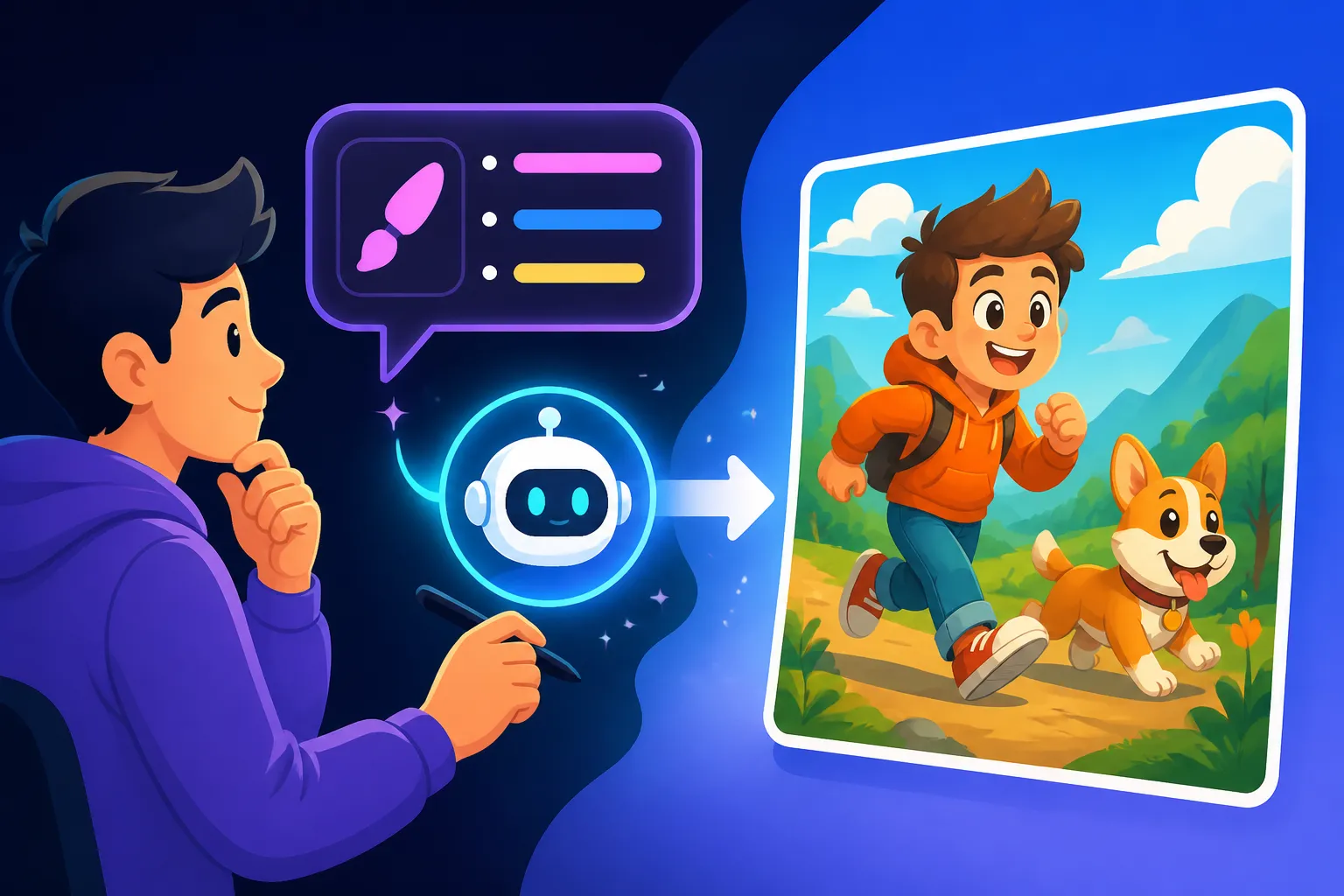
Imagine you want a character. Instead of "girl," try "a mischievous girl with bright red pigtails and freckles." Then, add the action: "skipping joyfully," or "reading a giant spellbook with a look of intense concentration." The more vivid the description, the better the AI can visualize it. Consider the dynamic poses often found in cartoons. A character isn't just standing; they're leaning, jumping, sneaking, or reacting with their entire body. For example, instead of "a superhero," think "a muscular superhero with a crimson cape mid-flight, fist clenched and determined expression, soaring over a vibrant city." You want to tell a micro-story with your prompt, even if it's just a single frame.
Style and Medium: Guiding the Artistic Direction
This is arguably the most critical part for cartoon generation. This is where you tell the AI exactly what kind of cartoon you want. This could be a specific animation studio, a historical era of cartoons, or a general artistic style.
- Specific Studios/Eras: "Pixar animation style," "Disney classic animation," "Looney Tunes cartoon," "Hanna-Barbera cartoon 1960s," "Studio Ghibli aesthetic," "Webtoon comic style," "South Park animation," "Ren & Stimpy style," "U.P.A. animation style." These keywords immediately give the AI a strong reference point. For those interested in text, you might find specific tools better suited, as explored in Ideogram Prompts for Text and Logos.
- General Cartoon Styles: "anime style," "manga illustration," "Western animation style," "Saturday morning cartoon," "indie animated film style," "rubber hose animation."
- Artistic Mediums: "cell animation," "digital illustration," "vector art," "ink and wash cartoon," "marker art cartoon," "claymation style." Specifying the medium can further refine the texture and feel of the image. For example, if you want something with clean lines, "vector art cartoon" is a great choice. If you prefer a hand-drawn feel, "pencil sketch cartoon" or "ink and watercolor cartoon" could work. You can explore how these different styles are prompted in our comprehensive AI Image Prompt Guide for Beginners.
Here's a quick reference table for some popular cartoon styles and their key prompt words:
| Cartoon Style | Key Characteristics & Prompt Words |
|---|---|
| Classic Disney | Rounded forms, expressive faces, rich but soft colors, detailed backgrounds, "Disney animation style, classic" |
| Pixar/Modern CG Animation | Detailed textures, realistic lighting, 3D render, expressive, "Pixar style, 3D rendered cartoon" |
| Japanese Anime/Manga | Large eyes, dynamic poses, stylized hair, speed lines, "anime art style, manga illustration" |
| Hanna-Barbera (1960s-70s) | Simple shapes, bold outlines, limited animation feel, vibrant flat colors, "Hanna-Barbera cartoon, 60s animation" |
| Rubber Hose Animation | Bendy limbs, pie-cut eyes, vintage, 1920s-30s style, "rubber hose cartoon, Cuphead style" |
| Vector Art Cartoon | Clean lines, flat colors, minimalist, scalable, "vector art, graphic design cartoon" |
Lighting, Color, and Composition: Adding Visual Flair
These elements dramatically impact the mood and visual appeal of your cartoon. Don't overlook them!
- Color Palette: Cartoons often use vibrant, saturated colors. You can specify "bright, cheerful color palette," "muted pastel tones," "monochromatic blue cartoon," or "vintage sepia-toned cartoon." Flat colors are a hallmark of many cartoon styles, so consider adding "flat color illustration" or "cell-shaded" to your prompt.
- Lighting: While some cartoons use very simple, flat lighting, others employ dramatic effects. "Dramatic cinematic lighting," "soft studio lighting," "backlit cartoon," or "magical glowing light" can all add depth. For a classic cartoon look, you might want "even, flat lighting" or "no shadows." Our guide on How to Add Lighting to AI Prompts can provide even more ideas.
- Composition and Camera Angle: How the scene is framed affects its impact. "Close-up shot," "wide shot of the whole scene," "dynamic low-angle shot," "eye-level perspective," or "Dutch angle" can all contribute to a more engaging image. For instance, a "heroic low-angle shot" will make your character appear much more imposing. Consider how comic panels are often composed for maximum effect.
Advanced Prompt Techniques for Cartoon Images
Once you've mastered the basics, you can start experimenting with more sophisticated techniques to really dial in your cartoon creations. The goal is to move beyond mere description and into the realm of direction.
Using Negative Prompts to Refine Your Output
Sometimes, it's easier to tell the AI what you don't want. Negative prompts are incredibly powerful for shaping the final image, especially with nuanced cartoon styles. If your AI keeps adding photographic detail or generating images that look too human, a strong negative prompt is your secret weapon.
For cartoon images, common negative prompts might include:ugly, deformed, disfigured, poor quality, bad art, blurry, low resolution, realistic, photorealistic, human, person, detailed skin, texture, shadows, 3D realistic, lifelike, grain, noise
Think about it: if you're trying to achieve a pure 2D cell animation look, you absolutely do not want "photorealistic" elements creeping in. Adding photorealistic, detailed skin texture, shadows to your negative prompt can help push the image towards that clean, simplified cartoon aesthetic. This is a crucial step in How to Fix Bad AI Image Results when they lean too far into realism.
Iteration and Experimentation: The Path to Perfection
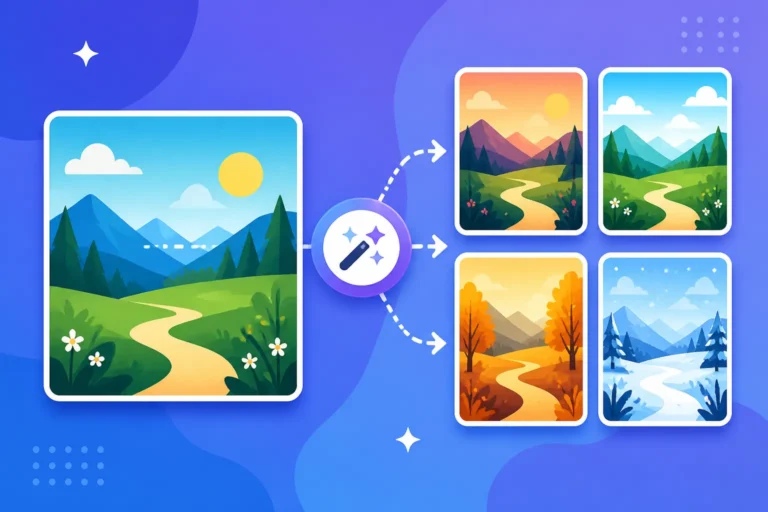
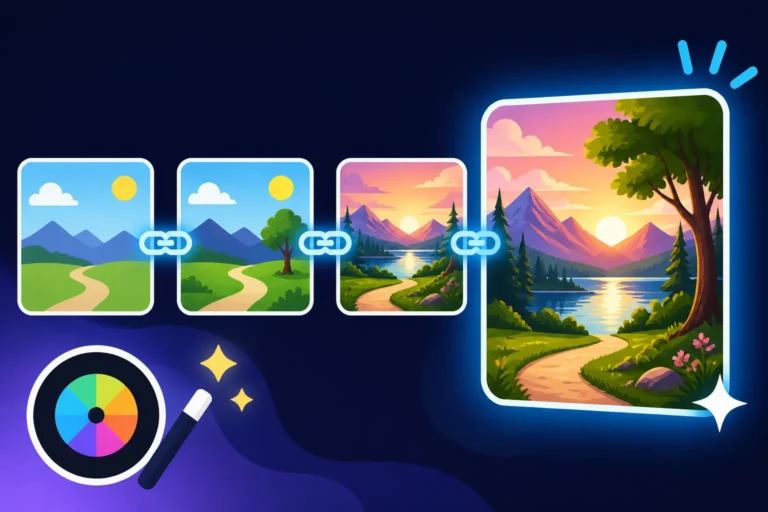
Generating AI images is rarely a one-shot deal. It's an iterative process, much like traditional art. Don't be afraid to generate multiple variations, tweak your prompts, and try again. Even a slight change in wording can produce a dramatically different result.
For example, if "Disney animation style" is giving you images that are too modern, try "classic Disney animation style, 1950s," or even "animated by Don Bluth." Change one variable at a time: adjust the character's expression, then try a different lighting scheme, then a new background element. Keep a record of your successful prompt components. If you're struggling to get your AI images to look less "AI," iterating on your prompts and focusing on specific artistic nuances can truly help. Learning How to Get Better AI Image Results is all about this process of refinement.
Specificity is Your Best Friend
This cannot be stressed enough: the more specific you are, the better. Generic prompts lead to generic results. Detailed prompts lead to unique, intentional creations.
Consider the difference:
- Generic:
cartoon cat playing with a ball - Specific:
A mischievous, fluffy orange tabby cat with exaggerated wide green eyes, in a classic Looney Tunes cartoon style, pouncing playfully on a bright red yarn ball. Dynamic motion lines, bold outlines, vibrant flat colors, lighthearted mood, cartoon background of a stylized living room, 1940s animation.
See the difference? The second prompt paints a much clearer picture for the AI, leaving less room for misinterpretation. It defines the cat's appearance, the cartoon style, the action, the visual characteristics, the mood, and the setting. This level of detail is key to unlocking the AI's full potential. For a deeper dive into this, mastering AI Image Prompt Engineering Basics will serve you well.
By combining these elements, you can create prompts that truly bring your cartoon visions to life. Don't be afraid to experiment, and most importantly, have fun with the process!
Disclaimer
Please remember that while AI image generators are powerful tools, the outputs can sometimes be unpredictable. The capabilities and ethical guidelines of AI models are constantly evolving. Always review the terms of service for any AI tool you use, especially if generating images for commercial purposes, to ensure compliance with copyright and usage policies.