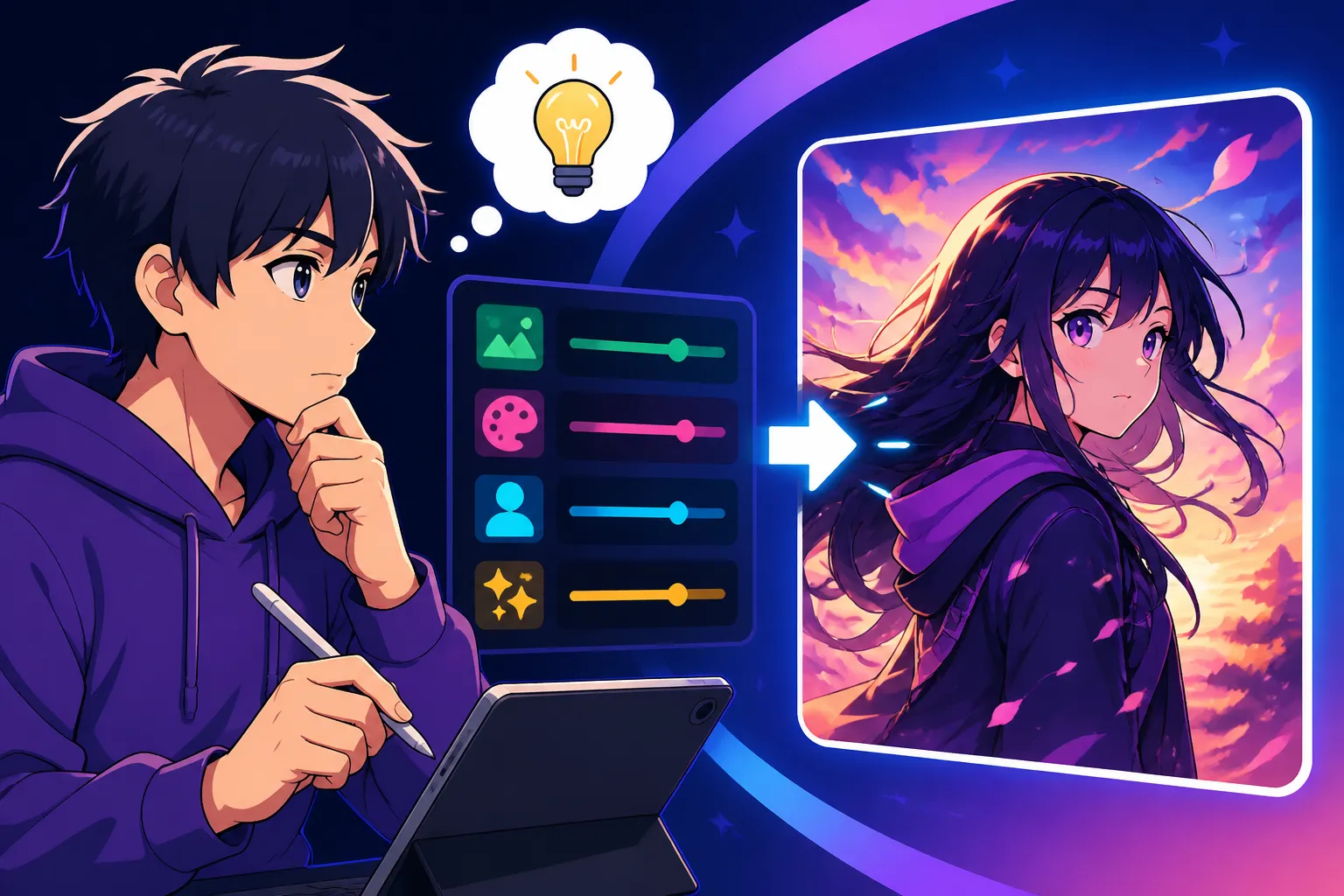
How to Write AI Prompts for Anime Images
It's incredibly frustrating, isn't it? You punch in a prompt, hoping for that vibrant, dynamic anime character or breathtaking landscape, and what you get back is… well, it's something, but it's not quite the anime magic you envisioned. Maybe the eyes are off, the style looks too generic, or it just lacks that distinct Japanese animation flair. This guide is here to walk you through crafting AI prompts that consistently deliver stunning, authentic-looking anime images, helping you overcome those common hurdles and create truly captivating art.
Understanding the Nuances of Anime Art Styles in AI
One of the biggest pitfalls when trying to generate anime art with AI is treating "anime" as a single, monolithic style. Just like Western animation or traditional art, anime encompasses a vast spectrum of aesthetics, each with its own defining characteristics. To get the results you truly desire, you need to understand these nuances and articulate them clearly in your prompts.
Classic Versus Modern Anime Aesthetics
The world of anime is rich with history, and its visual styles have evolved dramatically over the decades. What worked for Sailor Moon in the 90s is worlds apart from the intricate designs of a modern Kyoto Animation production. If you don't specify, AI might default to a generic, often mid-2010s style, which can be disappointing if you're aiming for something specific.
Consider the bold lines and often simpler character designs of 80s and early 90s anime, reminiscent of classics like Akira or Dragon Ball Z. These styles often feature strong silhouettes, a more pronounced "cel-shaded" look, and sometimes a slightly grittier, more mature feel. If this is your target, you'll want to include descriptors like "80s anime style," "retro anime," "classic anime aesthetic," or even reference specific genres like "vintage mecha anime." You might even specify "hand-drawn animation style" to lean into that older, more traditional feel.
Conversely, modern anime often boasts incredibly detailed character designs, complex lighting, and a softer, more fluid animation style. Think of the breathtaking landscapes in Studio Ghibli films or the highly expressive characters found in slice-of-life series. For these, terms like "modern anime," "contemporary anime," "high-detail anime art," or "Ghibli-esque animation" can be incredibly effective. Sometimes, mentioning specific studios known for their aesthetics, like "Ufotable detailed eyes" or "Makoto Shinkai atmospheric background," can push the AI towards that desired output.
Key Elements of Anime Visuals
Beyond general eras, anime has a set of recurring visual tropes that are essential to capture. Neglecting these in your prompts can lead to images that feel "almost anime" but miss the mark. Think about what makes anime, well, anime.
The eyes, for instance, are arguably the most iconic feature. Large, expressive eyes with intricate highlights are a hallmark. Specifying "large expressive anime eyes," "sparkling eyes," or even "Kawaii-style big eyes" can guide the AI. Hair is another critical component, often styled in elaborate, gravity-defying, or uniquely colored ways. Don't just say "long hair" – try "spiky magenta hair," "flowing sapphire blue hair," or "twin pigtails with ribbons." These details add significant character.
Character proportions also vary widely. You could be aiming for a "chibi style" with oversized heads and small bodies for a cute, playful look, or more "realistic anime proportions" for a serious action scene. The clothing, too, plays a huge role. Instead of "girl in dress," consider "magical girl uniform," "traditional Japanese kimono," "futuristic school uniform," or "fantasy adventurer gear." The more specific you are with these elements, the closer the AI will get to your vision. Without these specifics, you're leaving too much to the AI's general understanding of "anime," which might not align with your particular taste.
Crafting Effective Prompts for Anime Characters and Scenes
Once you grasp the fundamental styles, it's time to build your prompts layer by layer. This isn't just about listing keywords; it's about constructing a narrative that guides the AI's imagination, much like a director would describe a scene to an animator.
Describing Characters with Precision
Generating truly memorable anime characters requires a detailed blueprint. You need to go beyond the basics and infuse them with life through your words.
Start with their physical appearance, but be highly specific. Instead of "girl," specify "a teenage girl with long, wavy silver hair and emerald green eyes." What kind of expression are they wearing? "A mischievous smirk," "a determined gaze," or "a shy blush." Clothing is another area for detail: "wearing a flowing gothic Lolita dress with lace accents," "a sleek cyber-punk jacket with LED strips," or "a traditional samurai armor with intricate gold detailing." Don't forget accessories like "cat-ear headphones," "a magical staff," or "a delicate cherry blossom hairpin." These small touches can dramatically elevate the image.
Beyond physical traits, consider their pose and activity. Are they "running dynamically," "standing confidently with arms crossed," "sitting pensively by a window," or "casting a powerful spell"? Adding an emotional or personality cue can also help: "a stoic warrior," "a bubbly magical girl," "a melancholic artist." For some tools, adding a quality descriptor like "beautiful," "cute," or "handsome" can further refine the character's aesthetic. Remember, the AI can only work with the information you provide, so paint as vivid a picture as possible. If you struggle with descriptions, you might want to check out this guide on How to Write AI Image Prompts.
Building Immersive Anime Settings
Anime isn't just about characters; it's about the worlds they inhabit. A compelling background can transform a simple character portrait into a cinematic masterpiece.
Think about the environment: Is it a "futuristic Tokyo skyline at night, glowing with neon signs," "a serene traditional Japanese garden with blooming cherry trees and a koi pond," "a bustling high school classroom during golden hour," or "a fantastical floating island covered in ancient ruins"? The time of day and weather conditions are also crucial. "Early morning mist," "a vibrant sunset casting long shadows," "a moonlit night with falling snow," or "a bright, sunny day with fluffy clouds" can set the entire mood.
Consider the perspective and composition. Do you want a "wide-angle shot," "a close-up portrait," "a dynamic low-angle view looking up at the character," or "an atmospheric shot from behind the character, looking out over the landscape"? Adding elements like "lens flare," "depth of field," or "bokeh background" can give it a professional photographic quality, even in an anime style. Tools like Midjourney allow for specific aspect ratios, which can make a huge difference in how your scene is framed. For instance, a cinematic 16:9 ratio works wonderfully for sprawling landscapes or action sequences, while a 2:3 portrait ratio is great for character studies. Mastering these descriptive elements can truly make your scenes pop.
Advanced Prompting Techniques for Anime Art
Once you're comfortable with the basics, you can start experimenting with more sophisticated techniques to truly unlock the AI's potential for anime generation. This involves leaning into artistic influences and understanding how to refine your output.
Incorporating Artistic Influences and Techniques
Many AI image generators are trained on vast datasets of art, meaning they can often recognize and emulate specific styles or techniques if prompted correctly. This is where you can truly dial in the unique flavor of your anime art.
Don't be afraid to name-drop styles of animation or art, even if not specific artists by name (to avoid potential intellectual property issues or simply because AI often works better with broader stylistic cues). For instance, try "Ghibli art style," "shonen anime aesthetic," "shoujo manga style," "Kyoto Animation intricate details," or "Ufotable cinematic lighting." You can also specify drawing techniques: "cel-shaded anime," "digitally painted anime," "traditional watercolor anime art," or "pen and ink manga style." These additions tell the AI exactly how the image should look, not just what is in it.
Layering these influences can lead to truly unique results. Imagine combining "futuristic cyberpunk anime city" with "Makoto Shinkai atmospheric lighting" and "Studio Ghibli character design." This kind of blending pushes the boundaries of what's possible and often yields surprising and delightful outcomes. Remember that different AI models might interpret these cues differently, so experimentation is key. You might find that one model excels at "watercolor anime" while another nails "cyberpunk aesthetics." Exploring a tool like Adobe Firefly for Commercial Use could offer specific artistic advantages.
Using Negative Prompts and Parameters
Sometimes, getting the right image isn't just about telling the AI what you want, but also what you don't want. This is where negative prompts come in, acting as a filter to remove unwanted elements or aesthetic qualities.
Common negative prompts for anime might include: "ugly," "deformed," "mutated," "bad anatomy," "extra limbs," "low quality," "blurry," "grayscale," "monochrome," or even "realistic" if you're battling an AI that keeps leaning towards live-action instead of animation. For anime specifically, you might use "western animation style" or "Disney style" to steer it away from non-Japanese aesthetics. Think of negative prompts as a cleanup crew, polishing your desired output by removing distractions. For a deeper dive, check out our guide on How to Use Negative Prompts.
Beyond negative prompts, most advanced AI image generators offer various parameters that can fine-tune your results. These include aspect ratios (e.g., --ar 16:9 for widescreen, --ar 9:16 for vertical), stylization levels (e.g., --s 750 in Midjourney to control how artistic or abstract the output is), and seed values (to generate variations from a consistent starting point). Learning these parameters for your chosen AI tool, whether it's Midjourney Prompt Guide or Stable Diffusion Prompt Guide, can give you an incredible amount of control over the final image. Don't be afraid to tinker with these settings; a slight adjustment can often transform a good image into a great one.
Troubleshooting Common Anime Image Generation Issues
Even with the best prompts, AI can sometimes be a bit stubborn. You might encounter issues like characters that just don't look "right" or a lack of consistency across your generated images. Let's tackle some of these common frustrations.
Fixing Uncanny Valley and Generic Output
Ah, the uncanny valley – that unsettling feeling when an AI-generated character looks almost human or almost anime, but something is fundamentally off. It's a common struggle, especially with faces and hands in anime art.
If your characters are looking generic, or have that unsettling "plastic" look, it often comes down to a lack of detail or too much reliance on the AI's default interpretation. First, revisit your character descriptions. Are you being specific enough about eye shape, nose style, mouth expression, and hair texture? Instead of just "anime girl," try "cute anime girl with sparkly eyes, small button nose, and a gentle smile, art by [influential artist or studio style, e.g., 'art by KyoAni']." Adding "highly detailed," "masterpiece," "trending on ArtStation," or "best quality" can also nudge the AI towards higher fidelity.
For common physical distortions, especially with hands or eyes, negative prompts are your best friend. Include terms like "deformed hands," "extra fingers," "ugly eyes," "mutated," or "disfigured" in your negative prompt list. Sometimes, simply regenerating a few times with the same prompt can yield a better result. If one model consistently struggles, consider trying an alternative AI image generator that might have a stronger dataset for anime, like those mentioned in a comparison of Best AI Image Generator for Anime. Iteration and refinement are key here; it's a conversation with the AI, not a one-and-done command.
Achieving Consistent Style and Character Across Multiple Images
This is perhaps one of the biggest challenges for creators using AI for character design: how do you make sure your character looks the same across different poses or scenes? It feels like every new generation gives you a slightly different version of your beloved character, right?
Maintaining character consistency is tough because AI typically generates each image from scratch based on your prompt. However, there are strategies you can employ. One effective method is to create a "character sheet" or a highly detailed base prompt that you use for every image of that character. This prompt should describe every defining feature: hair color, eye shape, clothing, specific accessories, and even personality traits. For example: "Anya, a mischievous 6-year-old girl, with short pink hair, big green eyes, wearing a black and white school uniform with a red bow. Chibi anime style."
Some AI tools offer features like "seed values" or "style references" that can help. A seed value is a numerical ID for a specific generated image; if you use the same seed with the same prompt, you'll often get very similar results, though slight variations in the prompt can still shift things. Midjourney's Style Tuner or character weights can also assist in this, allowing you to "lock in" certain visual traits. For a more detailed walkthrough, consider checking out resources like How to Prompt for Consistent Characters. It often requires patience and many generations, but by being relentlessly consistent with your textual descriptions, you can significantly improve the chances of your AI character staying true to form.
Summary Table of Anime Prompt Elements
Here's a quick reference to help you build your anime prompts effectively:
| Category | Key Elements to Include (Examples) | Purpose |
|---|---|---|
| Character | Age, Gender, Hair (color, style), Eyes (color, shape, expression), Outfit, Pose, Personality, Name (if desired) | Defines who your character is and how they look/act. |
| Art Style/Era | 80s anime, retro anime, Ghibli style, shonen aesthetic, modern anime, cel-shaded, watercolor anime | Establishes the overall visual feel and era. |
| Environment | Futuristic city, cherry blossom garden, school, fantasy realm, interior, exterior | Creates the world around your character. |
| Lighting/Mood | Golden hour, neon glow, dramatic moonlight, soft daylight, atmospheric, vibrant | Sets the tone and time of day. |
| Composition | Wide-angle, close-up, low-angle, full body shot, portrait, dynamic pose | Controls how the scene is framed and presented. |
| Quality/Detail | Highly detailed, masterpiece, best quality, ultra HD, intricate, expressive | Nudges the AI towards higher fidelity and artistic merit. |
| Negative Prompts | Ugly, deformed, bad anatomy, extra limbs, low quality, realistic, blurry | Filters out unwanted elements or aesthetic qualities. |
Remember to mix and match these categories, building your prompts from general to specific. Start with your character and their core aesthetic, then add the scene, mood, and any specific quality enhancers or negative prompts. The more you practice, the more intuitive it becomes! For more general tips on getting better results, you might find this post helpful: How to Get Better AI Image Results.
Disclaimer
The information provided in this article is for general guidance and informational purposes only. While we strive to offer accurate and up-to-date advice regarding AI image generation, the technology is constantly evolving. The performance and features of AI tools can change rapidly. Always refer to the latest documentation and terms of service for any specific AI image generator you are using.