How to Speed Up Content Creation with AI Images
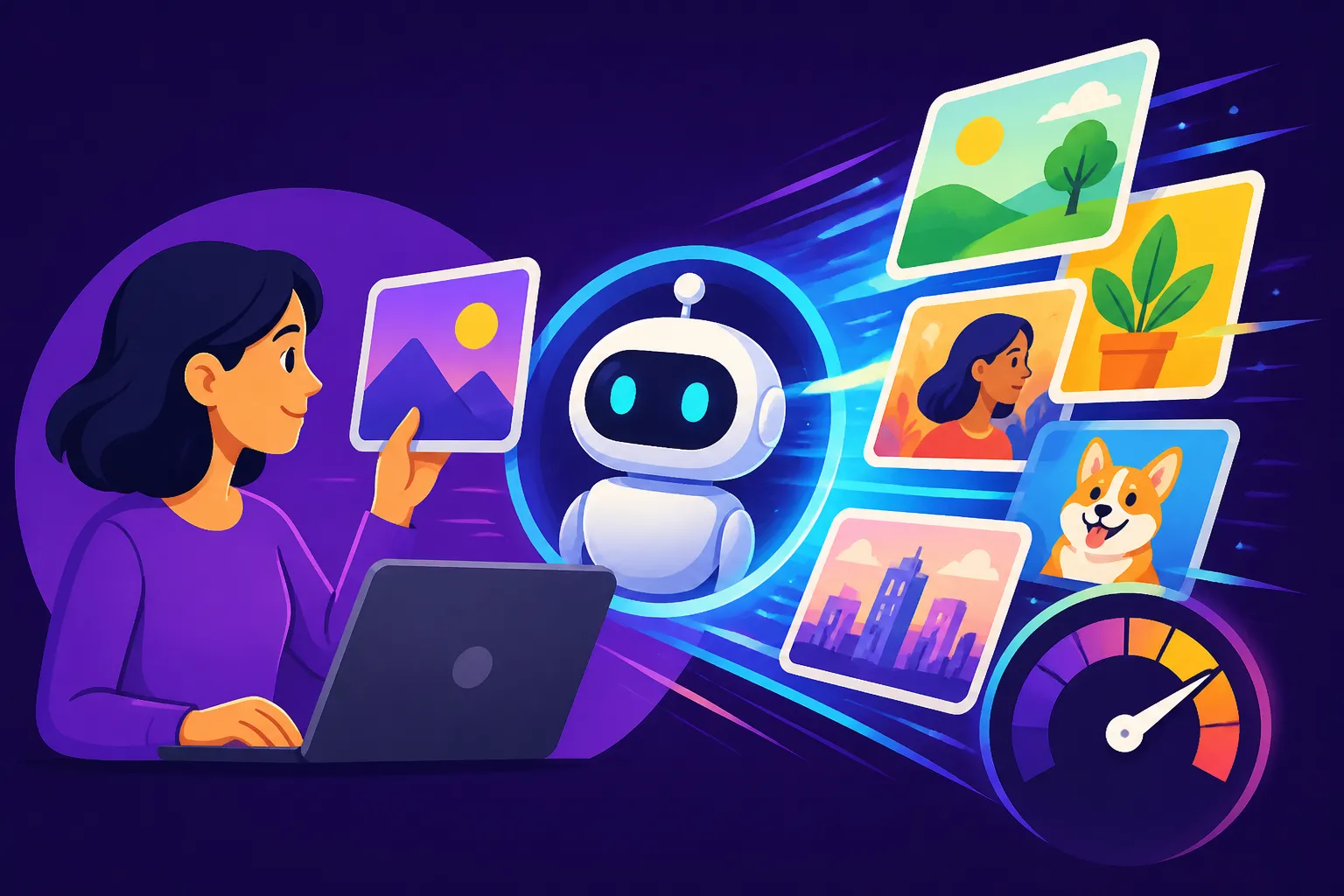
Let's be real, content creation can feel like a treadmill that's constantly speeding up, and one of the biggest bottlenecks often comes down to visuals. Trying to source, design, or even photograph compelling images for every blog post, social media update, or email campaign can eat up hours you simply don't have. This guide is here to walk you through exactly how AI image generators can become your secret weapon, dramatically cutting down the time you spend on visual assets so you can focus on what truly matters: connecting with your audience.
The Relentless Demand for Visual Content
It's no secret that the internet is a visual playground. From Instagram feeds to Pinterest boards, and even just scrolling through your favorite blog, images aren't just accessories; they're essential. They break up text, grab attention, and often convey a message more effectively and quickly than words alone. But this visual demand comes with a hefty price tag on your time and resources.
The Time Sink of Traditional Image Sourcing
Think about your typical content creation process. You've just finished writing a killer blog post, and now you need a featured image, a few in-line visuals, and maybe a custom graphic for social media to promote it. What happens next?
You might spend an hour sifting through stock photo libraries, trying to find something that doesn't look generic or that perfectly matches your specific niche. Maybe you're a small business owner selling artisanal candles, and you need a unique image of a cozy living room with a candle flickering – good luck finding that exact shot in a free stock library. Then, if you do find something decent, you often have to wrestle with editing software to crop it, add text, or adjust colors to fit your brand. Or, perhaps you’re commissioning a graphic designer, which comes with lead times, revisions, and a budget that might not always stretch as far as you need it to. All this effort, multiplied across multiple pieces of content each week, quickly adds up to dozens of lost hours. It's a frustrating cycle that many content creators face, feeling perpetually behind the curve.
The Problem of Maintaining Brand Consistency
Beyond the sheer time investment, there's the challenge of maintaining a consistent visual brand. When you're pulling images from various sources, it's incredibly difficult to ensure they all share the same aesthetic, lighting, color palette, or general "vibe." One blog post might have a bright, airy feel, while the next one, due to different stock photos, looks dark and moody. This inconsistency can dilute your brand identity and make your content less recognizable to your audience. You want your visuals to instantly signal "This is from [Your Brand Name]," but without a dedicated designer or a massive photo shoot budget, achieving that uniform look feels like a pipe dream for many. This is where the true power of AI images begins to shine, offering a controlled, customizable, and rapid solution to these persistent problems.
Practical Ways AI Images Streamline Your Workflow
Now that we've acknowledged the pain points, let's dive into how AI image generators are swooping in to save the day, fundamentally transforming how you create visual content. They're not just a novelty; they're a legitimate, powerful tool for efficiency.
Generating Blog and Article Images on Demand
Imagine you're writing a blog post about "The Benefits of Digital Minimalism." Instead of searching for hours for a stock photo of someone looking serene while looking at a single screen, you can simply type a prompt into an AI image generator: "a minimalist workspace with a single laptop, a cup of tea, and soft natural light, serene, warm tones." Within seconds, you have several unique images to choose from. This is a game-changer.
You can instantly create How to Use AI Image Generators for Blog Images that perfectly match the tone, topic, and even the specific aesthetic you're aiming for. Need an image for a specific section within your article? No problem. You can generate multiple variations with slightly different compositions or focuses, ensuring every part of your content is visually engaging. This means less time searching, less time editing to make a 'good enough' image fit, and more time for writing or other strategic tasks. For example, if your blog post discusses various types of yoga poses, you could generate images of specific poses without needing to hire models or photographers. This level of customization and speed is simply unparalleled by traditional methods.
Creating Engaging Social Media Graphics in Minutes
Social media thrives on visuals. A captivating image can stop someone mid-scroll, draw them into your post, and ultimately drive engagement. But who has the time to design multiple unique graphics every single day for different platforms? AI image tools do.
You can use them to generate eye-catching images for Instagram, Facebook, LinkedIn, or Pinterest that are tailored to each specific post. Think about a promotion for a new product: instead of generic product shots, you can generate an image of your product in a lifestyle setting, perhaps "a smiling person using a smart home device in a modern living room, soft focus background, realistic." You can also create How to Make AI Social Media Graphics for quotes, announcements, or even memes specific to your niche. Many AI tools allow you to specify aspect ratios, making it easy to generate images perfectly sized for Instagram Stories (9:16), Facebook posts (1:1 or 4:5), or Pinterest pins (2:3). This saves an incredible amount of time that would otherwise be spent in Canva or Photoshop, trying to adapt one image for five different formats. The sheer volume of unique, high-quality visuals you can produce for your social channels will keep your audience engaged and your brand looking fresh.
Producing Custom Marketing Materials
Beyond blogs and social media, marketing materials often demand high-quality, tailored visuals. Whether it's an email newsletter header, an advertisement banner, or even a presentation slide, AI images can deliver.
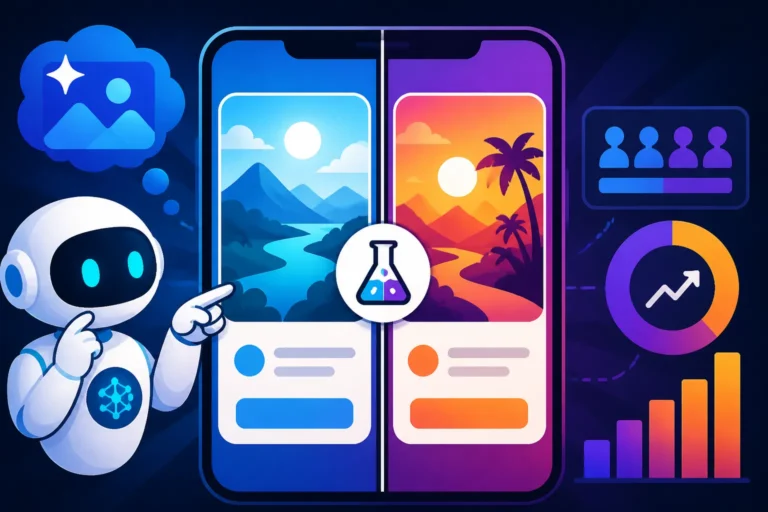
Consider a small business launching a new service – say, a virtual assistant service specializing in event planning. Traditionally, you might struggle to find an image that perfectly encapsulates "efficient virtual event planning." With AI, you can prompt for something like "a professional woman organizing a virtual event on a tablet, with a calendar and confetti in the background, vibrant and dynamic." This bespoke approach means your marketing messages hit harder because the visuals are precisely aligned with your copy. This capability extends to creating diverse images for A/B testing ad creatives, allowing you to rapidly test different visual concepts to see what resonates best with your target audience. You can quickly generate variations of an image with different color schemes, models, or settings, gaining insights much faster than if you had to design each one from scratch.
Experimenting with Visual Concepts and Styles
One of the most liberating aspects of AI image generation is the freedom to experiment without commitment. As a content creator, you often have a vague idea of a visual, but you're not entirely sure if it will work. In the past, this meant investing time or money into a concept that might fall flat.
With AI, you can generate dozens of visual concepts in minutes. Thinking about a new aesthetic for your brand? Test it out with a few prompts and see what comes back. You can explore different art styles, lighting conditions, and compositional ideas without any real cost other than a few seconds of generation time. This rapid prototyping allows you to iterate on your visual strategy much faster, discovering what resonates and what doesn't before you invest heavily. It’s like having an infinite mood board at your fingertips, letting you explore everything from "dark academia" to "vaporwave aesthetics" for your next project, or figure out How to Create Consistent AI Product Shots for an entire product line. This ability to quickly visualize and refine ideas is invaluable for maintaining a cutting-edge brand identity.
Choosing the Right AI Tool for Speed and Quality
Navigating the landscape of AI image generators can feel a bit like walking into a bustling tech expo – so many options, so many promises! But when your goal is speed and consistent quality for content creation, a few tools really stand out.
Key Features to Look For
When you’re trying to speed up your content creation, not all AI image generators are created equal. Here are some features that really matter:
- Generation Speed: This is obvious, right? You want images quickly. Some tools are notoriously faster than others, delivering results in seconds, while others might take a minute or two. For high-volume content, every second counts.
- Ease of Use: A complex interface will slow you down. Look for intuitive platforms where you can easily input prompts, adjust settings, and download images without a steep learning curve. The easier it is to jump in and start generating, the faster your workflow will be.
- Prompt Understanding: How well does the AI interpret your text prompts? A tool with excellent prompt understanding will give you more accurate and relevant results with fewer tries, reducing the need for extensive prompt engineering. This means you spend less time re-writing and more time creating.
- Style Versatility: Can it generate images in a wide range of styles, from photorealistic to illustrative, cartoonish, or abstract? The more versatile the tool, the fewer different tools you'll need to subscribe to, streamlining your budget and your process.
- Customization Options: Look for features like aspect ratio control, negative prompting (telling the AI what not to include), image-to-image prompting, and specific style modifiers. These controls allow you to fine-tune your output and achieve exactly the vision you have in mind.
- Commercial Use Rights: Crucially, if you’re using these images for your business, ensure the tool's terms of service grant you commercial rights. Some free tiers might have restrictions. This is a non-negotiable for professional content creators. This is a significant point, as many creators get caught out by copyright and licensing issues down the line.
Popular AI Image Generators for Content Creators
There are many fantastic AI image generators out there, each with its own strengths. Here's a quick rundown of some popular choices and what makes them suitable for content creators looking to boost speed and quality:
| AI Image Generator | Key Strengths for Content Creation | Ideal For |
|---|---|---|
| Midjourney | Exceptional artistic quality, often generates stunning, unique visuals. Great for creative inspiration. | High-quality, artistic, unique visuals, mood board creation. |
| DALL-E 3 (via ChatGPT Plus) | Strong prompt understanding, good for specific concepts, integrates well with text generation. | Diverse image styles, conceptual ideas, rapid prototyping. |
| Adobe Firefly | Focus on commercial safety, integrates with Adobe ecosystem, great for text effects and vector graphics. | Commercial use, brand consistency (with Adobe tools), graphic design elements. |
| Ideogram AI | Excels at rendering text within images, very useful for social media graphics and logos. | Text-heavy graphics, logos, banners, accurate typography. |
| Leonardo AI | Offers many models, fine-tuning options, great for customization and consistent character generation. | Specific art styles, character design, game assets, advanced users. |
| Bing Image Creator (Microsoft Designer) | Completely free, powered by DALL-E 3, great for quick, general-purpose images. | Budget-conscious creators, quick social media posts, simple blog images. |
For many content creators, a combination of tools might be the most effective. You might use Ideogram Review: Best for Text in Images for social media graphics where text is crucial, and then switch to Midjourney for a visually striking hero image for a major blog post. Understanding each tool's niche allows you to deploy them strategically, optimizing your workflow. You might find that for rapid, basic image needs, the Bing Image Creator Review: Is It Worth It in 2026 is more than sufficient, saving your paid credits on more complex creations.
Best Practices for Maximizing Efficiency with AI
Simply using an AI image generator isn't enough; to truly speed up your content creation, you need to use it smartly. There are definite strategies that can help you get the best results in the least amount of time.
Crafting Effective Prompts for Speed
The prompt is the instruction you give the AI, and it's the single most critical factor in getting the image you want, fast. A vague prompt leads to irrelevant results and wasted time. A precise, well-structured prompt, however, can deliver exactly what you need on the first try.
Start with the subject, then add details about the style, lighting, composition, and any specific elements. For example, instead of "dog image," try "a golden retriever sitting patiently in a sunlit meadow, soft focus, photographic style, warm colors, eye-level shot." The more descriptive you are, the better the AI can understand your vision. Use keywords relevant to your desired aesthetic, like "cinematic," "watercolor," "low poly," "pastel colors," or "vibrant." Remember to leverage negative prompts too, telling the AI what not to include (e.g., "–no text, blurry"). Creating a How to Write AI Image Prompts cheat sheet or using a prompt formula will drastically improve your efficiency. For instance, many creators find success following a "Subject + Action + Style + Environment + Lighting + Mood" formula. Keep a running list of prompts that work well for your brand so you don't have to reinvent the wheel every time.
Batch Generating and Iterating Rapidly
One of the biggest time-saving advantages of AI is its ability to generate multiple image variations from a single prompt or to quickly iterate on an existing image. Don't just generate one image and stop.
Most tools will give you 2-4 variations with each prompt. Quickly scan these. If none are perfect, identify what's close and what needs changing. Many tools allow you to "remix" or "vary" an existing image, making small tweaks to get closer to your ideal. For instance, if the first batch has a good composition but the colors are off, you can often instruct the AI to regenerate with "same composition, adjust colors to vibrant blue and orange." This rapid iteration process is far quicker than manually editing or searching for new stock photos. You can also batch generate images for an entire month's worth of social media content in one sitting, allowing you to schedule everything well in advance. Consider making a collection of AI Image Generation Tips and Tricks to refine your workflow.
Utilizing Image-to-Image and Inpainting Features
Advanced features like image-to-image generation and inpainting/outpainting can further supercharge your workflow.
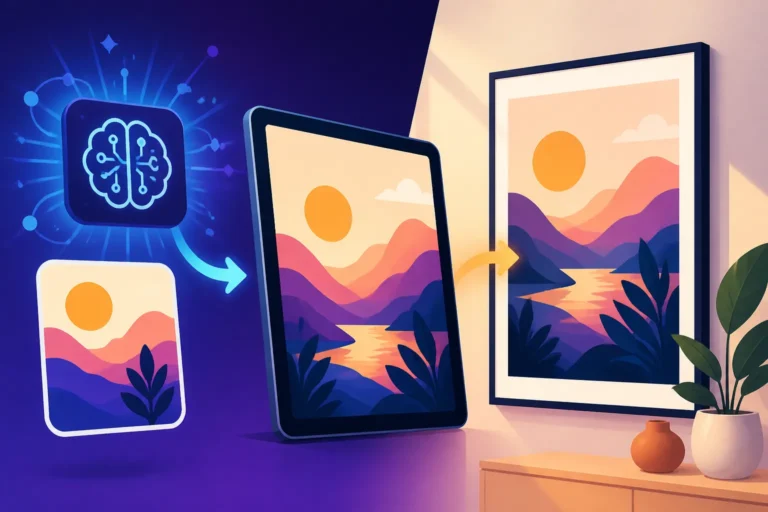
- Image-to-Image: If you have an existing sketch, photo, or even a low-quality image you like, you can upload it to the AI and instruct it to generate a new image based on its style or composition. This is incredibly useful for maintaining a consistent style or turning a rough idea into a polished visual. For example, if you have a simple doodle of a character, you can use image-to-image to generate professional-looking illustrations of that character in various poses and settings.
- Inpainting/Outpainting: These features allow you to edit specific parts of an AI-generated image or extend its borders. If an image is nearly perfect but has an unwanted object, you can "inpaint" to remove or replace it. If you need a wider aspect ratio for a banner, "outpainting" can intelligently expand the background. These editing capabilities mean you spend less time jumping into traditional photo editing software, keeping your entire visual creation process within the AI environment for maximum speed. Playground AI Editing Review is one example of a tool that excels in this area.
Organizing and Reusing Your Best Prompts
Just like you'd organize your files, it's crucial to organize your successful AI prompts. When you get a fantastic image from a prompt, save that exact prompt!
Create a document or spreadsheet where you log your effective prompts, noting the tool used, the style achieved, and maybe even attaching the resulting image. This creates a valuable library of "recipes" you can draw upon for future content. Need another image in that same beautiful "cinematic, moody, dark forest" style? Just pull up the prompt you used before and tweak the subject. This eliminates guesswork and ensures you can consistently reproduce high-quality visuals that align with your brand. Many creators also find that by building a library of successful prompts, they can quickly generate variations for different platforms or seasonal campaigns, truly making AI a repeatable and scalable part of their content strategy. This becomes invaluable for ensuring your visuals for your content consistently feel "on brand."
The Future of Content Creation is Efficient and Visual
Embracing AI image generators isn't about replacing human creativity; it's about augmenting it and liberating content creators from tedious, repetitive tasks. By harnessing these powerful tools, you can dramatically accelerate your visual content pipeline, ensuring your blog posts, social media channels, and marketing campaigns are always visually fresh, engaging, and consistent. The days of endlessly scrolling stock photo sites or waiting on design queues are rapidly becoming a thing of the past. It's time to supercharge your content creation and reclaim your precious time.
Disclaimer
Please remember that the information provided in this guide is for general informational purposes only and does not constitute professional advice. While AI image generation tools offer incredible potential, users should always ensure they understand and comply with the specific terms of service, licensing agreements, and copyright implications of any platform or image used for commercial purposes. Always verify the commercial viability and intellectual property rights associated with AI-generated content before deployment.