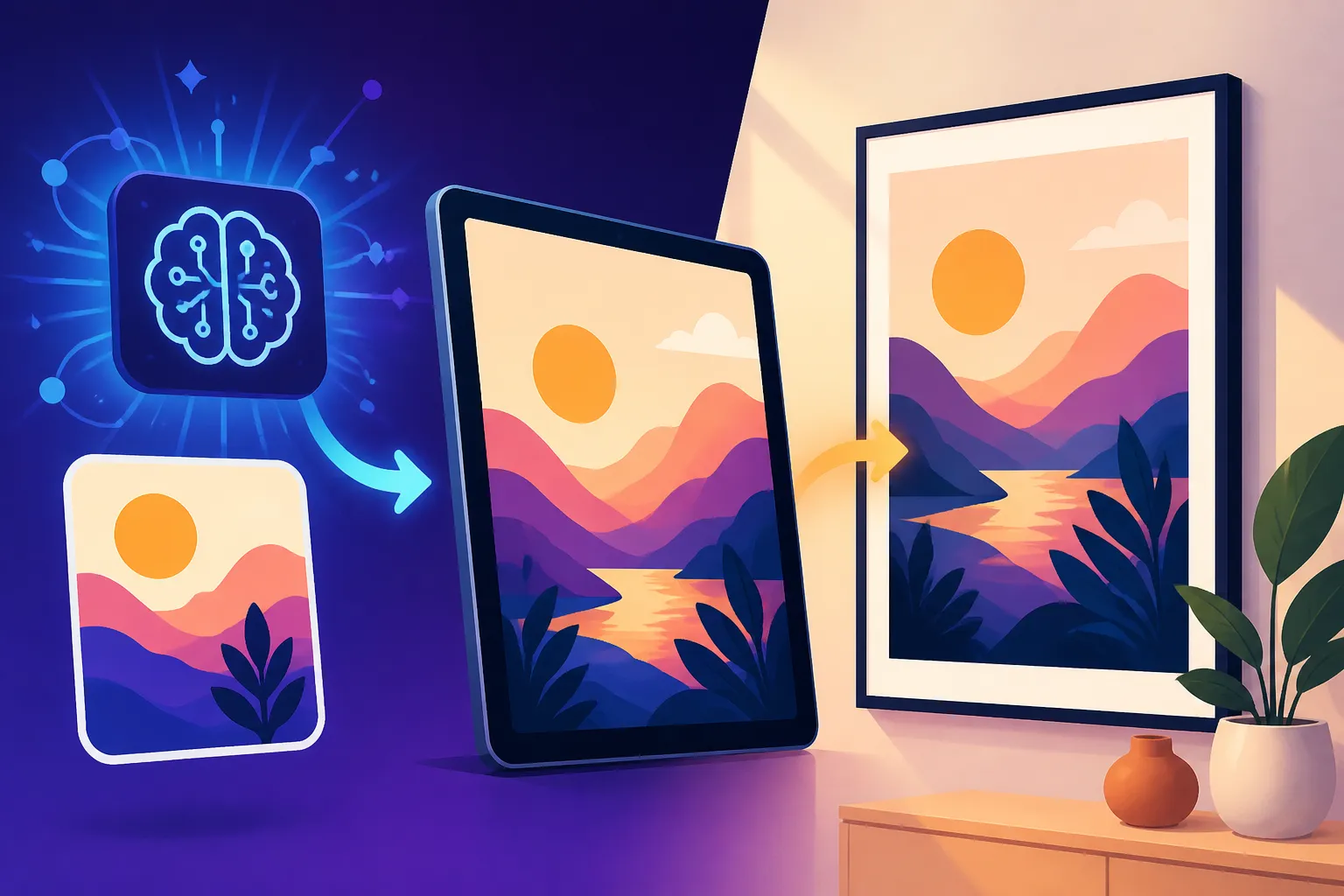
How to Create AI Wall Art Prints
It's a common frustration, isn't it? You spend hours scrolling through online art galleries or wandering through brick-and-mortar stores, hoping to find that one perfect piece of wall art that truly captures your style and adds that special touch to your living space. More often than not, you either find something generic, something that breaks the bank, or nothing at all that really speaks to you. But what if you could create exactly what you envision? This comprehensive guide is here to walk you through the exciting world of crafting your very own bespoke wall art prints using AI, empowering you to fill your home with unique, personalized pieces without the hefty price tag or endless searching.
The Dawn of Personalized Decor: Understanding AI Art for Wall Prints
Gone are the days when custom art was exclusively for the wealthy or the incredibly talented. AI image generation has democratized creativity, putting the power to design stunning visuals directly into your hands. For wall art, this means an unprecedented ability to match themes, colors, and aesthetics perfectly to your existing decor or to explore entirely new visual narratives.
Choosing the Right AI Image Generator for Your Aesthetic
The first step in your AI wall art journey is selecting the right tool. Each AI image generator has its own strengths, quirks, and learning curves, much like different paintbrushes or art mediums. Understanding these differences is key to achieving the look you're going for.
Many people start with free tools, and there are some fantastic options available. For instance, platforms like Ideogram offer excellent text-rendering capabilities, which can be useful if you want to incorporate inspiring quotes or unique typography into your wall art. If you're looking for a more robust free tier with creative control, Leonardo AI provides generous daily credits and a user-friendly interface that's great for beginners experimenting with various styles, from photorealism to fantasy. For those who prioritize ease of use and integrate with other design tools, you might find something like Canva AI to be a comfortable starting point, especially for quickly mocking up designs or adding AI elements to existing templates.
Then there are the paid powerhouses that offer unparalleled quality and features. Midjourney, for example, is renowned for its artistic prowess, producing breathtaking, often ethereal images that are perfect for statement pieces. Its ability to interpret nuanced prompts and generate highly aesthetic results makes it a favorite among digital artists and serious hobbyists alike. Similarly, Adobe Firefly has gained traction for its seamless integration with the Adobe Creative Suite and its focus on commercial safety, offering content credentials that can be a huge plus if you ever plan to sell your creations. When considering a subscription, think about the kind of art you want to create and how much control you need over the output. If you're pondering whether the investment is worth it, checking out resources like "Is Midjourney Worth the Subscription" can offer valuable insights.
Key Concepts for Generating Wall Art-Worthy Images
Before you dive into prompt writing, there are a few fundamental concepts to grasp that are particularly crucial for wall art. These aren't just technical terms; they are the building blocks of your visual vision.
Firstly, aspect ratio is paramount. This refers to the proportional relationship between the width and height of an image. A square image (1:1) will look very different on a wall than a panoramic (2:1 or wider) or a portrait-oriented piece (2:3 or 3:4). Common wall art sizes often use standard photographic ratios or more unique, artistic ones. For example, a 2:3 ratio is common for many print sizes like 16×24 inches, while a 1:1 square might be perfect for a gallery wall cluster. Consider where your art will hang and what space it needs to fill.
Secondly, resolution is vital for print quality. AI images often generate at a standard web resolution (e.g., 1024×1024 pixels), which might look fine on a screen but will pixelate badly if printed large. You'll need to generate images at a higher resolution or use an upscaling tool to ensure your print is crisp and clear, especially if you're aiming for a grand 24×36 inch canvas. We'll delve deeper into upscaling later, but keep in mind that a good starting resolution from your AI tool will make upscaling much more effective.
Lastly, style and consistency are the secret sauce. Are you going for hyperrealistic landscapes, abstract geometrics, dreamy watercolors, or vibrant pop art? Being clear in your prompts about the desired style will dramatically improve your results. If you plan to create a series of prints for a cohesive look, maintaining consistency in style, color palette, and even subject matter across different generations will be essential. Tools that allow for style referencing or consistent character generation can be incredibly helpful here.
Crafting Your Vision: Prompt Engineering for Wall Art Success
Now for the fun part: translating what's in your head into words that an AI can understand and turn into art. This is where "prompt engineering" comes into play, and it’s less about being a tech wizard and more about being a descriptive storyteller.
Deconstructing Your Aesthetic for AI Prompts
Think about your home. What colors dominate? What kind of furniture do you have? What's the overall vibe – modern, bohemian, minimalist, industrial, rustic? Your prompts should reflect these elements. Instead of just saying "flower," consider "a single minimalist line art peony in soft pastel pink on a cream background, Scandinavian aesthetic." Or instead of "cityscape," try "a moody, rain-slicked Tokyo street at night, neon reflections, cinematic lighting, cyberpunk, hyperdetailed."
Consider the mood you want to evoke. Is it calm and serene, vibrant and energetic, contemplative, or playful? Words like "serene," "vibrant," "ethereal," "dramatic," "joyful," "nostalgic" can guide the AI in the right direction. Think about the dominant color palette as well. Do you want warm tones, cool blues, monochrome, or a burst of complementary colors? Explicitly stating "muted earth tones," "cool blues and grays," or "vibrant jewel tones" can make a significant difference. You can find more structured advice in a comprehensive resource like "How to Write AI Image Prompts".
Specificity, Iteration, and Refining Your Artistic Vision
The key to great AI art isn't one magical prompt, but rather a process of iteration. Start broad, see what the AI generates, and then refine.
Start Specific, But Not Too Specific: Give the AI enough detail to understand your core idea, but don't over-constrain it initially. For example, if you want a minimalist landscape, start with "minimalist landscape, pastel colors, soft light." See what comes back. If it's too busy, add "empty space, serene, sparse." If the colors are wrong, add "palette of dusty rose, sage green, and cream."
Embrace Negative Prompts: Many AI tools allow for negative prompts (e.g., --no blurry, –no text). This is incredibly powerful for wall art, letting you exclude elements you *don't* want. For instance, if you're generating abstract art and it keeps adding recognizable objects, you might use –no people, objects, animals`. This helps clean up your output and steers the AI away from undesired interpretations.
Experiment with Parameters: Most advanced AI generators, like Midjourney, offer a range of parameters that control various aspects of the image, from style weights to aspect ratios and chaos levels. Understanding and experimenting with these parameters can unlock a new level of control. For example, using the --ar parameter in Midjourney to specify --ar 2:3 or --ar 1:1 is crucial for creating prints in standard frame sizes. If you're using Midjourney, a "Midjourney Prompt Guide" can be an invaluable resource to master these options.
Here's a quick comparison of prompt elements:
| Element Category | Example Keywords for Wall Art | Impact on Output |
|---|---|---|
| Subject | abstract shapes, serene landscape, blooming cherry tree |
Defines the primary focus of the image |
| Style/Medium | watercolor painting, digital art, vector illustration, impressionist |
Dictates the artistic technique and aesthetic |
| Color Palette | muted earth tones, vibrant pastels, monochrome, cool blues |
Sets the overall color scheme and mood |
| Lighting/Mood | soft ambient light, dramatic chiaroscuro, golden hour, ethereal glow |
Influences the emotional tone and visual depth |
| Composition | minimalist, symmetrical, leading lines, rule of thirds, wide shot |
Affects how elements are arranged within the frame |
| Detail Level | hyperdetailed, intricate, smooth, clean lines, textured |
Controls the amount of visual information and surface quality |
| Negative Prompts | no blurry, no text, no distorted, no watermark |
Excludes undesirable elements or qualities |
Remember, AI image generation is a dialogue. You provide input, it gives you output, and you refine your input based on that output. Don't be afraid to generate dozens of variations until you find the perfect one.
From Digital to Display: Printing and Framing Your AI Masterpiece
Once you've conjured the perfect image, the next exciting step is bringing it into the physical world. This involves careful consideration of size, resolution, and the materials you choose for printing and display.
Sizing and Resolution Matters for High-Quality Prints
This is arguably the most critical step for physical wall art. An image that looks stunning on your 4K monitor can look pixelated and fuzzy when blown up to a large print size if the resolution isn't high enough.
Understanding DPI (Dots Per Inch): For high-quality prints, a resolution of 300 DPI (dots per inch) is generally recommended. This means that for every inch of your physical print, there are 300 pixels from your digital image. If your AI-generated image is 2048×2048 pixels, and you want a 300 DPI print, the maximum size you can print without significant quality loss is about 6.8 x 6.8 inches (2048/300). Not exactly gallery-wall material for a large statement piece, right?
The Role of Upscaling: This is where upscaling tools become your best friend. Services like Magnific AI Upscaler or even built-in upscaling features in tools like Stable Diffusion can intelligently add pixels and detail to your image, allowing you to print much larger. For instance, if you take that 2048×2048 image and upscale it by 4x to 8192×8192 pixels, you can now print it at around 27×27 inches at 300 DPI – a much more impressive size for wall art. Many of these tools leverage sophisticated algorithms to guess what details should be there, leading to surprisingly good results. For a deeper dive, you might want to look into "How to Upscale AI Images".
Choosing a Print Service: Once your image is at a suitable resolution and aspect ratio, you'll need a reputable print service. There are many excellent online options like Printful, Giclee Today, or local print shops. When selecting one, consider their material options (canvas, fine art paper, metal), print quality, and pricing. Always check their specific resolution requirements for different print sizes and types. They often have guidelines or even tools to check if your image resolution is adequate for your desired print size.
Material Choices and Framing Your AI Masterpiece
The choice of print material and framing can profoundly impact the final look and feel of your AI wall art, turning a digital file into a tangible, gallery-worthy piece.
Canvas Prints: These are popular for a reason. They offer a classic, painterly feel and don't require framing, as the canvas is typically stretched over a wooden frame. Canvas works beautifully for AI art that mimics traditional paintings or abstract styles. The textured surface adds depth and a tactile quality.
Fine Art Paper Prints: If you're aiming for crisp details and vibrant colors, printing on high-quality fine art paper (like Hahnemühle or Epson archival papers) is an excellent choice. These papers come in various finishes – matte, semi-gloss, or textured – each offering a different aesthetic. Matte papers reduce glare and give a sophisticated, subdued look, perfect for detailed illustrations or muted landscapes. These usually require framing behind glass to protect the print.
Metal Prints: For a modern, sleek, and exceptionally vibrant look, consider metal prints. Your AI image is infused directly into a sheet of aluminum, resulting in incredible luminosity and color depth. They are durable, scratch-resistant, and often come with a floating mount, making them stand out from the wall. This option works wonderfully for photorealistic AI generations, futuristic themes, or high-contrast imagery.
Acrylic Prints: Similar to metal prints, acrylic prints offer a contemporary feel with enhanced depth and vibrancy. The image is printed on paper and then mounted behind a clear acrylic sheet, which gives it a polished, almost 3D effect.
Framing Considerations: If you opt for paper prints, framing is essential. The frame itself becomes part of the art.
- Style: Match the frame style to your art and home decor. A simple black or white frame can highlight minimalist art, while an ornate gold frame can complement classical or fantasy pieces.
- Matting: A mat (the border around the artwork inside the frame) can create breathing room around your AI print, drawing the eye inward and making the artwork feel more substantial. It's especially effective for smaller prints you want to make a statement with.
- Glass: Choose between standard glass, non-glare glass, or UV-protective glass to prevent fading over time, especially if your art will be in direct sunlight.
Consider visiting a local frame shop for expert advice. They can help you select the best materials and ensure your AI creation is presented beautifully.
Maximizing Quality and Commercial Potential
Beyond simply printing a single piece for your home, AI-generated wall art opens up avenues for creating entire collections or even turning your artistic endeavors into a side hustle.
Upscaling for Professional-Grade Results
We briefly touched on upscaling, but it's worth reiterating its importance for professional-grade wall art. Most AI tools, especially free ones, generate images at resolutions that are too low for large prints. This isn't a flaw; it's a design choice to keep generation times fast. However, it means you'll almost certainly need a dedicated upscaler.
Tools like Topaz Gigapixel AI, Remini (for faces), and the aforementioned Magnific AI Upscaler are designed to enlarge images without losing quality, often even adding detail that wasn't originally present. They use AI algorithms to intelligently "fill in the gaps," preventing the pixelation and blurriness that would occur with simple resizing. For the best results, start with the highest resolution image your AI generator can produce. Even a slight increase in original resolution can lead to dramatically better upscaled outcomes. Exploring "Magnific Upscaler: Worth the Price" might provide clarity if you're considering a premium upscaling service.
When you're ready to upscale, ensure you:
- Choose the Right Upscaling Factor: If you need a 24×36 inch print at 300 DPI, you'll need an image of 7200×10800 pixels. Calculate how much you need to upscale your original AI image to reach this target.
- Experiment with Settings: Upscalers often have different modes or settings (e.g., for photorealism, art, text). Test these to see which one best preserves or enhances the details of your specific AI art.
- Inspect Closely: Always zoom in and inspect the upscaled image for artifacts, over-sharpening, or unnatural textures before sending it to print. Sometimes, a slightly lower upscaling factor with better quality is preferable to an extremely high one with noticeable flaws.
Licensing and Selling Your AI Art Prints
Perhaps you've created a piece that's too good to keep to yourself, or you've found a niche that could appeal to others. The commercial potential of AI wall art is significant, but it comes with important considerations around licensing and marketplaces.
Understanding Commercial Use Rights: This is crucial. Before you even think about selling, confirm the commercial use rights of the AI generator you used. Most paid tools (like Midjourney, Adobe Firefly, DALL-E) generally allow commercial use if you have a paid subscription, but always read their specific terms and conditions carefully. Some free tools might have restrictions, requiring attribution or prohibiting commercial use altogether. Adobe Firefly, for instance, explicitly offers IP indemnification for content created with it, which is a major benefit for commercial creators. This makes it a strong contender if you plan to sell your art. You can learn more about its commercial safety in "Adobe Firefly Commercial Safety Review".
Online Marketplaces: Once you're clear on commercial rights, there are many platforms where you can sell your AI wall art prints:
- Etsy: Popular for unique, handmade, and digital goods, Etsy is a fantastic place for artists to sell digital downloads or physical prints. You can offer high-resolution files for customers to print themselves or partner with a print-on-demand service.
- Printful/Printify: These are print-on-demand (POD) services that integrate with platforms like Etsy, Shopify, or your own website. You upload your design, and when a customer orders a print, the POD service handles printing, packaging, and shipping directly to the customer. This significantly reduces your overhead and workload.
- Fine Art America/Saatchi Art: These platforms cater specifically to fine art, offering higher-end options for artists looking to sell physical prints, framed art, or even originals (if you embellish your AI art manually).
- Your Own Website: For maximum control and branding, setting up your own e-commerce store using platforms like Shopify or WooCommerce allows you to showcase your art exactly as you envision.
Marketing Your AI Art: Don't forget the marketing aspect. Use social media platforms like Instagram and Pinterest to showcase your art. Create mockups of your prints in various home settings to help potential buyers visualize them. Engage with communities interested in home decor, digital art, or unique gifts. Highlight the unique aspect of AI-generated art – that each piece can be truly one-of-a-kind.
Creating AI wall art prints is an incredibly rewarding process, blending technology with personal expression. Whether you're decorating your own home or starting a new creative venture, these tools offer boundless opportunities to bring your artistic visions to life.
Disclaimer
The information provided in this article is for general guidance and informational purposes only. While we strive to offer accurate and up-to-date content, the field of AI technology is rapidly evolving. Always consult the latest terms of service and licensing agreements for any AI tools or services you use, especially concerning commercial use.