Playground AI Editing Review
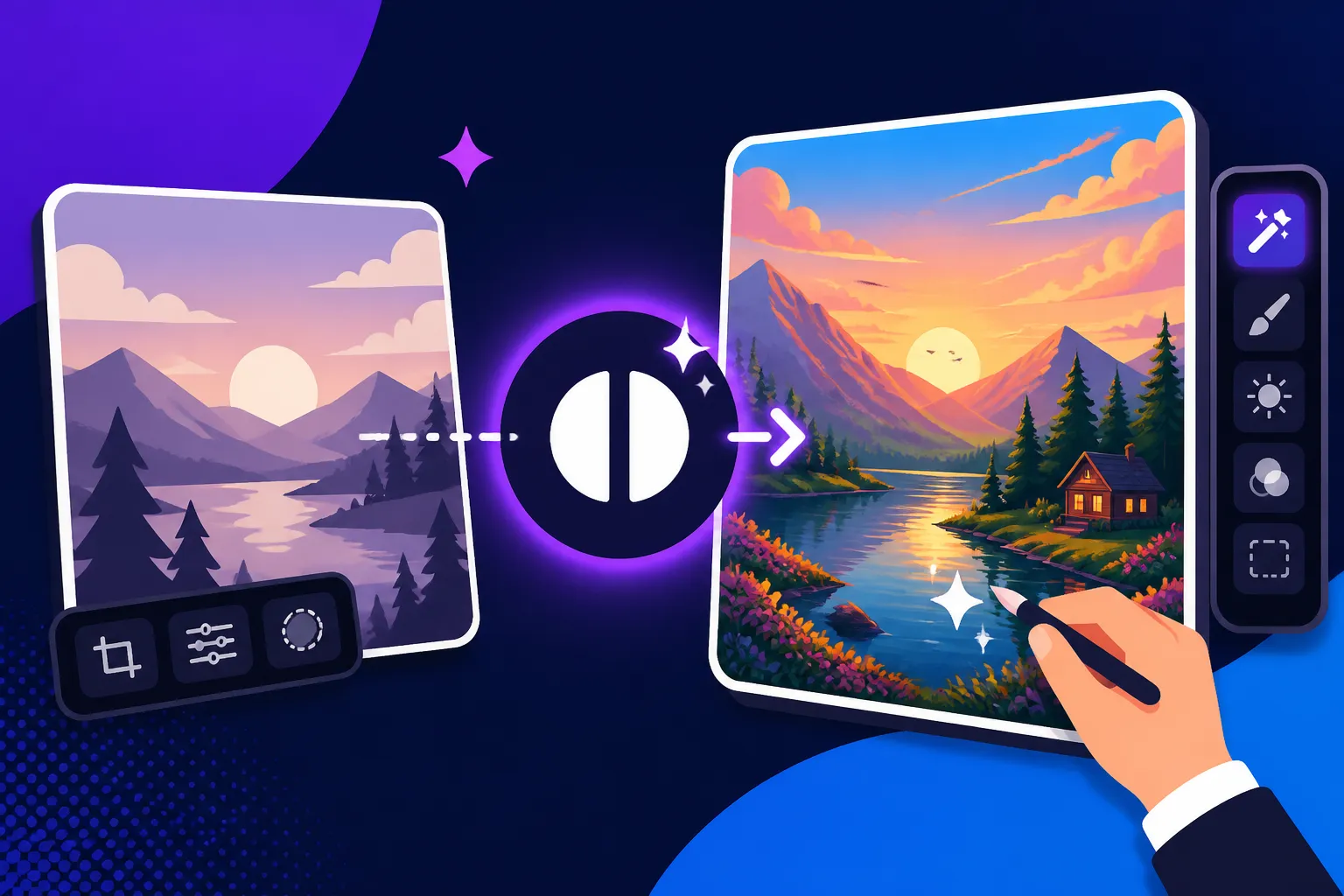
It’s a common scenario these days: you’ve typed in the perfect prompt, hit generate, and the AI spits out something almost amazing. But then you spot it – a wonky finger, an unwanted object in the background, or maybe the composition feels a little too tight. This constant need for refinement can be incredibly frustrating, turning what should be a magical creation process into a tedious chore. This guide is all about diving deep into Playground AI’s editing features, exploring how they can help you bridge the gap between "almost perfect" and "absolutely fantastic."
Understanding Playground AI’s Core Editing Features
Playground AI isn’t just about generating images from text; it also provides a surprisingly robust suite of editing tools directly within its platform. This integrated approach is a huge relief for creators who are tired of exporting AI art only to bring it into a separate photo editor for tweaks. The beauty of Playground AI’s editing capabilities lies in its accessibility and how it blends AI-powered adjustments with more traditional canvas controls, offering a comprehensive workflow right out of the gate.
Inpainting and Outpainting: Precision and Expansion
These two features are often the unsung heroes of AI image editing, offering incredible flexibility for creators. They allow you to either surgically alter parts of an existing image or seamlessly expand its boundaries, all while maintaining a consistent style.
Inpainting: Targeting Specific Elements for Change
Inpainting is essentially your digital eraser and re-generator. Have you ever generated an image where a character’s eyes are a little off, or maybe there's an inexplicable blob in the background that ruins an otherwise perfect scene? This is where inpainting comes to the rescue. With Playground AI, you can select a specific area of your image using a brush tool and then provide a new prompt or instruction for just that area.
Imagine you're a lifestyle blogger and you've generated a stunning picture of a coffee shop interior, but the latte art on the cup isn't quite right, or maybe there’s a stray napkin on the table. Instead of regenerating the entire image and hoping for a better outcome (and possibly losing the perfect lighting and composition you already have), you can simply brush over the latte or the napkin, type in a prompt like "realistic fern latte art" or "clean wooden table," and let the AI intelligently fill in the gap. It's like having a miniature, highly skilled artist who only works on the areas you point to. This level of control saves immense amounts of time and iteration, preventing you from constantly starting from scratch. It’s a game-changer for maintaining consistency and making those final, crucial adjustments that elevate an image from good to great. If you're struggling with imperfections, our guide on how to fix bad AI image results might offer some additional perspectives.
Outpainting: Stretching the Canvas and Imagination
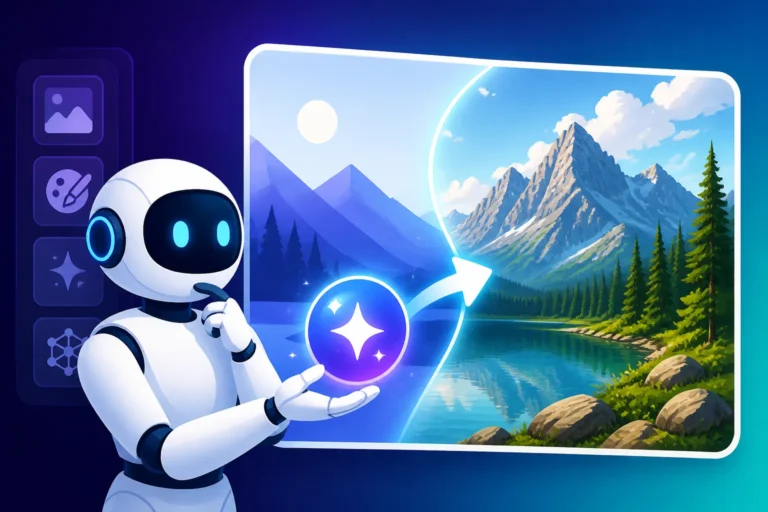
On the flip side, outpainting is about making your image bigger. You've got a fantastic portrait, but you realize for a social media banner, you need more background on the sides. Or perhaps you've created a dynamic action shot, but the frame feels too cropped, cutting off crucial elements. Outpainting allows you to extend the canvas in any direction, and then, based on your original image and a new prompt, the AI will intelligently generate new content to fill that expanded space.
Consider a scenario where you've generated a striking close-up of a new product, let's say a handcrafted ceramic mug. You love the mug, but you need a wider shot for your website's header, showing it on a rustic wooden table with a sunlit window in the background. With outpainting, you can expand the canvas horizontally and prompt "rustic wooden table, dappled sunlight, cozy cafe atmosphere," and Playground AI will extend your existing image with these new elements, seamlessly blending the original mug into its newly generated surroundings. This feature is incredibly powerful for adapting existing assets to different aspect ratios or for simply broadening your creative horizons without having to restart your entire generation process. It makes it easy to take a focused image and give it context or to transform a vertical shot into a wide banner without losing any of the original quality.
Canvas Editor and Layering for Complex Adjustments
Beyond the inpainting and outpainting magic, Playground AI offers a full-fledged canvas editor that feels remarkably similar to what you might find in more traditional graphic design software. This environment allows for a level of control and manipulation that goes beyond simple prompt adjustments.
Navigating the Canvas Interface
When you enter the canvas editor, you'll see your image centered, surrounded by controls for brushes, layers, selection tools, and the all-important prompt box. It's designed to be intuitive, even for those who aren't seasoned Photoshop veterans. The ability to zoom in and out, move elements around, and easily switch between generating and editing modes makes the workflow incredibly smooth. You're not just throwing prompts at an invisible AI; you're actively interacting with your image in a visual space.
Leveraging Layers for Granular Control
One of the most powerful aspects of Playground AI's canvas editor is its support for layers. If you've ever worked with image editing software, you know how crucial layers are. They allow you to add new elements, generate entirely new features, or even import existing images on top of your base generation, all while keeping them separate and independently editable.
For example, imagine you've generated a beautiful landscape, but now you want to add a whimsical hot air balloon in the sky. Instead of trying to prompt the AI to regenerate the entire sky with a balloon (which might alter other elements you like), you can create a new layer, prompt the AI to generate a hot air balloon on that layer, and then freely move, resize, or even delete the balloon without affecting the landscape below. This non-destructive editing approach is fantastic for experimentation.
You can also use layers to add text overlays directly onto your AI-generated images, which is incredibly useful for creating social media graphics, YouTube thumbnails, or blog banners. Being able to generate a base image, then add text, logos, or other graphic elements on separate layers within the same interface streamlines the entire creative process. It means less bouncing between different applications and more time focused on bringing your vision to life. This capability rivals what you'd find in more specialized tools and significantly enhances the utility of Playground AI for content creators.
Practical Applications and Workflow for Creators
The real power of Playground AI’s editing capabilities isn’t just in the features themselves, but in how they empower creators to achieve their artistic and commercial goals. It’s about turning a generic AI output into something truly unique and polished, tailored to your specific needs.
Refining AI Generations for Professional Use
One of the biggest hurdles with AI image generation is the occasional imperfection. While AI models have come a long way, they still sometimes struggle with anatomical accuracy (especially hands!), logical physics, or maintaining a consistent aesthetic across an entire image. For anyone looking to use AI art professionally, these flaws can be deal-breakers.
Cleaning Up Imperfections
Playground AI's editing tools are perfect for these "cleanup" tasks. Let's say you're a graphic designer creating concept art for a client. You've generated an incredible futuristic city scene, but one building in the background has a weird, unidentifiable protrusion, or a flying vehicle has a wing that looks detached. Instead of discarding the entire generation, you can use the inpainting brush to isolate that specific flaw. A simple prompt like "smooth skyscraper with sleek windows" or "fixed wing" over the offending area can instantly correct the anomaly, making the image presentable and professional. This ability to spot-treat issues allows you to salvage otherwise excellent generations, saving countless hours of regeneration and fine-tuning. It’s like having a digital touch-up artist at your fingertips.
Iterative Refinement for Client Work
The workflow often involves generating a few base options, then using the editing tools to refine the most promising one. For example, a marketer might generate several AI images for ad creatives. One image has the perfect model and pose, but the color of their shirt doesn't match the brand guidelines. Instead of going back to the prompt, you can use inpainting to brush over the shirt and prompt "vibrant sapphire blue shirt," seamlessly altering the detail without disrupting the rest of the image. This iterative process, moving from broad strokes to minute details, is crucial for delivering high-quality, client-ready assets. It means you can quickly get close to your vision and then meticulously polish it within the same environment, ensuring that the final output meets stringent professional standards.
Customizing and Personalizing Images Beyond the Prompt
Sometimes, a prompt can only take you so far. You might have a specific vision for a detail that’s hard to articulate in text, or you want to add a personal touch that makes the image truly yours. Playground AI’s editing features shine in these scenarios, allowing you to imbue your AI creations with unique personality and specificity.
Adding Unique Details and Branding
Let’s imagine you're a small business owner launching a new line of artisanal soaps. You've generated a lovely image of your soap bars in a rustic setting. Now, you want to add a subtle, hand-drawn-style logo to the packaging visible in the image, something that would be incredibly difficult to achieve with a text prompt alone. With Playground AI's canvas editor and layering, you can create a new layer, generate or even upload your logo, position it precisely on the soap packaging, and then use blending modes or opacity adjustments to make it look like it was always there. This level of customization allows for truly branded content, making your AI-generated visuals align perfectly with your brand identity.
Another example: you've created a stunning fantasy landscape, but you want to add a specific, intricate magical symbol to a character's staff that's unique to your lore. Again, trying to prompt this complexity is a nightmare. Instead, you can generate the character, then use the canvas editor to meticulously add the symbol using inpainting or by layering a generated element and manipulating it. This moves beyond generic AI art and into personalized, bespoke creations. This fine-tuning capability is often overlooked but is absolutely essential for creators who want to use AI tools as part of a distinctive artistic process. It also lets you control aspects like composition in prompts more effectively.
Pros and Cons of Playground AI’s Editing Experience
Like any tool, Playground AI’s editing suite comes with its own set of strengths and weaknesses. Understanding these can help you decide if it’s the right fit for your creative workflow and expectations.
Advantages for Accessibility and Integration
One of the biggest draws of Playground AI is its commitment to making powerful image editing accessible to everyone, regardless of their prior experience with complex software.
Ease of Use and Browser-Based Convenience
For many, the idea of learning professional-grade software like Adobe Photoshop or GIMP is daunting. Playground AI eliminates this barrier. Its interface is clean, intuitive, and designed for users who may not have a background in graphic design. Everything is handled directly in your web browser, meaning no downloads, no installations, and access from virtually any device. This convenience is a massive plus for casual users, bloggers, and small business owners who need quick, effective image solutions without the steep learning curve. The seamless transition from generating an image to editing it in the same environment streamlines the creative process significantly. For instance, creating blog images becomes a fluid process from concept to final touch-up.
Integrated Workflow and Cost-Effectiveness
The most significant advantage is the integrated nature of Playground AI. You generate an image, and if it needs tweaking, the tools are right there. There's no need to export, import into another program, edit, save, and then potentially re-upload. This single-platform approach saves considerable time and mental energy. Furthermore, Playground AI often offers generous free tiers or highly affordable subscription plans, making advanced AI image editing capabilities available to a much wider audience. This value proposition is hard to beat, especially for those on a tight budget or just starting their journey with AI art. For many, it's one of the best free AI image generators available for initial exploration.
Limitations and Areas for Improvement
While Playground AI excels in accessibility and integration, it’s important to set realistic expectations regarding its capabilities, especially when compared to dedicated professional editing software.
Comparison to Professional-Grade Tools
If you're accustomed to the granular control offered by tools like Adobe Photoshop or GIMP, you might find Playground AI's editing features somewhat less comprehensive. For instance, while it offers brushing for inpainting, its selection tools aren't as sophisticated as Photoshop's magic wand or content-aware fill, which can precisely select complex objects or remove elements more intelligently in some cases. Playground AI's layering system is functional, but it lacks the advanced non-destructive editing options (like adjustment layers, smart objects, or complex masking) that professional designers rely on for intricate, reversible edits. You won't find advanced color grading tools, precise dodge and burn capabilities, or vector editing features. For heavy-duty, pixel-level manipulation, a dedicated editor will still be necessary.
Reliance on Underlying AI Model and Potential Quirks
The quality of inpainting and outpainting is still heavily reliant on the underlying AI model. While often impressive, it's not always perfect. The AI might sometimes struggle with complex textures, lighting consistency when expanding an image, or accurately interpreting nuanced prompts for specific areas. You might find that regenerating a small area with inpainting still introduces subtle artifacts or shifts in style that require further iteration or manual cleanup. For example, if you're trying to fix those notorious AI hands, while Playground AI makes it easier, the AI itself might still generate slightly distorted fingers in the corrected area. This means that while the tools are powerful, the "art" of prompt engineering and careful observation remains critical to achieving truly flawless results.
| Feature | Playground AI Editing | Dedicated Image Editor (e.g., Photoshop) |
|---|---|---|
| Inpainting | Excellent, AI-driven | Excellent, manual & AI (Content-Aware Fill) |
| Outpainting | Excellent, AI-driven | Good, manual & AI (Generative Fill) |
| Layers | Basic functionality | Advanced, many options |
| Masking | Basic brushing | Advanced, precise controls |
| Selection Tools | Simple brush/rectangle | Highly advanced, AI-powered |
| Color Grading | Limited | Comprehensive, professional |
| Vector Editing | No | Yes (with other Adobe tools) |
| Learning Curve | Low | High |
| Cost | Often Free / Low | High subscription cost |
| Integration | Seamless with generation | Separate software |
Comparing Playground AI Editing to Other Tools
In the rapidly evolving landscape of AI image generation, many tools now offer some form of editing. It’s helpful to see where Playground AI stands in relation to both traditional image editors and its AI peers.
Standing Against Dedicated Image Editors
When we talk about dedicated image editors, we’re usually thinking of industry standards like Adobe Photoshop, Affinity Photo, or open-source powerhouses like GIMP. These tools have been developed over decades to provide unparalleled pixel-level control, intricate selection methods, and non-destructive workflows for professional photographers, graphic designers, and artists.
Where Playground AI Shines (and Doesn't)
Playground AI isn't trying to replace Photoshop, and it shouldn't be judged by that standard. Its strength lies in its AI-powered generation and AI-assisted editing capabilities. For quick, intuitive modifications that leverage generative AI to fill gaps or extend canvases, Playground AI is often faster and simpler to use. If you need to change the style of a specific area, remove a distracting background element, or subtly alter an object, its inpainting features can achieve results in seconds that might take considerably longer to mask and clone in Photoshop.
However, for tasks requiring absolute precision, intricate masking of complex objects, detailed color correction across an entire image, or combining dozens of layers with various blending modes and effects, Photoshop remains king. If you need to make minute adjustments to individual pixels, or prepare images for high-end print production with specific color profiles and resolutions, you'll still turn to a professional editor. Playground AI excels at getting you most of the way there with AI, but for that final 5-10% of polished, pixel-perfect work, dedicated tools still hold the edge. It's like comparing a high-tech point-and-shoot camera to a full-frame DSLR with a suite of professional lenses; both serve different, valuable purposes.
Contrasting with Other AI Image Tools’ Editing Capabilities
The world of AI image generation is crowded, with major players like Midjourney, DALL-E, and Stable Diffusion, each offering varying degrees of post-generation editing or refinement.
DALL-E and GPT Image's Iterative Refinement
Tools like DALL-E, especially when integrated into platforms like ChatGPT, offer some impressive iterative refinement. You can tell the AI, "make the character's hair red" or "add a sunset in the background," and it will regenerate the image with those changes. This is powerful, but it's still fundamentally prompt-based. You don't get a canvas to visually brush over areas. The edits are holistic, affecting the entire image generation based on your new instruction. While effective for broad changes, it lacks the direct, localized control of Playground AI's inpainting brush. If you want to refine one small, specific detail without risking changes to other elements you love, Playground AI’s approach often feels more controlled.
Midjourney's Focus on Variations and Remixing
Midjourney, known for its stunning artistic output, emphasizes creating variations and remixing existing images. You can ask for variations of a generated image or use features like 'Vary (Region)' to re-prompt a specific area, similar to inpainting. However, Midjourney's interface is primarily command-line driven via Discord (though a web app is emerging), and it doesn't offer the same visual, canvas-based editing experience as Playground AI. There are no layers, no direct drawing, and less direct manipulation. It's more about guiding the AI to generate new versions rather than manually altering existing pixels. For a deeper dive, check out our piece on Midjourney vs DALL-E: Which Is Better.
Stable Diffusion's Customization and Control
Stable Diffusion, especially through its various interfaces and local installations (like Automatic1111), offers incredibly powerful inpainting, outpainting, and control features (like ControlNet). Users can achieve highly precise edits, often surpassing Playground AI in terms of technical capabilities and model customization. However, Stable Diffusion often requires more technical know-how, significant setup, and a deeper understanding of its parameters and models. It's fantastic for advanced users who want ultimate control, but it presents a much steeper learning curve than Playground AI's user-friendly, browser-based approach. For casual users or those who prefer simplicity, Playground AI offers a more approachable entry point to these advanced editing techniques. Ultimately, Playground AI strikes a fantastic balance, offering powerful, intuitive AI-assisted editing in an accessible package that suits a wide range of creators, particularly those who value a streamlined, visual workflow. You might also want to compare Stable Diffusion vs Flux: Full Comparison if you're exploring alternatives.
Is Playground AI the Right Editing Tool for Your Workflow?
Deciding if Playground AI is the right editing tool for your needs comes down to understanding your priorities, skill level, and the specific types of images you aim to create or refine.
For Casual Users and Beginners:
If you're just starting out with AI image generation, or you only need to make simple, quick edits to your images, Playground AI is an excellent choice. Its intuitive interface, browser-based access, and integrated generate-and-edit workflow make it incredibly approachable. You won't get bogged down by complex menus or overwhelming features. It's perfect for generating a fun profile picture, creating a quick social media post, or making minor adjustments to personal projects. Its ease of use means you can focus on creativity rather than wrestling with software.
For Bloggers and Content Creators:
For those who regularly produce content for blogs, newsletters, or social media, Playground AI offers immense value. You can generate featured images, internal graphics, or promotional visuals and then immediately refine them to suit your exact needs. Adding text overlays, ensuring brand consistency, removing distracting elements, or adapting images to different aspect ratios for various platforms (like Instagram stories vs. a Pinterest pin) can all be done efficiently within the same tool. This streamlines the content creation process significantly, freeing up time for writing or other creative endeavors. If you're looking for the Best AI Image Generator for Blog Images, Playground AI should definitely be on your shortlist.
For Marketers and Small Business Owners:
Marketers often need a high volume of diverse visuals, from ad creatives to website banners. Playground AI's ability to quickly generate and then fine-tune images makes it a powerful asset. The editing tools allow for personalization, ensuring that marketing materials are on-brand and visually appealing. For instance, generating product mockups and then adding specific branding or slight variations can be done with remarkable ease. While it might not replace a dedicated graphic designer for highly complex campaigns, it empowers small businesses to create compelling visuals without a massive budget or extensive design skills. This can be particularly useful for AI images for Etsy sellers or those needing AI images for product photography.
For Artists and Designers:
While professional artists and designers will likely still rely on advanced tools like Photoshop for their most intricate work, Playground AI can serve as an excellent front-end for ideation and initial concepting. Generating a base image, refining its composition, or quickly experimenting with different elements through inpainting can accelerate the creative process. It can help overcome creative blocks by providing a starting point that can then be taken into more specialized software for detailed finishing. It might even be useful for those who traditionally create illustrations or digital paintings but want to speed up their initial blocking or background generation.
Ultimately, Playground AI shines brightest for users who value a fast, integrated, and user-friendly experience for AI image generation and light-to-moderate editing. If your workflow demands pixel-perfect precision, advanced layering, or sophisticated retouching capabilities, you'll still need to augment Playground AI with a professional photo editor. However, for a vast majority of common creative tasks, Playground AI offers a surprisingly robust and effective editing suite that truly empowers its users.
Disclaimer
Please remember that the field of AI image generation is constantly evolving. While we strive to provide the most accurate and up-to-date information, features, pricing, and capabilities of AI tools like Playground AI can change rapidly. Always check the official website for the latest details.