How to Prompt for the Same Face Every Time
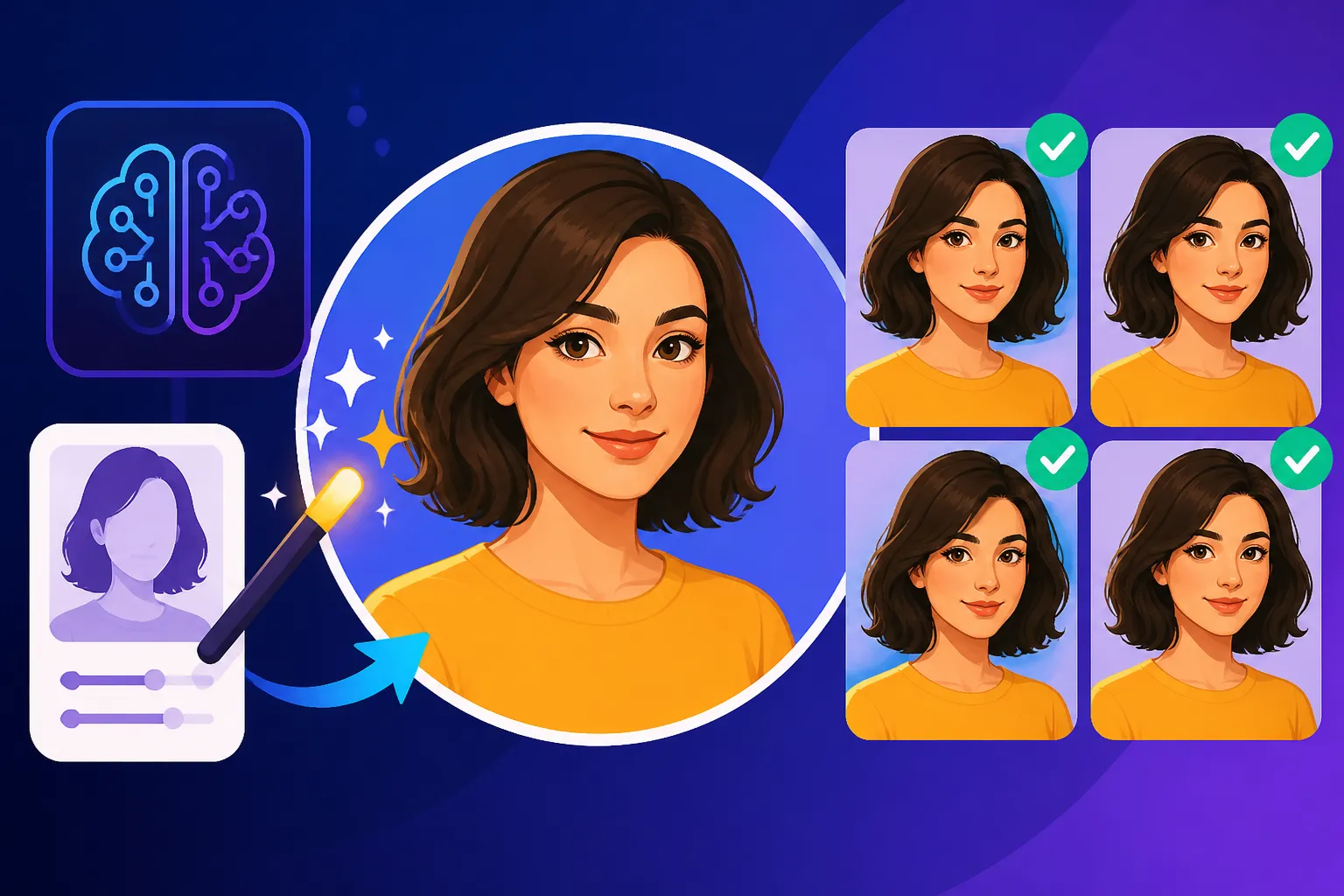
Oh, the quest for a consistent face in AI-generated imagery! It's one of those challenges that can drive you absolutely batty, isn't it? You spend ages crafting the perfect character, maybe for a comic, a story, or even a brand mascot, only to find that every new image generates a slightly (or wildly) different version of their face. It’s like the AI has a case of short-term memory loss, forgetting the very details that make your character them. This guide is here to walk you through exactly how to tackle that frustration and teach the AI to remember your character's face, ensuring you can prompt for the same face every time.
Understanding the Challenge of Facial Consistency in AI
It’s easy to get disheartened when your AI model keeps giving you variations of a face you thought you’d perfectly described. You might wonder if you're doing something wrong, but truthfully, achieving consistent facial features is one of the trickier aspects of AI image generation. It requires a bit of finesse and understanding of how these systems "think."
Why AI Struggles with Specific Faces
At its core, an AI image generator doesn't truly "understand" a character or a specific face in the way a human artist would. Instead, it works with probabilities and patterns. When you give it a prompt, it's essentially piecing together various concepts and attributes from its vast training data. Each time you hit that generate button, even with the exact same prompt, it's starting from a slightly different "noise" or random seed. This means the initial canvas is never precisely the same, leading to subtle shifts in the final output.
Think of it like this: if you tell ten different artists to draw "a young woman with blue eyes and freckles," you'd get ten distinct interpretations, even if they all follow the basic description. AI is similar, but on an even grander scale of variability. Small changes in your prompt – adding a new keyword, altering the order, or even just hitting regenerate – can nudge the AI down an entirely different visual path. This inherent variability, while great for exploring diverse ideas, becomes a hurdle when you absolutely need John Doe to look like John Doe in every single scene. It lacks a persistent memory of the specific arrangement of pixels that form your character's unique visage unless you explicitly guide it to remember.
The Impact of Inconsistent Characters
Why does this matter so much? Well, if you're a content creator, a blogger, an indie game developer, or even someone just trying to tell a sequential story, inconsistent characters can break immersion faster than a plot hole. Imagine trying to create a series of images for a children's book where the main character's face changes from one page to the next – it would be confusing and jarring for the reader.
For branding and marketing, a consistent face is absolutely crucial. If you're using an AI-generated character as a brand ambassador or in advertisements, that face needs to be instantly recognizable across all your campaigns. An inconsistent face dilutes your brand identity and makes it harder for your audience to connect with your visual message. Even for personal projects, having your character transform unexpectedly can be frustrating and make your creative output feel less polished. The need to maintain a recognizable face isn't just about aesthetics; it's about effective communication and building a cohesive narrative.
Core Strategies for Achieving Consistent Faces
Okay, so we know it’s a challenge, but it’s far from impossible! The trick is to give the AI more specific instructions and a "memory" to latch onto. We’re going to layer techniques to lock down those facial features.
The Power of Reference Images (Image Prompting)
One of the most effective ways to guide an AI to reproduce a specific face is by providing it with a visual starting point: a reference image. This is often called "image prompting" or "img2img" (image-to-image) generation. Instead of starting from scratch with just text, you give the AI a picture, telling it, "Hey, make something like this."
Many popular AI image tools offer this capability. For instance, in Midjourney, you can upload an image URL at the beginning of your prompt, or use parameters like --sref (style reference) to guide the overall aesthetic, including facial features. In tools like Stable Diffusion, the img2img tab is your best friend, allowing you to feed in an image and then apply a text prompt to transform it while retaining its core structure.
Step-by-Step Example:
- Generate Your Base Character: Start by generating a few initial images with detailed text prompts until you get a face you really like. Let's say you prompt for: "A fierce female warrior with striking emerald eyes, a strong jawline, and a scar over her right eyebrow, wearing ornate silver armor, fantasy art, cinematic lighting." Generate a few until one truly captures the essence of your character.
- Select Your Hero Image: Pick the single best image that embodies your character's face. This will be your primary reference.
- Use as a Reference: Now, for your next image, instead of just the text prompt, you'll incorporate this chosen image.
- For Midjourney users: Upload your selected image to Discord, copy its link, and paste it at the beginning of your new prompt:
[image URL] A fierce female warrior, same face as reference, holding a sword high, on a battlefield, dramatic lighting. --sref [image URL again](Sometimes using the reference twice can emphasize it). You might also experiment with the--cref(character reference) parameter if your version of Midjourney supports it, as it's specifically designed for facial consistency. - For Stable Diffusion users: Go to the img2img tab. Upload your hero image. Then, use your detailed text prompt, perhaps slightly tweaking it to instruct the AI to maintain the face. Adjust the "denoising strength" (usually between 0.5 and 0.7) – too low, and it won't change enough; too high, and it will deviate from your face.
- For Midjourney users: Upload your selected image to Discord, copy its link, and paste it at the beginning of your new prompt:
- Refine and Repeat: Generate the new image. Compare the face to your reference. If it's close but not perfect, try slight prompt adjustments or adjust the strength of your image reference.
The key here is starting with a clear, well-lit reference image where the face is prominent and easily discernible. This gives the AI a strong visual anchor to work from. For more details on using reference images effectively, check out our guide on How to Use Reference Images in Prompts.
Crafting Detailed and Specific Text Prompts
Even with image references, your text prompt remains incredibly powerful. Simply writing "a woman" won't cut it. To achieve consistency, you need to describe the unique facial features that define your character. Think like a forensic artist, or someone writing a detailed description for a police sketch.
Instead of: "A woman looking sad."
Try: "A young woman, pale skin, deep-set, expressive hazel eyes, a slender nose with a slight upturn, full lips often curved in a melancholic arc, a faint scattering of freckles across her nose and cheeks, fine blonde hair parted to the side, looking sadly out a window."
Key elements to focus on in your prompt:
- Eye Shape and Color: Almond-shaped, round, hooded, wide-set, close-set, emerald, sapphire, obsidian.
- Nose Structure: Button, aquiline, Roman, upturned, small, prominent.
- Lip Shape: Full, thin, bow-shaped, Cupid's bow, slightly parted.
- Jawline and Chin: Strong, defined, soft, rounded, pointed, square.
- Hair Details: Color, style (braided, short crop, long flowing), texture (wavy, straight, curly), any specific features (bangs, a unique streak of color).
- Distinguishing Marks: Moles, scars, dimples, birthmarks. These are gold for consistency!
- Facial Structure: Oval, heart-shaped, square, round.
- Expression (initially neutral): It’s often best to start with a neutral or subtle expression for your base character, as extreme emotions can distort features. Once you have consistency, then prompt for specific emotions.
- Age and Ethnicity: Clearly define these to avoid unwanted variations.
By being incredibly detailed, you give the AI less room to "interpret" and more specific instructions to follow. This is a foundational step in How to Write AI Image Prompts for any desired outcome, but especially crucial for facial consistency. When writing prompts for consistent characters, consider creating a "character bible" of descriptors you can copy and paste for every generation.
Leveraging Seed Values and Model Control
Beyond prompts and images, you have a few technical levers you can pull to increase facial consistency.
A seed is essentially the initial random number that the AI uses to start its generation process. Think of it as the starting point of the noise from which the image emerges. If you use the exact same seed value for a given prompt and model, you should get a highly similar, if not identical, image each time.
- How to find and reuse seeds: Most AI tools will tell you the seed number of a generated image.
- Midjourney: After generating images, react to the image with an envelope emoji (
✉️) to have the bot send you a DM with the image info, including the seed number. You can then add--seed [your seed number]to subsequent prompts. - Stable Diffusion: The seed is typically displayed in the generation information below the image output. You can just copy and paste it into the "seed" field for your next generation.
- Midjourney: After generating images, react to the image with an envelope emoji (
Reusing a seed, particularly when combined with detailed text prompts and potentially image references, is incredibly powerful for maintaining consistency. It ensures the AI starts from the same "canvas" each time.
Some advanced tools and models also offer more direct control over facial structure:
- ControlNet: For Stable Diffusion users, ControlNet is a game-changer. Models like OpenPose or Canny can extract pose or edge information from an image, but there are also specific ControlNet models designed for face recognition (e.g.,
control_v11p_sd15_face_sdxl) that can help lock down facial geometry. You feed it your reference image, and it attempts to replicate the facial structure in your new generation. - Character Reference Features: Newer iterations of some tools are explicitly developing "character reference" or "style tuner" features. These allow you to train or reference a specific character, making it easier to generate them in various poses and settings. Keep an eye on updates from tools like Midjourney V7 or Google Imagen in Gemini, as they are constantly improving these aspects.
- Model Choice: Sometimes, the choice of underlying AI model makes a difference. Some models are inherently better at retaining details or producing more consistent outputs than others. Experiment if your tool offers different base models (e.g., realistic vs. anime models in Stable Diffusion).
By combining precise descriptions with a consistent starting point (seed) and, where available, advanced control features, you dramatically increase your chances of generating that same face every time. For a deeper dive into the technical aspects of controlling your AI, our guide on Stable Diffusion Prompt Guide or Midjourney Parameters Explained can be invaluable.
Advanced Techniques and Workflow for Character Sheets
Once you've mastered the core strategies, you can take it a step further to create a robust system for character consistency, especially if you plan to use the character extensively. This is where the concept of a "character sheet" comes into play.
Creating a Character Sheet with AI
A traditional character sheet for an artist includes multiple views, expressions, and poses of a character. You can replicate this with AI, and once you have it, this sheet becomes your ultimate reference tool for all future generations. It's about building a visual dictionary for your AI.
Here's a workflow:
- Generate Your Initial Character: Using detailed text prompts and experimenting with seeds, generate your absolute ideal base character. Focus on a neutral expression, good lighting, and a clear view of their face. Let's say you've got "Elara, a forest elf with piercing emerald eyes, a delicate nose, high cheekbones, and long, flowing silver hair, a gentle smile, studio portrait lighting."
- Generate Variations:
- Different Angles: Use your base image as an image prompt (or its seed) and modify your text prompt to "Elara, side profile," "Elara, looking over her shoulder," "Elara, three-quarter view."
- Subtle Expressions: Once you have consistent facial structure, try "Elara, a thoughtful expression," "Elara, a slight smirk," "Elara, curious eyes." Be subtle at first to avoid distortion.
- Minimalist Backgrounds: Keep the backgrounds simple and consistent, perhaps a solid color or a soft bokeh, so the focus remains on the face.
- Compile Your Sheet: Gather your best consistent images and arrange them into a single "character sheet" image. You can use a simple image editor for this. This composite image will serve as an even stronger, multi-faceted image reference for future generations.
- Using the Sheet as a Reference: Now, when you want to generate Elara in a new scenario, you can use this compiled character sheet as your image prompt. This provides the AI with a richer understanding of her facial characteristics from multiple perspectives. This approach aligns perfectly with techniques discussed in How to Create Image Variations and How to Prompt for Consistent Characters.
Iteration and Refinement for Perfect Matches
Achieving perfect facial consistency is rarely a one-shot deal. It's an iterative process, much like traditional art.
- Generate Multiple Options: Don't stop at the first image. Generate several variations using your refined prompts, image references, and seeds. Sometimes, one will just "click" better than the others.
- Minor Edits with Inpainting/Outpainting: If the face is almost perfect but has a minor flaw (a slightly off eye, a weird patch of skin), consider using inpainting features (available in tools like Stable Diffusion, Adobe Firefly, or even Photoshop's generative fill). Inpainting allows you to select a small area and regenerate only that part, guided by a prompt, without affecting the rest of the image. This is far less disruptive than regenerating the entire image. Outpainting can help extend a face if it's cut off. These editing capabilities are essential for polishing your AI art, and you can learn more about them in guides on How to Edit AI Images with Inpainting.
- The Power of Small Adjustments: Instead of drastic prompt changes, try tiny tweaks. Change one adjective, add a comma, or swap out a word. Observe how these subtle changes impact the face. Patience truly is a virtue here. The aim is to make AI images look less "AI-generated" and more authentically yours, which often comes down to careful refinement.
Tool-Specific Tips (General Approach)
While specific features vary greatly between platforms, there are common principles across the board:
- Midjourney's
--crefor--sref: As mentioned, these character and style reference parameters are designed to help maintain facial likeness and overall aesthetic. Experiment with their "weight" if available (e.g.,--cref url --cw 100for full character weight,--cw 0for just style). - Stable Diffusion's ControlNet: Beyond just
img2img, explore ControlNet's facial recognition models or evenDepthmodels if you have a 3D model of your character's head. These give unparalleled control over facial structure. - Adobe Firefly and Ideogram: These platforms are known for their user-friendliness and often have integrated tools for maintaining elements like styles or characters across generations. Adobe Firefly, for instance, has a strong focus on commercial safety and consistency, which can extend to character design for marketing materials. Ideogram is fantastic for text integration, but its underlying consistency for character visuals is also improving.
- Consistent Prompt Components: Regardless of the tool, create a "consistency block" in your prompts. This is a set of descriptors you always include when generating your character.
| Prompt Component | Example | Why It Helps Consistency |
|---|---|---|
| Identity / Core Name | Subject: Elara, a forest elf |
Establishes the character. |
| Key Facial Features | with piercing emerald eyes, a delicate nose, high cheekbones |
Locks down distinct visual elements. |
| Unique Marks | and a subtle beauty mark near her left eye |
Critical for character recognition. |
| Hair Details | long, flowing silver hair, braided waterfall style |
Hair frames the face and is a major identifier. |
| Skin/Complexion | fair skin, hint of rosy cheeks |
Prevents shifts in tone or texture. |
| Initial Expression | a gentle, serene expression |
Starting neutral reduces distortion from strong emotions. |
| Lighting/Style | soft studio lighting, highly detailed, realistic photograph |
Maintains overall aesthetic that supports feature visibility. |
The path to consistent AI faces involves a combination of smart prompting, leveraging tool-specific features, and a bit of trial and error. But with these strategies in your toolkit, you'll be well on your way to creating characters that are truly recognizable, image after image. For general guidance on improving your results across different tools, consider reviewing Best AI Image Prompt Formulas and AI Image Generation Tips and Tricks.
Disclaimer
The information provided in this article is for general guidance and informational purposes only. While AI image generation tools are powerful, the technology is constantly evolving. Features, functionalities, and best practices may change rapidly. Always refer to the official documentation and guidelines of the specific AI tool you are using for the most accurate and up-to-date instructions.