How to Prompt AI for Better Characters
It's incredibly frustrating, isn't it? You punch in a prompt, hoping for that epic hero or a heartwarming protagonist, and what you get back is a jumbled mess, a generic face, or worse, a character that changes every single time you generate an image. Creating compelling and consistent AI characters can feel like a roll of the dice, but it doesn't have to be. This guide will walk you through the precise strategies and prompting techniques you need to conjure up vivid, unique, and reliable characters for all your creative projects, whether you're a storyteller, a game developer, or just someone looking to populate their digital world.
The Core Principles of Character Prompting
When you're first dipping your toes into AI image generation, it's easy to think of your prompts as wish lists. You type "cool warrior" and expect a masterpiece. The reality, however, is that AI models need far more guidance to translate your vision into a cohesive, believable character. They don't understand context or implied meaning the way a human artist does. That's why building your prompts from the ground up, with a solid foundation, is absolutely crucial.
Deconstructing the Character Brief
Before you even touch your keyboard, take a moment to really think about your character. What makes them them? A human concept artist would ask you about their backstory, their motivations, their personality quirks. You need to translate those intangible ideas into concrete, visual details for the AI. This isn't just about their physical appearance; it's about the entire aura they project.
Imagine you want a character for a fantasy novel. Instead of just thinking "elf archer," start to break it down. What kind of elf? A woodland elf, a high elf, a dark elf? What age are they? What's their demeanor? Are they grim and experienced, or young and naive? Do they carry a specific type of bow? What's their attire like? Is it practical hunting gear, ornate ceremonial armor, or something else entirely? Every single one of these questions should yield a descriptive answer that you can then feed into your prompt. This initial mental "character brief" is the secret sauce. For instance, if you're aiming for a grizzled bounty hunter, you might envision specific scars, a particular type of worn leather duster, heavy boots, and a stoic expression, perhaps with a touch of world-weariness in their eyes. The more you deconstruct, the more precise your AI output will become.
The Power of Specificity and Detail
This is where the rubber meets the road. Once you've deconstructed your character, you need to articulate those details with extreme precision in your prompt. Vague descriptors are the bane of good AI character generation. The AI doesn't know what "nice" or "pretty" means; it needs visual cues. Instead of saying "a tall man," try "a towering man, standing 6'8" with broad shoulders and a muscular build." Replace "old" with "a wizened elder with deep-set eyes, crow's feet at the corners, and a long, braided white beard."
Think about every visual aspect:
- Physical Features: Age, gender, height, build, skin tone, hair color and style, eye color, specific facial features (e.g., sharp jawline, high cheekbones, button nose), distinguishing marks (scars, tattoos, freckles).
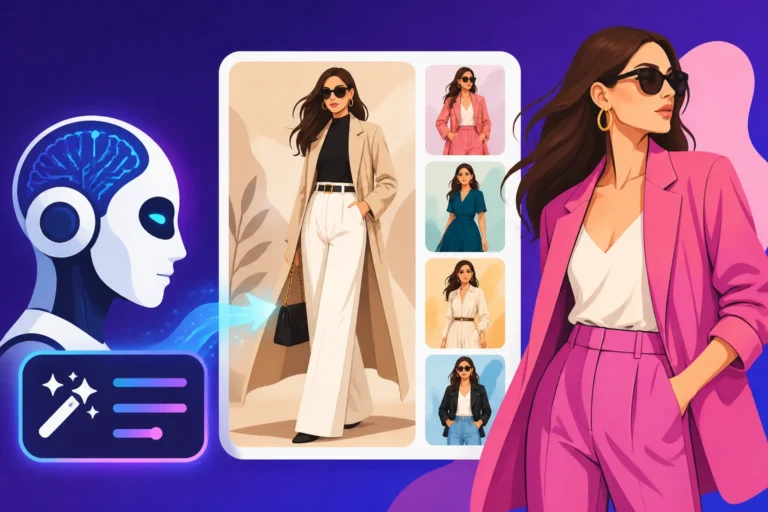
- Attire: Clothing style (e.g., steampunk, medieval, cyberpunk, modern casual), materials (leather, silk, denim, chainmail), colors, accessories (jewelry, belts, bags, hats), footwear.
- Props/Equipment: Weapons, tools, items they carry (e.g., spellbook, enchanted staff, grappling hook, ancient map).
- Posture/Expression: How they stand, their body language (e.g., confident stride, slumped shoulders, poised and ready), facial expression (e.g., determined, melancholic, sly smile, furrowed brow).
- Setting (if relevant): The immediate environment can also inform the character's appearance and mood. Are they in a bustling marketplace, a desolate wasteland, or a futuristic laboratory?
For example, compare these two prompts:
- "A wizard."
- "An ancient, wise wizard with a long, flowing grey beard and piercing blue eyes, wearing deep indigo robes adorned with shimmering silver constellations, holding a gnarled oak staff, standing in a dimly lit, arcane library, mystical glowing dust motes floating in the air, fantasy art, volumetric lighting."
See the difference? The second prompt leaves little to the AI's imagination, guiding it toward a specific, evocative image. The principle here is to over-describe rather than under-describe. When you're learning how to write AI image prompts, remember that every detail contributes to the final output.
Crafting Visual Consistency and Style
One of the biggest hurdles when generating AI characters is maintaining their appearance across multiple images. If your character changes their face, their outfit, or even their overall vibe in every shot, your storytelling suffers. Luckily, there are a few robust strategies to help you nail down that elusive consistency.
Achieving a Consistent Look and Feel
Maintaining a character's appearance across different poses, scenes, or even just subtle variations can be incredibly challenging. Different AI models offer different ways to tackle this. For instance, in tools like Midjourney, the --seed parameter is your best friend. A seed is essentially a number that dictates the initial noise pattern from which the image is generated. If you find a character you love, note its seed (usually available after generation). Then, when you create subsequent images, use that same seed along with your refined prompt. This won't guarantee an exact clone every time, but it will significantly increase the likelihood of similar facial features and overall composition.
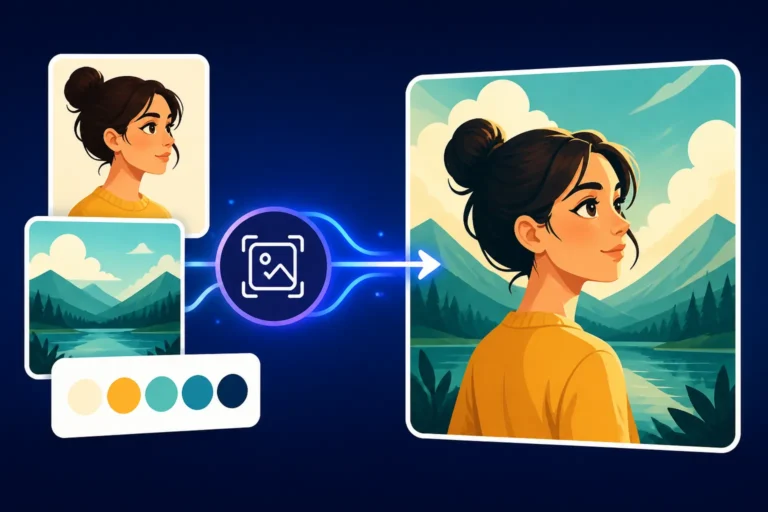
Another powerful technique is to use image prompting or "style reference." Many AI tools allow you to upload an initial image of your character and then prompt from that image. The AI will try to match the style, composition, and even the character's appearance from your reference image while incorporating your new textual prompt. This can be fantastic for subtle variations or placing your character in new scenarios while retaining their core identity. Think of it as creating a digital "character sheet" that the AI refers to. You can also consistently use the exact same descriptive elements in every prompt for that character. If they have "fiery red hair styled in a messy bun" and "a small scar above their left eyebrow," include that every time. The more you reinforce these details, the more consistent your results will be. To truly master this, understanding how to prompt for consistent characters is essential.
Incorporating Artistic Styles and Mediums
The style of your character is just as important as their physical attributes. Do you want them to look like they stepped out of a classic oil painting, a modern anime, a hyperrealistic photograph, or a stylized comic book? Specifying the artistic style can dramatically alter the AI's interpretation of your prompt.
You can achieve this by adding clear style descriptors to your prompt:
- "Photorealistic portrait of…"
- "Anime style illustration of…"
- "Oil painting of…"
- "Digital art, cyberpunk aesthetic…"
- "In the style of [Specific Artist, e.g., Alphonse Mucha, Katsuhiro Otomo, Norman Rockwell]"
- "Watercolor painting, storybook illustration…"
Some AI tools also have specific parameters for styling. Midjourney, for example, has the --s (stylize) parameter which can range from --s 0 (less stylized, more literal) to --s 1000 (highly stylized, more artistic interpretation). Experimenting with these can help you push your character into the exact aesthetic you're aiming for. Consider how different art movements or even specific decades of art could influence your character's appearance. For a gritty detective, a film noir aesthetic might be perfect. For a whimsical fairy, a storybook illustration style would be ideal. When you are deciding on the overall look, remember that knowing how to prompt for specific art styles can elevate your output.
Injecting Personality and Emotion
A character isn't just a collection of visual attributes; they have a soul, a presence. Conveying personality and emotion through your AI generations is what transforms a generic figure into a memorable individual. This goes beyond what they look like and delves into what they feel and do.
Describing Personality Traits and Actions
This is where you bring your character to life. Don't just tell the AI what they look like; tell it who they are. Use adjectives that describe their personality and adverbs that describe their actions.
- Personality: "Brave," "cowardly," "sarcastic," "kind-hearted," "ruthless," "melancholy," "energetic," "reserved."
- Emotions: "Smiling warmly," "frowning thoughtfully," "eyes gleaming with mischief," "a look of weary determination," "bursting with joyous laughter."
- Actions/Posture: "Striding confidently," "cowering in fear," "leaning casually against a wall," "gazing wistfully into the distance," "clutching a worn pendant tightly."
Combining these with your physical descriptions creates a much richer prompt. For example, instead of "a woman," try "a defiant warrior woman with a stern expression, clutching a bloodied sword, her eyes narrowed in fierce resolve." The emotional and action-oriented descriptors help the AI understand the context of the character, leading to more dynamic and expressive results. When aiming for subtle nuances, consider the tiny details that communicate emotion, like a slightly downturned mouth or a subtle tilt of the head. This makes the character feel more "real."
Setting the Scene and Context
A character rarely exists in a vacuum. Their environment, the objects around them, and their interaction with these elements can significantly enhance their personality and story. A character sitting in a grand throne room conveys a different status than one huddled in a dark alleyway, even if their physical appearance is identical.
Think about these contextual elements:
- Location: "On a windswept mountain peak," "in a bustling cyberpunk market," "beneath the canopy of an ancient forest," "inside a futuristic spaceship cockpit."
- Lighting: "Bathed in the golden hour light," "illuminated by the flickering glow of candlelight," "harsh fluorescent lighting," "dramatic shadows cast by a full moon."
- Interactions: "Sharing a laugh with companions," "comforting a distressed animal," "studying an ancient map," "inspecting a strange artifact."
Adding these details helps the AI create an image where the character feels naturally integrated into their world. It also allows you to subtly convey information about their life, their challenges, and their aspirations without explicitly stating them. For example, a scholar with ink-stained fingers, surrounded by stacks of old books, immediately tells a story. A pirate with a weathered face, squinting at a distant ship on the horizon, instantly sets a scene. For photorealistic outcomes, integrating context is a game-changer, helping to create depth and believability.
Here's a quick table to help you structure your character prompts:
| Category | What to Include | Example Phrases |
|---|---|---|
| Identity | Age, Gender, Race/Ethnicity, Archetype | "Young female adventurer," "elderly dwarven blacksmith," "stoic elven warrior," "child scientist" |
| Physical | Height, Build, Hair (color, style), Eyes (color, shape), Skin (tone, texture), Unique features (scars, tattoos) | "Tall, muscular, braided blonde hair, piercing green eyes, weathered skin, tribal arm tattoo" |
| Attire | Clothing style, Materials, Colors, Accessories | "Steampunk goggles, crimson leather coat, brass gears, fingerless gloves," "flowing silk robes, gold embroidery" |
| Personality/Emotion | Adjectives describing traits, specific expressions, body language | "Mischievous grin, confident posture, curious eyes," "grim determination, slumped shoulders, weary sigh" |
| Props/Objects | Items carried or interacting with | "Holds a glowing magical orb," "leans on a ornate sword," "petting a small dragon" |
| Setting/Background | Environment, Lighting, Time of day | "Inside a mystical forest, dappled sunlight," "futuristic cityscape at night, neon glow," "ancient ruins" |
| Art Style | Desired aesthetic | "Photorealistic," "anime style," "fantasy illustration," "oil painting," "pixel art," "comic book style" |
Advanced Prompting Techniques for Characters
Once you've mastered the basics of specificity and consistency, you can start exploring more advanced techniques that give you even finer control over your AI-generated characters. These methods can help you refine details, eliminate unwanted elements, and push the boundaries of what's possible.
Leveraging Negative Prompts and Weights
Sometimes, it's not enough to tell the AI what you want; you also need to tell it what you don't want. This is where negative prompts come in. Most advanced AI image generators allow you to specify terms that the model should actively avoid when creating an image. This is particularly useful for common AI image pitfalls, especially when generating human figures.
For character generation, common negative prompts might include:
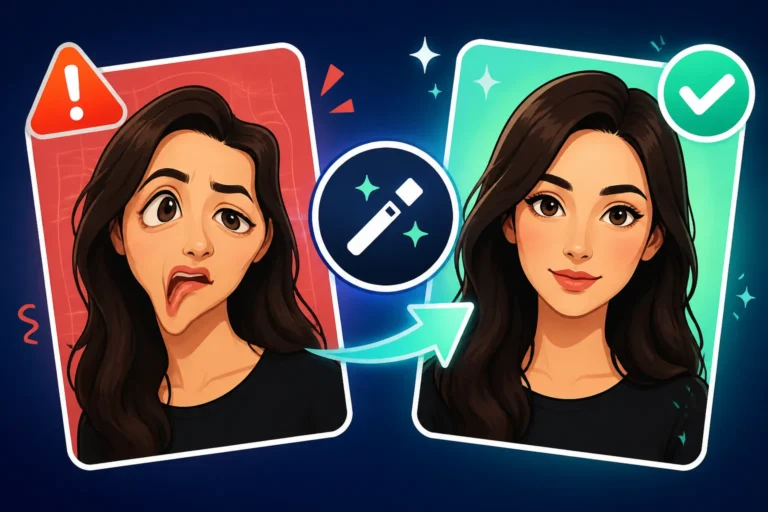
--no distorted hands, extra limbs, ugly, mutated, deformed, poorly drawn, disfigured, bad anatomy(especially crucial for How to Prompt for Realistic Faces and human figures)--no blurry, low quality, pixelated, watermark, text(for clean, high-resolution outputs)--no cartoon, anime, illustration(if you're aiming for realism)--no duplicate, multiple characters(if you want a single, focused character)
By using negative prompts, you're essentially putting up guardrails, preventing the AI from straying into undesirable territory. For instance, if you're constantly getting characters with strange, elongated fingers or eyes that don't quite align, a strong negative prompt can significantly improve your results.
Prompt weighting is another powerful tool. Many AI models allow you to assign different levels of importance or "weights" to specific terms within your prompt. This is usually done by enclosing a word or phrase in parentheses and adding a numerical value (e.g., (red hair:1.3) or [blue eyes:0.8]). A higher weight tells the AI to pay more attention to that element, while a lower weight makes it less prominent. This is fantastic for emphasizing a character's defining feature without having to repeat it multiple times or make your prompt unnecessarily long. Want your character's scar to be really noticeable? Give (prominent facial scar:1.5) a try. Want to ensure their unique weapon is front and center? Weight it. Mastering this can drastically improve your AI image generation tips and tricks.
Iteration and Refinement Strategies
Even with the most meticulously crafted prompt, the first image you generate won't always be perfect. AI image generation is an iterative process, much like working with a human artist. You provide feedback, and they refine their work. You need to approach AI in the same way.
- Generate and Analyze: Run your initial prompt. Look at the results critically. What worked well? What didn't? Is the character's expression right? Is the outfit what you imagined? Are there any weird artifacts?
- Refine Your Prompt: Based on your analysis, go back and adjust your prompt. Add more detail where it's lacking. Use negative prompts to eliminate unwanted elements. Adjust weights to emphasize or de-emphasize features. This is where you might refer to a Midjourney prompt guide or similar resources for your chosen tool to understand specific parameters.
- Explore Variations: Many AI tools offer a "V" (Variations) button or similar function. This allows you to generate new images that are similar in style and content to a previously generated image, but with subtle differences. This is invaluable for exploring different poses, expressions, or slight aesthetic shifts while maintaining core character elements.
- Image-to-Image (Img2Img) / ControlNet: For even more precise control, especially in tools like Stable Diffusion, advanced techniques like Img2Img and ControlNet allow you to use an existing image (like a simple sketch or a photo) to guide the AI's generation. You can draw a basic pose, feed it to the AI, and then add your detailed character prompt. The AI will then generate a new image that adheres to the pose from your input while applying your textual descriptions. This is a game-changer for maintaining specific postures or compositions. Learning how to iterate on AI image prompts is crucial for consistent and high-quality results.
Remember, the goal isn't to get it perfect on the first try. It's to continuously guide the AI, nudge it closer to your vision with each successive generation. The more you practice, the better you'll become at anticipating how the AI will interpret your words and how to refine your prompts for optimal character creation. If you find yourself consistently getting undesirable outcomes, it might be time to review how to fix bad AI image results. Once you have a character you love, you can always explore how to upscale AI images for higher resolution.
Disclaimer
The information provided in this guide is for general informational purposes only. AI image generation tools and their capabilities are constantly evolving. While we strive to provide accurate and up-to-date advice, results may vary depending on the specific AI model, version, and individual prompt used. Always refer to the official documentation and terms of service for the AI image generator you are using.