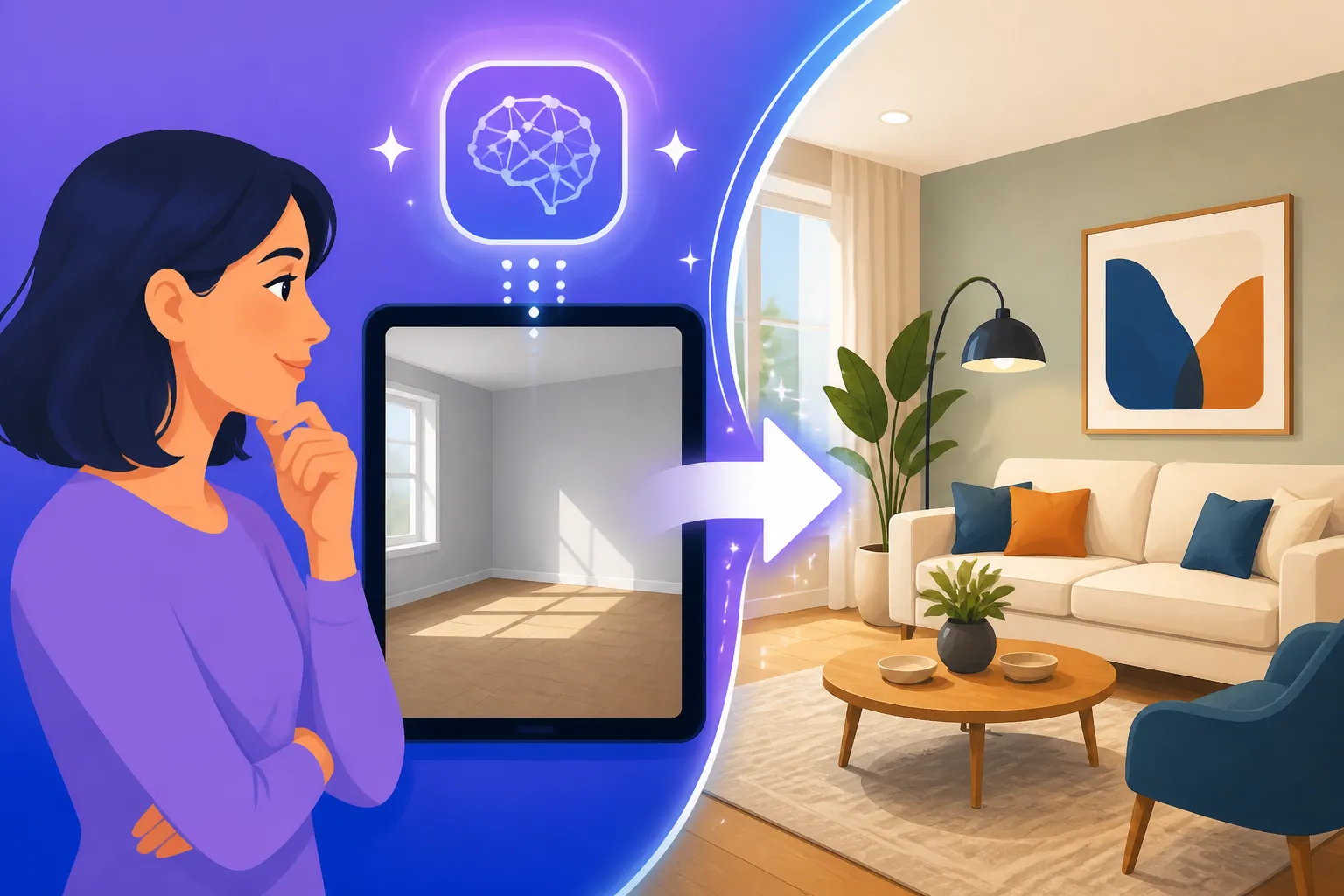
How to Stage a Room with AI
It’s a tale as old as time for anyone trying to sell a house, rent out an apartment, or even just visualize a home renovation: the empty, uninviting room. You know the drill – potential buyers or renters walk in, see four bare walls, and struggle to imagine themselves living there. Traditional home staging is often a huge hassle and a financial drain, involving moving furniture, hiring decorators, and dealing with all sorts of logistical headaches. But what if I told you there's a revolutionary way to transform those bland spaces into vibrant, desirable homes with minimal effort and cost? This comprehensive guide will walk you through exactly how to stage a room with AI, turning your empty spaces into captivating visuals that attract attention and help you achieve your goals.
Why AI Room Staging Is a Game Changer
Let's be honest, the thought of physically staging a room is exhausting. From renting furniture that might not even fit the aesthetic you're going for, to coordinating delivery and setup, it's a huge undertaking. This is where AI swoops in as a true hero, offering a flexible, cost-effective, and incredibly powerful alternative that saves you time, money, and a whole lot of stress.
Overcoming Traditional Staging Hurdles
Before AI, if you wanted a room to look appealing, you had two main options: leave it empty and hope for the best, or invest significantly in physical staging. Leaving it empty often leads to properties sitting on the market longer because buyers can't connect with the space. They see defects more clearly and struggle to envision furniture placement. On the other hand, physical staging, while effective, comes with a hefty price tag. You're looking at costs for furniture rental, moving services, design consultation fees, and the risk of wear and tear. Imagine you're trying to sell a charming bungalow in Portland, Oregon. You might spend thousands just to stage a few key rooms, and if it doesn't sell quickly, those monthly rental fees for furniture just keep piling up. It's a real barrier for many individuals and small real estate businesses.
The biggest frustration often stems from the lack of flexibility. Once a room is staged, changing the style to appeal to a different demographic or update a trend is a monumental task. You're locked into whatever choices you made initially, and adapting means more time and money. This rigidness can be a major roadblock when you're trying to appeal to a diverse audience, like prospective buyers who prefer modern minimalist designs versus those who love a cozy, rustic farmhouse feel.
The Power of Virtual Versatility
AI-powered room staging completely flips this script. Instead of physical objects, you're working with digital assets. You take a photo of an empty room, upload it to an AI platform, and then, with a few clicks and some clever prompting, you can populate that room with furniture, decor, and even adjust the lighting to match any aesthetic imaginable. Want to show a potential tenant what their new Brooklyn apartment could look like with a chic industrial loft vibe? Done. Need to present a client with five different kitchen design options for their remodel? Easy.
This virtual versatility means you're no longer limited by inventory, budget for physical items, or even geographic location. You could be listing a property in Phoenix, Arizona, but virtually stage it with furniture from a high-end European designer, perfectly appealing to a niche market. This also democratizes access to professional-level staging, allowing small property owners and budding interior designers to create stunning visuals without the prohibitive costs. It's truly a leap forward, allowing for rapid experimentation and iteration, which is crucial in today's fast-paced visual market.
How AI Room Staging Actually Works: A Step-by-Step Guide
Diving into AI room staging might sound intimidating at first, like something only tech wizards can do. But I promise, it's far more accessible than you think. Many tools have intuitive interfaces, making the process straightforward even for beginners. Think of it less like coding and more like guiding an incredibly smart virtual decorator.
Capturing Your Space for AI Staging
The foundation of great AI staging is a good source image. You can't put lipstick on a pig, as they say, so starting with a decent photograph of your empty room is crucial. Here's what you need to consider:
- Empty is Best: While some AI tools can remove existing furniture, you'll get far better and more realistic results if you start with an empty room. This gives the AI a clean canvas to work with, minimizing artifacts or awkward placements that can happen when it tries to erase complex objects.
- Good Lighting is Key: Just like traditional photography, natural, even lighting works wonders. Avoid harsh shadows or overexposed areas. If you're shooting indoors, open curtains and blinds to let in as much ambient light as possible. Overcast days are actually great for this, as they provide soft, diffused light.
- Straight Angles and Perspectives: Try to take photos from a natural viewing height, simulating how someone would walk into and look at the room. Avoid extreme wide-angle lenses if they cause distortion, unless you're confident in correcting it later. Straight-on shots or slightly angled shots that show two walls are generally ideal.
- High Resolution: The higher the resolution of your initial photo, the more detail the AI can work with, and the better your final staged image will look, especially if you plan on upscaling it later. Check out How to Upscale AI Images for tips on boosting resolution post-generation.
Once you have your photo, you'll upload it to your chosen AI staging platform. Some popular options include virtual staging tools offered by real estate photography companies, or more general AI image generators like Adobe Firefly or Midjourney if you're comfortable with more advanced prompting.
Choosing Your Style and Furniture with Prompts
This is where the magic truly happens! After uploading your empty room photo, you'll start providing instructions to the AI. This is often done through text prompts, much like you would for any other AI image generation.
- Define Your Aesthetic: Start by clearly stating the overall style you're aiming for. Do you want "modern minimalist living room," "cozy Scandinavian bedroom," "rustic farmhouse kitchen," or "elegant art deco dining room"? The more specific you are, the better. Consider checking out How to Prompt AI for Better Interiors for detailed guidance on this.
- Specify Furniture and Decor: Don't just say "add furniture." Detail what kind of furniture. For example, "a sleek leather sofa, a round wooden coffee table, two mid-century modern armchairs, a large abstract painting on the wall, and a potted monstera plant." You can even get specific about colors and materials: "a plush velvet sofa in emerald green, a gold-leaf side table, a faux fur rug."
- Consider the Layout: You can suggest placement if your tool allows. For instance, "sofa centered on the long wall, coffee table in front of it, armchairs facing each other." While AI is smart, giving it hints helps prevent awkward arrangements.
- Lighting and Mood: Don't forget the atmosphere! "Soft warm lighting," "bright airy feel," "dramatic evening ambiance with a fireplace glow." These details bring the room to life.
Here's a quick example of a prompt you might use:
"An empty, well-lit living room, virtually staged with a modern Scandinavian interior design. Include a light gray sectional sofa, a minimalist wooden coffee table, two white armchairs with geometric patterns, a large abstract canvas print on the wall, a few potted green plants, and soft natural light coming through the window."
Generating and Refining Your Staged Images
Once your prompt is ready, the AI will get to work, generating several options based on your input. This usually takes just seconds.
- Initial Generations: Review the initial images. Do they capture the essence of what you wanted? Are there any obvious AI artifacts (like warped furniture or strange proportions)? This is a critical step where you act as the creative director.
- Iterate and Refine: Don't be afraid to adjust your prompt and generate again. If the sofa is too small, add "large, comfortable sectional sofa" to your prompt. If the lighting isn't quite right, specify "bright, diffused daylight streaming through windows." Most platforms allow you to generate variations of images you like, helping you zero in on the perfect shot. Learning to How to Fix Bad AI Image Results is a skill you'll develop quickly here.
- Minor Edits and Touch-Ups: Some AI tools offer basic editing capabilities, like inpainting (filling in specific areas) or outpainting (extending the image beyond its original borders). You might use these to tweak a lamp's position or remove a small anomaly. For more advanced post-processing, you could export the image and refine it in photo editing software.
- Resolution and Aspect Ratio: Pay attention to the output resolution. Many tools allow you to choose or upgrade the resolution, which is vital for high-quality listings or presentations. Ensure the aspect ratio suits where the image will be displayed (e.g., 16:9 for websites, 1:1 for Instagram).
| Feature | Traditional Room Staging | AI Virtual Room Staging |
|---|---|---|
| Cost | High (furniture rental, movers, designers) | Low (subscription to AI tool, per-image fees) |
| Time | Days to weeks (planning, execution, removal) | Minutes to hours (upload, prompt, generate) |
| Flexibility | Very Low (difficult and costly to change styles) | Very High (easy to change styles, furniture, mood) |
| Physical Effort | High (heavy lifting, coordination) | None (all digital) |
| Variety | Limited by available furniture/budget | Unlimited (any style, any furniture) |
| Realism | 100% (physical objects) | Extremely high with good prompts/tools, continuously improving |
| Scalability | Low (each room/property is a new project) | High (once familiar, can stage many rooms quickly) |
| Market Appeal | Broad, but fixed once staged | Highly customizable to target specific buyer demographics |
Essential Tips for Realistic AI Staging Results
Getting a decent image from an AI tool is one thing, but achieving truly photorealistic, appealing results requires a bit of finesse. It's about understanding how to communicate effectively with the AI and knowing the capabilities and limitations of the technology.
Crafting Effective Prompts for Interior Design
The prompt is your direct line of communication with the AI. The better you craft it, the better your results will be. It's not just about listing items; it's about painting a picture with words.
- Be Descriptive, Not Just Instructive: Instead of "add sofa," try "a plush, comfortable three-seater sofa with rich emerald green upholstery and brass legs." Describe textures (velvet, polished wood, brushed metal), colors (muted tones, vibrant hues), and even the condition (new, distressed vintage).
- Specify Styles and Eras: Mentioning "mid-century modern," "bohemian chic," "minimalist industrial," or "Victorian elegance" immediately sets the tone. You can also combine styles, like "modern farmhouse with a touch of industrial flair." This helps the AI understand the overall aesthetic you're going for.
- Details on Lighting and Atmosphere: As mentioned before, lighting is paramount for realism. "Warm ambient light from a floor lamp," "bright, sunny room with soft shadows," "evening glow with string lights." These atmospheric details bring the image to life and make it feel more real.
- Incorporate Camera Angles and Composition: While some tools handle this automatically, you can often guide the AI. "Wide-angle shot showing the entire room," "close-up on the reading nook," "from the doorway looking in." This helps frame the image beautifully. For more guidance, check out our AI Image Prompt Guide for Beginners.
- Use Negative Prompts (If Available): Some advanced tools allow "negative prompts," where you tell the AI what not to include. For room staging, this might be "ugly furniture," "clutter," "dark," "empty." This can significantly improve the cleanliness and appeal of your generated images.
Leveraging AI Tools and Features
Different AI image generators excel at different things. Choosing the right tool or combination of tools can make a huge difference in your staging success.
- Dedicated Virtual Staging Apps: Many companies specialize in AI virtual staging for real estate. These often have pre-built furniture libraries and design templates, making the process very streamlined. They might offer features tailored specifically for empty room transformation. Examples include Real Estate AI platforms or dedicated virtual staging services that use AI.
- General AI Art Generators: Tools like Midjourney, DALL-E, or Stable Diffusion offer incredible flexibility for those willing to learn prompt engineering. These can generate highly creative and realistic interiors, but require more skill in prompt writing and image manipulation. For instance, Midjourney is known for its artistic quality and can create stunning interior visuals. You can find more details in our Midjourney Review: Features, Pricing, and Quality guide.
- Image Editing Capabilities: Look for tools that offer inpainting and outpainting. Inpainting allows you to select a specific area of your generated image (e.g., a blank wall) and prompt the AI to fill it with something specific (e.g., "a large ornate gold-framed mirror"). Outpainting extends the canvas, useful if you want to show more of the room or add an outdoor view through a window. Adobe Firefly, for example, has excellent generative fill features that are perfect for this, as detailed in our Adobe Firefly Review for Commercial Use.
- Reference Images: Some AI tools allow you to upload reference images (e.g., a photo of a piece of furniture you like, or a style guide). This can help the AI understand your vision more clearly. Learning How to Use Reference Images in Prompts can significantly enhance your outcomes.
Understanding Limitations and Best Practices
While AI is incredibly powerful, it's not magic. There are still limitations, and being aware of them will help you manage expectations and produce better results.
- The Uncanny Valley: Sometimes, AI-generated furniture or decor can look almost real, but something is slightly off, creating an "uncanny valley" effect. This is usually due to inconsistencies in lighting, shadows, or proportions. Careful prompting and refinement can minimize this.
- Resolution and Print Quality: While AI can upscale images, extremely high-resolution print-ready images might still require professional post-processing. Always check the final resolution, especially if you plan to use the images for large prints or high-quality brochures. You might want to explore the Magnific Upscaler: Worth the Price for professional upscaling.
- Consistency Across Multiple Rooms: If you're staging an entire house, maintaining a consistent style and quality across all rooms can be a challenge with AI. Developing a clear "style guide" in your prompts and using the same foundational prompts for each room can help.
- Ethical Considerations: Always disclose that images are "virtually staged" or "AI-generated." Transparency is key, especially in real estate, to avoid misleading potential buyers or renters. It sets clear expectations and maintains trust.
- Start Simple, Then Experiment: Don't try to stage a complex, multi-functional room with your first attempt. Start with a simple bedroom or living area. Once you get a feel for the prompts and the AI's response, you can gradually tackle more intricate spaces and sophisticated designs.
Common Use Cases and Benefits of AI Room Staging
The applications for AI room staging are vast, extending far beyond just selling properties. It's a versatile tool that can benefit anyone who needs to visualize or present an interior space.
Real Estate Marketing and Sales
This is arguably the most impactful use case for AI room staging. The traditional process of listing a home is often plagued by properties sitting empty, failing to capture buyer imagination.
- Selling Properties Faster: Studies and anecdotal evidence show that staged homes sell significantly faster than empty ones. AI staging allows every listing to benefit from this advantage without the associated cost and time. Imagine a real estate agent in San Diego, California, who can instantly stage a beachfront condo with a sleek, minimalist vibe and then, with another click, showcase it with a vibrant, family-friendly decor. This broadens appeal and accelerates the sales cycle.
- Attracting More Buyers: Staged photos immediately make a property more appealing online, which is where most home searches begin. High-quality, virtually staged images grab attention, lead to more clicks on listings, and ultimately, more physical showings. It allows buyers to instantly envision themselves in the space, rather than struggling to see past the bare walls. This makes for Best AI Image Generator for Marketing Images crucial for any realtor.
- Showcasing Potential: For properties that need renovation or have an unusual layout, AI staging can illustrate the "after" picture, helping buyers see the potential. You can even generate images showing different ways a tricky space could be utilized, like a small nook transformed into a home office or a dining area. This is particularly useful for fixer-uppers or properties with unique architectural features.
Interior Design and Home Improvement
Beyond sales, AI staging is a powerful tool for professionals and DIY enthusiasts alike in the interior design world.
- Client Presentations: Interior designers can present multiple design options to clients in minutes, allowing them to compare and choose their preferred style before any physical work begins. This streamlines the decision-making process, reduces misunderstandings, and ensures clients are thrilled with the proposed vision. A designer working in Austin, Texas, could show a client several variations for their living room redesign, from modern bohemian to industrial chic, all virtually rendered in their actual space.
- Visualizing Renovation Ideas: Thinking about knocking down a wall or adding an island to your kitchen? AI can help you visualize the results before you commit to costly construction. You can experiment with different layouts, finishes, and color schemes, ensuring the final outcome is exactly what you dreamed of. This prevents expensive mistakes and provides peace of mind.
- Experimenting with Styles: For personal use, AI staging is a fantastic way to play around with different furniture arrangements and decor styles in your own home. It’s like having an infinite furniture store and decorator at your fingertips, letting you virtually try out that bold wallpaper or a new sofa before making a purchase.
Rental Listings and Airbnb Optimization
For landlords and Airbnb hosts, maximizing appeal and ensuring fast occupancy are top priorities. AI room staging offers a significant advantage.
- Maximizing Appeal to Tenants/Guests: Just like home buyers, renters and Airbnb guests are highly influenced by visuals. A beautifully staged rental unit looks more inviting, often commands a higher price, and attracts more inquiries. If you have an Airbnb in Miami Beach, showcasing it with a bright, coastal-themed AI staging will likely draw in more bookings than an empty room.
- Increasing Booking Rates: For short-term rentals, professional-looking photos are directly linked to higher booking rates and better reviews. AI staging elevates the visual quality of your listing, helping you stand out in a crowded market. It allows potential guests to envision their vacation or stay, making them more likely to book.
- Highlighting Key Features: You can use AI to draw attention to specific features. For example, staging a small desk and chair in a corner can highlight a dedicated workspace for remote workers, or adding elegant dinnerware to a dining table can emphasize its suitability for entertaining. It’s about storytelling through visuals, which AI facilitates beautifully.
Disclaimer
The content provided in this article is for informational and educational purposes only. While AI image generation tools are powerful, the accuracy and realism of the generated images can vary. Always exercise due diligence and, especially in commercial applications like real estate listings, clearly disclose that images are virtually or AI-staged to ensure transparency and ethical practice.