How to Use AI Image Generators for Book Covers
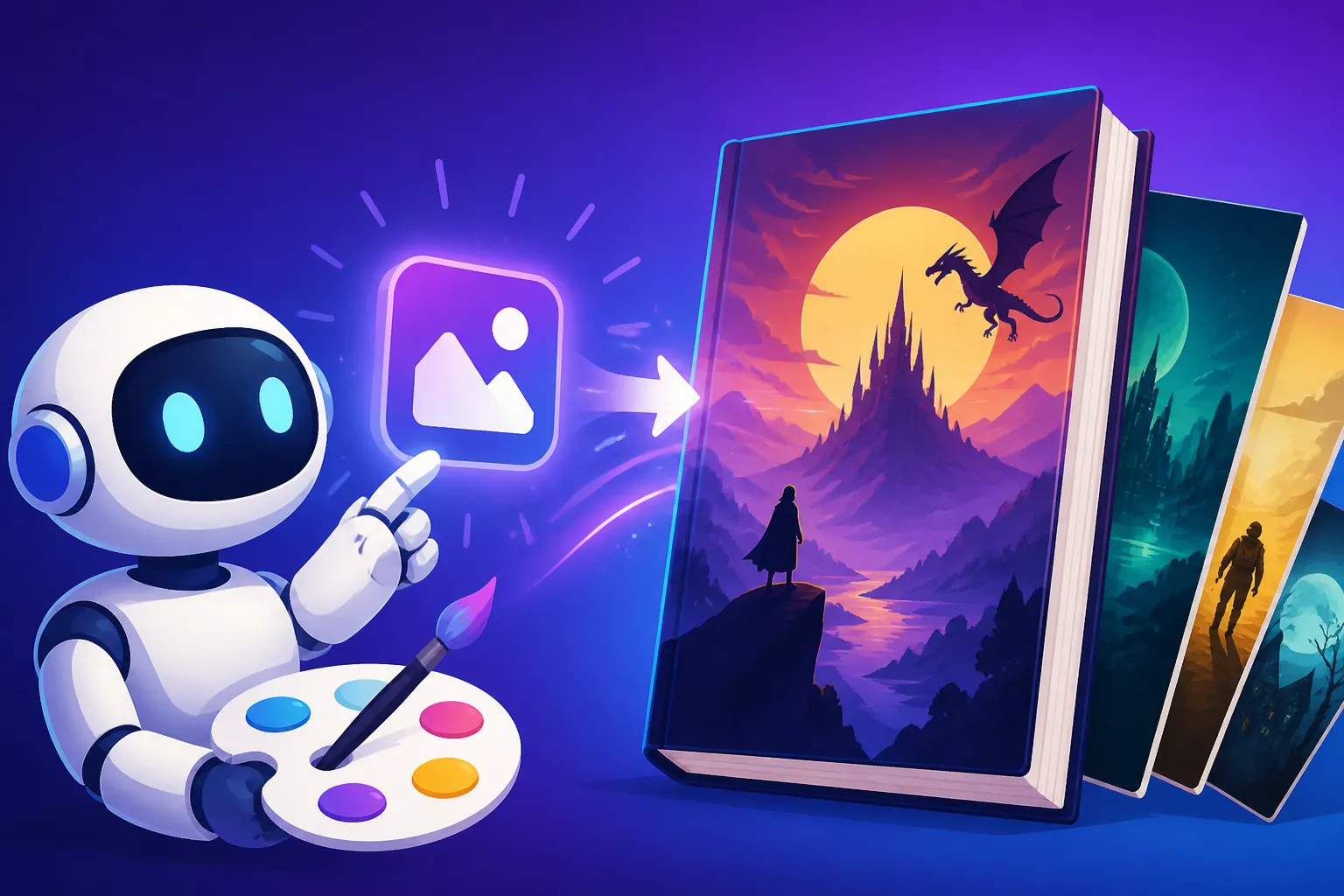
Let's be real: you've poured your heart and soul into writing your book, a monumental achievement in itself. But then comes the moment you realize the cover needs to be just as captivating as the story within, and suddenly, you're faced with the daunting challenge of design. Hiring a professional designer can cost an arm and a leg, especially for independent authors or those just starting, and trying to design it yourself often results in something that, well, doesn't quite scream "bestseller." This guide is here to unravel the magic of AI image generators and show you exactly how to leverage them to create professional, eye-catching book covers without breaking the bank or requiring a design degree.
The Challenge of Book Cover Design And Why AI is a Game-Changer
For far too long, aspiring authors and indie publishers have faced a creative bottleneck when it comes to book cover design. It's a critical element that often dictates whether a potential reader even bothers to pick up your book (or click on its thumbnail online), and getting it right feels like an insurmountable hurdle for many.
Traditional Design Hurdles
Think about the traditional route for a moment. First, there's the hunt for a designer. You scroll through portfolios, hoping to find someone whose style aligns with your vision and, crucially, your budget. This can be a lengthy process, often involving countless emails, proposals, and even disappointment if the fit isn't quite right. Then comes the cost. Professional book cover design can range from a few hundred dollars to several thousands, a significant investment for authors who might not yet have a publisher or a guaranteed income stream. For an author self-publishing their first novel, that kind of upfront cost can be paralyzing.
Beyond the financial aspect, there's the communication gap. Explaining the nuanced mood, genre conventions, and specific visual elements of your story to an artist can be tricky. You might have a crystal-clear image in your head, but translating that into actionable instructions for someone else is a skill in itself. Revisions become a dance of delicate feedback, hoping each iteration moves closer to your ideal. Sometimes, despite best efforts, the final product still doesn't quite hit the mark, leaving you feeling frustrated and wondering if your vision was somehow impossible to achieve. These are the very real frustrations that can make even the most passionate author dread the design phase.
The AI Solution for Authors
This is precisely where AI image generators swoop in like a literary superhero. These incredible tools democratize design, making high-quality visual creation accessible to everyone, regardless of their artistic skill or budget. Imagine generating dozens of unique concepts for your book cover in minutes, all from a simple text description, and then being able to refine them with just a few clicks. That's the power AI brings to the table.
For authors, the benefits are immense. First, there's the sheer accessibility and speed. Instead of weeks of back-and-forth, you can experiment with ideas rapidly, getting immediate visual feedback. This iterative process allows you to explore different styles, compositions, and color schemes without any added cost per concept. Second, it's incredibly cost-effective. Many AI generators offer free tiers or very affordable subscription plans, making professional-looking covers achievable on even the tightest budget. Tools like Ideogram or the Bing Image Creator often provide generous free usage, allowing you to get started without any financial commitment.
Ultimately, AI empowers you with creative freedom. You are no longer limited by your own drawing abilities or a designer's interpretation. You become the director, guiding the AI to manifest your vision directly. This means you can truly experiment and find a cover that perfectly encapsulates the heart of your story, from a gritty cyberpunk thriller to a whimsical children's fantasy.
Choosing the Right AI Image Generator for Your Book Cover
Navigating the landscape of AI image generators can feel a bit like walking into a massive library—so many options, where do you even begin? When it comes to something as crucial as your book cover, you want to make sure you're picking a tool that aligns with your specific needs. It's not just about generating an image; it's about generating the right image.
Key Features to Look For
Before you dive in, let's talk about what truly matters when evaluating an AI tool for book cover design.
Firstly, resolution and quality are paramount. Your book cover needs to look sharp and professional both as a small thumbnail online and as a larger print cover. A blurry or pixelated image is an immediate red flag for readers. You'll want a tool that can generate high-resolution images or offers excellent upscaling capabilities. This is often where free tiers might fall short, producing lower resolution outputs, so keep an eye out for tools that allow you to upscale AI images effectively.
Next, consider commercial rights and usage. This is critical. If you're publishing your book, you'll almost certainly need to use the cover for commercial purposes. Many free or trial versions of AI tools might have restrictions on commercial use, or require specific attribution. Always check the terms of service carefully. Some platforms, like Adobe Firefly, are known for their focus on commercial safety and provide IP indemnification for their paid users, which can offer significant peace of mind. For a deeper dive, you might find an Adobe Firefly Commercial Safety Review helpful.
Text capabilities are another huge consideration. While AI has made incredible strides, accurately rendering text within images can still be a challenge for many models. Think about your book title and author name – these must be legible and aesthetically pleasing. Some tools, like Ideogram, have made text generation a core strength, often producing remarkably good results directly within the image. Others might require you to generate the image and then add your text using a separate design program like Canva or Photoshop. This is a crucial distinction, as trying to force text from an AI that isn't good at it can lead to frustrating, often humorous, gibberish. If text is a priority, exploring a Best AI Image Generator for Text guide could be beneficial.
Finally, think about style variety and editing tools. Does the generator offer a wide range of artistic styles to match your genre? Can you make minor adjustments, variations, or inpainting edits within the tool itself? The more flexibility it offers, the less you'll have to rely on external software for post-production.
Popular Tools and Their Strengths
Okay, so which tools should you actually consider? Here's a quick rundown of some popular options and what they excel at for book cover design:
- Midjourney: This one is a titan in the AI art world, renowned for its incredible artistic quality and ability to generate visually stunning, often cinematic, images. If your book requires a highly stylized, imaginative, or realistic-but-artistic cover, Midjourney might be your top contender. It does have a steeper learning curve, primarily operating through Discord commands, but the results can be breathtaking. Learning a good Midjourney Prompt Guide is essential to harness its full power.
- Ideogram: As mentioned, Ideogram shines when it comes to integrating text directly into images. This is a huge advantage for book covers, as it can save you significant time in post-production. It's also very user-friendly, making it a great option for those new to AI image generation. If you need a clean, readable title and design, an Ideogram Review: Best for Text in Images could confirm if it's right for you.
- Adobe Firefly: Part of the Adobe ecosystem, Firefly is designed with creatives in mind and boasts a strong emphasis on commercial use safety, often providing indemnification for paid users. Its integration with other Adobe products like Photoshop also makes it appealing for designers who want to refine AI-generated elements. It generally produces high-quality, professional-looking images across various styles.
- Stable Diffusion: This is an open-source option, meaning it offers unparalleled customization if you're willing to dive into the technical aspects. You can run it locally on your own computer (if you have the hardware) and experiment with countless models and extensions. While it requires more technical know-how, it's incredibly powerful for those who want ultimate control and creative freedom. Check out a Stable Diffusion Review: Free and Customizable for more insights.
- DALL-E 3 (via ChatGPT Plus/Microsoft Designer): DALL-E 3 is known for its understanding of complex prompts and ability to generate consistent, visually appealing images. Accessing it through ChatGPT Plus makes the prompting process incredibly conversational and intuitive, as the AI can help refine your ideas. Bing Image Creator, powered by DALL-E, also offers a fantastic free option.
Here’s a quick comparison of some popular choices based on typical book cover needs:
| Feature/Tool | Midjourney | Ideogram | Adobe Firefly | Stable Diffusion | DALL-E 3 (via ChatGPT) |
|---|---|---|---|---|---|
| Artistic Quality | Excellent (cinematic, stylized) | Good (stylized, graphic) | Very Good (professional, versatile) | Excellent (highly customizable) | Very Good (consistent, descriptive) |
| Text Generation | Poor | Excellent | Moderate | Poor (requires add-ons) | Good |
| Ease of Use | Moderate (Discord-based) | High | High | Low (technical) | High (conversational) |
| Commercial Rights | Paid tiers usually include | Paid tiers usually include | Strong (indemnification with paid) | Varies by model (check licenses) | Paid tiers usually include |
| Customization | Moderate (parameters) | Moderate (styles, ratios) | Moderate (styles, aspect ratios) | High (models, ControlNet, LoRAs) | Moderate (prompting) |
| Typical Cost | Paid subscription | Free/Paid | Free/Paid | Free (local)/Paid (cloud) | Paid subscription |
Ultimately, the "best" tool really depends on your specific book, your design skills, and your budget. It might even be a combination, where you use one tool for the core image and another for text and refinement. For a broader perspective, you might want to look at a Best AI Image Generator Comparison to see how these and other tools stack up.
Crafting Compelling Prompts for Stunning Book Covers
Here's the secret sauce to getting fantastic results from AI image generators: mastering the art of the prompt. It's like talking to a highly skilled artist, but instead of sketching, they're generating digital masterpieces based on your words. Don't just throw a few words in; be descriptive, be specific, and guide the AI towards your vision.
Deconstructing the Perfect Book Cover Prompt
A truly effective book cover prompt is like a blueprint, detailing every essential element the AI needs to create your vision. Let's break down the components:
-
Genre and Mood: Start by clearly stating your book's genre. "Fantasy novel cover," "gritty detective noir book cover," "cozy mystery book cover," "epic sci-fi book cover." This immediately sets the stage for the AI. Then, inject the mood. Is it "dark and mysterious," "light and whimsical," "tense and suspenseful," "romantic and dreamy"?
- Example: "Epic fantasy novel cover, sweeping and dramatic mood, high adventure."
-
Key Elements/Subject Matter: What absolutely must be on the cover? Is it a lone hero, a mythical creature, a futuristic city, a quaint village, a specific object like an antique locket? Be specific about positions, interactions, and details.
- Example (continuing): "…a lone knight in gleaming armor standing atop a craggy mountain peak, looking out over a vast, mist-shrouded valley where a dragon circles in the distance."
-
Color Palette and Lighting: Colors evoke emotion. "Deep blues and silvers with hints of ethereal light," "warm golden hues and soft pastels," "harsh contrasts of neon and shadow," "sepia tones for a vintage feel." Describe the lighting too: "golden hour light," "moonlit," "dramatic chiaroscuro," "soft, diffused light."
- Example: "…illuminated by the last rays of a fiery sunset, casting long shadows across the valley. Deep purples, oranges, and silvers dominate the sky."
-
Art Style and Aesthetic: Do you want photorealism, an oil painting, a digital illustration, a graphic novel style, a watercolor effect? Specify the aesthetic. You can even reference famous artists or art movements if you have a strong preference, though be aware that results can vary.
- Example: "…rendered in a highly detailed, cinematic digital painting style, reminiscent of classic fantasy art." For a tool like Midjourney, you might even add specific parameters like
--style rawor--v 6.
- Example: "…rendered in a highly detailed, cinematic digital painting style, reminiscent of classic fantasy art." For a tool like Midjourney, you might even add specific parameters like
-
Composition and Perspective: How do you want the elements arranged? "Close-up," "wide shot," "from below looking up," "centered," "off-center," "symmetrical," "dynamic." Consider the aspect ratio for your cover. A standard paperback might be around 6×9 inches (2:3 aspect ratio), while an ebook thumbnail could benefit from a more square or slightly wider crop. Many AI tools allow you to specify aspect ratios, like
--ar 2:3in Midjourney.- Example: "…a low-angle shot emphasizing the knight's heroic stance and the vastness of the landscape. Vertical composition suitable for a book cover."
-
Negative Prompts (What to Avoid): Some tools allow "negative prompts" (e.g.,
--no blurry, text, bad anatomyin Midjourney). This is where you tell the AI what not to include, like garbled text, extra limbs, or specific unwanted elements. This is incredibly powerful for refinement.
By combining these elements, a full prompt might look like:
"Epic fantasy novel cover, sweeping and dramatic mood, high adventure. A lone knight in gleaming armor standing atop a craggy mountain peak, looking out over a vast, mist-shrouded valley where a majestic dragon circles in the distance. Illuminated by the last rays of a fiery sunset, casting long shadows across the valley. Deep purples, oranges, and silvers dominate the sky. Rendered in a highly detailed, cinematic digital painting style, reminiscent of classic fantasy art. Low-angle shot emphasizing the knight's heroic stance and the vastness of the landscape. Vertical composition suitable for a book cover. –ar 2:3 –v 6"
For more ideas on how to structure these, you might find a general How to Write AI Image Prompts guide incredibly useful.
Iteration and Refinement Techniques
Rarely will your first prompt yield the perfect book cover. The magic of AI lies in its iterative nature. Think of it as a conversation with a highly talented, albeit sometimes literal, artist.
- Generate Variations: Most AI tools will give you several options (usually 4) per prompt. Analyze them. What works? What doesn't? Often, one variation will be closer to your vision than others. Focus on that one and ask the AI to generate more variations based on it.
- Adjust Prompts Based on Results: If the knight looks too small, add "hero close up, imposing figure." If the colors are off, tweak the color descriptions. If the mood isn't right, add more descriptive emotional words. This constant feedback loop is key. Don't be afraid to be bold with your changes.
- Use Negative Prompts: If you keep getting blurry backgrounds or weird artifacts, add them to your negative prompt. "No blurred background," "no distorted features," "no ugly fonts."
- Inpainting/Outpainting: Many tools (or external editors) offer inpainting (filling in specific areas) and outpainting (extending the canvas). This is invaluable for fine-tuning details or adjusting composition. You might need to expand the canvas to add more space for your title, for example.
- Upscaling: Once you have a strong candidate, make sure to upscale it to a high resolution suitable for print. Tools often have a dedicated "upscale" button. Remember, a good resolution is key for a professional-looking final product. For guidance on getting the best quality, consider resources like How to Upscale AI Images.
Don't rush the process. Experimentation is the name of the game. You're not just generating images; you're discovering the perfect visual representation of your story.
Integrating AI-Generated Covers into Your Publishing Workflow
So, you've created a fantastic AI-generated image that captures the essence of your book. What's next? It's not quite ready for prime time just yet. There are a few crucial steps to take to ensure your AI masterpiece transforms into a fully functional and legally sound book cover.
Post-Generation Editing and Refinements
Even the most stunning AI image will likely need some traditional design polish to become a truly professional book cover.
- Adding the Title and Author Name: This is arguably the most important step. While some AI tools like Ideogram can generate text within the image, for most, you'll want to use a dedicated graphic design tool like Canva, Adobe Photoshop, or even a free online editor. This gives you complete control over font choice, size, placement, and color, ensuring your title is legible and impactful. Think about how major publishers use typography to convey genre and mood—you should too! For inspiration on text, you might even look at advice for How to Add Text to AI Thumbnails, as the principles of legibility and impact are very similar.
- Color Correction and Adjustments: Sometimes the AI-generated colors might be a little off, or you might want to adjust the brightness and contrast to make it pop more. Small tweaks in color temperature can dramatically change the mood of the cover. Use a photo editor to fine-tune these elements.
- Compositional Tweaks: You might discover that the main subject is slightly too far to the left, or you need a bit more negative space at the top for your title. Cropping, slight resizing, or even using an AI tool's outpainting feature (if available) can help here. The goal is to create a balanced composition that draws the eye and leaves enough room for text without feeling cramped.
- Spine and Back Cover Design: Remember, a physical book has a spine and a back cover! While the AI excels at the front, you'll need to design these complementary elements. The spine will feature your title and author name, while the back will include your blurb, possibly author photo, and barcode. Ensure consistent branding and style across all three parts. This usually involves taking your primary AI image and adapting its colors and textures for a cohesive look.
Legal and Commercial Considerations
This is the serious part, and it's essential not to skip it. Using AI-generated images for commercial purposes, like selling a book, comes with important legal and ethical considerations.
- Understanding Commercial Licenses: Always, always read the terms of service for the AI image generator you use. Different platforms have different rules regarding commercial use.
- Some, like Midjourney's paid plans or Adobe Firefly, generally grant commercial rights with an active subscription.
- Others, particularly free tiers, might restrict commercial use, require attribution, or have limitations on how you can modify or distribute the images.
- Open-source models like Stable Diffusion can be complex because their usage rights depend on the specific model checkpoint you're using.
- For a detailed look at options, explore a guide on Free AI Image Generators with Commercial Use.
- Originality and Copyright: The legal landscape around AI-generated art and copyright is still evolving. In many jurisdictions, images generated solely by AI are not eligible for copyright protection by a human author. However, if you substantially edit, combine, or adapt AI-generated elements with significant human creative input, your resulting work might be copyrightable. The key is often the degree of human involvement and transformation. It's a gray area, so staying informed is crucial.
- Ethical Use and Attribution: Even if not legally required, consider if you want to disclose that your cover was AI-assisted. Some authors choose to do so out of transparency to their readers or as a nod to the evolving creative process. While not a legal requirement for most platforms for commercial use, it's a personal decision.
- Content Policy Adherence: Be aware of the content policies of the AI tool itself. Most generators have rules against generating offensive, hateful, or explicit content. Violating these can lead to account suspension. Ensure your cover concept falls within acceptable guidelines.
By carefully navigating these post-generation steps and legal considerations, you can confidently transform your AI-generated image into a captivating and professionally presented book cover that truly reflects the story within. AI image generators are powerful tools, but they work best when combined with your creative input and a clear understanding of the publishing landscape.
Disclaimer
The information provided in this article is for general informational purposes only and does not constitute legal, financial, or professional advice. Always consult with relevant professionals for specific guidance tailored to your situation, especially concerning commercial use and intellectual property rights related to AI-generated content. The landscape of AI technology and its associated legal frameworks is rapidly evolving.