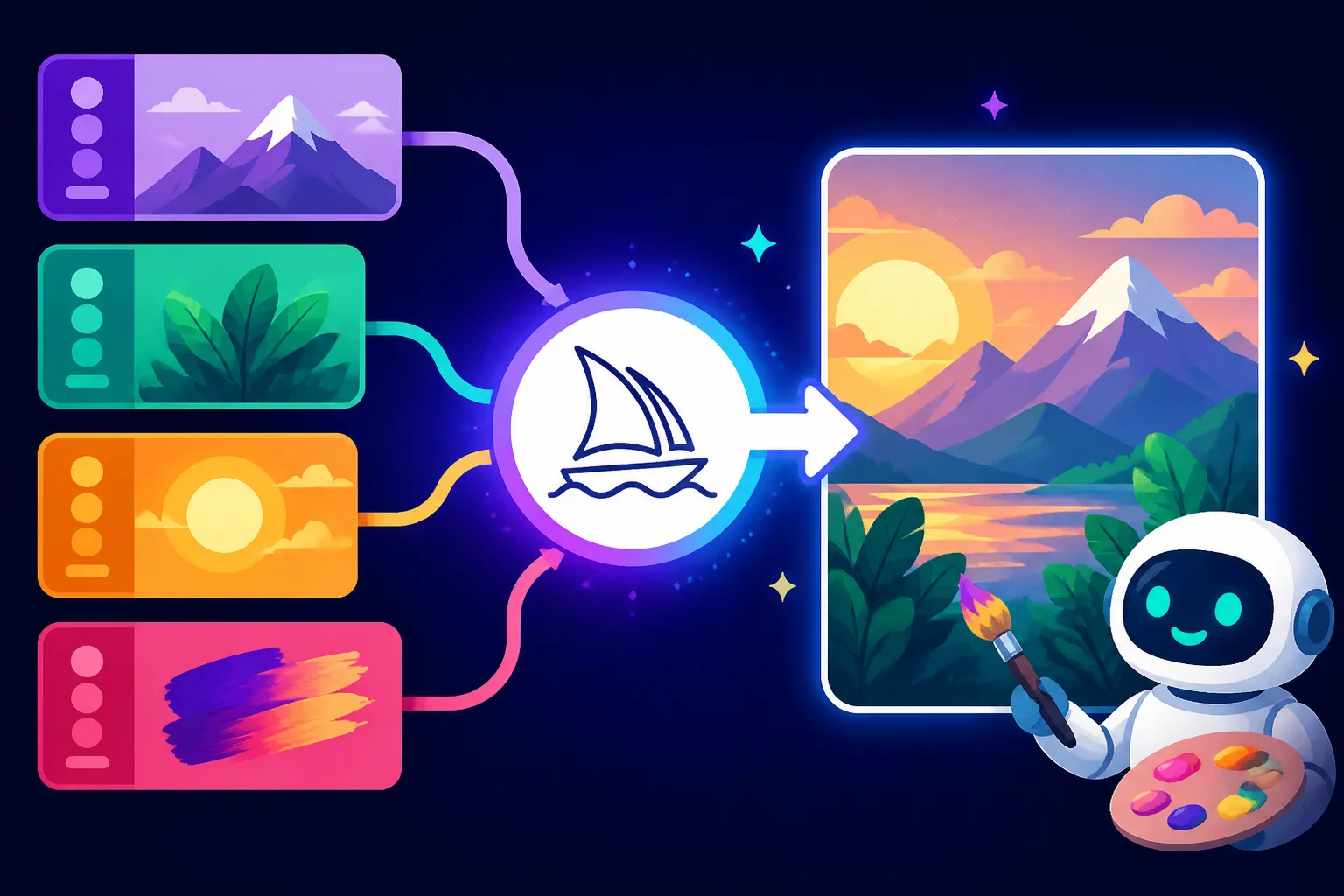
How to Use Multi-Prompts in Midjourney
Ever felt like your brilliant, multi-layered vision for an image just gets jumbled into a confused mess when you try to explain it to an AI? You type out a long, descriptive prompt in Midjourney, hoping it understands the nuances, only to get something that's almost there, but not quite. It's frustrating when you have two distinct ideas you want to blend, or when one element keeps overshadowing another. This guide is here to unravel that mystery and show you how to use multi-prompts in Midjourney, giving you the precision and control you've been craving to bring your most intricate ideas to life.
Understanding the Basics of Multi-Prompts in Midjourney
Let's be real, crafting the perfect prompt in Midjourney can feel like trying to speak a secret language. You often have several distinct concepts floating in your head that you want the AI to understand and combine, but simply throwing them all into one long sentence with commas usually leads to a mishmash. This is where multi-prompts come into their own, offering a more structured way to communicate complex ideas to the Midjourney bot.
What Exactly Are Multi-Prompts?
At its core, a multi-prompt isn't just a fancy way of writing a long prompt. It's a deliberate method of breaking down your request into separate, digestible pieces that Midjourney processes individually before combining them into a final image. The magic lies in the :: (two colons) separator. When you use :: between words or phrases in your prompt, Midjourney treats each segment as a distinct thought or concept.
Think of it like giving a team of artists several individual instructions instead of one sprawling brief. Instead of saying, "Create a vibrant, neon-lit cyberpunk cityscape with a lone samurai standing on a skyscraper rooftop, dramatic lighting, rain, and reflections," which might cause Midjourney to blend "neon-lit" and "samurai" too much, you can tell it: "vibrant neon-lit cyberpunk cityscape:: lone samurai standing on skyscraper rooftop:: dramatic lighting:: rain and reflections." Each part gets its own focus, and then the AI weaves them together. This simple punctuation mark unlocks a whole new level of control and creativity, helping you move beyond the limitations of single, monolithic prompts. It's a fundamental step in learning how to write AI image prompts effectively for Midjourney.
Why Use Multi-Prompts? The Problem They Solve
The biggest headache with single prompts is often a lack of control and predictable results. You might want a beautiful, serene forest and a bustling, futuristic city, but when you put them together without separation, Midjourney might give you a slightly overgrown city or a very artificial-looking forest. The distinct elements you envisioned get blurred, or worse, one element completely dominates the other, leaving the rest as an afterthought. You end up generating dozens of images, trying to tweak commas and rephrase sentences, only to find yourself spinning your wheels.
Multi-prompts tackle this head-on by allowing you to define each concept precisely. If you want a "cat" and a "dog" in the same image, a simple "cat, dog" might result in a cat-dog hybrid or two poorly rendered animals. But "cat:: dog::" tells Midjourney to consider both as equally important, separate entities. This approach is invaluable when dealing with abstract concepts, opposing themes, or when you simply want to ensure that distinct objects or styles are represented clearly within the same image without blending unintentionally. It gives you a much better chance to get the better AI image results you're aiming for, especially when dealing with complex scenarios or specific artistic directions.
Mastering the Art of Prompt Weighting
Once you've grasped the concept of separating ideas with ::, the next step in really unlocking the power of multi-prompts is to understand and apply prompt weighting. This feature allows you to tell Midjourney not just what to include, but how much emphasis to place on each element. It’s like being a director telling your actors who should be in the spotlight for a particular scene.
How Prompt Weights Work
Prompt weights are numerical values you attach to each segment of your multi-prompt. You add them immediately after the :: separator, like this: concept::weight. So, "red car::2 futuristic::1" means you want the "red car" concept to have twice the influence or importance of the "futuristic" concept in the final image. If you don't specify a weight, Midjourney automatically assigns a default weight of 1 to that prompt segment.
It's absolutely crucial to remember that these weights are relative, not absolute. What this means is that Midjourney doesn't interpret ::2 as "twice as intense" in a literal, mathematical sense across all prompts. Instead, it looks at the relationship between all the weights within that specific prompt. For instance, "apple::2 orange::1" will yield the same relative emphasis as "apple::4 orange::2" because in both cases, the 'apple' concept is given twice the importance of the 'orange' concept. This understanding is key because it means you shouldn't get hung up on using specific high numbers; focus instead on the ratio between your chosen weights. This powerful tool is a core component of getting precise control, making it essential for anyone diving deep into how to use weights in AI prompts.
Practical Examples of Applying Weights
Let's dive into some real-world scenarios where prompt weighting truly shines. Imagine you want an image of a bustling city at night, but you really want the neon lights to pop and be the defining characteristic, rather than just another detail. A prompt like /imagine vibrant city night:: neon lights::2 would tell Midjourney to prioritize the "neon lights" aspect, making them more prominent, perhaps brighter, or more saturated compared to if you just wrote /imagine vibrant city night, neon lights.
Another fantastic use case is when you're trying to blend two potentially conflicting ideas but want one to have a stronger presence. For example, if you're aiming for an image that's predominantly a "serene forest" but with a subtle, almost ethereal "alien spaceship" hovering above, a prompt like /imagine serene forest::1.5 alien spaceship::0.5 would give the forest the main stage while the spaceship remains a delicate, background element. Without weighting, Midjourney might either generate a spaceship that's too prominent or miss it entirely. Experimenting with these ratios, even in small increments like 0.2 or 0.5, is how you truly learn what works best for your specific vision, allowing you to gradually refine your prompt and generate the image closest to what you imagine.
| Prompt Type | Description | Result Expectation | When to Use |
|---|---|---|---|
| Single Prompt | One continuous string of words, often separated by commas. | Elements can blend unpredictably; sometimes important details get lost or overshadowed. Less direct control over individual concepts. | Simple, straightforward concepts; quick ideation; when you want the AI to interpret and combine ideas freely. |
| Multi-Prompt | Uses :: to separate distinct concepts without explicit weights. |
Each concept is treated as equally important; clearer separation of ideas compared to a single prompt. | When you have several distinct elements that should all be present and equally emphasized; avoiding unintentional blending. |
| Weighted Multi-Prompt | Uses ::N (where N is a number) to assign importance to each concept. |
Gives explicit control over how much influence each concept has; allows for emphasis, de-emphasis, and balancing conflicting ideas. | For complex compositions; when specific elements need to be more prominent or subtle; blending styles with varying intensity; fine-tuning results. |
Advanced Multi-Prompt Techniques for Finer Control
Once you've gotten the hang of separating your ideas and giving them relative importance, you're ready to explore how multi-prompts can truly elevate your Midjourney experience. This isn't just about throwing a few words together; it's about crafting a narrative, layer by layer, with incredible precision.
Combining Multiple Subjects and Modifiers
The real power of multi-prompts shines when you start layering distinct subjects with specific modifiers and then weighting them. Imagine you want to create a scene that features a wise old wizard, a shimmering crystal ball, and a mysterious, ancient spellbook, all within a dimly lit, cozy study. Trying to cram all of that into one sentence would almost certainly lead to some elements being underrepresented or poorly rendered.
With multi-prompts, you can break it down: /imagine wise old wizard::2.5 shimmering crystal ball::1.5 ancient spellbook::1 dimly lit cozy study::1.8. Here, we've told Midjourney that the wizard is the primary focus, the study should have strong influence on the overall atmosphere, and the crystal ball and spellbook are important, but perhaps less central than the wizard. This method allows you to construct incredibly detailed and coherent scenes, ensuring that each component plays its intended role. It's not just about what's in the picture, but how each part contributes to the overall story and mood. For more intricate designs, this level of control is paramount and far surpasses what you might achieve with a simple how to write a detailed image prompt.
Using Multi-Prompts for Style Blending and Niche Aesthetics
Beyond just subjects and objects, multi-prompts are an absolute game-changer when it comes to blending artistic styles or evoking very specific aesthetic moods. Have you ever tried to combine "cyberpunk" with "art nouveau" and ended up with something generic? Multi-prompts can help you execute these sophisticated blends with much greater success.
Consider wanting a "portrait of a woman" rendered in a style that is primarily "oil painting" but with delicate "watercolor accents." You could prompt: /imagine portrait of a woman:: oil painting::2 watercolor::0.8. This tells Midjourney to lean heavily into the oil painting style but to incorporate the fluidity and soft edges often associated with watercolor, without letting it become a dominant feature. Similarly, if you want a scene with a strong "steampunk aesthetic" but with a touch of "magical realism," you could write /imagine old clockwork city::2 steampunk aesthetic::1.8 magical realism::1. This technique is fantastic for exploring niche aesthetics, combining influences from different artists, or even merging photography with traditional art forms. It allows for a nuanced stylistic direction, providing you with tools to fine-tune your creative output, much like understanding different Midjourney parameters explained can influence your image generation. Don't be afraid to iterate; sometimes even a small adjustment like from ::0.7 to ::0.9 can make a surprising difference in the final image's aesthetic.
Troubleshooting and Best Practices for Multi-Prompts
Even with the power of multi-prompts and weighting, you might still encounter moments where Midjourney doesn't quite grasp your vision. It's a journey of continuous learning and refinement, and understanding common pitfalls and adopting smart workflows can save you a lot of time and frustration.
Common Pitfalls and How to Avoid Them
One of the most frequent issues new users encounter is over-weighting. This happens when you assign an excessively high weight to one element, causing it to completely overwhelm all other parts of your prompt. For instance, if you write /imagine serene lake::1 a single red leaf::10, Midjourney might generate an image that is almost entirely a close-up of a red leaf, with the lake barely visible, or distorted to fit the leaf. The key is balance; remember that weights are relative, so a ::2 might be enough to give an element strong prominence without making it the sole focus.
Conversely, under-weighting can cause an important concept to get lost. If you want a subtle element, a low weight is good, but if it's too low, Midjourney might interpret it as negligible. /imagine vast desert landscape::2 a tiny oasis::0.1 might not show the oasis at all. You need to find that sweet spot where the element is present but doesn't dominate. Another common issue is conflicting concepts without proper weighting. If you simply put sunshine:: rain:: without any weights, Midjourney might try to render both simultaneously, leading to confusing or nonsensical results. Always provide weights when trying to balance opposing ideas, or consider if they truly belong in the same image. Finally, while multi-prompts are great for complexity, resist the urge to use too many elements. Even with :: separation, a prompt with a dozen distinct ideas can still confuse the AI, resulting in a cluttered or incoherent image. Focus on 3-5 key concepts for the best results, keeping your focus aligned with the general advice for how long should an AI image prompt be.
Workflow Tips for Effective Multi-Prompting
To really make the most of multi-prompts, it’s helpful to adopt a systematic approach. Don't just type out your entire complex vision in one go and hit enter. Instead, start simple, then add complexity. Begin with your core subject and a single style or modifier. Once you get a good base, then progressively add more elements using :: and start experimenting with weights. This iterative process allows you to understand how each new piece influences the overall output.
Iterate and refine is probably the most important piece of advice. Generate a few images, analyze what worked and what didn't, then adjust your weights or add new concepts. Midjourney's variation options (V buttons) are your best friend here, as they allow you to explore different interpretations of your weighted multi-prompt without starting from scratch. Many users find it incredibly helpful to keep a prompt journal, documenting their prompts and the results, especially when dealing with complex weighting. This helps you learn what combinations work well and prevents you from repeating mistakes. Finally, don't forget that multi-prompts work in conjunction with other powerful Midjourney parameters like aspect ratios (--ar), chaos (--c), and stylize (--s). For example, you might use multi-prompts to create a compelling subject and style, then use --ar 16:9 to ensure it's suitable for a desktop wallpaper, or --s 750 to enhance its artistic flair. Combining these tools is key to truly mastering image generation. Exploring topics like Midjourney V7 features and updates can also provide insights into new capabilities that might influence your multi-prompting strategy.
Disclaimer
The information provided in this guide is for general informational purposes only. While we strive to offer accurate and up-to-date advice regarding AI image generation tools like Midjourney, the technology is constantly evolving. Features, functionalities, and best practices may change over time. Always refer to the official Midjourney documentation or community guidelines for the most current and authoritative information.