Flux 2 vs Flux 1.1 Review
It’s a constant whirlwind trying to keep up with the breakneck pace of AI image generation, isn't it? Just when you feel like you’ve mastered one version of a tool, a new one drops, promising even more magic. If you’ve been using Flux AI for your creative projects, you've likely felt this with the transition from Flux 1.1 to Flux 2. This guide will walk you through the real-world differences, helping you understand whether upgrading is worth your time and effort.
The Evolution of Flux AI Image Generation: From 1.1 to 2
The world of AI is moving at lightning speed, and staying stagnant just isn't an option for these tools. Flux AI has been a prominent player, especially known for its focus on speed and distinct aesthetic. When we talk about Flux 1.1, we're discussing the version that many of us grew accustomed to, a reliable workhorse for quick iterations and unique styles. But the developers weren't content to rest on their laurels, leading to the significant overhaul we see in Flux 2. This isn't just a minor patch; it's a re-envisioning of what the tool can do.
Understanding Flux 1.1: The Foundation
Flux 1.1 was, for many, an entry point into high-speed, high-quality AI image generation. It carved out a niche for itself by offering incredibly fast processing, allowing creators to generate multiple variations in a fraction of the time some other platforms took. This was a game-changer for brainstorming sessions or when you needed a quick visual concept. I remember using it extensively for blog post headers and social media snippets because I could get something usable almost instantly.
However, like any evolving technology, Flux 1.1 had its quirks and limitations. While fast, the image quality, especially in terms of intricate details like hands, complex facial expressions, or subtle lighting, could sometimes be a hit-or-miss affair. You’d often find yourself needing to generate several images to get one truly polished piece, which, while still fast, added extra steps to the workflow. The art styles, while appealing, sometimes leaned a bit too heavily into a "digital art" aesthetic, making photorealism a challenge to consistently achieve. Many users felt a mild frustration when trying to push its boundaries beyond its comfortable stylistic zones. For a deeper dive into the preceding version, you might find our Flux 1.1 Pro Review helpful.
The Leap to Flux 2: What's New Under the Hood
The arrival of Flux 2 marked a clear intention from the developers to address these common pain points and push the boundaries of what Flux could offer. The core changes aren't just superficial; they run deep into the model's architecture. Flux 2 boasts a significantly refined understanding of prompts, leading to more accurate and coherent image generation. Think of it like going from a talented artist who sometimes misinterprets your requests to one who truly "gets" your vision more consistently.
One of the most notable under-the-hood changes is the enhanced diffusion model itself, which has been retrained on a vastly larger and more diverse dataset. This expanded training means Flux 2 has a broader understanding of various objects, scenes, and artistic styles. It's designed to generate images with better structural integrity and fewer of those "AI glitches" we often lament, such as distorted limbs or illogical compositions. This foundational improvement aims to bridge the gap between rapid generation and high-fidelity output, seeking to provide both speed and quality without compromise.
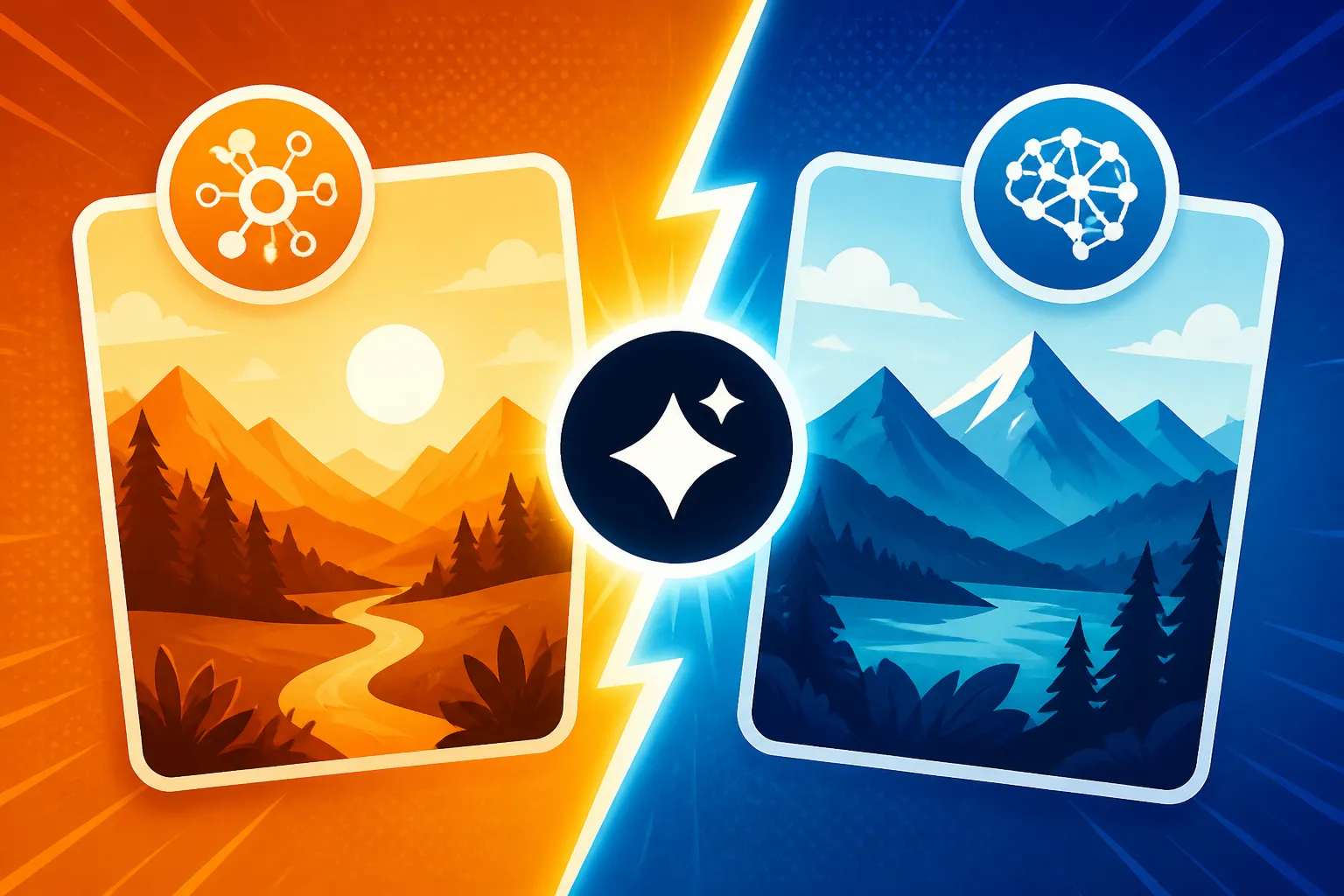
Head-to-Head Comparison: Flux 2 Versus Flux 1.1 Features
When you're comparing two iterations of the same tool, especially in the fast-paced world of AI, the real test comes down to tangible features and how they impact your creative output. We're talking about the nitty-gritty details that make the difference between a good image and a great one, or a quick draft and a production-ready asset. Let's break down where Flux 2 truly shines in comparison to its predecessor.
Image Quality and Detail Fidelity
This is often the first thing any creator notices when trying out a new AI model. With Flux 1.1, while the initial impression was often "wow, that was fast!", a closer inspection might reveal areas where detail was lacking or inconsistent. Hands, for instance, were a notorious challenge, often appearing malformed or with too many/too few fingers. Faces could sometimes have a generic, slightly plastic look that betrayed their AI origin, especially in zoomed-in shots. The overall coherence of complex scenes could also vary, sometimes blending elements in unexpected or illogical ways.
Flux 2 genuinely makes significant strides here. The improvements in image quality are immediately apparent. Details are sharper, textures are more nuanced, and there's a noticeable leap in overall realism and coherence. Those pesky hands are far less problematic, and facial expressions carry more believable depth and emotion. If you're aiming for a strong sense of realism in your creations, Flux 2 is a massive step forward. For those constantly striving for lifelike visuals, our in-depth Flux for Photorealism: Honest Review might interest you, as it touches upon these advancements. The improved fidelity means less time spent on post-processing or regenerating images, which is a huge win for anyone on a deadline.
Speed and Efficiency
Flux 1.1 set a high bar for speed, and it was one of its most celebrated features. The ability to generate images in mere seconds allowed for an incredibly fluid brainstorming process. You could rapid-fire prompts and quickly sift through concepts, making it ideal for exploratory creative work. This speed meant a lower barrier to experimentation, encouraging users to try out wilder ideas without the commitment of a long render time.
Surprisingly, Flux 2 manages to maintain, and in many cases, even improve upon, this already impressive speed while delivering higher quality. This is where the underlying architectural refinements truly pay off. Despite generating more detailed and complex images, the optimization in Flux 2 means you're not waiting longer; often, you're waiting less. This enhanced efficiency is a huge boon for professionals and hobbyists alike. Imagine needing dozens of variations for a campaign or a storyboard – Flux 2 allows you to churn through these tasks with unprecedented speed. This makes it a strong contender for the Best AI Image Generator for Speed in various scenarios.
Control and Customization Options
One of the frustrations with earlier AI models, including Flux 1.1, was the feeling that you were somewhat at the mercy of the algorithm. You could input a prompt, but fine-tuning the output beyond basic parameters felt limited. Flux 1.1 offered some control, of course, but it often required a lot of prompt engineering trial-and-error to achieve specific artistic visions or precise compositions. Negative prompting was present but not always as impactful as one might hope.
Flux 2 introduces more robust control mechanisms that give creators a greater sense of agency. While specifics might vary as new features roll out, common improvements often include more refined style controls, better weight handling for prompt elements, and more effective negative prompting. This means you can specify exactly what you don't want in an image with greater confidence, leading to fewer unwanted elements creeping into your generations. The increased understanding of complex prompts also means that descriptors related to camera angles, lighting conditions, and artistic mediums are interpreted more accurately, giving you the power to craft exactly the mood and aesthetic you envision.
User Experience and Practical Application Differences
Beyond the raw technical specs and image output, how a tool feels to use on a daily basis is paramount. The difference between Flux 1.1 and Flux 2 isn't just about what they produce, but how easily and intuitively you can produce it. A smoother workflow can drastically cut down on creative fatigue and boost productivity, which is why these practical application differences are so crucial.
Interface and Workflow Enhancements
Flux 1.1 generally offered a straightforward interface, which was part of its appeal for quick generation. It wasn't overly cluttered, and getting from prompt to image was a relatively quick journey. However, for more advanced users or those looking for deeper control, it sometimes felt a little bare-bones. Batch generation might have been present, but fine-tuning individual results often meant repeated prompts and minor adjustments. The process, while fast, could feel repetitive if precise iteration was needed.
Flux 2 often comes with a more polished and user-friendly interface that builds upon its predecessor's simplicity while adding greater depth. Think quality-of-life improvements: better organization of settings, clearer feedback on prompt interpretation, and potentially more intuitive ways to manage your generated images and variations. Some iterations of Flux 2 have even introduced improved iteration capabilities, allowing you to refine an image without starting from scratch. This focus on streamlining the creative loop makes Flux 2 a strong contender for the Best AI Image Generator for Ease of Use, especially as it balances powerful features with an accessible design. The goal is to make the entire process feel more like a conversation with an assistant and less like shouting instructions at a machine.
Handling Specific Use Cases
Different creative projects demand different strengths from an AI image generator. Flux 1.1 excelled at certain tasks, particularly generating abstract art, stylized graphics, or conceptual pieces where photorealistic perfection wasn't the primary goal. It was a fantastic tool for generating a quick series of potential YouTube thumbnails or blog post illustrations with a distinct, often vibrant, digital aesthetic. However, if your brief called for a hyper-realistic product shot or an image with specific, readable text, Flux 1.1 might have left you wanting.
Flux 2, with its enhanced model and greater control, significantly broadens its capabilities across a wider array of use cases. Its improved fidelity means it's much more capable of delivering convincing photorealistic images, making it suitable for tasks like creating product photography mockups or realistic character designs. If you're aiming to generate images that look like they were captured by a camera, then mastering How to Write AI Prompts for Photorealistic Images in Flux 2 will yield far superior results. Furthermore, while text rendering in AI images remains a challenge for many models, Flux 2 has shown advancements that make it more reliable for incorporating simple, legible text into designs, pushing it closer to being the Best AI Image Generator for Text in some scenarios. This versatility means Flux 2 can handle a broader spectrum of projects, reducing the need to jump between multiple AI tools for different needs.
The Verdict: Should You Upgrade to Flux 2?
So, after all this detailed comparison, the burning question remains: is Flux 2 truly worth the upgrade? For many, the answer will be a resounding yes, but it really depends on your specific needs and current frustrations. The improvements aren't just incremental; they represent a significant step forward in both quality and usability, addressing many of the subtle pain points that users encountered with Flux 1.1.
Pros and Cons of Each Version
To help you make an informed decision, let's lay out a quick comparison in a table, highlighting the primary strengths and weaknesses of both Flux 1.1 and Flux 2. This can often make the choice clearer, especially when considering what you value most in your AI image generation workflow.
| Feature | Flux 1.1 (Original) | Flux 2 (Enhanced) |
|---|---|---|
| Image Quality | Good for stylized, conceptual art; inconsistent details (e.g., hands, faces) | Significantly improved realism and detail; fewer artifacts, better coherence |
| Generation Speed | Very Fast; excellent for rapid prototyping | Extremely Fast, often faster than 1.1 for higher quality |
| Photorealism | Challenging to achieve consistently high realism | Much stronger capability for realistic images |
| Control/Customization | Basic prompt parameters, some negative prompting, less granular | More robust controls, better prompt interpretation, effective negative prompting |
| Text Rendering | Generally poor, often illegible | Improved, more reliable for basic, legible text |
| Ease of Use | Simple, straightforward interface | Refined UI, often more intuitive for advanced features |
| Versatility | Best for specific artistic styles, conceptual work | Broader range of styles and use cases, professional output |
As you can see, Flux 2 tends to outperform its predecessor across most critical metrics. For a more exhaustive breakdown, check out our general Flux Review: Pros, Cons, and Pricing which offers a broader perspective on the platform.
Who Benefits Most from Flux 2?
While Flux 1.1 was a solid tool, Flux 2 is particularly beneficial for several types of users:
- Professionals and Freelancers: If you rely on AI image generation for client work, marketing materials, or detailed creative projects, the enhanced quality, realism, and control in Flux 2 mean you'll spend less time on manual corrections and achieve more polished results straight out of the generator. The improved fidelity directly translates to a higher standard of output that can be confidently integrated into professional workflows.
- Creators Aiming for Photorealism: For photographers, illustrators, or anyone needing images that closely mimic real-world photographs, Flux 2 is a significant leap. It reduces the "AI look" and delivers textures, lighting, and compositions that are far more convincing. This is crucial for niches like product photography or architectural visualization.
- Users Seeking More Creative Control: If you've ever felt limited by earlier AI models and wished for more precise command over your output—from specific lighting conditions to intricate character details—Flux 2's improved prompt understanding and control options will be a breath of fresh air. It empowers you to go beyond basic ideas and articulate a more complex vision.
- High-Volume Content Creators: Even though Flux 1.1 was fast, Flux 2 maintains that speed while boosting quality. For bloggers, social media managers, or marketers who need a constant stream of high-quality visuals, this means more impressive assets generated in the same, or even less, time. If you're wondering Who Should Use Flux: An Honest Take, the answer is increasingly those who prioritize both speed and a higher caliber of output.
Future Outlook and Community Impact
The release of Flux 2 isn't just about a new version; it signals a clear direction for the Flux AI platform. In a crowded market of AI image generators, continuous innovation is key. By significantly improving image quality, control, and efficiency, Flux is positioning itself as a serious contender for users who demand both speed and fidelity. This puts it in direct competition with established giants and emerging tools alike.
What the Update Means for Flux's Ecosystem
This kind of major update typically invigorates the user community. Improved tools lead to more impressive creations, which in turn fosters a more active and engaged user base. Developers can leverage the more advanced capabilities of Flux 2 to build integrations and specialized applications, further expanding the platform's utility. For instance, imagine third-party tools that can more effectively guide Flux 2's advanced controls or integrate its higher-quality output into complex design suites.
Furthermore, Flux 2’s advancements in areas like photorealism and control also means it's now more directly comparable to other top-tier models. For example, when considering options like Flux vs Midjourney: Photorealism Showdown, Flux 2 closes the gap significantly, offering a strong alternative for users who previously might have leaned towards Midjourney for its superior aesthetic quality. This competition is healthy, pushing all AI image generator developers to continually refine their models and deliver better tools for creators worldwide. The ongoing evolution ensures that as users, we're always getting more powerful and versatile options to bring our imaginations to life.
Disclaimer
The information provided in this article is for general informational purposes only and does not constitute professional advice. While we strive to provide accurate and up-to-date information, the field of AI image generation is rapidly evolving, and specific features, pricing, and performance may change over time. Always verify information with the official sources of the AI tools mentioned.