How to Structure a Midjourney Prompt
Have you ever stared at a blank prompt box in Midjourney, brimming with an idea, only to type it out and get something… well, completely different from what you envisioned? It's a common frustration, feeling like you're speaking a foreign language to the AI. This guide is here to break down the mystery of structuring effective Midjourney prompts, helping you craft clear, precise instructions that transform your mental images into stunning digital art.
Understanding the Core Components of a Midjourney Prompt
When you're trying to coax a masterpiece out of Midjourney, thinking of your prompt as a simple sentence is often the first hurdle. Instead, it's more like a recipe, with distinct ingredients that need to be added in a specific, or at least logical, order. Ignoring this structure can lead to confusing results, making the AI guess at your true intent.
The Subject: What Are You Creating?
At its heart, every Midjourney prompt needs a subject. This is the main focus of your image, the "what." It could be a person, an object, an animal, a landscape, or even an abstract concept. Being crystal clear about your subject is the foundation of a good prompt.
For instance, simply typing "cat" will give you a generic cat. But what kind of cat? Where is it? What's it doing? To refine this, think about specifics. Is it a "fluffy Persian cat," a "sleek black panther," or a "playful ginger kitten"? The more descriptive you are with your subject, the less Midjourney has to fill in the blanks, which often leads to unexpected (and unwanted) surprises. Don't be afraid to specify details like breed, color, or even specific actions the subject is performing.
The Medium and Style: How Should It Look?
Once Midjourney understands what you want, the next crucial step is telling it how you want it to look. This is where the magic of artistic direction comes in. The medium refers to the artistic technique or format (e.g., "oil painting," "digital illustration," "photograph," "3D render"), while the style describes the aesthetic or mood (e.g., "cyberpunk," "impressionistic," "minimalist," "vintage").
Pairing a subject with a strong medium and style can dramatically alter the output. A "fluffy Persian cat as an oil painting" will look vastly different from a "fluffy Persian cat, digital illustration, cyberpunk style." You can also include specific artists or art movements to guide the AI, like "in the style of Van Gogh" or "Art Nouveau poster." This step is often where creators find the most joy in experimenting, and for good reason—it allows for immense creativity and opens up a world of possibilities for your images. If you're looking to achieve a specific artistic vision, exploring different art styles and how they translate through the AI is key. For more in-depth guidance, check out our How to Write AI Prompts for Photorealistic Images guide.
The Setting and Composition: Where Is It and How Is It Framed?
After establishing the subject and its artistic flair, it's time to place it within an environment and dictate how it's presented. The setting provides context – is it "sitting on a windowsill," "exploring an ancient ruin," or "floating in space"? Details here help ground your subject in a believable (or fantastically unbelievable) world.
Composition refers to elements like camera angle, lighting, and general framing. Words like "wide shot," "close-up," "overhead view," "golden hour lighting," "dramatic shadows," or "bokeh background" can profoundly impact the final image. Consider how a professional photographer or painter would compose a scene. Would they use a "dutch angle" for tension, or a "rule of thirds" composition for balance? Thinking about these elements helps Midjourney understand the visual narrative you're aiming for. A well-described setting and composition can elevate a good image to a truly captivating one, ensuring your subject is not just present but intentionally placed and lit.
Advanced Prompting Techniques and Parameters
Moving beyond the basics, Midjourney offers a suite of advanced techniques and parameters that give you finer control over your generated images. These aren't just arbitrary additions; they're powerful modifiers that can solve common prompting problems and push the boundaries of what you can create.
Negative Prompts and Prompt Weights
Sometimes, it's easier to tell Midjourney what you don't want to see. This is where negative prompts come in handy. By adding --no [undesired elements] to your prompt, you instruct the AI to actively avoid generating those specific things. For instance, if you're generating images of food and keep getting blurry backgrounds, you might add --no blurry to sharpen things up. Or, if AI hands continue to be a struggle, using --no hands can sometimes lead to better results, or at least images where hands are less prominent. Learning How to Use Negative Prompts effectively can save you a lot of frustration.
Prompt weights allow you to emphasize or de-emphasize parts of your prompt. This is done by adding :: followed by a number to a specific word or phrase. A higher number (e.g., ::2) gives that element more importance, while a lower number (e.g., ::0.5) reduces its influence. For example, "a serene lake::2 with a stormy sky::0.5" would prioritize the serene lake while still acknowledging the stormy sky, but making it less dominant. This fine-tuning is invaluable when you have conflicting elements you want to balance.
Aspect Ratios and Stylize Values
Midjourney allows you to specify the aspect ratio of your image using the --ar parameter. The default aspect ratio is 1:1 (square), but you can change it to common values like --ar 16:9 for widescreen, --ar 9:16 for portrait, or even custom ratios like --ar 3:2. Getting the aspect ratio right from the start saves you from cropping later and ensures your composition fits the intended use case, whether it's a social media post or a desktop wallpaper. Understanding Midjourney Aspect Ratios Explained can significantly impact your workflow.
The --s (stylize) parameter controls how much artistic flair Midjourney applies. A higher stylize value (e.g., --s 750) results in more artistic, sometimes abstract, images, while a lower value (e.g., --s 50) produces outputs that adhere more strictly to your prompt, with less creative interpretation. This is fantastic for when you need either highly stylized art or more straightforward, prompt-faithful images. Experimenting with s values helps you find the sweet spot between artistic freedom and literal interpretation. You can find more details on these modifiers in our comprehensive Midjourney Parameters Explained guide.
Chaos, Weird, and Other Experimental Parameters
Midjourney also includes more experimental parameters that can inject varying degrees of unpredictability and uniqueness into your generations. The --c (chaos) parameter, ranging from 0 to 100, determines how much variation there is in the initial image grids. A high chaos value might give you wildly different images in a single grid, encouraging exploration, while a low value keeps them more similar.
The --w (weird) parameter, from 0 to 3000, pushes images towards more unusual, unexpected, and even bizarre aesthetics. This is perfect for when you're intentionally trying to break away from conventional beauty and explore truly unique visual ideas. For instance, "a floating city, architectural marvel, futuristic :: –w 1500" might yield structures and designs you'd never imagine. These parameters are excellent tools for artists seeking novelty and a way to avoid the "AI look" that can sometimes creep into generations. Don't be afraid to play around with them to discover surprising new styles and compositions.
Crafting a Comprehensive Midjourney Prompt
Now that we've covered the individual components, let's talk about how to string them together into a powerful, coherent prompt. It's about building a clear narrative for the AI, guiding it step by step.
The Ideal Prompt Structure Formula
While there's no single "perfect" prompt structure that works every time, a highly effective formula generally follows this flow:
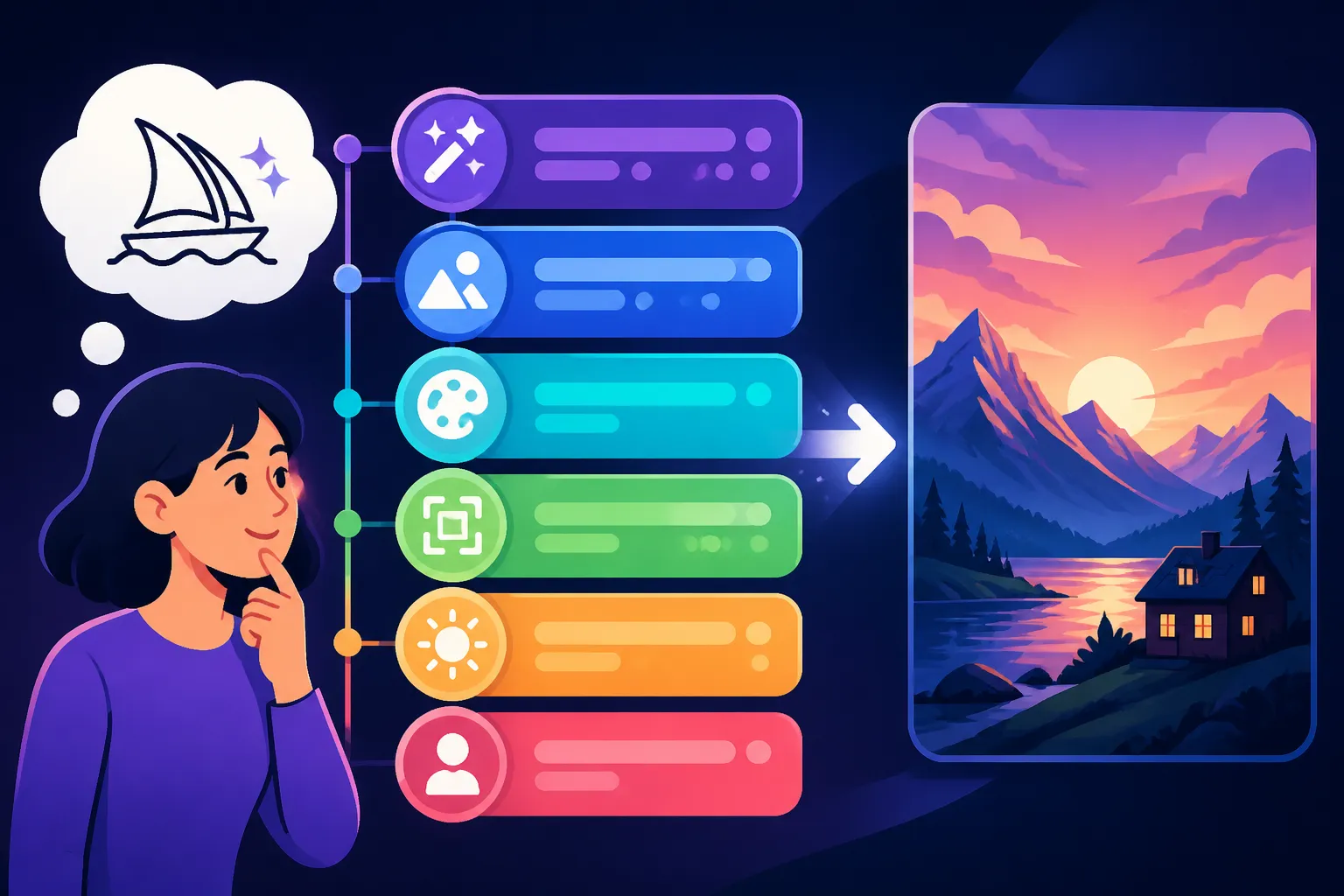
[Subject] + [Action/Description] + [Setting/Context] + [Art Style/Medium] + [Lighting/Composition] + [Color Palette/Mood] + [Technical Parameters]
Let's break that down with an example:
- Subject: A majestic lion
- Action/Description: roaring fiercely
- Setting/Context: on a rocky outcrop at sunset
- Art Style/Medium: hyperrealistic photograph, National Geographic style
- Lighting/Composition: dramatic chiaroscuro lighting, telephoto lens, cinematic shot
- Color Palette/Mood: warm golden hour tones, epic atmosphere
- Technical Parameters:
--ar 16:9 --s 250 --v 6.0 --style raw
Putting it all together:
"A majestic lion roaring fiercely on a rocky outcrop at sunset, hyperrealistic photograph, National Geographic style, dramatic chiaroscuro lighting, telephoto lens, cinematic shot, warm golden hour tones, epic atmosphere –ar 16:9 –s 250 –v 6.0 –style raw"
This prompt is comprehensive yet readable, giving Midjourney a clear directive while allowing room for its interpretative power.
Iteration and Refinement: The Prompting Loop
Rarely does the first prompt yield a perfect result. Prompting is an iterative process, a dialogue with the AI. Think of it as sculpting: you start with a rough form and gradually refine it.
- Start Broad, Then Specialize: Begin with your core subject, medium, and style.
- Example:
futuristic city, digital art
- Example:
- Add Details: Introduce elements like setting, specific objects, colors, and mood.
- Example:
futuristic city at night, neon lights, flying cars, cyberpunk aesthetic, digital art
- Example:
- Refine Composition and Lighting: Use camera angles, lighting conditions, and framing.
- Example:
futuristic city at night, neon lights, flying cars, cyberpunk aesthetic, rainy streets reflecting lights, high angle shot, digital art
- Example:
- Incorporate Parameters: Adjust aspect ratios, stylization, chaos, and negative prompts.
- Example:
futuristic city at night, neon lights, flying cars, cyberpunk aesthetic, rainy streets reflecting lights, high angle shot, digital art --ar 16:9 --s 750 --no people
- Example:
- Analyze and Adjust: Look at your generated images. What worked? What didn't? Tweak the prompt accordingly. Maybe the neon lights aren't vibrant enough, or the flying cars are too generic. Adjust specific keywords or add weights.
This loop of generating, analyzing, and refining is essential for mastering Midjourney. Don't be afraid to experiment! Sometimes, a seemingly small change can lead to a drastic improvement. If you're encountering common pitfalls, our guide on How to Fix Bad AI Image Results offers practical solutions.
Utilizing Community Inspiration
One of the best ways to learn is by seeing what others are doing. The Midjourney community on platforms like Discord is a goldmine of prompt examples and shared knowledge. Many users post their prompts alongside their generated images, offering fantastic learning opportunities. You can often glean new keywords, parameter combinations, and structural approaches that you might not have considered.
However, remember that blindly copying prompts won't always give you identical results due to the probabilistic nature of AI. Use them as inspiration to understand why certain elements are included and how they influence the final output. Think of it as reverse-engineering: seeing a stunning image and trying to understand the prompt that created it. This practice can rapidly improve your own prompt engineering skills.
The Power of a Well-Structured Prompt
Ultimately, a well-structured Midjourney prompt isn't just about getting a pretty picture; it's about effective communication. It minimizes guesswork for the AI and maximizes your control over the output. By systematically breaking down your vision into clear components – subject, style, setting, composition, and technical parameters – you empower Midjourney to translate your thoughts with remarkable accuracy. This structured approach saves you time, reduces frustration, and consistently produces higher-quality, more aligned results. It allows you to explore the full creative potential of the tool and is a fundamental skill for anyone serious about AI art generation.
| Prompt Component | What It Does | Example Keywords | Parameters/Tips |
|---|---|---|---|
| Subject | The core object or concept. | fluffy cat, ancient astronaut, futuristic city |
Be specific with details (breed, color, material). |
| Medium/Style | Artistic technique or aesthetic. | oil painting, digital illustration, hyperrealistic, cyberpunk, minimalist |
Include artists (e.g., in the style of Monet). |
| Setting/Context | Environment or background. | forest clearing, deep space, bustling market |
Provide details (time of day, weather, architecture). |
| Composition/Angle | Framing, perspective, and viewpoint. | wide shot, close-up, overhead, rule of thirds |
Use camera lens types (telephoto, fisheye). |
| Lighting/Color | Illumination and palette. | golden hour, dramatic shadows, vibrant neon, monochromatic |
Specify mood (eerie, cozy). |
| Mood/Emotion | The feeling the image should evoke. | serene, chaotic, mysterious, joyful |
Often intertwined with color and composition choices. |
| Technical Parameters | Advanced controls for output. | --ar 16:9, --s 250, --v 6.0, --no people, ::2 |
Midjourney Parameters Explained for full list. |
Mastering the Art of Iteration
Remember, the journey with Midjourney is not a one-and-done process. It's a continuous learning curve, and the most successful creators are those who embrace iteration. When you see an image that isn't quite right, instead of deleting the prompt and starting over, consider what specific elements need tweaking. Is the lighting off? Is the style too aggressive? Are there unwanted elements appearing?
Think of each generated image as valuable feedback. If the results are too chaotic, perhaps lower the --c parameter. If they're too bland, try increasing the --s (stylize) value. If faces are consistently distorted, experiment with How to Fix AI Hands and Faces. Sometimes, simply rephrasing a word or adding an extra adjective can make a world of difference. Keep a log of your prompts and the results, especially for those images you love. This practice helps you build your own library of effective prompt formulas and accelerates your learning. Over time, you'll develop an intuitive sense for what keywords and structures resonate best with the AI, making your creative process more efficient and enjoyable.
Disclaimer
The information provided in this guide is for general informational purposes only and is based on the current understanding and capabilities of AI image generation tools like Midjourney. AI technology is rapidly evolving, and features, parameters, and best practices may change over time. Always refer to the official Midjourney documentation for the most up-to-date information.