How to Blend Styles in One Prompt
One of the trickiest things about diving into the world of AI image generation is moving beyond simple, straightforward prompts. You type "cat wearing a hat," and you get just that. But what if you envision something more complex, like a whimsical, watercolor-style cat wearing a steampunk top hat, set against a cyberpunk cityscape at dusk? It's a common frustration to have a vivid mental image only for the AI to spit out something that misses the mark entirely, often because blending distinct styles feels like an impossible puzzle. This guide is here to unravel that puzzle, showing you exactly how to combine different artistic styles and themes within a single prompt to achieve those truly unique, blended visuals you're dreaming of.
Understanding the Building Blocks of AI Image Styles
Before we can start mixing and matching, it's crucial to understand what "style" truly means in the context of an AI image generator. It's not just a single word; it's a tapestry woven from various elements that, when combined, create a distinct aesthetic. Think of it like cooking: you don't just add "flavor"; you add specific herbs, spices, and cooking methods.
Deconstructing Style Elements
When you're prompting an AI, a "style" is typically a combination of several key components that the model recognizes and interprets. These elements can include:
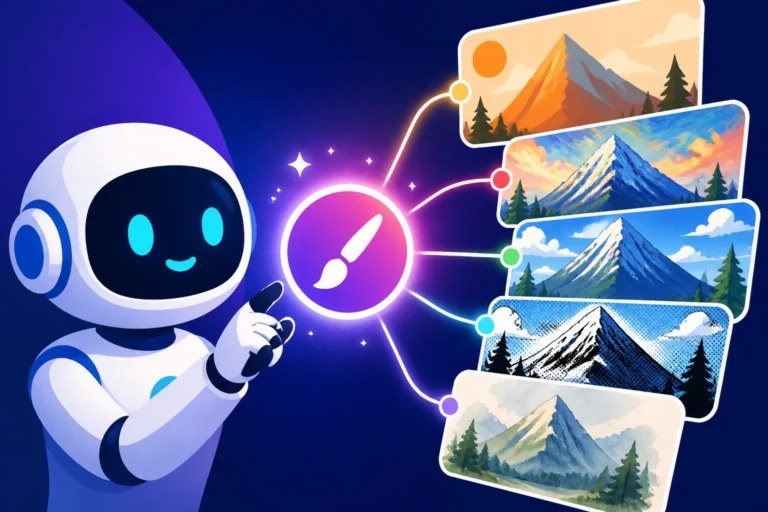
- Artistic Mediums: Are we talking about oil painting, watercolor, charcoal sketch, digital art, pixel art, 3D render, or photography? Specifying the medium dramatically influences the texture, brushstrokes, and overall feel of the image. For instance, a "charcoal sketch of a forest" will look vastly different from a "photorealistic image of a forest."
- Art Movements or Periods: Think Cubism, Impressionism, Baroque, Art Nouveau, or even specific contemporary art styles like Vaporwave or Synthwave. These bring with them inherent color palettes, compositional rules, and thematic undertones that an AI can tap into. For example, "a portrait in the style of Van Gogh" instantly evokes swirling brushstrokes and vibrant, expressive colors.
- Named Artists or Illustrators: Mentioning a specific artist like "by Leonardo da Vinci," "by Hayao Miyazaki," or "in the style of Greg Rutkowski" (a popular artist for AI prompts) can be incredibly powerful. The AI has often been trained on vast datasets that include the works of these artists, allowing it to mimic their distinctive techniques, color use, and subject matter.
- Lighting and Atmosphere: This isn't just about brightness; it's about how light interacts with the scene. "Dramatic chiaroscuro lighting," "soft golden hour glow," "neon cyberpunk lighting," or "moody film noir aesthetic" all convey specific visual moods that are integral to a style.
- Composition and Perspective: While often guided by the subject, specific compositional elements can also contribute to style. "Rule of thirds composition," "Dutch angle," "macro photography," or "cinematic wide shot" can be used to direct the AI's rendering of the scene, shaping the visual narrative.
- Textural Qualities: Beyond the medium, you can suggest specific textures. "Rough canvas texture," "smooth polished chrome," "gritty urban feel," or "delicate silk fabric" add another layer of detail to your desired style.
Understanding these individual components allows you to break down a complex visual idea into promptable terms. Instead of just thinking "cool cat picture," you start thinking "oil painting, dramatic lighting, in the style of a modern surrealist, featuring a majestic cat."
The Importance of Specificity
One of the biggest hurdles new AI users face is vague prompting. It's easy to assume the AI will "understand" what you mean by "beautiful landscape," but without specifics, you're leaving too much to chance. The AI can only work with the information you provide, and if that information is ambiguous, your results will likely be generic or far from your vision.
Specificity is your superpower in prompt engineering, especially when blending styles. When you want to combine, say, "anime" with "photorealism," simply typing "anime photorealism" might yield mixed, often uncanny, results. But if you refine it to something like "a photorealistic portrait of a woman, rendered with the exaggerated eyes and vibrant hair colors characteristic of anime art, soft studio lighting," you're providing the AI with clear instructions on how to blend these elements. You're telling it which aspects of each style to emphasize and how they should coexist. This precision helps prevent the AI from generating a muddled, incoherent image where the styles clash instead of harmonize. It's the difference between asking for "some vegetables" and asking for "roasted asparagus with garlic and lemon zest"—both are vegetables, but one request is far more likely to get you the delightful dish you actually want.
Practical Techniques for Blending Styles in Prompts
Now that we understand the ingredients, let's talk about the cooking methods. Blending styles isn't just about listing them; it's about strategically combining them in your prompt to guide the AI toward your desired outcome.
Layering Keywords and Concepts
The most straightforward way to blend styles is by simply layering descriptive keywords and concepts within your prompt. Think of your prompt as a sentence or paragraph where each descriptive phrase adds a new layer to the image. The order of these phrases can sometimes influence their dominance, but generally, the AI will try to incorporate all distinct elements.
Let's take an example. You want a character that feels both ancient and futuristic. You could start with a base concept like "an ancient warrior." To add the futuristic element, you might layer it: "an ancient warrior, cyberpunk aesthetic, neon glowing armor." Now you're getting somewhere. To refine further, you might add artistic styles: "a portrait of an ancient warrior, rendered in a cyberpunk aesthetic, with glowing neon armor, intricate digital painting, in the style of Ruan Jia."
Here's how to approach layering effectively:
- Start with your core subject: "A bustling city street."
- Add a primary style: "A bustling city street, impressionistic painting."
- Introduce a secondary, contrasting style: "A bustling city street, impressionistic painting, with a stark film noir color palette."
- Refine with details, lighting, or specific artist influences: "A bustling city street, impressionistic painting, with a stark film noir color palette, heavy shadows, rain-slicked pavement, atmospheric, in the style of Edward Hopper."
The key is to be clear about each element you introduce. Don't just list words; think about how each word modifies the overall scene or specific parts of it. For those looking to master their descriptive language, our guide on How to Write a Detailed Image Prompt can be incredibly helpful in developing this skill.
Utilizing Weights and Parameters
Many advanced AI image generators, like Midjourney or Stable Diffusion, offer parameters or "weights" that allow you to assign varying degrees of importance to different parts of your prompt. This is where you can tell the AI, "I want more of this style and less of that one."
For example, in Midjourney, you might use :: to separate parts of your prompt and assign numerical weights. So, if you want a character that is primarily a watercolor painting but has elements of a charcoal sketch, you might try: "a serene landscape::watercolor 2::charcoal sketch 1". This tells the AI to prioritize the watercolor aspect while still incorporating the texture and lines of a charcoal sketch, but to a lesser degree. Without these weights, the AI might try to give equal emphasis to both, potentially leading to a muddled result. Understanding how to precisely control these elements can drastically improve your output. For more in-depth guidance on this, check out our article on How to Use Weights in AI Prompts.
Different platforms have different syntaxes for weights:
- Midjourney: Uses
::followed by a number (e.g.,apple::2 banana::1). - Stable Diffusion (and many derivatives): Often uses parentheses and numbers, like
(style A:1.2)to increase weight or[style B:0.8]to decrease it, or even just(style A)to gently boost it. - Other tools: Might use alternative methods or simply rely on the order and phrasing of words, giving more emphasis to terms earlier in the prompt.
Experimenting with weights is crucial. A slight adjustment can dramatically shift the balance between two competing styles, bringing your vision into sharper focus.
Harnessing Reference Images
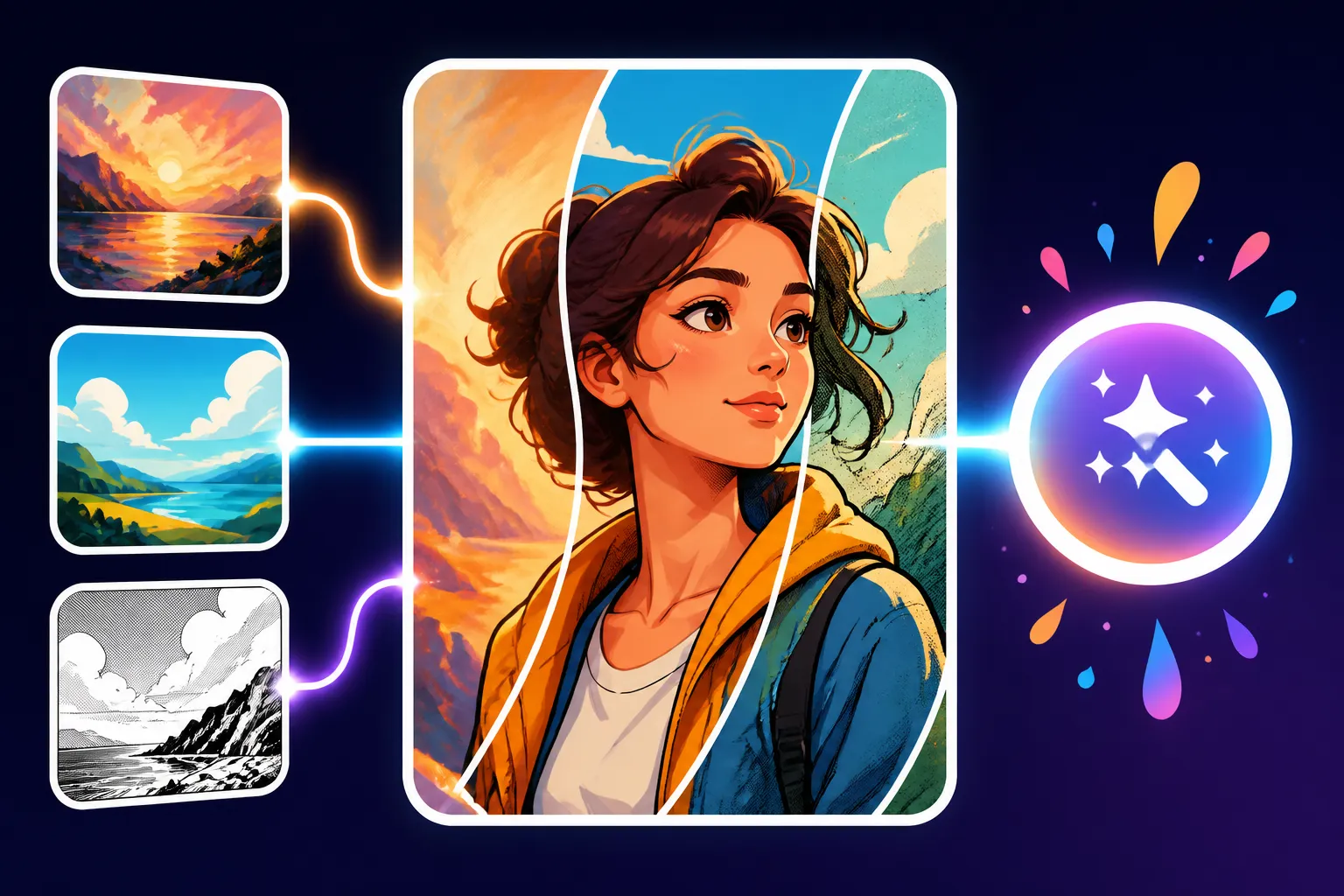
Sometimes, words just aren't enough, especially when you're trying to convey a nuanced or abstract style blend. This is where reference images come into play. Many AI image generators allow you to upload or link to an image, using its visual characteristics as a guide for your generation. This is particularly useful for capturing a specific mood, color palette, or even the textural quality of a particular art style.
Imagine you want to blend the vibrant colors of a particular modern artist with the gritty feel of an old photograph. Describing both perfectly can be challenging. Instead, you could:
- Find a reference image that embodies the vibrant color palette you desire.
- Find a reference image that has the gritty, aged texture of an old photo.
- Combine these with your text prompt: Upload both images (if the tool allows multiple references) and then write your text prompt, perhaps "a futuristic cityscape, combined with reference images, atmospheric, detailed." The AI will then attempt to synthesize the visual information from the images with your textual description, creating a truly hybrid style that would be almost impossible to prompt with text alone.
This method is incredibly powerful for maintaining consistency or capturing a precise aesthetic. Tools like Midjourney's image prompt feature or Stable Diffusion's img2img capabilities are perfect for this. When learning How to Combine Multiple AI Images, incorporating reference images is a technique you'll definitely want to explore for intricate style blending.
Common Challenges and Troubleshooting for Style Blending
Even with the best techniques, blending styles isn't always smooth sailing. You'll encounter frustrations, but understanding why they happen is the first step to overcoming them.
Over-Prompting and Dilution
One of the most common pitfalls when trying to blend styles is over-prompting. This happens when you throw too many stylistic keywords into a single prompt, hoping the AI will sort it out. Instead, you often end up with a diluted, muddled mess where no single style stands out, or the image looks like a chaotic amalgamation.
For example, a prompt like "photorealistic oil painting watercolor digital art cyberpunk medieval fantasy space opera portrait of a knight" is almost guaranteed to fail. The AI, trying to incorporate every conflicting element, will struggle to create a coherent image. It might produce something visually interesting, but rarely something that perfectly marries the distinct styles you intended.
To avoid dilution:
- Be selective: Choose 2-3 core styles you want to blend initially. Master those before adding more layers.
- Prioritize: Decide which style should be dominant and which should be subtle. Use weights if your tool allows, or simply place the more important styles earlier in your prompt.
- Use fewer, stronger keywords: Instead of "dark and shadowy and eerie and scary," try "ominous chiaroscuro lighting." Concise language helps the AI grasp the essence without getting bogged down.
Remember, less can often be more when it comes to guiding the AI toward a specific blend.
Unintended Combinations and Conflicts
Sometimes, certain styles just don't play well together, or they produce an effect you didn't anticipate. For instance, trying to blend a "hyper-realistic photograph" with "abstract expressionism" might result in a strangely distorted but still somewhat recognizable photograph, rather than a truly abstract interpretation of a realistic scene. The AI might struggle to reconcile the detailed demands of photorealism with the fluid, non-representational nature of abstraction.
- Identify the conflicting elements: Is it the medium? The color palette? The level of detail? If you're getting bizarre anatomy or odd visual artifacts, it's often because two styles are fighting for dominance in a way that creates visual noise. Our guide on How to Fix Bad AI Image Results offers more general strategies for resolving these kinds of issues.
- Break it down: If a complex blend isn't working, try generating each component style separately. This helps you understand how the AI interprets each one, giving you clues on how to combine them more effectively.
- Rephrase: Sometimes, changing a single word can make all the difference. Instead of "abstract photorealism," consider "photograph with abstract brushstrokes overlay," which explicitly layers the styles rather than asking for a direct fusion.
- Consider negative prompts: If a certain aspect of a style is bleeding in too much, use a negative prompt (e.g.,
--no blur,[abstract]) to explicitly tell the AI not to include it. This is a powerful technique for fine-tuning. For detailed insights, explore How to Use Negative Prompts.
Iteration is Your Best Friend
Perhaps the most crucial aspect of mastering style blending in AI image generation is embracing iteration. You won't get it right on the first try, or even the fifth, most of the time. This isn't a failure; it's part of the creative process.
Think of each generated image as a piece of feedback. Did the colors blend well? Was the texture too strong? Did one style overpower the other?
- Analyze the output: Look critically at what the AI produced. What worked? What didn't?
- Make small adjustments: Don't rewrite your entire prompt every time. Tweak a keyword, adjust a weight, add a negative prompt, or change the order of elements.
- Learn from every attempt: Even "bad" results can teach you something about how the AI interprets your words. Keep a log of successful and unsuccessful prompt components. This iterative approach is detailed further in guides like How to Get Better AI Image Results, emphasizing continuous refinement.
- Save your prompts: When you find a good blend, save that prompt! You can then use it as a base for future creations, only tweaking small details. Building a reusable prompt library is an excellent habit.
The journey to blending styles flawlessly is an ongoing experiment. Patience and persistence will yield incredible results.
Advanced Strategies for Mastering Hybrid Styles
Once you've got the basics down, you can start exploring more sophisticated ways to combine styles, turning your AI into a truly versatile artistic partner.
Prompt Structuring for Complex Blends
For truly complex and nuanced style blends, it's not just about listing keywords, but about structuring your prompt in a way that guides the AI through the visual elements logically. Think of it as writing a script for a director, rather than just a list of props. A well-structured prompt can clarify which style applies to the subject, the background, the lighting, or the overall mood.
Consider using a structured approach:
- Overall Aesthetic/Art Movement: Start with the overarching stylistic framework. "A whimsical, dreamlike scene."
- Core Subject and its Primary Style: Introduce your main subject and its most dominant style. "A lone figure, rendered in the style of a classical oil painting."
- Secondary Styles/Details for Subject: Layer additional stylistic elements onto the subject. "A lone figure, rendered in the style of a classical oil painting, with modern graffiti elements subtly integrated into their clothing."
- Background/Environment and its Style: Describe the setting, specifying its unique style. "A lone figure, rendered in the style of a classical oil painting, with modern graffiti elements subtly integrated into their clothing, standing in a stark, minimalist Japanese zen garden."
- Lighting/Atmosphere: Add specific lighting and atmospheric effects that enhance the blend. "A lone figure, rendered in the style of a classical oil painting, with modern graffiti elements subtly integrated into their clothing, standing in a stark, minimalist Japanese zen garden, bathed in an ethereal, soft glow reminiscent of a Studio Ghibli film."
This structured approach, moving from general to specific and associating styles with particular components of the image, dramatically improves the AI's ability to create a coherent and intentional blend. You can find more comprehensive models for this in resources like Prompt Structure: Subject, Style, Lighting and Best AI Image Prompt Formulas.
Learning from the Community and Experimentation
The AI art community is a vibrant hub of experimentation and knowledge sharing. Many users openly share their prompts, techniques, and the incredible images they've created. This is an invaluable resource for discovering new ways to blend styles and refine your own prompting skills.
- Explore AI Art Galleries: Platforms like ArtStation, DeviantArt, or even the community showcases within specific AI tools (like Midjourney's public feeds or Lexica for Stable Diffusion) are goldmines. When you see an image with a fantastic style blend, often the prompt or a variation of it will be shared.
- Deconstruct Prompts: Don't just copy prompts blindly. Analyze them. Identify the keywords, parameters, and structural choices that led to the successful blend. Try to reverse-engineer what the creator was trying to achieve and how they achieved it.
- Join Forums and Discords: Engage with other users. Ask questions, share your own experiments, and learn from their experiences. Many communities have dedicated channels for prompt sharing and critique, which can accelerate your learning curve.
- Constant Experimentation: The AI landscape is always evolving, with new models and features being released regularly. What worked yesterday might work even better today with a slight tweak. Don't be afraid to try unconventional combinations or push the boundaries of what you think is possible. Some of the most groundbreaking AI art comes from unexpected stylistic fusions.
By actively participating in the community and maintaining a spirit of continuous learning and experimentation, you'll find endless inspiration and unlock new possibilities for blending styles in your AI art. Whether you're a beginner just starting with an AI Image Prompt Guide for Beginners or a seasoned pro, there's always something new to learn.
Example Blending Techniques
To illustrate the possibilities, let's look at a few common ways styles can be blended, and the keywords that help achieve them.
| Blending Technique | Primary Style Example | Secondary Style Example | Effective Keywords/Phrases | Potential Result |
|---|---|---|---|---|
| Medium Fusion | Oil Painting | Digital Art | digital oil painting, painterly render, brushstroke texture |
A digital image with the rich, textured appearance of an oil painting. |
| Era/Movement Cross-Pollination | Art Deco | Cyberpunk | cyberpunk art deco, neon noir, futuristic retro |
Sleek, geometric designs of Art Deco infused with dystopian neon lights and tech elements. |
| Artistic Interpretation | Photography | Watercolor | watercolor photograph, painted photo effect, aquarelle overlay |
A realistic photo with soft, flowing watercolor effects and muted tones. |
| Thematic Contrast | Fantasy | Industrial | industrial fantasy landscape, steampunk magical forest, grim tech-magic |
A mystical realm featuring towering, smoke-spewing factories and gears alongside ancient ruins. |
| Character Style Adaption | Anime | Photorealism | photorealistic anime character, hyper-realistic manga style, anime eyes on realistic face |
A character with realistic proportions but exaggerated anime eyes and hair. |
This table is just a starting point, of course. The true magic happens when you combine these concepts with specific details about your subject, lighting, and composition. The nuances are endless!
Disclaimer
Please remember that the capabilities and ethical considerations surrounding AI image generation are rapidly evolving. Always be mindful of copyright, commercial use policies, and the potential for misuse when creating and sharing AI-generated content. Consult the specific terms of service for any AI tool you use regarding commercial rights and attribution.