Best AI Image Prompts for Abstract Art
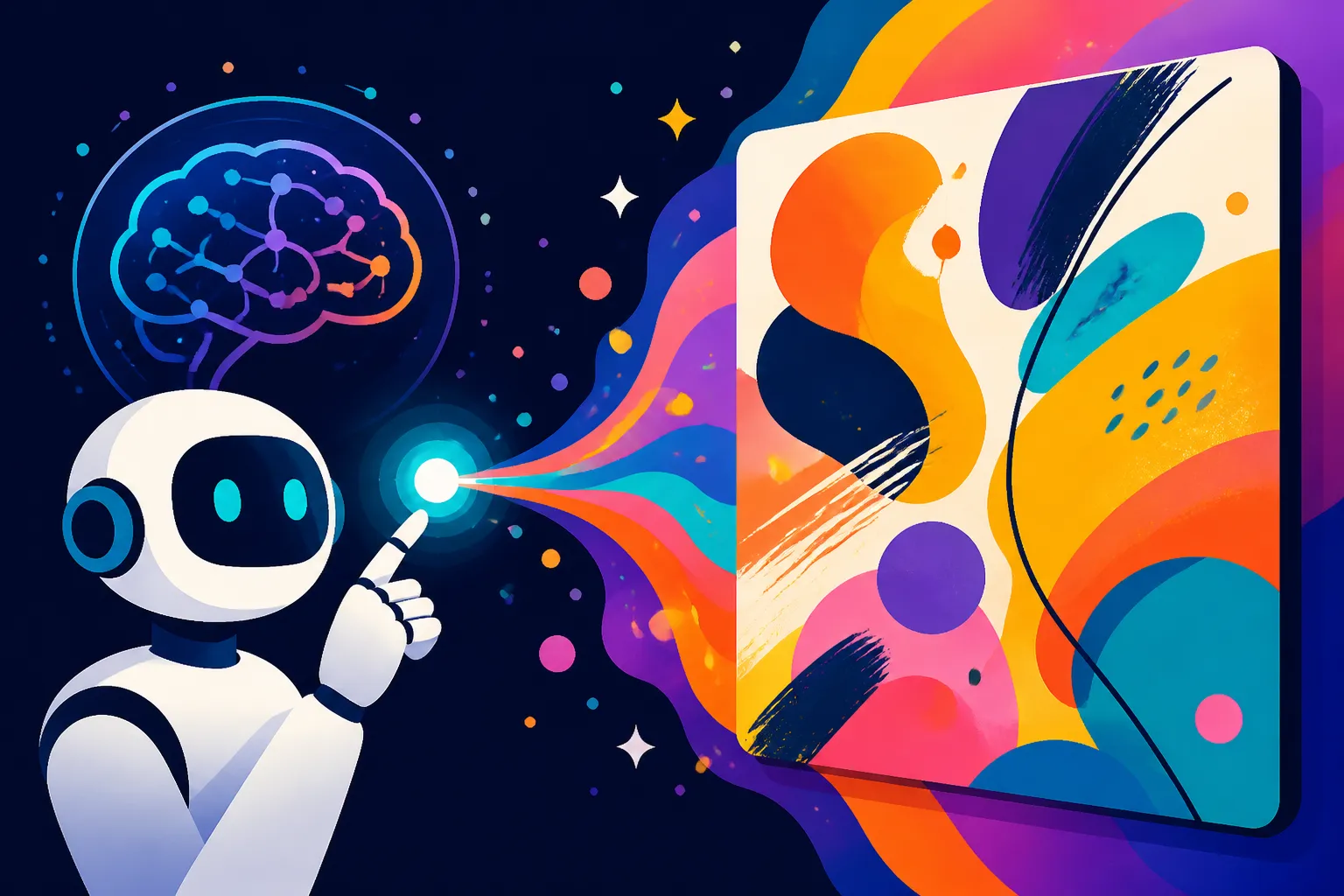
Anyone who's dipped their toes into the vibrant, often chaotic, world of AI image generation knows the thrill of seeing your wildest ideas come to life. But when it comes to abstract art, things can get surprisingly frustrating. You might type in "abstract painting," only to get a blurry mess or something far too literal. It feels like you're speaking a different language to the AI, and it just can't grasp the subtle, non-representational beauty you envision. This guide is here to demystify the process, offering up proven strategies and powerful prompts to help you create stunning abstract art with your favorite AI tools.
Why Abstract Art and AI Can Be Tricky
Creating abstract art with AI isn't as straightforward as generating a "cat wearing a top hat." That's because AI models, at their core, are trained on vast datasets of real-world images and their descriptions. They excel at understanding and recreating concrete objects, scenes, and characters. When you ask for "abstract," you're essentially asking the AI to depart from that literal understanding, which can sometimes confuse it.
The Challenge of Subjectivity
Abstract art is inherently subjective. What one person perceives as "beautiful chaos," another might see as random noise. Traditional art forms often rely on shared human experiences and cultural understanding to interpret abstract pieces. Think about a Rothko painting – its power comes from the viewer's emotional response to vast fields of color, not from recognizing a specific object. An AI, however, doesn't possess human emotions or subjective interpretation in the same way. It processes patterns, colors, and compositions based on its training data, which might not always align with the nuanced, non-representational intent of abstract art.
This disconnect often leads to outputs that miss the mark. You might be aiming for a serene, flowing composition with subtle color gradients, but the AI, interpreting "abstract" too broadly, might give you something jagged and aggressive. It's not that the AI can't do it; it's that your prompt needs to guide it with far more precision on the qualities of abstraction you desire, rather than just the genre itself. It's about translating the emotional and aesthetic goals of abstract art into concrete, descriptive terms the AI can process.
The Limitations of Literal Interpretation
AI models are incredibly good at finding patterns and associations. When you prompt for "a tree," it pulls from countless examples of trees. But what if you want "the essence of a tree, expressed through swirling lines and fractured light"? This is where the AI's literal interpretation becomes a hurdle. Without specific instructions on how to abstract, it might just give you a distorted or stylized tree, rather than something truly non-representational. The challenge lies in detaching the AI from its ingrained tendency to render recognizable forms and instead encourage it to focus on the underlying artistic elements: color, texture, shape, line, and composition.
Many early attempts at abstract prompting result in images that feel "broken" or "malformed" rather than intentionally abstract. This isn't a flaw in the AI, but a reminder that we, the prompt engineers, need to learn to speak its language differently when venturing into the abstract realm. We must shift our focus from "what is it?" to "what does it feel like? What colors are present? What shapes are dominant? What movement does it convey?" By providing these sensory and structural details, we bypass the AI's literal interpretation and guide it towards generating truly captivating abstract works.
The Core Elements of Effective Abstract Prompts
To truly master AI abstract art, you need to think like an abstract artist, breaking down your vision into fundamental visual components. Forget about specific objects for a moment and instead concentrate on the building blocks of perception. This is where the real magic happens, allowing you to sculpt non-representational masterpieces with your prompts.
Focusing on Mood and Emotion
Abstract art often excels at conveying feeling without explicit storytelling. So, when crafting prompts, start with the mood or emotion you want the piece to evoke. Is it serene, chaotic, vibrant, melancholic, energetic, or calm? Using evocative adjectives sets the tone for the AI's generation. Instead of "abstract art," try "serene abstract composition" or "turbulent, dynamic splash art."
Consider a scenario where you want to create a calming image for a meditation app. Simply asking for "abstract art, calm" might yield bland results. A more effective prompt would be something like: "A tranquil abstract landscape, soft flowing lines, gentle gradients of sky blue and moss green, hint of morning mist, zen garden feel, peaceful, harmonious, digital painting." Notice how the descriptive words like "tranquil," "soft flowing," "gentle gradients," "zen garden feel," and "harmonious" all contribute to the desired mood. These words guide the AI not to find a literal object representing peace, but to arrange colors, shapes, and textures in a way that feels peaceful. This level of detail helps tools like DALL-E or Midjourney to capture the desired essence.
Leveraging Colors and Textures
Color and texture are paramount in abstract art. Don't just say "colorful." Be specific. "Vibrant neon pink and electric blue swirls," "muted earthy tones with rough linen texture," or "iridescent shimmering gold on deep velvet." The more specific you are about your palette and surface qualities, the more controlled your abstract output will be. Think about how colors interact and what feelings different textures convey.
For example, if you're aiming for something industrial and gritty, you wouldn't just say "dark colors." You might try: "A monochromatic abstract composition, textures like rusted metal and cracked concrete, dark grays, charcoal, oxidized copper patinas, industrial aesthetic, fragmented forms, raw, distressed, photorealistic." This prompt provides concrete visual cues for the AI to interpret, moving beyond a simple color request to a full sensory experience. You can even combine this with specific art styles; for instance, "a Fauvist-inspired abstract, bold, clashing primary colors, impasto texture, expressionistic." This kind of detailed input is crucial for controlling the outcome when you explore generating images for specific purposes, such as creating Best AI Image Generator for Wallpapers: Compared.
Describing Shapes and Forms
While abstract art doesn't depict recognizable objects, it still uses shapes and forms. Are they geometric (circles, squares, triangles), organic (fluid, amorphous, biomorphic), or fractured and angular? Describe their arrangement and how they interact. "Interlocking geometric forms," "flowing organic shapes reminiscent of water," "explosive shards of crystal," or "stacked rectilinear blocks."
Let's say you're inspired by Suprematism or Cubism. You wouldn't just ask for "abstract shapes." A better prompt would be: "Bold geometric abstraction, primary colors, sharp angles, overlapping squares and rectangles, dynamic composition, Kandinsky-inspired, flat graphic style." Here, "geometric abstraction," "sharp angles," and "overlapping squares and rectangles" give the AI clear instructions on the types of forms to generate. Similarly, if you want something softer, you could try: "Abstract biomorphic forms, soft edges, pastel gradients, amorphous blobs, flowing liquid shapes, gentle curves, dreamy, smooth render." These detailed descriptions help the AI construct the underlying structure of your abstract vision, offering more control than generic terms.
Prompt Formulas and Examples for Different Abstract Styles
Diving into abstract art with AI requires a strategic approach, especially when you're targeting specific aesthetic movements. The key is to blend the core elements we just discussed – mood, color, texture, and shape – with keywords that hint at established artistic styles. This gives the AI a richer context to draw from, helping it understand the nuances you're aiming for.
Lyrical Abstraction Prompts
Lyrical abstraction often emphasizes emotional expressiveness, fluidity, and soft, organic forms, frequently drawing inspiration from natural landscapes or atmospheric phenomena. It's less about sharp edges and more about flow and feeling.
When crafting prompts for lyrical abstraction, focus on words that convey motion, light, and delicate beauty. Think about painters like Helen Frankenthaler or Joan Mitchell. You might use terms such as "flowing," "ethereal," "dreamlike," "diffused light," "soft washes of color," "organic forms," "gestural brushstrokes," or "atmospheric." A powerful prompt could be: "Lyrical abstract painting, ethereal, flowing ribbons of pastel blues and pinks blending into soft greens, diffused light, gentle gradients, subtle texture of oil on canvas, large scale, peaceful movement, art station." This prompt not only defines the style but also guides the color palette and overall feeling. Another example: "Abstract watercolor wash, vibrant but gentle overlapping translucent shapes, warm oranges and yellows dissolving into cool purples, fluid, organic, tranquil, emotional depth." Remember, the goal is to describe the experience of the art, not a literal scene. Exploring different generative models might lead you to discover what works best; for example, you might wonder Who Should Use DALL-E: An Honest Take for its specific strengths in this area.
Geometric Abstraction Prompts
In stark contrast to lyrical abstraction, geometric abstraction relies on, well, geometry! This style is characterized by the use of non-representational forms such as lines, squares, circles, and rectangles arranged in precise, often stark, compositions. Think of Piet Mondrian or Kazimir Malevich.
For geometric abstraction, your prompts should highlight precision, structure, and clear-cut forms. Use keywords like "geometric shapes," "rectilinear," "angular," "interlocking," "overlapping," "grids," "hard edges," "clean lines," "primary colors," or "minimalist." An effective prompt could be: "Bold geometric abstract composition, interlocking squares and rectangles, primary colors (red, blue, yellow) with black lines on white background, sharp edges, clean minimalist aesthetic, flat graphic design, Bauhaus style, vector art." This prompt leaves little room for ambiguity, clearly directing the AI to generate structured, precise forms. Another example that includes more complexity: "Abstract city grid, isometric perspective, glowing neon lines outlining cubes and cylinders, futuristic geometric forms, dark backdrop, synthwave aesthetic, digital render, sharp focus." This demonstrates how geometric abstraction can still be dynamic and modern. When creating visuals for a brand, an understanding of How to Make AI Logos for a Business will also often lean on strong geometric principles.
Abstract Expressionism Prompts
Abstract Expressionism is all about raw emotion, spontaneity, and energetic application of paint. It's less about calculated forms and more about the vigorous, often chaotic, act of creation itself. Think Jackson Pollock or Willem de Kooning.
To capture the essence of abstract expressionism, load your prompts with words that suggest energy, movement, and textural intensity. Keywords to use include "gestural," "splattered," "drips," "bold brushstrokes," "chaotic," "dynamic," "energetic," "visceral," "impasto," "thick paint," "action painting." Here's a powerful prompt: "Abstract expressionist painting, dynamic splatters and drips of vibrant paint, chaotic energy, thick impasto texture, bold gestural brushstrokes in crimson, cerulean, and raw umber, feeling of intense emotion, large canvas, museum quality." This prompt paints a vivid picture for the AI, focusing on the process and feeling of the style. Another one could be: "Visceral abstract art, swirling vortex of dark colors like stormy seas, aggressive textures, raw, powerful, expressionistic, dark narrative, oil on canvas." This guides the AI towards a more intense, brooding outcome.
Digital and Glitch Art Abstraction Prompts
With the rise of digital tools, abstract art has found new frontiers in glitch art, data-driven aesthetics, and other computer-generated forms. This style often embraces digital artifacts, distortions, and patterns inherent to computational processes.
For digital and glitch art, leverage terms that evoke technology, error, and cyber aesthetics. Think "glitch art," "data moshing," "pixel sorting," "fractal patterns," "circuit board," "digital noise," "holographic," "cyberpunk," "vaporwave," "distorted," "deconstructed." A detailed prompt example: "Glitch art abstract, vibrant colors distorting across a digital screen, pixel sorting effect, static noise patterns, data mosh aesthetic, visual distortion, retrofuturistic, vaporwave neon, digital illustration, sharp focus." This clearly defines the digital and chaotic nature. Another powerful example: "Abstract fractal landscape, infinitely repeating patterns of glowing lines, crystalline structures, deep purple and electric blue gradients, sci-fi, intricate detail, 8K render, Mandelbrot set inspired." These prompts instruct the AI to lean into its computational strengths, generating forms that often feel alien and captivating. For more insights on this cutting-edge niche, you might find value in resources like How to Generate AI Vectors and SVGs, which touches on creating precise digital forms.
Here's a handy table summarizing these styles and key prompt elements:
| Abstract Style | Key Characteristics | Essential Prompt Keywords | Example Colors/Textures | Mood/Emotion |
|---|---|---|---|---|
| Lyrical Abstraction | Fluidity, emotional expression, organic forms, natural inspiration | flowing, ethereal, dreamlike, diffused light, soft washes, organic, gestural, atmospheric, blending, subtle, delicate | Pastels, gradients, watercolor, oil on canvas, smooth, translucent | Peaceful, tranquil, serene, emotional, contemplative, harmonic |
| Geometric Abstraction | Precise shapes, lines, angles, structured compositions | geometric shapes, rectilinear, angular, interlocking, overlapping, grids, hard edges, clean lines, minimalist, structured | Primary colors, black/white, flat graphic, sharp, vector, chrome | Orderly, analytical, precise, stark, architectural, calm |
| Abstract Expressionism | Raw emotion, spontaneity, energetic application, texture | gestural, splattered, drips, bold brushstrokes, chaotic, dynamic, energetic, visceral, impasto, thick paint, action | Bright/dark contrasts, raw, gritty, textured, oil paint, acrylic | Intense, powerful, turbulent, passionate, emotional, expressive |
| Digital/Glitch Art | Digital artifacts, distortions, computational patterns | glitch art, data moshing, pixel sorting, fractal, circuit board, digital noise, holographic, cyberpunk, vaporwave, distorted | Neon, metallic, glowing, wires, screens, pixelated, static | Futuristic, chaotic, modern, technological, deconstructed, edgy |
Advanced Techniques for Pushing Boundaries
Once you've got the hang of the basic elements and stylistic prompts, it's time to really dig in and unlock the full potential of AI for abstract art. This often means going beyond simple descriptions and employing more nuanced techniques that capitalize on the AI's complex understanding of relationships and contrasts.
Using Negative Prompts Strategically
Negative prompts are incredibly powerful for abstract art because they tell the AI what not to include, helping you steer clear of unwanted literal interpretations or muddy compositions. If you find your AI stubbornly injecting recognizable objects or muddy colors into your abstract pieces, a negative prompt is your best friend. For instance, if you're aiming for pure abstract shapes but the AI keeps generating distorted human faces or animals, you can add –no faces, people, animals, recognizable objects to your prompt.
Think of it as refining your focus. If you want a minimalist abstract, you might negatively prompt for –no busy, cluttered, detailed, complex. If you're going for bright, clean colors and find the output too dark or muddy, try –no dark, murky, dull, brown. This technique is especially useful when the AI tends to default to certain "abstract" tropes that don't align with your specific vision. It allows you to prune away the undesirable elements, carving out a clearer path for the abstract qualities you do want. Mastering this can significantly improve the output quality, and it's a skill that applies across many AI art endeavors, including when you're exploring How to Get Better AI Image Results for any style.
Incorporating Artistic Mediums and Techniques
Don't limit yourself to just "digital art" or "painting." The AI has been trained on millions of images from various artistic mediums and techniques, and you can leverage this knowledge to add richness and depth to your abstract prompts. Specific mediums carry inherent qualities that the AI can interpret. For example, "oil painting" suggests texture and depth, "watercolor" implies transparency and fluidity, and "encaustic" brings a waxy, layered feel.
Beyond mediums, consider specific techniques. You can ask for "impasto texture," "cross-hatching," "pointillism," "fresco," "stained glass," "sculptural relief," or "charcoal sketch." Each of these terms guides the AI to render the abstract forms in a particular style, adding authenticity and character. For example, "Abstract expressionist, dynamic brushstrokes, thick impasto texture, deep red and black, action painting, Franz Kline inspired, dramatic lighting, canvas texture." Or for something more delicate: "Abstract floral composition, soft focus, bokeh effect, watercolor on wet paper, delicate translucent petals, pastel colors, impressionistic, dreamy." By specifying the medium and technique, you add another layer of artistic direction, elevating your abstract creations beyond generic digital renders. This granular control is what truly differentiates advanced prompt engineering from basic inputs, much like understanding specific model capabilities when comparing options like Midjourney vs DALL-E: Which Is Better.
Iteration and Remixing for Unexpected Results
The beauty of AI art lies in its iterative nature. Very rarely will your first prompt yield a perfect result, especially with something as nuanced as abstract art. Embrace iteration as a core part of your creative process. Start with a broad prompt, observe the results, and then refine. Did you like the colors but not the shapes? Add more specific shape descriptions and negative prompts for unwanted forms. Did the mood feel off? Adjust your emotional keywords.
Furthermore, don't be afraid to remix and combine elements from different outputs or even different abstract styles. Take a striking color palette from one generation and apply it to the compositional style of another. Experiment with varying parameters for chaos, stylization, or randomness if your AI tool offers them. For example, if you're using Midjourney, experimenting with the --chaos or --stylize parameters can lead to wildly different abstract outcomes. Sometimes, the most unexpected and captivating abstract pieces emerge not from a single perfect prompt, but from a series of evolving prompts, each building on the last, pushing the AI into new and unforeseen artistic territory. Keep playing, keep refining, and you'll uncover incredible abstract possibilities.
Conclusion
Creating compelling abstract art with AI image generators can feel like a riddle wrapped in a mystery, especially when the tools are so good at being literal. But by shifting your mindset and learning to speak the AI's language for non-representational concepts, you unlock a vast canvas of creative possibilities. Focus on conveying mood, being precise with colors and textures, describing shapes and forms with intention, and leveraging specific artistic styles and techniques. Don't shy away from negative prompts to refine your vision, and most importantly, embrace the iterative process. Your journey into AI-generated abstract art is an exciting one, full of experimentation and discovery. Keep prompting, keep exploring, and you'll find yourself generating truly unique and evocative pieces that once seemed impossible.
Disclaimer
Please note that the capabilities and features of AI image generation tools are constantly evolving. The advice and examples provided in this guide are based on current understanding and best practices. Always refer to the latest documentation and terms of service for the specific AI tool you are using.