How to Create Seasonal Marketing Images with AI
Creating fresh, engaging marketing visuals for every holiday, season, and special event can feel like an endless uphill battle, constantly draining your time, budget, and creative energy. You're trying to keep up with Valentine's Day, then Easter, then summer sales, Halloween, and before you know it, the winter holidays are upon you, demanding a whole new suite of imagery. This guide will walk you through exactly how to leverage AI image tools to effortlessly generate stunning, on-brand seasonal marketing visuals that capture attention and save you precious resources.
The Endless Demand for Seasonal Marketing Visuals
Let's be honest, the struggle is real when it comes to seasonal marketing. Every year, marketers, small business owners, and content creators face the same frantic scramble. You need eye-catching graphics for social media posts, website banners, email campaigns, and maybe even print ads, all tailored to the specific mood and aesthetic of the current season or upcoming holiday. You might have just finished a big push for back-to-school, only to realize Halloween is around the corner, demanding spooky yet stylish imagery. Then Thanksgiving, Black Friday, Cyber Monday, and the entire festive season rush in, each requiring its own unique visual identity.
The traditional methods often fall short. Hiring a graphic designer for every single seasonal campaign can become astronomically expensive, especially for small businesses or solo entrepreneurs. Stock photo sites offer a vast selection, but finding truly unique, perfectly on-brand images that don't look generic or overused can be a time-consuming scavenger hunt. Plus, customizing those stock photos often requires additional design software skills and even more time. The pressure to stay relevant and visually appealing without breaking the bank or burning out is immense. This is where the magic of AI image tools steps in, offering a genuinely revolutionary approach to creating compelling seasonal content.
The Cost and Time Sink of Traditional Visuals
Think about the workflow: brainstorm concepts, search for appropriate stock photos, purchase licenses, import into design software, resize, add text overlays, adjust colors, maybe remove backgrounds, and then export. Repeat this for five different platforms with varying aspect ratios. Now, multiply that by a dozen holidays and seasonal events throughout the year. It's a never-ending cycle that can easily eat up dozens of hours and hundreds, if not thousands, of dollars annually. For a startup trying to conserve capital or a freelancer with limited design bandwidth, this overhead can be crippling.
Consider a small online bakery preparing for Valentine's Day. They need images of heart-shaped cookies, romantic cupcakes, and gift baskets. Traditionally, they'd either stage an elaborate photoshoot (costly and time-consuming), or browse endless stock photo libraries, hoping to find something that matches their specific brand aesthetic and product line. More often than not, they end up settling for "good enough" rather than truly impactful. AI tools present a powerful alternative, allowing you to generate incredibly specific, high-quality visuals tailored to your exact needs, often within minutes and at a fraction of the cost.
Why AI Image Generators Are a Game-Changer
AI image generators have fundamentally transformed how we approach visual content creation. They put the power of a design studio right at your fingertips, allowing you to describe what you envision using simple text prompts and have it materialize in moments. This means you can generate a distinct image for every single marketing touchpoint without the associated time and financial burden. Need a vintage-style Thanksgiving dinner scene for your food blog? Or a futuristic, neon-lit Christmas market for a tech company's holiday sale? AI can deliver.
The speed and customizability are truly unparalleled. Instead of sifting through thousands of stock images, you can iterate on your vision instantly. If the first batch of images isn't quite right, a slight tweak to your prompt can produce entirely new results. This agile approach to content creation is invaluable for seasonal marketing, where trends shift rapidly and deadlines are tight. You can keep your marketing fresh and relevant without the usual stress, freeing up your time to focus on strategy and engagement rather than purely production. Exploring various options and choosing the Best AI Image Generator Overall is a great first step in harnessing this power.
Getting Started: Core Principles for AI-Generated Seasonal Imagery
Diving into AI for seasonal marketing requires a bit of strategic thinking, but once you grasp the core principles, you'll find it incredibly intuitive. It’s not just about typing "Christmas tree," but about guiding the AI to understand the specific mood, style, and elements you need to resonate with your audience during that particular time of year.
Understanding Your Seasonal Narrative
Before you even open an AI tool, take a moment to define the narrative for your seasonal campaign. What feeling are you trying to evoke? Is it cozy warmth for winter, vibrant energy for summer, heartfelt sentiment for Mother's Day, or spooky fun for Halloween? The narrative dictates the colors, settings, objects, and overall aesthetic you'll be aiming for. For instance, a coffee shop's fall campaign might aim for a "warm, inviting, pumpkin spice latte" vibe, while a fitness brand's New Year's campaign might focus on "fresh starts, energy, and determination."
Consider your target audience as well. What seasonal imagery do they typically respond to? A luxury brand might opt for minimalist, elegant holiday visuals, while a toy store would lean into playful, brightly colored festive scenes. Having a clear vision of your campaign's story and emotional appeal will significantly improve the quality and relevance of your AI-generated images. This initial planning makes a huge difference in how effective your prompts will be.
Crafting Effective Prompts for Seasonal Themes
This is where the rubber meets the road. Your prompt is your instruction manual for the AI. For seasonal marketing, you need to be specific, descriptive, and include relevant keywords. Think about the key elements:
- Subject: What is the main focus? (e.g., "a beautifully decorated Christmas tree," "a beach scene with a cocktail," "a spooky haunted house").
- Season/Holiday: Explicitly state it. (e.g., "winter wonderland," "summer beach party," "Halloween night," "Thanksgiving feast").
- Mood/Atmosphere: How should it feel? (e.g., "cozy and warm," "vibrant and energetic," "mysterious and eerie," "joyful and festive").
- Style: What artistic style? (e.g., "photorealistic," "watercolor painting," "cartoon," "cinematic," "minimalist flat design").
- Color Palette: What colors should dominate? (e.g., "red and gold accents," "pastel spring colors," "dark and moody tones," "bright blues and yellows").
- Specific Objects/Details: Add relevant props. (e.g., "hot cocoa with marshmallows," "sunscreen and beach towels," "spiderwebs and pumpkins," "cornucopia with fall vegetables").
- Camera Angle/Lighting: How should it be captured? (e.g., "close-up," "wide shot," "golden hour lighting," "dramatic chiaroscuro").
For example, instead of just "Christmas image," try: "Photorealistic image of a cozy living room, decorated for Christmas, with a crackling fireplace, a beautifully lit tree in the background, a warm mug of hot cocoa on a rustic wooden table, soft golden hour lighting, festive and inviting atmosphere." You can also explore specific techniques in our guide on How to Write AI Image Prompts.
Maintaining Brand Consistency Across Seasonal Campaigns
One of the biggest challenges in seasonal marketing is ensuring your brand's visual identity remains consistent, even when the theme changes dramatically. You don't want your brand to look completely different from one season to the next. AI can help with this by allowing you to define parameters that reflect your brand's core aesthetic. This could involve consistent color palettes, preferred art styles, or even recurring motifs.
For instance, if your brand uses a minimalist aesthetic with a specific muted color palette, you'd integrate those details into all your seasonal prompts. "Minimalist flat design, spring theme, pastel pinks and greens, clean lines, blooming cherry blossoms, subtle brand logo space." Even for a Halloween campaign, you'd adapt: "Minimalist flat design, Halloween theme, muted oranges and deep purples, clean lines, abstract ghost shapes, subtle brand logo space." Many advanced tools even allow you to upload reference images to maintain a consistent style, which is incredibly useful for How to Keep Brand Consistency with AI Images.
Step-by-Step Guide to Crafting AI Seasonal Marketing Images
Now that we've covered the foundational principles, let's get into the actionable steps. This process can be adapted for any season or holiday, allowing you to generate a versatile library of images.
Choosing Your AI Image Tool
The first practical step is selecting the right AI image generator for your needs. There are many fantastic options out there, each with its strengths.
- Midjourney excels at artistic, cinematic, and often stunningly creative images. It's fantastic if you want something visually striking.
- DALL-E (often integrated with ChatGPT) is excellent for more straightforward, descriptive requests and often handles text generation within images better than some others.
- Adobe Firefly offers strong commercial safety assurances and integrates well with Adobe's creative suite, making it ideal for designers already in that ecosystem.
- Leonardo AI provides extensive customization options with various models and fine-tuning capabilities, great for users who want more control.
- Ideogram is particularly good for generating images with integrated text, which is crucial for many marketing assets like banners or social media graphics.
For seasonal marketing, you might find yourself switching between tools depending on the specific requirement. For example, use Ideogram for a holiday sale banner with text, and Midjourney for a more artistic, atmospheric image for a blog post. If you're looking for a free option, tools like Bing Image Creator can get you started. Researching the Best AI Image Generator for Marketing Images can help you make an informed decision.
Generating Images for Specific Seasons and Holidays
Let's break down how you'd approach different seasonal themes with practical prompt examples.
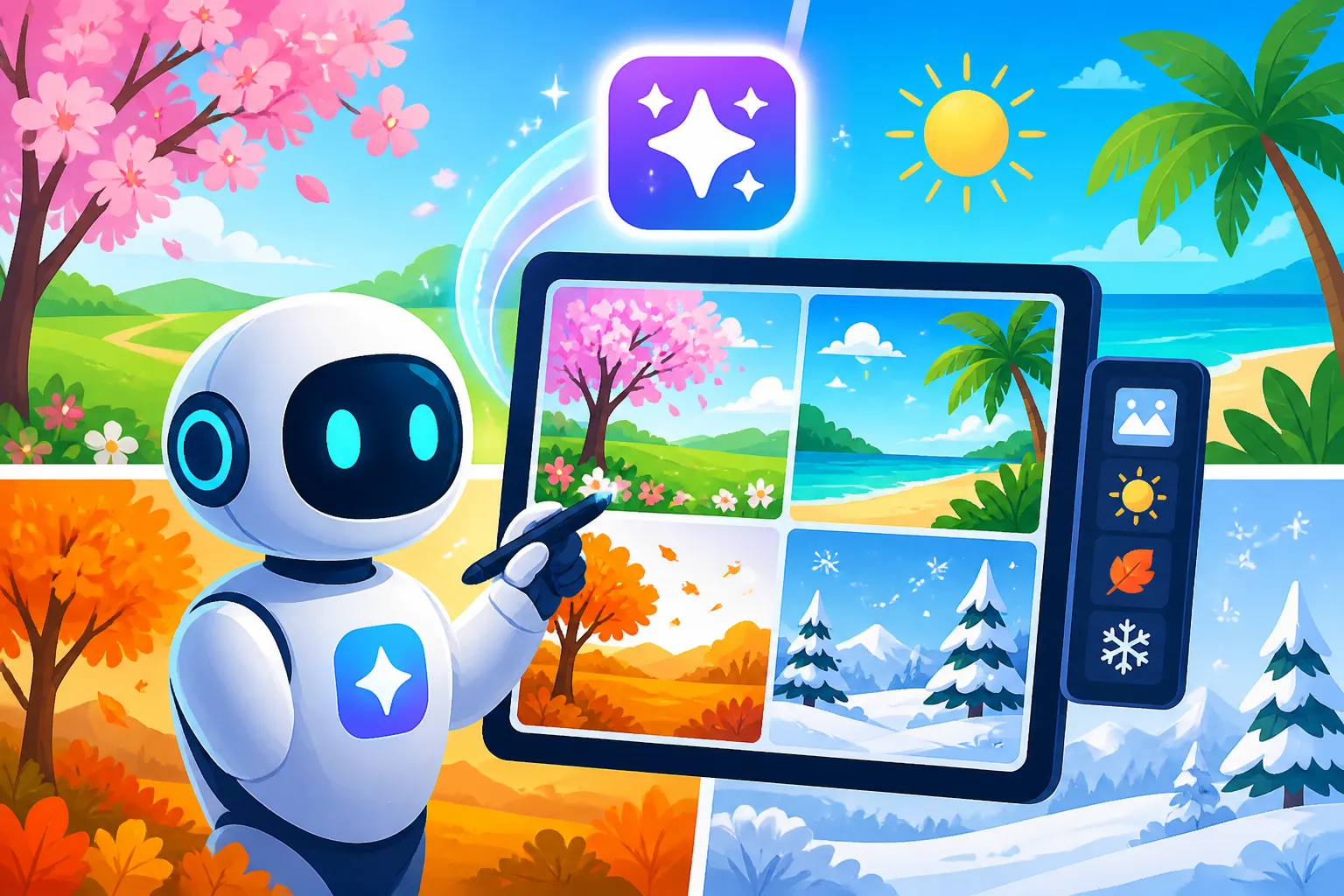
Spring and Easter Themes
Spring often calls for renewal, fresh starts, pastels, and natural elements. Think blooming flowers, gentle light, and perhaps themes of growth.
- Prompt Idea 1 (General Spring): "High-quality photograph of a vibrant spring meadow at sunrise, dew on fresh green grass, colorful wildflowers in bloom, soft golden light, ethereal and refreshing mood, natural aesthetic."
- Prompt Idea 2 (Easter focus): "Playful cartoon illustration of an Easter bunny hopping through a garden filled with brightly colored Easter eggs, basket overflowing, pastel color palette, cheerful and inviting."
- Prompt Idea 3 (Spring Product Shot): "Clean studio photograph of a spring-themed candle with a floral scent, elegant white packaging, surrounded by soft pink cherry blossoms on a light wooden surface, subtle bokeh background, minimalist and chic."
Summer and Vacation Themes
Summer imagery usually revolves around sun, warmth, travel, relaxation, and outdoor activities. Bright colors and dynamic scenes work well.
- Prompt Idea 1 (Beach/Vacation): "Tropical beach paradise at sunset, pristine white sand, crystal clear turquoise water, palm trees swaying gently, a lone beach umbrella and two lounge chairs, warm orange and pink hues in the sky, serene and inviting."
- Prompt Idea 2 (Summer Lifestyle): "Flat lay photograph of summer essentials: sunglasses, a straw hat, a colorful swimsuit, and a refreshing fruit drink on a striped beach towel, vibrant and fun, aerial view."
- Prompt Idea 3 (Outdoor Activity): "Dynamic shot of friends laughing while paddleboarding on a calm lake, clear blue sky, lush green trees reflecting on the water, adventurous and joyful, wide angle."
Fall and Halloween Themes
Fall brings cozy vibes, changing leaves, harvest imagery, and spooky fun. Rich, earthy tones and warm lighting are often key.
- Prompt Idea 1 (Autumn Landscape): "Cinematic photograph of a winding country road through a forest of autumn trees, vibrant reds, oranges, and yellows, fallen leaves on the ground, soft diffused sunlight, melancholic and beautiful."
- Prompt Idea 2 (Halloween Party): "Stylized vector art illustration of a lively Halloween party scene, diverse group of people in creative costumes, spooky decorations like cobwebs and carved pumpkins, dark purple and orange color scheme, festive and fun."
- Prompt Idea 3 (Thanksgiving Feast): "High-angle still life photograph of a traditional Thanksgiving dinner spread, golden roasted turkey, various side dishes, warm candlelight glow, rustic wooden table, abundant and inviting."
Winter and Holiday Themes
Winter focuses on snow, holidays, warmth, celebrations, and gift-giving. Think festive reds, greens, silvers, and golds, or serene snowy landscapes.
- Prompt Idea 1 (Festive Christmas): "Photorealistic image of a beautifully decorated Christmas tree, sparkling with warm white lights and classic ornaments, wrapped gifts underneath, soft focus on a cozy fireplace in the background, magical and heartwarming."
- Prompt Idea 2 (New Year's Celebration): "Vibrant photograph of a New Year's Eve countdown, sparkling fireworks illuminating a city skyline at night, blurred crowd celebrating below, dynamic and exhilarating."
- Prompt Idea 3 (Winter Product Focus): "Close-up studio shot of a luxurious winter skincare product jar, frosted glass texture, placed on a bed of delicate snowflakes and pine branches, cool blue and silver tones, elegant and sophisticated."
Experimenting with Styles and Variations
Don't be afraid to experiment! AI tools are designed for iteration. Try different art styles (e.g., "digital painting," "3D render," "line art," "pop art") for the same seasonal theme to see what resonates best with your brand. Generate multiple variations of your initial prompt. Most tools offer a "variations" option or allow you to simply re-run the prompt to get different results. This is crucial for creative exploration and finding that perfect image.
For example, if you're working on a holiday campaign for a children's book, you might want to try "Whimsical cartoon illustration of Santa's workshop," versus a more realistic "Oil painting of Santa's workshop." The range of output can be astounding, and playing around with different descriptors will uncover possibilities you hadn't even considered.
Optimizing and Adapting Your AI Seasonal Images for Campaigns
Generating the images is only half the battle. To truly make them shine in your marketing, you need to know how to refine and apply them across your various channels.
Enhancing and Upscaling Your AI Creations
While AI images are often impressive out-of-the-box, they might still need a little polish. Some images might benefit from minor color corrections, cropping, or even removing small imperfections. Many AI tools have built-in editing features, but for more advanced adjustments, you can always import them into traditional photo editing software like Adobe Photoshop or Canva. Additionally, if you need a high-resolution image for print or a large display, an upscaler tool can significantly improve image quality. Check out our guide on How to Upscale AI Images for detailed steps.
You might find that a generated image is nearly perfect but has a strange artifact or a slightly off-looking detail, like inconsistent text or odd-looking hands if people are involved. This is where tools with inpainting capabilities become invaluable. Inpainting allows you to select a specific area of an image and regenerate only that part with a new prompt, seamlessly blending it with the rest of the image. This can save an otherwise great image from being discarded. Learn more about How to Edit AI Images with Inpainting.
Adding Text and Branding Elements
For marketing, your images often need text overlays (like sale announcements, event dates, or calls to action) and your brand's logo.
- Text: If your chosen AI tool (like Ideogram) is good at generating text directly within the image, use it strategically. Otherwise, leave clear negative space in your prompt so you can add text in a separate design tool. For example, add "ample empty space on the right side for text overlay" to your prompt.
- Logos: Always integrate your brand's logo clearly. You can either prompt the AI to include a placeholder for a logo (e.g., "a small, subtle logo in the bottom right corner") or, more commonly, add it in post-production using a graphic design tool. Maintaining brand consistency means ensuring your logo is always present and correctly positioned.
Using a tool like Canva or Adobe Express is fantastic for quickly adding text, logos, and other branding elements to your AI-generated seasonal images. They have templates that can help you adapt your visuals for different platforms, ensuring your brand message is clear and consistent.
Distributing Across Marketing Channels
Once your seasonal images are polished and branded, it's time to deploy them! Think about the different platforms you use and how each image needs to be adapted.
- Social Media: Generate images with appropriate aspect ratios for Instagram (square, portrait), Facebook (various), Pinterest (portrait), and X/Twitter. Create multiple variations for A/B testing your How to Use AI for Facebook and Instagram Ads.
- Website: Use your AI images for hero banners, blog post featured images, and product photography (if applicable). Ensuring your images are optimized for web speed is crucial. Check out our post on How to Use AI Image Generators for Blog Images for more tips.
- Email Marketing: Design eye-catching headers and embedded images for your seasonal newsletters and promotional emails.
- Print Materials: If you're creating flyers or posters, ensure your generated images are high-resolution enough for print quality. This is where upscaling becomes particularly important.
By integrating AI-generated images into your content creation workflow, you can streamline your seasonal marketing efforts, react faster to trends, and produce a higher volume of visually compelling content without stretching your resources thin. It truly empowers you to be more creative and efficient.
| Seasonal Theme | Key Visual Elements | Recommended AI Styles | Prompt Example Fragments |
|---|---|---|---|
| Spring/Easter | Flowers, growth, pastels, bunnies, eggs, fresh greenery | Watercolor, whimsical illustration, soft photography, minimalist vector | "Blooming cherry blossoms," "pastel Easter eggs," "bright new leaves" |
| Summer/Vacation | Beaches, sun, water, bright colors, travel, outdoor activities | Vibrant photography, dynamic illustration, energetic flat design | "Sunny beach resort," "person enjoying a refreshing drink," "sunset ocean" |
| Fall/Halloween | Autumn leaves, pumpkins, cozy scenes, harvest, spooky elements, rich colors | Cinematic photography, gothic art, classic illustration, warm tones | "Rustic autumn harvest," "haunted house silhouette," "cozy fall cafe" |
| Winter/Holidays | Snow, festive decorations, gifts, warm drinks, celebrations, sparkling lights | Photorealistic, magical fantasy, elegant illustration, festive vector | "Sparkling Christmas tree," "snow-covered village," "warm holiday decor" |
| New Year's | Fireworks, cityscapes, celebration, resolutions, fresh starts | Dynamic photography, abstract art, modern design | "Fireworks over a skyline," "confetti explosion," "fresh start visual" |
| Valentine's Day | Hearts, romance, roses, gifts, soft lighting, warm colors | Romantic photography, elegant illustration, playful cartoon | "Bouquet of red roses," "romantic dinner setting," "heart-shaped bokeh" |
Disclaimer
The information provided in this article is for general guidance and informational purposes only. While AI image generation tools offer incredible potential for creative and commercial use, users should always be mindful of specific terms of service, usage rights, and potential copyright considerations associated with the output of any AI model, especially when used for commercial purposes. Always verify the commercial viability and licensing of AI-generated content with the respective tool providers.