Best AI Image Generator for Each Skill Level
Stepping into the world of AI image generation can feel a lot like walking into a massive art supply store for the first time – there are so many tools, so many options, and it’s hard to know where to begin without feeling completely overwhelmed. Many aspiring creators and seasoned artists alike struggle to find an AI image generator that genuinely matches their comfort level and creative ambition, leading to frustration and wasted time. This comprehensive guide is here to cut through the noise, helping you pinpoint the best AI image generator tailored specifically to your current skill level, from absolute beginner to advanced professional.
Understanding Your Skill Level in AI Art Generation
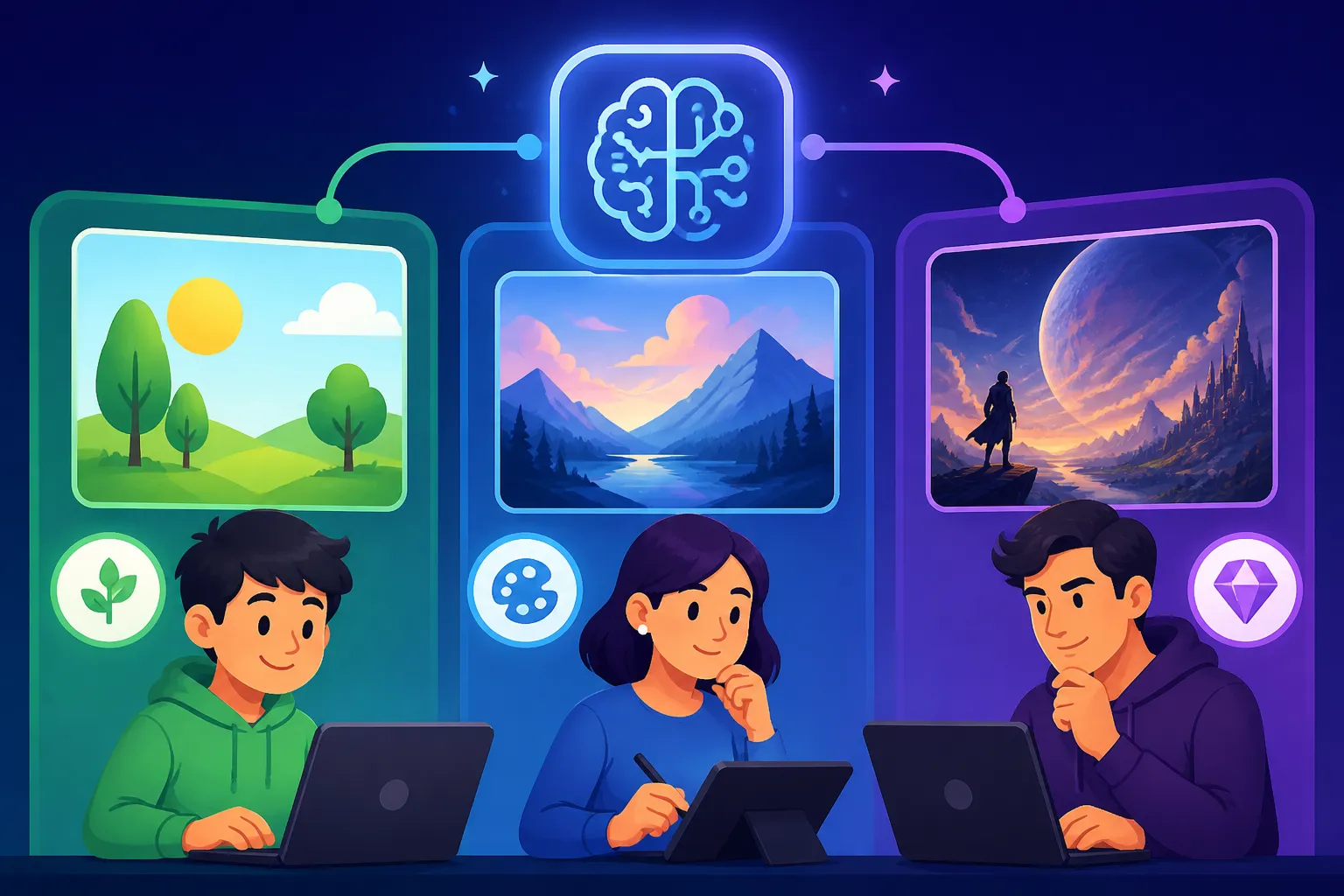
Before we dive into specific tools, it's really important to take a honest look at where you stand on your AI art journey. Just like learning a musical instrument or a new language, there are different stages, and what works beautifully for someone just starting might feel restrictive to an expert, and vice-versa. Understanding your current capabilities and goals will guide you to the right tools and save you a lot of headaches in the long run.
The Absolute Beginner: Just Starting Out
If you're an absolute beginner, you're likely someone who's heard the buzz about AI art and is simply curious. You might not have much experience with graphic design, coding, or even complex software. Your main goal is probably to see what AI can do, generate some cool images quickly, and have a bit of fun without a steep learning curve. The idea of fiddling with parameters, installing software, or writing elaborate prompts might feel intimidating or even completely off-putting.
Your frustrations likely stem from encountering overly technical interfaces, being unsure how to even phrase a prompt, or getting bizarre, unusable results when you try. You want instant gratification, an intuitive experience, and something that feels almost magical in its simplicity. Tools that offer clear instructions, visual guides, and forgiving interfaces are going to be your best friends. Think of it like wanting to take a photo with a smartphone versus learning how to operate a DSLR camera with manual settings – you just want to point and shoot for now. For you, the Best AI Image Generator for Ease of Use is paramount.
The Intermediate Creator: Ready to Experiment
Alright, so you've dipped your toes in the water. You've generated a few images, maybe even shared them on social media, and now you're hooked. You understand the basic concept of prompting and you're starting to get a feel for what works and what doesn't. You're probably looking beyond just "cool" images and want to start guiding the AI more deliberately. Perhaps you have a specific aesthetic in mind, or you want to generate images for your blog or small personal projects.
At this stage, your frustrations might be with the limitations of overly simple tools. You're starting to ask questions like, "How can I make this character look consistent?" or "Can I generate this image in a specific aspect ratio?" You're ready to learn about basic parameters, negative prompts, and perhaps even exploring different artistic styles. You're willing to invest a little time in tutorials and experimenting, but you're not quite ready to dive into complex installations or spend hours debugging. You want a tool that grows with you, offering more control without requiring a computer science degree.
The Advanced Artist: Seeking Full Control and Customization
For the advanced artist, AI image generation isn't just a novelty; it's an integral part of your creative workflow. You might be a professional graphic designer, a concept artist, an indie game developer, or someone running a small business that relies heavily on custom visuals. You've likely mastered the art of prompting, understand various AI models, and might even be comfortable with basic coding or command-line interfaces. Your demands are high: you need precise control over every element, the ability to iterate rapidly, and often, high-resolution outputs suitable for commercial use.
Your frustrations are typically with tools that lack depth, offer limited customization, or don't integrate well with your existing software suite (like Photoshop or Blender). You're interested in techniques like inpainting, outpainting, control structures (like ControlNet), and potentially even training your own custom models (LoRAs). You value open-source options, community-driven development, and tools that offer robust commercial licensing. For you, the question isn't just about generation, but about how to bend the AI to your exact artistic will and produce professional-grade assets, perhaps even asking, "Best AI Image Generator for Commercial Use?"
Best AI Image Generators for Beginners: Ease and Instant Gratification
When you're just starting, the most important thing is to have a positive, empowering experience that encourages you to keep exploring. You don't want to get bogged down in technical jargon or complex interfaces. The best tools for beginners prioritize simplicity, quick results, and often, a generous free tier to let you play around without commitment.
Simple Interfaces and Guided Experiences
Beginner-friendly AI image generators excel by stripping away complexity. They offer clean, intuitive web interfaces where you can type a simple prompt and see results almost instantly. Many of these tools even provide pre-set styles or suggestions to help you craft your first images. For instance, the Bing Image Creator Review: Is It Worth It in 2026 reveals it's incredibly straightforward. Integrated directly into Microsoft's ecosystem, it offers a no-fuss way to generate images with minimal prompting effort, leveraging DALL-E 3 behind the scenes. You literally type what you want, hit generate, and within seconds, you have four distinct images to choose from. There are no intricate settings, just pure generation.
Similarly, tools like Canva's AI Image Generator focus on accessibility for those without design backgrounds. If you're already familiar with Canva for creating presentations or social media graphics, adding AI image generation feels like a natural extension. Their interface is consistent with the rest of their platform, guiding you with simple text boxes and style options. You're not asked to define intricate camera angles or lighting conditions; instead, you might choose "photorealistic" or "watercolor" from a dropdown. This low barrier to entry ensures that even someone who has never touched an AI tool can create something visually appealing in minutes. Check out our detailed Canva AI Image Generator Review for more insights.
Free Tiers and Quick Results
Another critical aspect for beginners is the availability of free tiers and the speed of image generation. You want to experiment without worrying about burning through credits or hitting paywalls too quickly. Many beginner-friendly tools understand this and offer daily free credits or completely unlimited, albeit sometimes slower, generation. This allows for guilt-free exploration and learning.
For example, many users find that the free credits offered by platforms like Ideogram (though it offers more advanced text-in-image features too) or the truly free nature of Bing Image Creator provide ample opportunity to experiment. These tools often prioritize speed for their basic functions, meaning you can type a prompt and see results within 10-20 seconds. This quick turnaround helps you understand the immediate impact of your prompts and iterate rapidly, learning by doing rather than by reading lengthy manuals. The ability to generate images without a significant financial or time investment is key to hooking new users and fostering that initial spark of creativity. If you're looking for value, exploring the "Best Free AI Image Generators" can be a great starting point.
Top AI Image Generators for Intermediate Users: Balancing Control and Simplicity
Once you've moved past the initial "wow" factor and want to steer the AI more precisely, you're ready for tools that offer a deeper feature set without completely overwhelming you. These tools strike a sweet spot, providing more creative control and flexibility while still maintaining a relatively user-friendly experience.
Expanding Creative Horizons with More Features
Intermediate tools begin to introduce concepts like aspect ratios, stylistic parameters, and basic image-to-image capabilities. You'll find yourself able to guide the AI towards specific artistic visions, rather than just hoping for a good outcome. Midjourney, for instance, has become incredibly popular among intermediate users. While it operates primarily through a Discord server, its command-line interface is surprisingly intuitive once you get the hang of a few basic commands. You learn to add parameters like --ar 16:9 for widescreen images or --style raw for a more photographic look. This level of control allows you to move beyond generic outputs and start crafting images that truly reflect your ideas.
Platforms like Leonardo AI also cater well to the intermediate user. They often provide a web-based interface that's more organized than a simple text box, featuring dropdown menus for model selection, style presets, and basic editing options like inpainting or outpainting. This allows you to explore different AI models (like "Diffusion XL" or "Alchemy") and fine-tune your results with more precision. You can upload an image and ask the AI to generate variations or alter specific elements, pushing your creative boundaries without diving into the deep end of coding. Many users find the free tier of Leonardo AI to be an excellent stepping stone. If you're weighing your options, our "Midjourney Review: Is It Worth It in 2026" or "Leonardo AI Review" articles might offer more detailed insights.
Learning and Growing with Community Support
A significant advantage for intermediate users is access to robust communities and a wealth of learning resources. As you move beyond basic generation, you'll inevitably have questions about specific prompts, techniques, or how to achieve a particular look. Platforms with active user communities, forums, or extensive tutorial libraries become invaluable.
Midjourney, again, shines here with its vast Discord community where users share prompts, discuss techniques, and offer advice. Learning from others' experiences and seeing their prompt structures can rapidly accelerate your own understanding of how to communicate effectively with the AI. Similarly, many other intermediate-friendly tools host official forums, YouTube channels, or blogs dedicated to teaching advanced prompting techniques and showcasing creative applications. This support system is crucial for transitioning from a passive generator to an active director of the AI's creative process. You'll start to look into guides like "How to Write AI Image Prompts" to refine your skills.
Advanced AI Image Generators for Pros: Unfettered Power and Customization
For those who treat AI image generation as a professional tool rather than a casual hobby, the requirements shift dramatically. You're no longer just looking for "good enough" images; you need precise, high-quality, and often commercially viable output, along with the ability to integrate these tools into existing complex workflows.
Deep Customization and Model Training
Advanced users demand granular control over every aspect of the image generation process. This often involves working with open-source models like Stable Diffusion, which can be run locally on powerful computers or accessed through web UIs that expose a vast array of parameters. With Stable Diffusion, for example, you can choose from hundreds of community-trained models (LoRAs or checkpoints) designed for specific styles, subjects, or aesthetic qualities. You can manipulate advanced settings like sampling methods, CFG scale, seed values for reproducibility, and even directly modify the latent space of the image.
Tools in this category frequently offer advanced editing features such as inpainting (modifying specific parts of an image), outpainting (extending an image beyond its original canvas), and ControlNet, which allows you to use reference images (like poses, depth maps, or line art) to precisely guide the composition and structure of your generated images. This level of customization is essential for professionals who need to maintain specific character consistency across multiple images for a comic book, generate product mockups from existing photographs, or create complex scene compositions. Understanding the nuances of Stable Diffusion Review: Is It Worth It in 2026 is key here.
Commercial-Grade Output and IP Considerations
Beyond pure creative control, advanced artists and professionals are deeply concerned with the quality of the final output and the legal implications of commercial use. Tools designed for this demographic often prioritize higher resolutions, finer details, and robust upscaling capabilities to ensure images are print-ready or suitable for high-definition digital media. Many also offer features to remove artifacts or enhance specific elements, ensuring a polished, professional finish.
Another critical factor is intellectual property (IP) indemnification and clear commercial use rights. For businesses and freelancers, knowing that the images they generate can be legally used in marketing materials, products, or client projects without infringing on existing copyrights is paramount. Companies like Adobe with their Firefly suite have specifically addressed this by providing commercial indemnification for content created with their models, giving professionals peace of mind. This aspect alone can be a deciding factor for commercial artists. Our "Adobe Firefly Review for Commercial Use" delves into these crucial details. When you're creating work for clients or selling your art, tools that can consistently deliver high-resolution images and provide clear legal frameworks are indispensable. You might also be interested in how to "How to Upscale AI Images" to meet professional standards.
Here's a quick overview of some popular AI image generators across different skill levels:
| Skill Level | Recommended Tools | Key Features for This Level | Typical Use Cases | Learning Curve | Cost (Approx.) |
|---|---|---|---|---|---|
| Beginner | Bing Image Creator, Canva AI, Playground AI | Simple text-to-image, intuitive UI, presets, free tiers, quick generation, no complex parameters. | Social media posts, quick ideas, personal fun, blog post headers. | Very Low | Free (with limits) |
| Intermediate | Midjourney, Leonardo AI, Ideogram, DALL-E (via ChatGPT) | More control over aspect ratio, styles, basic negative prompts, image-to-image, community support. | Blog images, marketing visuals, concept art, consistent characters. | Moderate | Free/Paid Tiers |
| Advanced | Stable Diffusion (local/web UIs), Adobe Firefly, Flux | Inpainting/outpainting, ControlNet, custom models (LoRAs), API access, high-res output, commercial rights. | Professional illustrations, game assets, product photography, client work, fine-art prints. | High | Paid (subscriptions, GPU costs) |
Choosing Your Perfect AI Companion: Beyond Skill Level
While your current skill level is a fantastic starting point for choosing an AI image generator, it's not the only factor. To truly find your ideal AI companion, you need to consider what you're actually trying to achieve and what your budget looks like.
What Are Your Creative Goals?
Are you trying to generate photorealistic images for an e-commerce store, or are you creating fantastical illustrations for a children's book? Do you need perfect text integrated into your images, or are you just looking for abstract textures? Different AI models and tools excel at different things. For instance, if photorealism is your absolute top priority, you might find certain models within Stable Diffusion or specific versions of Midjourney (Midjourney V7 vs V6: What Improved) to be superior. If text rendering is crucial, then a tool like Ideogram might be your go-to.
Consider your primary output needs. If you're building a brand and need consistent visuals across all platforms, a tool that allows for consistent character generation and style transfer will be invaluable. If you're creating YouTube thumbnails, speed and impact might be more important than granular control over every detail. Defining these specific creative goals will help you filter down the options even within your identified skill level.
Budget and Subscription Models
Finally, let's talk about the money side of things. While many tools offer compelling free tiers, these often come with limitations on usage, speed, or resolution. As you progress and your needs become more demanding, you'll likely find yourself hitting these limits. Understanding the various Free vs Paid AI Image Generators and their subscription models is essential.
Some platforms offer simple monthly subscriptions with unlimited fast generations, while others operate on a credit system where you buy packs of generations. For advanced users running open-source models locally, the "cost" might translate to investing in powerful hardware or paying for cloud GPU time. Factor in not just the immediate price, but the cost per image if you anticipate high volume, and whether the subscription aligns with your usage patterns. Don't forget to look for free trials to test the waters before committing to a paid plan. Sometimes, a slightly more expensive tool might offer features that save you hours of manual editing, making it the better value in the long run.
Ultimately, the "best" AI image generator isn't a one-size-fits-all answer. It's the one that empowers you to create, learn, and grow, aligning perfectly with your skill level, creative ambitions, and budget.
Disclaimer
The information provided in this guide is for general informational purposes only and does not constitute professional advice. AI technology and its capabilities are constantly evolving, and specific features, pricing, and terms of service for AI image generators may change without notice. Always refer to the official websites and terms of service of any AI tool you choose to use.