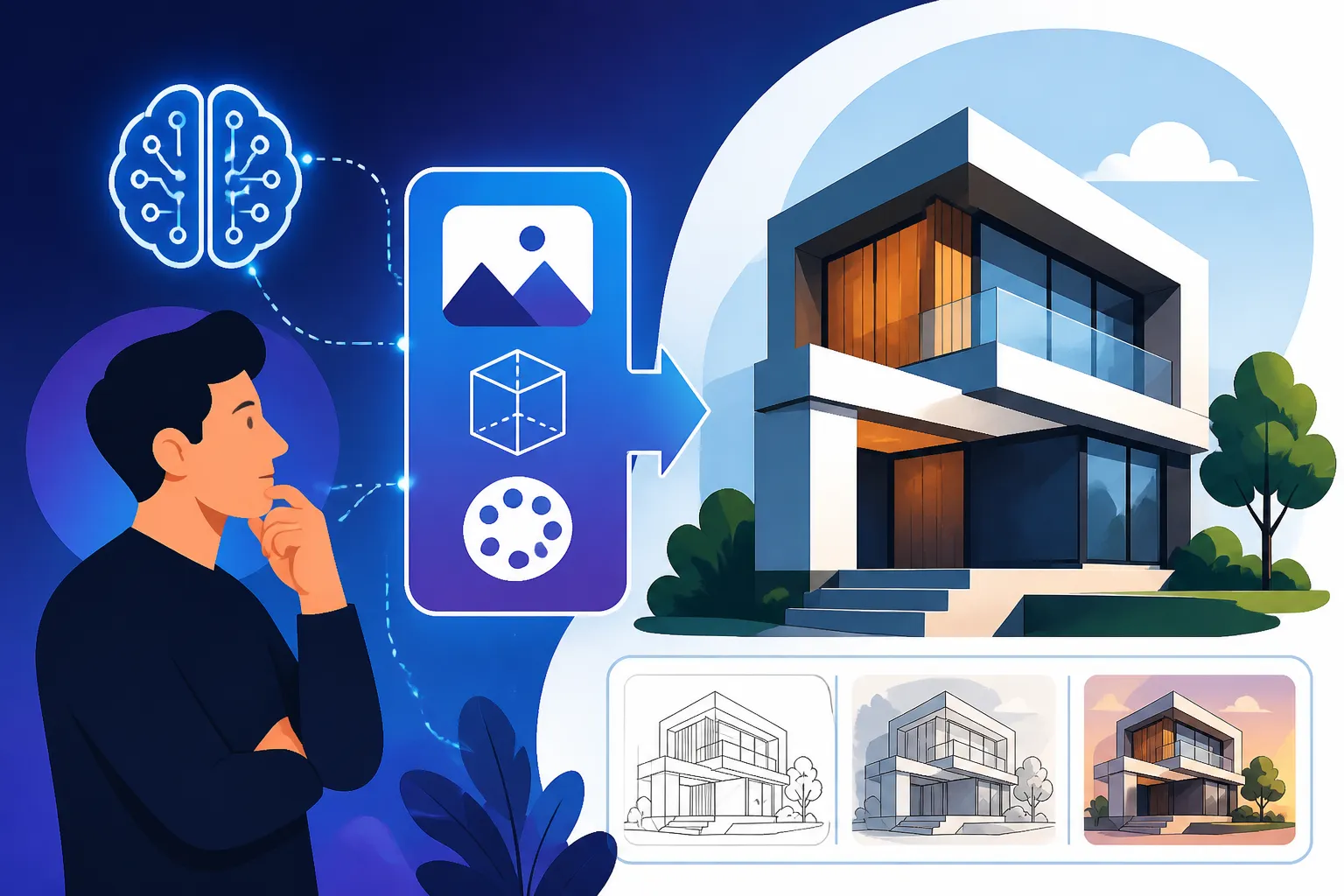
How to Prompt AI for Better Architecture
Have you ever tried to conjure up an epic architectural masterpiece with an AI image generator, only to be met with something that looks more like a child's block drawing or a generic building pulled from a stock photo site? It’s incredibly frustrating when your vision of a grand Gothic cathedral or a sleek, futuristic skyscraper gets lost in translation. This guide is here to unravel the mysteries of prompting for architecture, helping you craft precise, evocative commands that turn your architectural dreams into stunning, AI-generated realities.
Understanding the Core Elements of Architectural Prompts
Getting AI to understand your architectural vision isn't just about throwing a few keywords at it. It's about breaking down a building into its fundamental components and describing them in a way the AI can process. Think of yourself as an architect communicating with a very fast, very literal digital draftsman. If you're vague, you'll get vague results.
Defining the Structure and Form
The absolute first step is to be crystal clear about the type of structure you want to generate. Is it a sprawling mansion, a compact urban dwelling, a towering office building, or perhaps something more abstract like a monument or a bridge? Each type carries its own set of characteristics that the AI needs to grasp.
For instance, simply saying "house" will yield vastly different results than "a minimalist Japanese tea house" or "a sprawling Mediterranean villa." The more specific you are about the building's function, scale, and general form, the better. Consider: Is it tall or wide? Does it have sharp angles or soft curves? Is it residential, commercial, industrial, or ceremonial? You can dive into specifics like "a spiraling observation tower," "a brutalist parking garage," or "a serene lakeside cabin." Adding descriptors about its overall shape, like "a building shaped like a ship" or "a cube-like structure," can also guide the AI effectively. Learning how to write effective AI image prompts is a journey, and starting with clear structural definitions is foundational.
Specifying Architectural Eras and Styles
Architecture is steeped in history and diverse cultural influences. Knowing the key eras and styles and how to describe them is crucial for generating authentic-looking buildings. Trying to get a specific aesthetic without naming the style is like asking for a "nice song" instead of "baroque classical music."
Consider the distinct characteristics of each style. A "Gothic cathedral" brings to mind flying buttresses, pointed arches, and intricate stained glass, while "Art Deco skyscraper" evokes geometric patterns, luxurious materials, and a sense of grandeur from the 1920s and 30s. "Brutalist architecture" suggests raw concrete, massive forms, and a sense of utilitarianism. Don't be afraid to combine eras or styles for unique results, like "a modern twist on a Victorian brownstone" or "a futuristic building with classical Greek columns." Here’s a quick overview of some popular styles and their defining features to help you get started:
| Architectural Style | Key Characteristics for Prompts | Example Prompt Fragment |
|---|---|---|
| Gothic | Pointed arches, ribbed vaults, flying buttresses, ornate tracery, stained glass, tall spires. | Gothic cathedral, intricate facade, flying buttresses |
| Baroque | Opulence, grandeur, dramatic curves, elaborate ornamentation, frescoes, rich materials. | Baroque palace, dramatic curves, gilded interiors |
| Neoclassical | Symmetrical, classical columns (Doric, Ionic, Corinthian), grand scale, clean lines, often white or light stone. | Neoclassical mansion, Ionic columns, symmetrical facade |
| Art Deco | Geometric patterns, stepped forms, rich colors, streamlined, ornamental, often associated with skyscrapers. | Art Deco skyscraper, geometric patterns, gold accents |
| Brutalist | Raw concrete (béton brut), massive monolithic forms, exposed structural elements, often repetitive. | Brutalist concrete building, exposed pipes, raw finish |
| Mid-Century Modern | Clean lines, open floor plans, large glass panels, integration with nature, often post-and-beam construction. | Mid-century modern house, floor-to-ceiling windows, nestled in nature |
| Postmodern | Playful, diverse, often ironic or controversial, mixing historical and modern elements, bright colors, unconventional forms. | Postmodern building, vibrant colors, unexpected shapes |
| Minimalist | Simplicity, clean lines, open spaces, monochromatic palettes, essential forms, often concrete, glass, steel. | Minimalist concrete residence, sparse, clean lines |
| Cyberpunk | Dystopian, neon lights, towering megastructures, crowded, technologically advanced, often rainy. | Cyberpunk cityscape, neon glow, towering dark structures |
| Biomimicry | Inspired by natural forms and processes, organic shapes, sustainable materials, integration with environment. | Biomimicry skyscraper, flowing organic forms, green facade |
When crafting your prompts, use these descriptive terms. For instance, instead of just "old building," try "a decaying Romanesque basilica" or "a well-preserved Art Nouveau townhouse."
Mastering Details: Materials, Lighting, and Environment
Once you've nailed down the basic structure and style, it's time to bring your architectural vision to life with rich details. This is where your prompt truly transforms from a mere blueprint into a vivid photograph or an evocative painting.
Incorporating Materiality and Texture
The materials used in a building profoundly impact its look and feel. Think about the difference between a building made of cold steel and glass versus one of warm, rustic wood. Specifying materials adds incredible depth and realism to your AI-generated architecture.
Don't just say "stone building"; instead, try "a building constructed from rough-hewn granite blocks," "polished marble facade," or "smooth, dark basalt." Similarly, for wood, you might specify "weathered oak planks," "sleek cedar siding," or "bamboo lattice work." Glass can be "reflective," "frosted," "stained," or "transparent." Concrete can be "exposed," "polished," "poured," or "textured." Even subtle details like "copper patination" on a roof or "corrugated metal" on an industrial structure can make a huge difference. Imagine "a towering skyscraper of shimmering glass and brushed aluminum" compared to "a quaint cottage of whitewashed stucco and terra cotta tiles." These details make the image pop and contribute heavily to the overall aesthetic. For further inspiration, consider exploring guides on how to prompt for photorealistic images.
Controlling Lighting and Atmosphere
Lighting is arguably one of the most powerful tools in any visual art, and AI image generation is no exception. The way light interacts with your architectural subject can drastically alter its mood, drama, and realism.
Think about the time of day, the weather, and the direction and quality of the light. "Golden hour sunlight" will cast long, warm shadows and bathe your building in a soft, ethereal glow, perfect for creating a sense of tranquility or nostalgia. "Harsh midday sun" can create sharp contrasts and highlight geometric forms, suitable for modern or brutalist structures. For a dramatic effect, try "moonlit silhouette against a starry sky" or "ominous storm clouds with lightning striking near the edifice." Other atmospheric elements like "heavy fog," "light rain," "snow falling," or "a clear, crisp morning" can add incredible depth and narrative to your architectural images. Consider the reflections and refractions of light on specific materials; "sunlight glinting off a glass skyscraper" tells a different story than "soft lamplight glowing from a cottage window." Don't forget indoor lighting cues too, such as "warm interior lights spilling from windows" to indicate a cozy or inviting space.
Setting the Environment and Context
A building rarely exists in a vacuum. Its surroundings are crucial for grounding it in reality and enhancing its story. Providing context about the environment helps the AI create a believable scene.
Is your building nestled "amongst ancient redwood trees," "perched on a cliff overlooking the ocean," "standing solitary in a vast desert landscape," or "bustling within a dense urban cityscape"? Specific geographic or climatic details can also be incredibly useful: "a traditional Swiss chalet in the snowy Alps," "a vibrant Art Deco hotel on Miami Beach," or "a sandstone dwelling carved into a mesa in Arizona." Don't just mention "trees"; specify "dense pine forest," "sparse desert scrub," or "lush tropical foliage." Integrating other elements like "pedestrians," "cars," "streetlights," "water features," or "public art installations" can further enhance the realism and sense of place. For structures meant to stand out, you might even specify negative space: "a single modern structure against a vast, empty sky."
Advanced Techniques for Architectural AI Art
Once you've got the basics down, you can start exploring more sophisticated prompting techniques to achieve truly unique and compelling architectural images. This is where you move beyond simple descriptions and start "directing" the AI with greater finesse.
Using Camera Angles and Composition
Just like a professional photographer or filmmaker, you can guide the AI's "camera" to achieve specific visual effects and highlight certain aspects of your architecture. The perspective and composition dramatically impact how a building is perceived.
Want to emphasize the grandeur of a skyscraper? Try "low angle shot, looking up at a towering facade." For a sense of vastness or isolation, "wide-angle shot, a lone structure in a sweeping landscape" works wonders. "Drone view" or "bird's-eye view" can showcase the building's roof design or its integration into a larger urban plan. "Worm's-eye view" can make a small building seem monumental. Don't forget closer shots for intricate details: "close-up of ornate gargoyle on a Gothic cathedral" or "detail shot of a textured concrete wall." You can also suggest compositional techniques like "leading lines," "rule of thirds," or "symmetrical composition" to create visually balanced or dynamic images. Mastering these angles can transform a good prompt into a great one, especially when you consider how the perspective influences the emotional impact. If you're looking to refine your output, understanding composition is as crucial as the initial description.
Incorporating Artistic Styles and Renderers
Sometimes you don't want a photorealistic image; you want a piece of art that depicts architecture. AI image generators excel at adopting various artistic styles, from traditional painting techniques to digital rendering aesthetics.
Instead of just describing the building, add terms like "rendered in the style of [Artist Name]," "concept art," "architectural illustration," "blueprint style," "ink sketch," "watercolor painting," "digital render," "Unreal Engine 5 render," or "photorealistic CGI." For example, "a sleek, modern building, rendered as a detailed architectural blueprint on parchment" will give a very different result than "a sleek, modern building, hyperrealistic photograph." You can combine these with specific lighting or atmospheric effects for even more unique outputs, such as "a futuristic city skyline, cyberpunk aesthetic, neon glow, detailed digital painting." Experimenting with these stylistic cues allows you to push the boundaries of what AI can create, moving beyond mere replication to artistic interpretation. Many AI image tools with the best quality also allow for advanced style controls.
Leveraging Negative Prompts and Parameters
Advanced users know that telling the AI what not to include can be just as powerful as telling it what to include. Negative prompts are especially useful for eliminating common imperfections or undesired elements in architectural images.
For instance, if you're consistently getting unrealistic proportions or odd architectural quirks, you might use negative prompts like no distorted perspective, no strange angles, no blurry details, or no cartoonish elements. If you're aiming for a pristine, futuristic look, you might add no rust, no decay, no overgrown vegetation. Many AI tools also offer specific parameters to control things like aspect ratio, stylization, and image weight. For example, in Midjourney, you might use --ar 16:9 for a widescreen architectural panorama or --s 750 to increase stylization. Understanding how to use Midjourney parameters explained can give you granular control. Exploring various AI image tools with the best editing features can also provide options for refining unwanted elements post-generation.
Iterative Prompting for Refinement
Rarely does the perfect architectural image appear from the first prompt. The key to success with AI image generation, particularly for complex subjects like architecture, is an iterative process.
Start with a broad prompt, get a baseline image, and then refine your prompt based on what you see. Did the AI get the style right but miss the material? Adjust your prompt to emphasize "polished concrete" instead of just "concrete." Is the lighting flat? Add "dramatic chiaroscuro lighting" or "backlit sunset." Perhaps you want to upscale AI images to improve detail. If the building looks too sterile, you might add "vibrant street life" or "lush rooftop garden." Don't be afraid to generate multiple variations from a single prompt and then select the best ones to refine further. Keep a journal of your prompts and their results; this will help you learn what works and what doesn't, allowing you to build a reusable prompt library for future projects. This constant feedback loop between your vision and the AI's output is where the magic truly happens, allowing you to gradually sculpt your perfect architectural scene.
By diligently applying these strategies, you'll find yourself moving beyond generic AI outputs and into a realm where you can consistently generate architectural images that are not only accurate to your vision but also stunningly detailed and artistically compelling. The journey of mastering AI prompting is continuous, but with these tools, your architectural creations will reach new heights.
Disclaimer
The information provided in this article is for general informational purposes only and does not constitute professional advice. AI image generation technology is constantly evolving, and results may vary depending on the specific tools and models used. Always ensure you understand the terms of service and commercial use rights for any AI image generator you utilize.