How Specific Should AI Prompts Be
It can be incredibly frustrating to sit there, typing out what you think is a perfectly clear vision into an AI image generator, only to get back something that looks nothing like what you imagined. You try again, maybe add a few more words, or perhaps strip it down, and the results are still just… off. This common struggle stems from a fundamental question: how specific should your AI prompts actually be to get the stunning images you truly want? This guide is going to peel back the layers of prompt specificity, helping you understand the delicate balance required to speak the AI's language effectively and finally bring your creative visions to life.
Understanding the Spectrum of Prompt Specificity
When you're crafting a prompt for an AI image generator, you're essentially providing instructions to a powerful, yet literal, digital artist. The challenge is that this artist doesn't have human intuition or a shared cultural context in the same way another person would. It relies purely on the words you give it. This means there's a whole spectrum of specificity you can employ, and each end of that spectrum has its own set of advantages and frustrating pitfalls. Understanding where your prompt falls on this spectrum is the first step to mastering AI art generation.
The "Too Vague" Trap: When Less is Not More
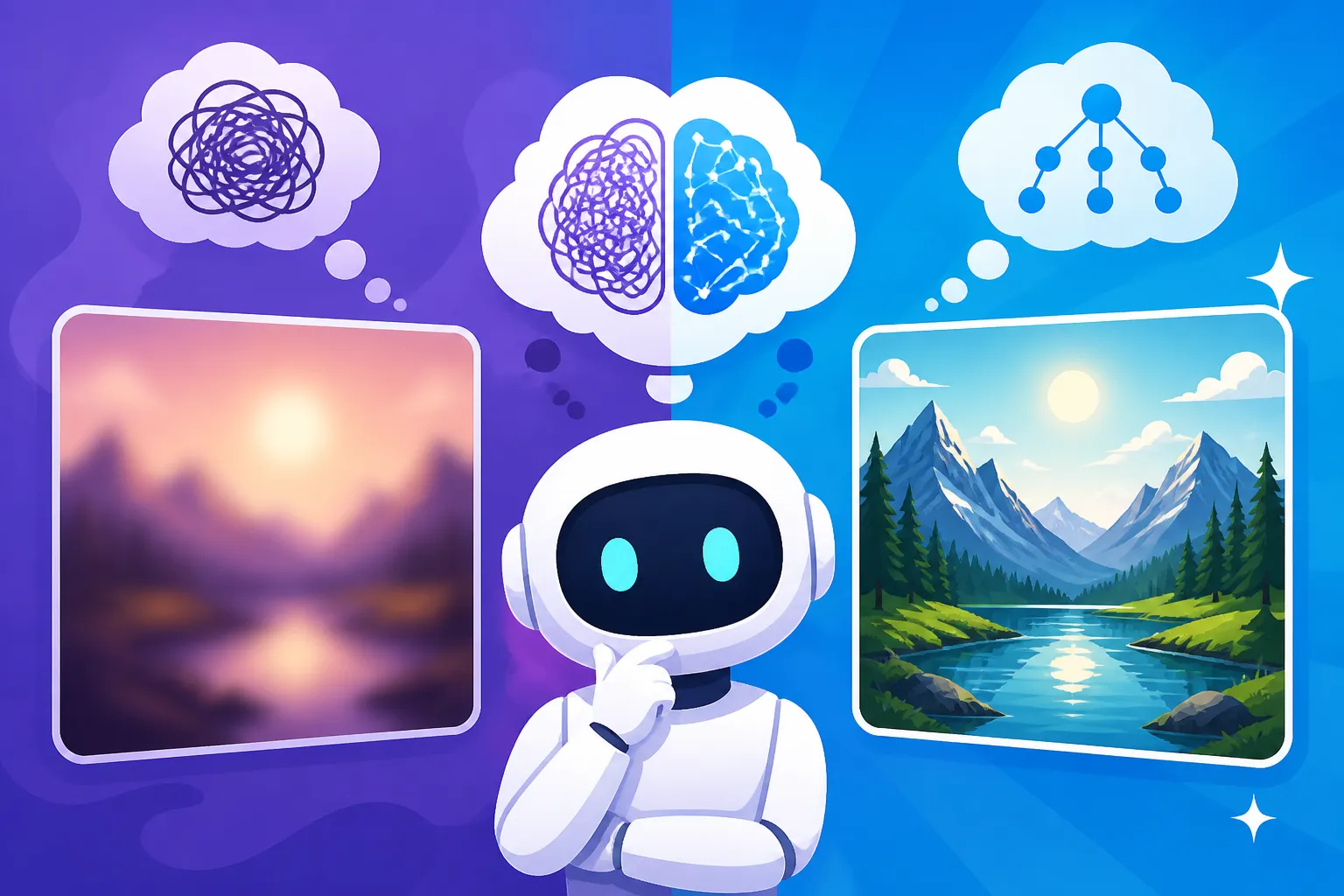
We've all been there. You type something like "a beautiful landscape" and expect a masterpiece. What you often get back is a generic, often uninspiring image that lacks any distinct character. This is the "too vague" trap. When your prompt is too general, the AI has an almost infinite number of possibilities to choose from, and it will often default to the most common or statistically probable interpretations in its training data.
Imagine asking a chef to "cook something delicious." They might bring you a plain cheese sandwich because, technically, that's delicious to someone. Similarly, an AI generating "a forest" might give you a standard, unremarkable grouping of trees, rather than the misty, ancient redwood grove you had in mind. The AI doesn't know the nuances of your taste or what "beautiful" truly means to you. This lack of direction can lead to disappointing, homogeneous results that feel generic and lifeless, leaving you feeling like the AI just doesn't "get it." It's a common source of frustration, especially for newcomers trying to generate images for their blogs or social media.
The "Overly Prescriptive" Pitfall: When More is Too Much
On the flip side, some creators, in an attempt to combat vagueness, swing too far in the opposite direction. They try to detail every single leaf, every ray of light, every texture, every pixel. While it might seem logical to provide as much detail as possible, this can also be problematic. An "overly prescriptive" prompt can overload the AI, making it struggle to interpret your core intent, or worse, introduce conflicting instructions.
Think of it like giving a friend directions: "Drive down Main Street, past the red house with the white picket fence, then the tall oak tree, then the mailbox shaped like a fish, then the blue car parked on the left, then turn right at the corner with the broken streetlight, but only if it's Tuesday and raining." Your friend would likely be utterly confused and miss the turn. Similarly, an AI might focus on disparate elements and fail to weave them into a cohesive whole, resulting in disjointed, cluttered, or even nonsensical images. It can also stifle the AI's own creative interpretation, which, believe it or not, can sometimes lead to surprisingly beautiful and unexpected results if given a little room to breathe. Finding the sweet spot is key, and it often involves understanding how to effectively How to Write AI Image Prompts without overwhelming the system.
Finding Your Prompt Sweet Spot
The goal isn't to be as vague or as specific as possible; it's about being appropriately specific. This "sweet spot" ensures the AI understands your core vision while still having enough creative latitude to produce high-quality, interesting outputs. It's a skill that develops over time, much like learning to communicate effectively with a human collaborator.
Balancing Creative Freedom with AI Guidance
The art of prompting lies in this delicate balance. You want to provide enough guidance that the AI doesn't wander off into completely irrelevant territory, but not so much that you constrain its ability to generate unique and appealing compositions. For instance, instead of "a person," try "a young woman with fiery red hair, wearing a vintage leather jacket." This gives the AI a clear subject and a stylistic direction without dictating the exact pose, background, or lighting. The AI can then infer and generate those details, often in ways you hadn't explicitly considered but still fit your overall theme.
Different AI tools handle this balance differently. Some, like Midjourney, are known for their artistic interpretation, often thriving on prompts that offer a strong aesthetic direction but allow for some creative flourishes. Others, such as certain models within Stable Diffusion, might require more granular detail, especially if you're aiming for very precise compositions using tools like ControlNet. When you're learning, it helps to review comprehensive guides like the Midjourney Prompt Guide or the DALL-E Prompt Guide to understand how each tool interprets different levels of detail.
Iteration and Refinement: The Prompting Dance
Rarely will your first prompt yield the perfect image. Prompting is an iterative process, a dance between you and the AI. You provide a prompt, assess the results, and then refine your prompt based on what you see. Did the AI get the subject right but miss the mood? Add descriptors related to atmosphere or emotion. Did it nail the style but miss a key object? Add that object, perhaps with weighting. This back-and-forth is crucial for honing your output.
Think of it like sculpting. You start with a general form, then slowly chip away and add details until you achieve your desired shape. Tools often offer features for generating variations or allowing you to modify specific elements without re-generating everything, making this iterative process much smoother. Don't be afraid to experiment, tweak a single word, or try adding a negative prompt to exclude undesirable elements. This ongoing refinement is how you truly How to Get Better AI Image Results.
Practical Strategies for Optimal Prompt Specificity
Now that we understand the philosophical approach to specificity, let's dive into some practical strategies you can employ to create prompts that hit the mark more consistently. It’s all about breaking down your vision into manageable, machine-readable components.
Deconstructing Your Vision: Key Elements to Include
When you have an image in your mind, try to break it down into core components. A good framework often includes:
- Subject: Who or what is the main focus? Be specific about their appearance, actions, and any defining characteristics. (e.g., "A regal lion, golden mane flowing, roaring at dusk")
- Setting/Environment: Where is the subject? Describe the location, time of day, weather, and any important background elements. (e.g., "in an ancient, moss-covered temple ruin, overgrown with jungle vines, dappled sunlight filtering through the canopy")
- Style/Art Medium: What kind of aesthetic are you going for? (e.g., "digital painting, hyperrealistic, watercolor sketch, Pixar animation style"). This is where you can specify if you're aiming for How to Write Prompts for Photorealistic Images or something more abstract.
- Lighting: How is the scene illuminated? (e.g., "dramatic chiaroscuro lighting, soft studio lighting, neon glow, golden hour")
- Composition/Camera Angle: How is the scene framed? (e.g., "wide shot, close-up portrait, dynamic angle, from above")
- Mood/Emotion: What feeling should the image evoke? (e.g., "serene, chaotic, mysterious, joyous")
By methodically listing these elements, you ensure that you're covering the most critical aspects of your vision without getting bogged down in every minor detail. For instance, instead of "a city," consider "a cyberpunk cityscape at night, neon lights reflecting on wet streets, flying vehicles in the sky." This provides a rich, clear picture for the AI to work with.
Leveraging Negative Prompts for Precision
Sometimes, it's easier to tell the AI what you don't want than to describe exactly what you do want. This is where negative prompts come in handy. A negative prompt is a list of words or phrases that you want the AI to avoid including in the generated image.
For example, if you're trying to create a clean, minimalist product shot, you might use a negative prompt like ugly, cluttered, messy, blurry, discolored. If you're generating a portrait and the faces keep coming out distorted, you could add mutated, deformed, extra limbs, bad anatomy to your negative prompt. This technique is incredibly powerful for steering the AI away from common undesirable outcomes or for fine-tuning the output when the positive prompt isn't quite enough. Learning How to Use Negative Prompts can drastically improve the quality and relevance of your generations.
Using Parameters and Modifiers Wisely
Many advanced AI image generators offer specific parameters or modifiers that allow for precise control over certain aspects of the image. These aren't part of the descriptive text of your prompt but rather instructions for the AI's generation process itself.
For instance, in Midjourney, you can use parameters like --ar for aspect ratio, --style raw for less artistic interpretation, or --v to specify a particular model version. Other tools might have settings for image weight, randomness (seed values), or interpolation strength.
Here's a quick look at common parameters and their impact:
| Parameter/Modifier | Purpose | When to Use It | Example Effect |
|---|---|---|---|
Aspect Ratio |
Defines the width-to-height ratio of the image. | When you need a specific orientation (e.g., portrait, landscape, square) for social media, print, or web design. | a majestic castle --ar 16:9 creates a wide landscape image. |
Style/Model |
Directs the AI to use a particular artistic model or aesthetic. | When aiming for a consistent look, like photorealism, anime, or a specific artistic period, or to replicate a known style. | a futuristic city --style photorealistic emphasizes realism. |
Image Weight |
Controls how much the AI relies on an input image for guidance. | When you want to combine textual descriptions with visual input, or iterate on an existing image. | If you provide an image of a dog, dog --iw 2 makes the AI prioritize the dog's features heavily. |
Negative Prompt |
Tells the AI what elements to avoid in the output. | To remove unwanted objects, fix common deformities, or refine the overall aesthetic by excluding undesired traits. | a serene garden --no blurry, ugly ensures crisp, pleasant results. |
Seed |
A number that ensures reproducible results for a given prompt. | To generate variations of a specific image or to re-run a prompt to get similar outputs. | a lone astronaut --seed 12345 will produce the same initial composition if the prompt and model are identical. |
Mastering these can dramatically improve your ability to guide the AI, taking your results from "pretty good" to "exactly what I wanted." Understanding how to apply these effectively is a core part of AI Image Prompt Engineering Basics.
When to Be More Specific and When to Hold Back
The ultimate wisdom in prompting is knowing when to lean into detailed descriptions and when to let the AI's inherent creativity shine through. This often depends on your objective and the type of image you're trying to create.
Scenarios Demanding High Specificity
There are definitely times when being highly specific is not just recommended, but absolutely necessary.
- Product Photography: If you're creating images for e-commerce, consistency and accuracy are paramount. You need the product to look a certain way, on a specific background, with particular lighting. This is a scenario where you'd be highly descriptive about the product's features, material, color, angle, and the exact staging of the shot. For example, "a sleek silver smartwatch, face displaying a blue time, on a white marble pedestal, soft studio lighting, shallow depth of field, product photography."
- Logos and Icons: When designing a logo, every element counts. You need precise shapes, colors, and sometimes text. Being specific about geometric forms, color palettes (e.g., "hex code #FF0000 red"), and the arrangement of elements is crucial. Brands often need highly specific visual identities, and AI can assist, but only with clear instructions.
- Technical Illustrations/Diagrams: If you need to visualize a specific scientific concept, architectural plan, or mechanical part, vagueness will lead to incorrect or useless outputs. Your prompt should detail the components, their relationships, and any labels or annotations required.
- Characters and Consistent Styling: When developing characters for a story or game, maintaining their appearance across multiple images is a huge challenge. This requires a very specific initial prompt to establish their core look, and then careful iteration and potentially using features like "style reference" in tools like Midjourney to keep them consistent. Using a precise and detailed prompt about physical traits, clothing, and even personality cues is essential.
In these cases, you are essentially dictating the outcome, leaving very little to chance. You're using the AI as a precision tool rather than a creative partner.
Scenarios Where Looser Prompts Excel
Conversely, sometimes the most breathtaking results come from prompts that give the AI a little more room to surprise you.
- Artistic Exploration and Brainstorming: If you're just starting a project or looking for inspiration, a broader prompt can yield a diverse array of ideas you might not have conceived on your own. For example, "a fantasy forest, mystical glow" might give you ten vastly different interpretations, some of which could spark a new direction for your work. This is a great way to explore the best AI image generators for sheer creative output.
- Abstract Art: When the goal isn't realism or a defined subject but rather a feeling, texture, or color scheme, overly descriptive prompts can be counterproductive. Phrases like "ethereal mist, soft pastel colors, flowing forms, dreamlike" can be more effective than trying to pin down every single shape.
- Mood and Atmosphere Generation: If you primarily want to establish a certain mood or atmosphere, focusing on emotive words and lighting cues can be more powerful than detailing objects. "Gloomy alley, rain-slicked pavement, distant streetlights, film noir style" might generate a more impactful scene than a list of every trash can and fire escape.
- When You're Unsure What You Want: Sometimes, you just know you need "something cool" for a blog post or social media graphic, but you don't have a specific image in mind. Starting with a slightly looser prompt and then iteratively refining it based on the initial outputs can be a very effective workflow. It’s like having an art assistant who brings you a few different options to choose from before you give final directions.
Knowing when to be specific and when to be more open is a skill honed through practice. It’s about understanding the AI’s capabilities and limitations, and adapting your communication style to get the best out of it. Whether you're aiming for a photorealistic scene or a whimsical illustration, the key is always thoughtful prompting.
Disclaimer
The information provided in this article is for general informational purposes only and does not constitute professional advice. AI image generation tools and their capabilities are constantly evolving. Always refer to the latest guidelines and terms of service for any specific AI tool you use, especially concerning commercial use and intellectual property rights.