Stable Diffusion Pros and Cons for Creators
Choosing an AI image generator these days can feel like navigating a labyrinth. Every tool promises the moon, but when you actually dive in, you often hit a wall of complexity, unexpected costs, or just plain disappointing results. For many creators, the dream is ultimate control, endless customization, and perhaps even a bit of financial freedom from endless subscriptions. This is where Stable Diffusion often enters the conversation, a name whispered with both reverence and a touch of trepidation in the digital art community. But is it truly the holy grail for your creative workflow, or is it a rabbit hole that will consume your precious time and resources? This guide is here to realistically break down the real-world pros and cons of Stable Diffusion specifically for creators like you, helping you decide if this powerful, open-source behemoth is the right fit for your artistic journey.
The Unmatched Freedom: Core Advantages of Stable Diffusion for Creators
For creators who crave a truly hands-on experience and aren't afraid to get a little technical, Stable Diffusion offers a level of freedom and power that few other AI image tools can match. It’s not just a button you press; it’s an entire workshop at your fingertips, allowing you to sculpt your ideas with remarkable precision.
Deep Customization and Granular Control
One of the most compelling reasons creators flock to Stable Diffusion is its unparalleled control over the image generation process. Unlike many closed-source alternatives that provide a more curated experience, Stable Diffusion allows you to tweak almost every conceivable parameter. This means you can go far beyond simple text prompts to dictate everything from the artistic style and composition to the exact lighting and camera angles of your generated images.
Imagine you're trying to create a series of character portraits with a very specific, consistent look across different scenes. With Stable Diffusion, you can load a particular model, adjust the step count, sampler, and CFG scale, and even integrate advanced features like How to Use ControlNet in Stable Diffusion to guide the pose and structure of your characters. This granular control means you're less at the mercy of the AI's "opinion" and more in charge of the final output, which can be a game-changer for professional artists and designers.
This deep level of customization isn't just about technical settings; it extends to the creative process itself. You can experiment with different models trained on diverse datasets, push the boundaries of prompt engineering, and iterate on your images in ways that feel genuinely collaborative with the AI, rather than just requesting an image. For those who feel stifled by the guardrails of more restrictive platforms, Stable Diffusion opens up a world of artistic exploration.
Open-Source Ecosystem and Vibrant Community
Stable Diffusion thrives on its open-source nature, fostering an incredibly dynamic and supportive community. This isn't just a marketing buzzword; it translates into tangible benefits for creators. Because the code is publicly available, developers worldwide contribute to its evolution, leading to a constant stream of innovations, new features, and performance improvements that are integrated surprisingly quickly.
Beyond the technical development, the community is a treasure trove of resources. You'll find countless tutorials, forums, Discord servers, and websites dedicated to sharing knowledge, troubleshooting, and showcasing amazing creations. This collective intelligence means that if you run into a problem or want to achieve a specific effect, chances are someone else has already figured it out and shared their solution. This communal spirit is a significant draw, especially when you compare it to the more isolated experience you might have with proprietary tools. To learn more about this approach, check out our insights on Open-Source vs Closed AI Image Models.
Moreover, the open-source ecosystem means an endless supply of user-created models and extensions. Want to generate images in the style of a specific anime artist? There's probably a model for that. Need to enhance photorealism or create intricate architectural designs? The community has developed tools and models to help. This collaborative environment ensures that Stable Diffusion remains at the forefront of AI image generation, driven by the needs and ingenuity of its users.
Cost-Effectiveness and Local Operation
One of the most attractive aspects for many creators, particularly those on a budget or concerned about long-term expenses, is the potential for Stable Diffusion to be remarkably cost-effective. The core Stable Diffusion software itself is free to download and use. When you run it on your local machine, you're not paying monthly subscription fees or accumulating credit costs for every image you generate, which can quickly add up with cloud-based services.
This financial freedom is a huge relief for professional artists, indie game developers, or content creators who need to generate a high volume of images. Imagine needing dozens, if not hundreds, of variations for a project—with Stable Diffusion running locally, those images cost you nothing beyond the initial investment in hardware and your electricity bill. For a deeper dive into how this impacts your wallet, you might want to read our article on Stable Diffusion Pricing and Plans Explained.
Beyond the cost savings, local operation brings significant privacy benefits. Your prompts and generated images never leave your computer, which can be crucial for sensitive projects or creators who prefer to keep their work entirely private. This control over your data and creative output is a powerful advantage in an increasingly cloud-dependent world, offering peace of mind that your artistic experiments remain yours alone. This contrasts sharply with many popular cloud-based AI tools where your data is processed on remote servers, often governed by terms of service you might not fully understand.
Specialized Model Availability LoRAs, Checkpoints
The Stable Diffusion ecosystem is bursting with specialized models, often referred to as "checkpoints" or "LoRAs" (Low-Rank Adaptation). These are smaller, fine-tuned models that are trained on very specific datasets, allowing Stable Diffusion to generate images in particular styles, with specific characters, or even unique objects with incredible accuracy and consistency. This capability is a massive boon for creators aiming for a distinct aesthetic or needing to maintain visual coherence across multiple pieces.
For example, if you're illustrating a graphic novel, you can find or even train a LoRA that perfectly captures the look of your main character, ensuring that their face, clothing, and overall style remain consistent from panel to panel. This level of control over character design and visual branding is virtually impossible with general-purpose AI models that often struggle with maintaining identity across generations. We have a dedicated guide on How to Use LoRAs in Stable Diffusion that goes into more detail.
This rich variety of specialized models means that Stable Diffusion is incredibly adaptable to niche creative needs. Whether you're a fashion designer generating clothing mockups, an architect visualizing unique building styles, or a concept artist exploring alien landscapes, there's likely a community-trained model that can give you a significant head start. This access to highly focused tools transforms Stable Diffusion from a general-purpose generator into a bespoke art assistant tailored to your exact requirements.
Navigating the Challenges: Disadvantages of Stable Diffusion for Creators
While the freedoms and capabilities of Stable Diffusion are incredibly appealing, it's crucial for any creator to understand that this power comes with its own set of challenges. It's not always a smooth ride, and ignoring these hurdles can lead to frustration and wasted effort.
Steeper Learning Curve and Technical Demands
Let's be honest: Stable Diffusion isn't always plug-and-play. While installation has become easier over time with various user interfaces (like Automatic1111's WebUI), getting started and truly mastering it involves a significantly steeper learning curve than many other AI image generators. You're often dealing with more technical jargon, complex installation processes, and a bewildering array of settings and parameters. This can be a huge deterrent for artists who just want to create and aren't interested in becoming IT specialists.
Beyond the initial setup, effective use of Stable Diffusion requires a good grasp of prompt engineering, understanding how different models interact, and learning about various extensions and their functions. It's not just about typing "a cat in space"; it's about understanding negative prompts, weight modifiers, sampling methods, and how to effectively layer different concepts to achieve your desired outcome. This might make some creators wonder, Is Stable Diffusion Still Worth Learning given the effort involved?
For many casual users or those new to AI art, this complexity can be overwhelming. While there are fantastic community resources, the sheer volume of information can be difficult to sift through. If you're someone who prefers intuitive interfaces and getting results quickly without diving deep into technical details, Stable Diffusion might test your patience. Our Stable Diffusion Prompt Guide can help with some of the basics, but it's still a journey.
Significant Hardware Requirements
This is arguably the biggest barrier to entry for many creators considering local Stable Diffusion use: the hardware. To run Stable Diffusion effectively on your own machine, you need a powerful graphics processing unit (GPU) with a substantial amount of VRAM (Video Random Access Memory). While it can run on GPUs with 6GB or 8GB of VRAM, generating high-resolution images or using complex models and extensions often demands 12GB, 16GB, or even 24GB of VRAM for optimal performance and speed.
For creators who already own high-end gaming or professional workstations, this might not be an issue. However, for many artists working on laptops or older desktops, the cost of upgrading to a suitable GPU can be prohibitively expensive—easily several hundred to over a thousand dollars for a new graphics card. This upfront investment negates some of the "free" software benefits if you don't already have the necessary hardware.
Without adequate hardware, your image generation times will be excruciatingly slow, or you might encounter "out of memory" errors, severely limiting the quality and size of images you can create. While cloud-based Stable Diffusion services exist (running on powerful remote servers), they reintroduce the subscription costs that many were hoping to avoid by choosing Stable Diffusion in the first place, pushing you back into a similar cost structure as other proprietary tools.
Inconsistent Quality and Hallucinations
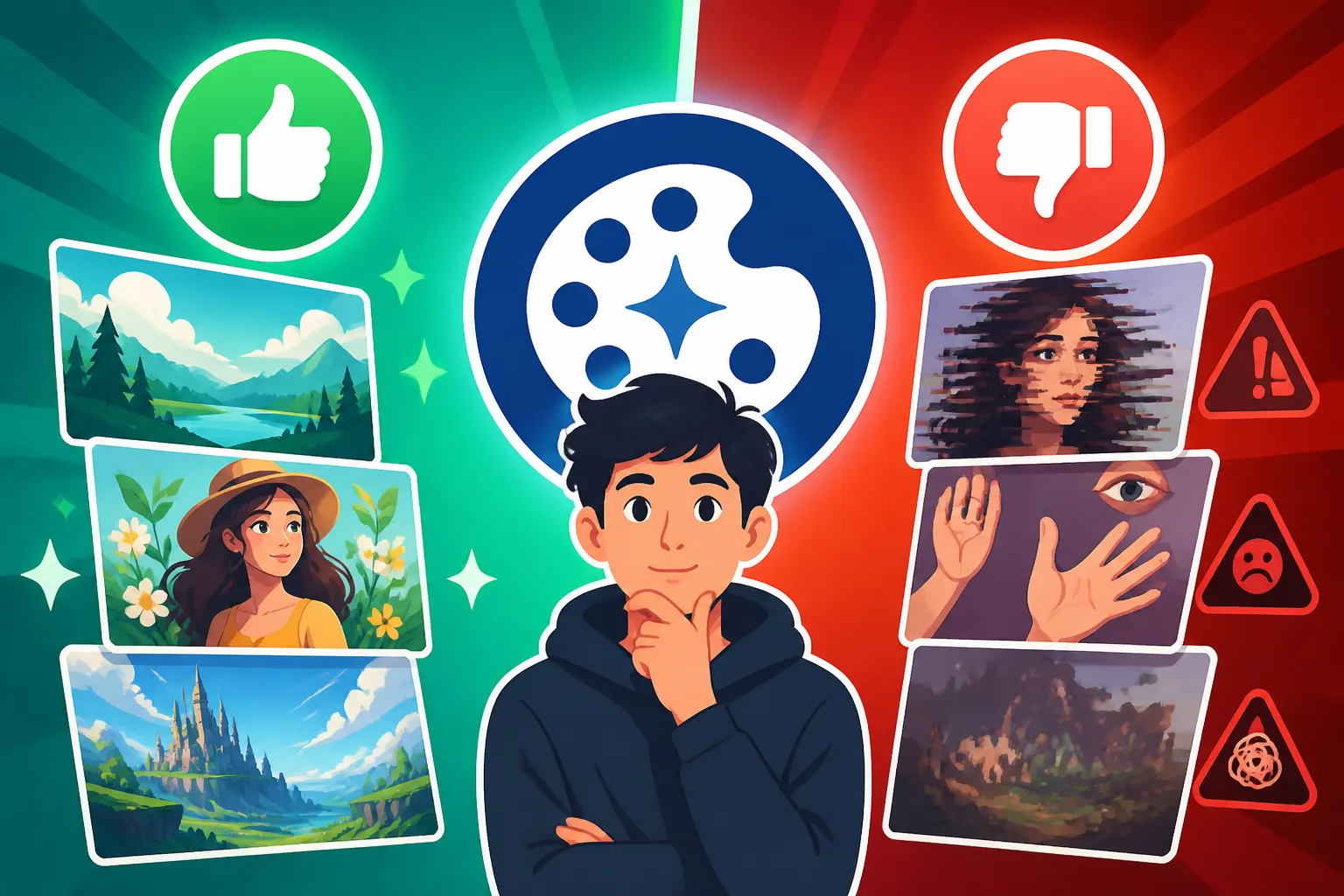
Despite its incredible power, Stable Diffusion, like all current AI image generators, is prone to "hallucinations" and inconsistencies, especially in early generations or with less specific prompts. You might get fantastic results, but you'll also frequently encounter images with distorted anatomy (especially hands and faces), bizarre artifacts, or illogical elements that break immersion. This means a significant amount of post-processing or regeneration is often required.
For a creator trying to maintain artistic quality and realism, dealing with images that consistently feature six fingers or eyes that aren't quite aligned can be incredibly frustrating. While techniques like img2img, inpainting, and using ControlNet can mitigate these issues, they add layers of complexity and time to the workflow. It's rarely a one-and-done process for polished, production-ready images.
This inconsistency means that while Stable Diffusion can be a phenomenal idea generator or a tool for concept art, turning its raw output into a finished piece often requires additional artistic skill and effort, either through manual editing in Photoshop or by painstakingly iterating with prompts until you get something usable. This can be a significant time sink for creators on tight deadlines.
Intellectual Property and Ethical Considerations
The landscape of AI-generated art is fraught with ethical and intellectual property concerns, and Stable Diffusion is right in the thick of it. The models are trained on vast datasets of existing images, which may include copyrighted material without the original creators' explicit consent. This raises legitimate questions about the originality of AI-generated work and who truly owns the rights to images produced by these models.
For professional creators, this is not a trivial matter. Using AI-generated images in commercial projects carries a potential legal risk, as there's no clear legal precedent regarding AI art copyright, and some artists are actively pursuing lawsuits against AI companies for alleged infringement. This uncertainty can make businesses hesitant to incorporate Stable Diffusion art into their branding or products, even if the visual output is compelling.
Furthermore, there are broader ethical debates about the impact of AI art on human artists, the devaluation of creative labor, and the potential for misuse, such as generating deepfakes or harmful content. While Stable Diffusion offers tools to mitigate some of these (e.g., safety filters), the open-source nature means anyone can modify or disable them. Creators using Stable Diffusion must grapple with these complex issues and decide where they stand, both personally and professionally.
Stable Diffusion in the Creator's Toolkit: Ideal Use Cases
Understanding the pros and cons is just the first step. To truly know if Stable Diffusion is for you, it's helpful to consider the types of creators and projects for which it shines brightest. It's certainly not a one-size-fits-all solution, but for specific niches, it can be revolutionary.
Artists and Hobbyists Seeking Creative Freedom
Stable Diffusion is a playground for artists and hobbyists who thrive on experimentation and aren't daunted by a bit of technical tinkering. If you see AI as a new medium to explore rather than just a quick image button, then Stable Diffusion offers an unmatched canvas. The ability to swap out models, dive deep into parameters, and push the boundaries of what's possible with prompt engineering truly appeals to those with an adventurous spirit.
Think of an independent digital artist wanting to develop a unique visual style that doesn't conform to typical AI aesthetics. With Stable Diffusion, they can train their own LoRAs, incorporate their previous work as style references, and achieve a highly personalized look that stands out. It's for the creator who wants to feel like a digital alchemist, mixing and matching ingredients to conjure truly novel visuals, rather than just picking from a pre-defined menu.
This freedom also extends to personal projects where commercial concerns might be secondary. Hobbyists can spend hours generating fantastical landscapes, experimenting with abstract art, or creating character concepts for their D&D campaigns, all without worrying about incurring costs for every generation. It empowers endless creative exploration.
Developers and Researchers Exploring AI Art
For developers, researchers, and technical artists, Stable Diffusion is not just a tool; it's a platform. Its open-source architecture means it can be deeply integrated into custom applications, used for academic research, or modified to explore new frontiers in AI art. If you're interested in building your own AI art pipeline, developing new features, or just understanding the inner workings of diffusion models, Stable Diffusion is the ideal foundation.
Imagine a developer creating a unique interactive art installation that responds to user input with AI-generated visuals. Stable Diffusion's flexible API and modular nature allow for this kind of advanced integration, giving technical users the hooks they need to build something entirely new. It's less about the immediate image output and more about the underlying engine and its potential.
This group benefits immensely from the active developer community, access to source code, and the ability to run models locally on specialized hardware for custom fine-tuning and experimentation. It allows them to push past the typical user experience and delve into the bleeding edge of AI image generation.
Budget-Conscious Creators with Strong Hardware
As we've touched upon, Stable Diffusion can be a game-changer for creators who need to generate a high volume of images but are working with limited financial resources, provided they already possess the necessary powerful hardware. If you've invested in a high-end gaming PC or a professional workstation with a robust GPU, then Stable Diffusion essentially becomes a free, unlimited image factory.
This makes it particularly appealing for independent content creators, small businesses, or freelance artists who need a constant stream of visuals for blogs, social media, or early-stage concept development without the ongoing subscription costs of services like Midjourney or DALL-E. It allows them to allocate their budget to other essential tools or services, maximizing their creative output for minimal recurring expense. If you're looking for other ways to save, check out our list of Best Free AI Image Generators.
It's a sweet spot for those who have already made the hardware investment and can leverage it for their creative endeavors. For them, the initial setup and learning curve are a one-time investment that unlocks a world of free, high-quality image generation, making it an incredibly powerful asset in their creative arsenal.
How Stable Diffusion Stacks Up Against Alternatives
It's impossible to discuss Stable Diffusion without putting it in context with the broader landscape of AI image generators. Each tool has its philosophy, and understanding where Stable Diffusion fits can clarify if it's the right choice for your specific needs.
Control vs. Ease of Use
When we talk about control, Stable Diffusion is generally at the top of the heap. Its modular design and extensive parameters allow for an almost obsessive level of detail in guiding image generation. You can fine-tune every aspect, from the exact seed number for reproducibility to the intricate dance of sampling steps and classifier-free guidance. For artists who have a very precise vision and want to achieve it without compromise, this level of control is invaluable.
However, this deep control comes at the cost of immediate ease of use. Tools like Midjourney or DALL-E, while offering their own set of powerful features, tend to be more "turn-key." They provide streamlined interfaces and often produce aesthetically pleasing results with simpler prompts, making them excellent for beginners or those who prioritize speed and simplicity over absolute granular control. For a direct comparison, you can see our article on Midjourney vs Stable Diffusion Compared.
Consider the difference like driving a manual sports car versus an automatic luxury sedan. The manual gives you maximum control over the engine and gears, perfect for a performance driver. The automatic offers a smooth, comfortable ride with less effort. Stable Diffusion is the manual car—powerful and rewarding for those who learn to drive it well, but potentially intimidating for those who just want to get to their destination quickly. Another interesting comparison can be found in DALL-E vs Stable Diffusion Compared, highlighting these different approaches.
Community vs. Commercial Support
Stable Diffusion's strength lies heavily in its vibrant, decentralized community. If you have a problem or a question, you're tapping into a global network of enthusiasts, developers, and artists who are often eager to share knowledge and help. This communal support leads to rapid innovation and a constant influx of new models and techniques. However, it's largely unofficial; there isn't a dedicated corporate customer support team to call if something breaks.
In contrast, most commercial AI image generators offer official support channels, dedicated documentation, and a more curated user experience. While the community might be smaller, the support is typically more structured and reliable for common issues. This distinction is crucial for businesses or creators who need guaranteed uptime, official guidance on commercial use, or immediate troubleshooting for mission-critical projects. Even tools like Flux vs Stable Diffusion: Full Comparison often highlight this difference in their respective ecosystems.
The choice often boils down to risk tolerance and preference. Are you comfortable sifting through forums and experimenting based on community advice, or do you prefer a structured, officially supported environment? Stable Diffusion offers the former, a powerful, evolving tool built by and for its users, but without the corporate safety net. This can be fantastic for those who embrace the collaborative spirit and want to be part of the cutting edge, but it demands a certain level of self-sufficiency. You can also explore Stable Diffusion vs Leonardo AI: Full Comparison for more insights.
Here's a quick overview comparing Stable Diffusion to typical closed-source alternatives:
| Feature / Tool | Stable Diffusion | Midjourney / DALL-E (typical closed-source) |
|---|---|---|
| Learning Curve | Steep (requires technical understanding) | Moderate (user-friendly interfaces) |
| Customization | Extremely High (models, LoRAs, ControlNet) | Moderate (via prompting, some parameters) |
| Cost | Free (software), High (hardware investment) | Subscription-based (monthly/annual fees) |
| Control | Very High (fine-tune every aspect) | Good (through detailed prompts) |
| Hardware Required | High (dedicated GPU) | Minimal (cloud-based, browser access) |
| Community Support | Excellent (forums, Discord, vast model libraries) | Good (official channels, user groups) |
| Typical Output | Versatile, can be photorealistic or stylized | Often high-aesthetic, curated styles |
| Local Operation | Yes | No (cloud-only) |
Conclusion: Is Stable Diffusion Right for Your Creative Journey?
So, after all this, is Stable Diffusion the AI image tool you've been searching for? The answer, as with most powerful creative tools, is that it depends entirely on you and your specific needs, skills, and resources. If you're a creator who thrives on deep control, loves to tinker, and has the technical chops (or the willingness to learn them) and the necessary hardware, Stable Diffusion offers an unparalleled creative sandbox. It's a tool that grows with you, allowing for immense customization and pushing the boundaries of your artistic vision without recurring costs.
However, if you're looking for a quick, effortless solution, prefer a streamlined interface, or lack a powerful GPU, then the initial investment in time, effort, and potentially money might make Stable Diffusion more of a frustration than an asset. There are many fantastic alternatives out there that offer a more gentle entry into the world of AI art. Ultimately, Stable Diffusion rewards patience, technical curiosity, and a desire for creative mastery. If that sounds like you, then diving into its vast ecosystem might just unlock your next artistic breakthrough.
Disclaimer
The information provided in this article is for general informational purposes only and does not constitute professional advice. AI technology, tools, and legal frameworks are rapidly evolving. We recommend consulting with relevant experts for specific guidance on legal, copyright, or technical matters related to AI image generation.