Leonardo vs Stable Diffusion for Customization
Have you ever started generating AI images, full of excitement, only to find yourself endlessly tweaking prompts and still not quite getting that exact vision out of your head? It’s a common frustration when a tool feels powerful yet somehow restrictive, leaving you wanting more granular control over every brushstroke, every shadow, every intricate detail. This guide is dedicated to helping you navigate the waters of AI image generation, specifically diving deep into the customization capabilities of Leonardo AI and Stable Diffusion, so you can finally achieve the precise artistic control you crave.
The Burning Desire for Granular Control in AI Art
The initial thrill of creating images with AI is undeniable. Type a few words, and poof, something amazing appears. But as you progress, that initial awe often gives way to a longing for more. You might be a digital artist trying to maintain a consistent character across a comic series, a marketer needing specific product shots with custom lighting, or simply a hobbyist who dreams of translating incredibly specific concepts into visual reality. Generic outputs just won't cut it anymore.
Why Off-the-Shelf AI Isn't Always Enough
The biggest pain point with many AI image generators is their "black box" nature. You input a prompt, and a stunning image comes out, but you have very little say in how that image was constructed. It's like ordering a custom cake but only being allowed to pick the flavor and frosting color, not the intricate decorations or the exact shape. For creators, this lack of agency can be incredibly frustrating. Imagine needing to generate a series of images for a social media campaign where a specific character needs to appear in different poses and settings, or requiring a unique art style that no pre-set model seems to capture perfectly. Without deep customization, you're constantly fighting against the AI, rather than collaborating with it.
What Advanced Customization Offers Creators
True customization in AI image generation unlocks a whole new realm of creative possibilities. It's about being able to dictate not just the subject matter, but the composition, lighting, style, color palette, camera angle, and even the emotional tone of an image. This level of control is crucial for professionals who need to maintain brand consistency, develop unique intellectual property, or integrate AI into complex workflows. For example, a game developer might need to generate hundreds of environmental assets that all adhere to a very specific aesthetic, or an illustrator might want to train the AI on their unique drawing style to speed up their workflow. Customization moves you from being a passive observer to an active director in the creative process.
Leonardo AI: Balancing Power with Accessibility
Leonardo AI has quickly become a favorite for many, carving out a niche for itself by offering powerful features within a more approachable and user-friendly interface. It's designed to give you a significant amount of control without forcing you down the deep, often technical, rabbit hole that some other tools demand. For those looking for serious customization without needing to be a coding wizard, Leonardo AI presents a compelling solution. You can dive deeper into its capabilities with our Leonardo AI Review: Pros, Cons, and Pricing.
Native Customization Features Within Leonardo AI
Leonardo AI's platform is packed with features that empower creators to refine their outputs. At its core, it offers a robust selection of pre-trained models, from realistic photography to painterly styles, but its customization goes far beyond simply picking a model. You can adjust parameters like prompt strength, guidance scale, and even seed numbers to explore variations and reproduce results. It also boasts excellent upscaling capabilities, meaning you can generate images at a lower resolution for speed and then enhance them significantly, which is vital for commercial applications. If you're wondering Is Leonardo AI Worth It, its blend of features and usability often makes it a strong contender.
One of Leonardo AI's standout features is its ability to fine-tune existing models or even train your own. Imagine you have a very specific aesthetic in mind, perhaps a blend of art nouveau and cyberpunk. You can feed Leonardo AI a dataset of images representing this style, and it will learn to generate new images in that unique aesthetic. This "custom model" feature is incredibly powerful for maintaining consistency and establishing a unique visual brand. Furthermore, its image-to-image capabilities allow you to upload a base image and then prompt the AI to transform it, providing an excellent starting point for complex compositions or style transfers.
ControlNet and Advanced Settings for Precision
For even finer control, Leonardo AI has integrated features inspired by cutting-edge AI research, making advanced techniques more accessible. The platform supports ControlNet, a revolutionary technology that allows users to precisely dictate the composition and pose of generated images. You can upload an image, and ControlNet will extract information like outlines (Canny), depth, or human poses (OpenPose), then use that information to guide your AI generation. This means you can sketch out a rough layout, or even take a photo of yourself in a desired pose, and the AI will adhere to that structure while generating your image.
Additionally, Leonardo AI offers various other advanced settings like tiling for seamless patterns, background removal, and a creative upscaler that adds detail during the enlargement process rather than just stretching pixels. This combination of powerful yet accessible tools makes it a strong choice for artists who want to experiment and push creative boundaries without the steep learning curve associated with more open-ended platforms.
Stable Diffusion: The Pinnacle of Open-Source Customization
When we talk about ultimate control and endless customization, Stable Diffusion is often the name that comes up. Unlike many proprietary tools, Stable Diffusion is an open-source model, meaning its code is publicly available, allowing a vibrant community of developers and artists to build upon it, create extensions, and develop specialized versions. This open-source nature is both its greatest strength and, for newcomers, its biggest challenge. For a broader overview, you might find our Stable Diffusion Review: Is It Worth It in 2026 helpful.
The Power of Local Installation and Community Models
The most significant aspect of Stable Diffusion's customization is the ability to run it locally on your own hardware. This means you're not reliant on cloud credits or subscription plans for basic generation, and you have complete control over the software environment. Popular interfaces like Automatic1111's Web UI or ComfyUI turn the complex underlying code into a more user-friendly experience, but still require a degree of technical comfort to set up and maintain. These local installations become personal art studios, infinitely expandable through community contributions.
The sheer volume of community-trained models, known as "checkpoints" or "safetensors," is staggering. There are models trained for photorealism, anime, fantasy art, digital painting, abstract styles, and everything in between. You can download and swap these models out at will, instantly changing the aesthetic of your generations. Beyond full models, there are also smaller, more targeted customization files:
- LoRAs (Low-Rank Adaptation): These are tiny files that can be loaded on top of a base model to influence specific styles, characters, or objects. Want your images to have a particular artist's brushwork? There's probably a LoRA for that. Need a specific type of fabric texture? LoRA has your back. Explore more with How to Use LoRAs in Stable Diffusion.
- Textual Inversion (Embeddings): These allow you to teach Stable Diffusion new concepts or styles using a small set of images, which you can then reference in your prompts.
- Hypernetworks: Similar to LoRAs, these also modify the style or appearance of generated images.
This ecosystem of interchangeable models and modifiers offers unparalleled depth, allowing users to mix and match to create truly unique artistic expressions.
Advanced Control with ControlNet, Inpainting, and Custom Workflows
Stable Diffusion's integration with ControlNet is perhaps its most powerful customization feature. As mentioned with Leonardo AI, ControlNet allows precise structural guidance. With Stable Diffusion, the implementation is often more raw and versatile. You can use multiple ControlNet models simultaneously—for example, using a Canny edge detector for lines, an OpenPose model for human figures, and a Depth model for spatial arrangement—all in one generation. This level of multi-faceted control is crucial for complex compositions or replicating existing artwork with new styles. Discover How to Use ControlNet in Stable Diffusion for detailed instructions.
Beyond ControlNet, Stable Diffusion offers robust inpainting and outpainting capabilities. Inpainting allows you to selectively modify parts of an image, like changing a character's outfit or fixing a distorted hand, by masking an area and prompting the AI to regenerate only that section. Outpainting expands an image beyond its original borders, creating a seamless continuation of the scene. Furthermore, for those who thrive on intricate control, ComfyUI, a node-based interface for Stable Diffusion, allows users to build custom, visual workflows that can chain together multiple processes, models, and transformations, offering the ultimate bespoke generation experience. The possibilities for creating entirely new AI image generation pipelines are truly endless.
Leonardo AI vs. Stable Diffusion: A Customization Showdown
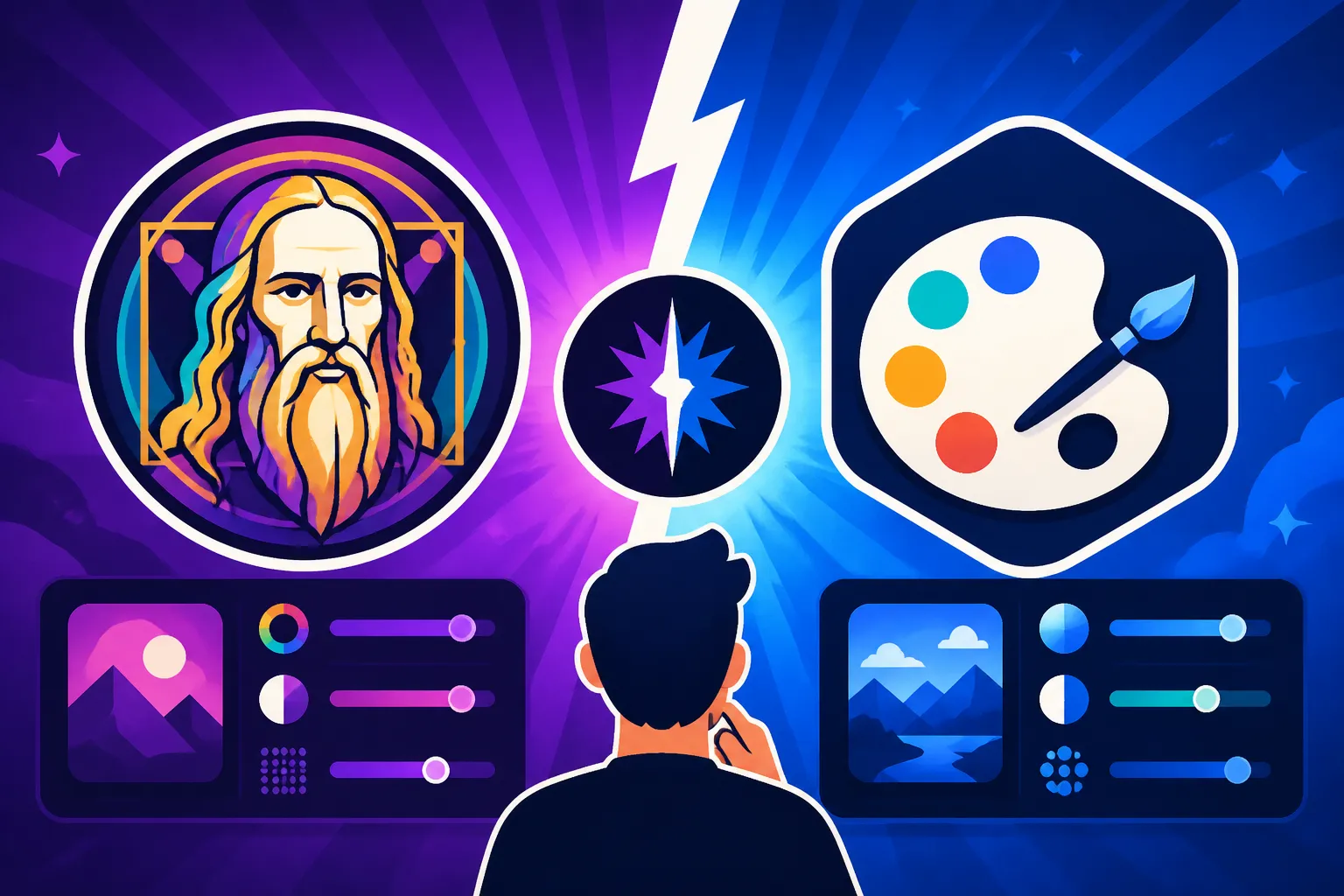
Choosing between Leonardo AI and Stable Diffusion for customization really boils down to your personal workflow, technical comfort, and the depth of control you truly need. Both are fantastic tools, but they cater to slightly different user bases and philosophies.
Ease of Use Versus Ultimate Flexibility
The biggest differentiator lies in the balance between ease of use and sheer flexibility. Leonardo AI excels at packaging powerful customization features into an intuitive web-based platform. You can access many advanced controls like ControlNet and custom model training with just a few clicks, making it highly accessible for designers, marketers, and artists who want to focus on creativity without getting bogged down by technical setup. It's an excellent choice if you value a streamlined workflow and robust features that just work out of the box.
Stable Diffusion, especially when run locally, offers an unparalleled degree of flexibility and raw power. You can literally swap out core components, create highly specific LoRAs, and build custom pipelines. This level of control is a dream come true for researchers, developers, and advanced artists who enjoy tinkering, experimenting, and pushing the boundaries of what's possible. However, this flexibility comes with a steeper learning curve, requiring more technical setup, troubleshooting, and a deeper understanding of AI concepts. The freedom to implement literally any new technique developed by the community is a major draw for the technically inclined. For a broader Best AI Image Generator Comparison, these two often rank high for their respective strengths.
When to Choose Leonardo AI for Your Customization Needs
Leonardo AI is ideal if you:
- Value a polished user interface: Its web-based platform is clean, organized, and easy to navigate.
- Need powerful features without deep technical knowledge: ControlNet, custom models, and robust editing tools are all integrated seamlessly.
- Prioritize speed of iteration: It’s quick to generate, refine, and iterate on ideas within its ecosystem.
- Are comfortable with cloud-based subscriptions: While there's a generous free tier, advanced usage often requires a paid plan. Check out the Leonardo AI Free Tier Review for more details.
- Require good commercial terms: Its commercial licensing is generally straightforward.
It's particularly strong for content creators, small businesses, and digital artists who want to quickly generate high-quality, customized images for specific projects like AI for Blog and Article Images or social media content.
When to Choose Stable Diffusion for Your Customization Needs
Stable Diffusion is your go-to if you:
- Demand ultimate control and freedom: You want to dive deep into every parameter, experiment with new models, and aren't afraid of the technical aspects.
- Have a powerful local PC: Running it effectively often requires a dedicated GPU, though cloud alternatives exist.
- Want to build custom workflows and pipelines: Tools like ComfyUI allow for intricate, custom automation.
- Are interested in the cutting edge of AI development: The open-source community constantly releases new models, extensions, and techniques.
- Prefer not to be beholden to subscription costs (for local installs): Once set up, core generation can be free, though some specific models or cloud services might incur costs. For more context, consider Stable Diffusion Pricing and Plans Explained.
Stable Diffusion is often favored by developers, 3D artists, advanced hobbyists, and anyone who sees AI image generation as a canvas for deep technical exploration and highly specialized output. It's perfect for complex projects like generating AI Images for Game Development or creating highly unique art styles from scratch.
Comparison Table: Customization Features at a Glance
Let’s break down the key customization areas between these two powerhouses:
| Feature/Aspect | Leonardo AI | Stable Diffusion (Local/Advanced) |
|---|---|---|
| User Interface | Web-based, intuitive, polished | Open-source GUIs (Automatic1111, ComfyUI), technical setup |
| Core Models | Curated selection, custom model training available | Vast community checkpoints, endless variety |
| ControlNet | Integrated, user-friendly implementation | Highly configurable, multi-ControlNet options |
| Fine-tuning/LoRAs | Custom model training (dataset upload) | Extensive LoRA, Textual Inversion, Hypernetwork support |
| Prompt Parameters | Guidance scale, prompt strength, seed, aspect ratio | Extensive parameters, weights, negative prompts, advanced scripting |
| Image-to-Image | Yes, with various modes | Yes, highly customizable strength & denoising |
| Inpainting/Outpainting | Integrated, user-friendly | Built-in, with advanced masking and controls |
| Upscaling | Built-in creative upscalers | Numerous community upscalers, custom workflow integration |
| Workflow Flexibility | Streamlined, guided experience | Infinite possibilities through custom node-based setups |
| Learning Curve | Moderate, beginner-friendly | Steep, requires technical comfort & troubleshooting |
| Cost Model | Fremium, subscription tiers for heavy use | Free (local install), cloud options vary in price |
| Community Support | Active platform community, tutorials | Massive, highly technical, and innovative global community |
Ultimately, both tools empower you to go far beyond basic prompting. Leonardo AI makes advanced techniques accessible, allowing you to achieve impressive results with less technical overhead. Stable Diffusion, on the other hand, grants you the keys to the kingdom, offering virtually limitless control for those willing to learn and dive deep. Your choice will truly reflect how much technical interaction you want with your creative process.
Disclaimer
The information provided in this article is for general informational purposes only and does not constitute professional advice. AI technologies are rapidly evolving, and features, pricing, and capabilities of tools like Leonardo AI and Stable Diffusion may change. Always consult the official documentation and terms of service for the most up-to-date and accurate information.