How to Create Image Variations
Seed numbers, prompt modifications, and image-to-image capabilities help creators generate target variations across different AI art platforms.
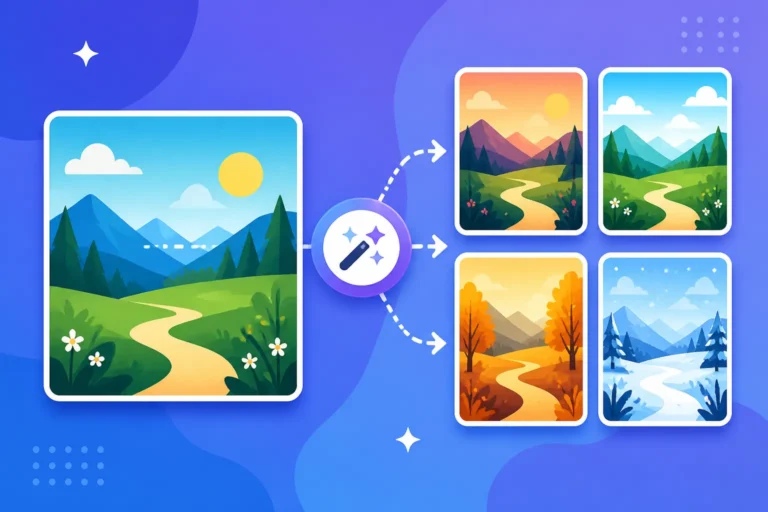
Seed numbers, prompt modifications, and image-to-image capabilities help creators generate target variations across different AI art platforms.
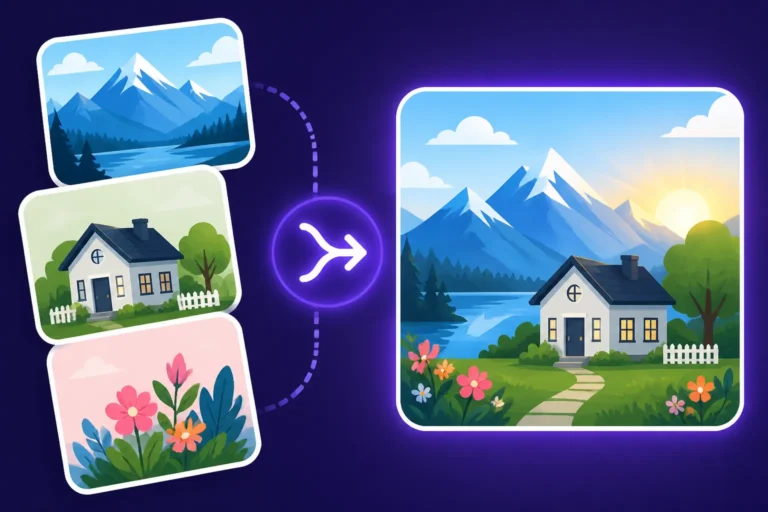
Combining multiple AI images allows creators to merge distinct elements into a cohesive and visually consistent final masterpiece.
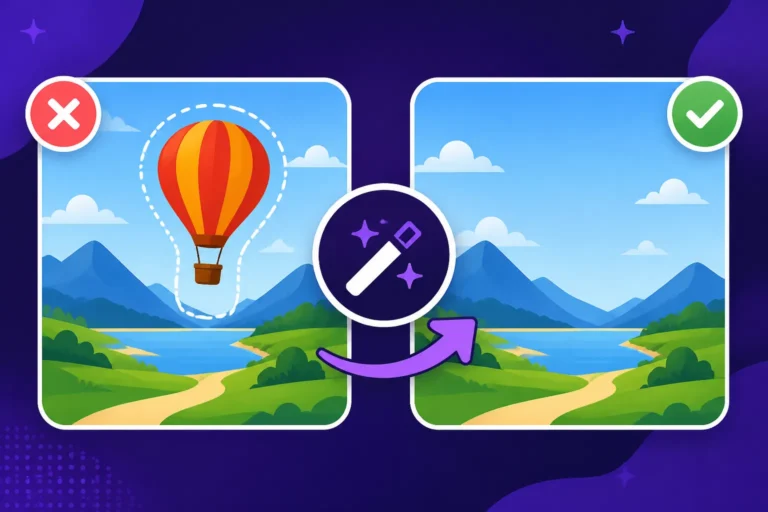
Object removal techniques using inpainting and outpainting help fix AI images by replacing unwanted elements seamlessly.
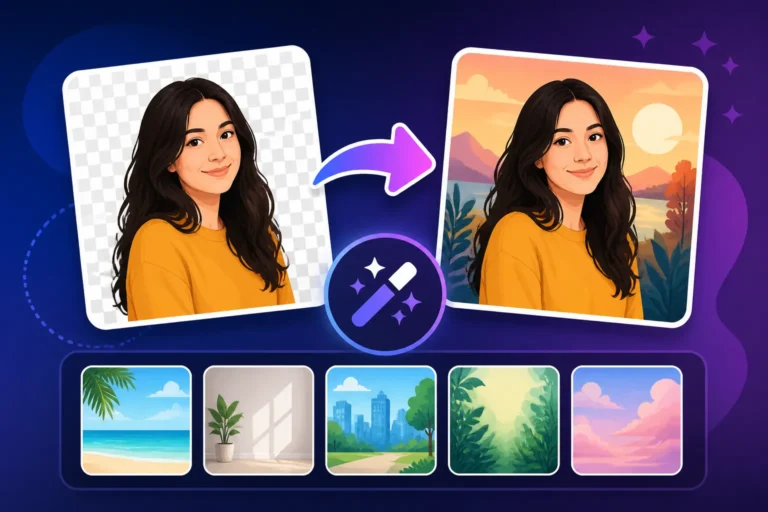
Background editing techniques allow creators to replace unwanted AI image environments using inpainting, outpainting, and external editors.
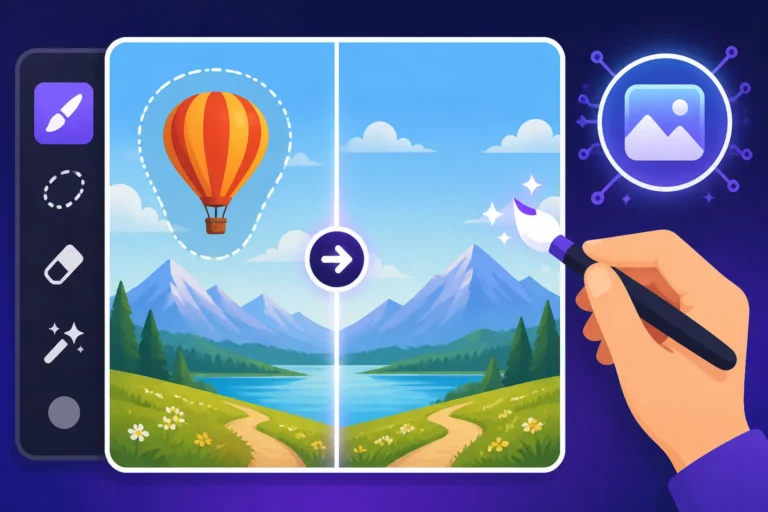
Inpainting and editing AI images allows users to fix deformed hands, remove background distractions, and refine generation details.
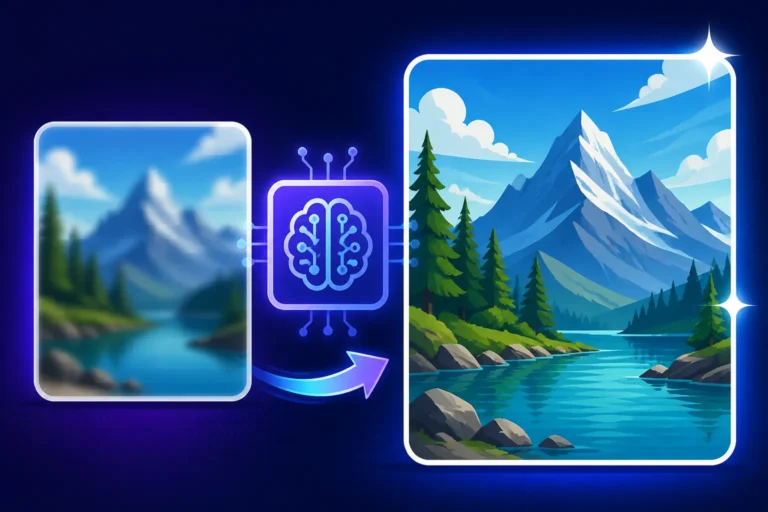
Specific prompt strategies and upscaling techniques help generate realistic textures, refine details, and eliminate the flat look in AI images.
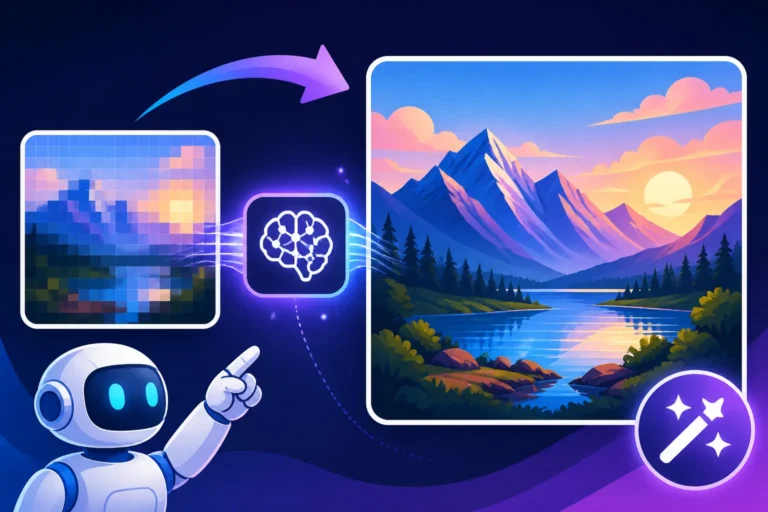
Artificial intelligence image upscalers transform small creations into crisp, high-quality visuals for print, web, and professional use.
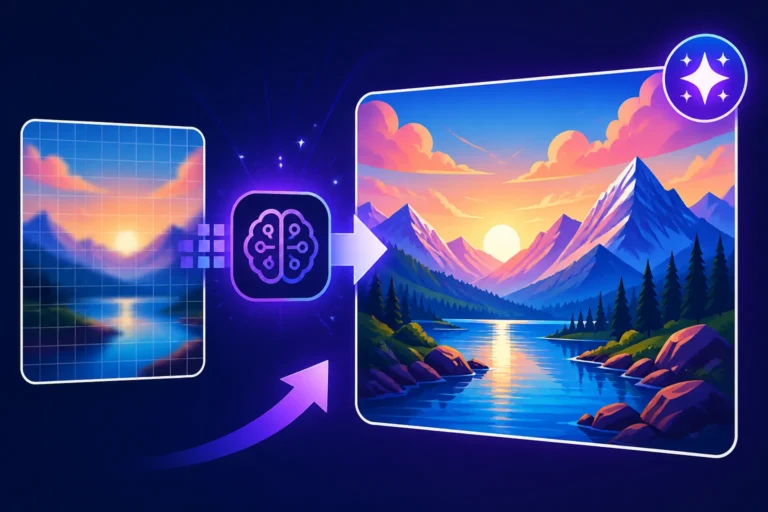
AI upscaling models use advanced neural networks to intelligently infer and add details, transforming blurry low-resolution images into 4K.
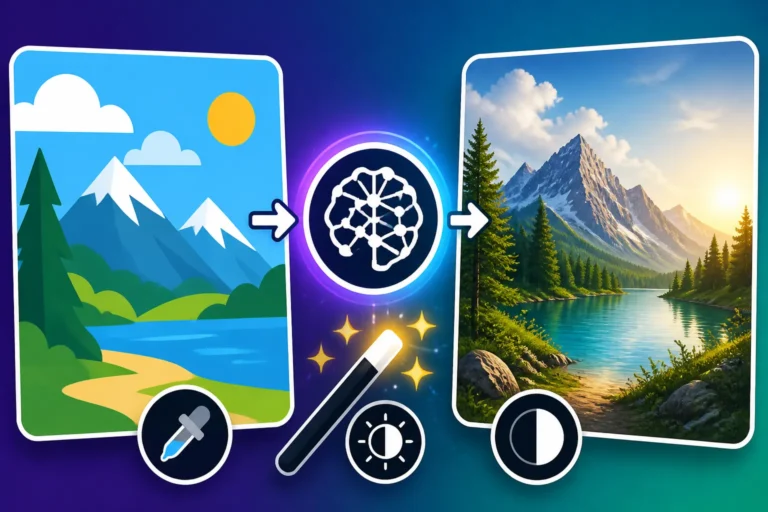
Realism techniques for artificial intelligence images explain lighting, descriptive prompting, negative prompts, and editing tools to create believable results.
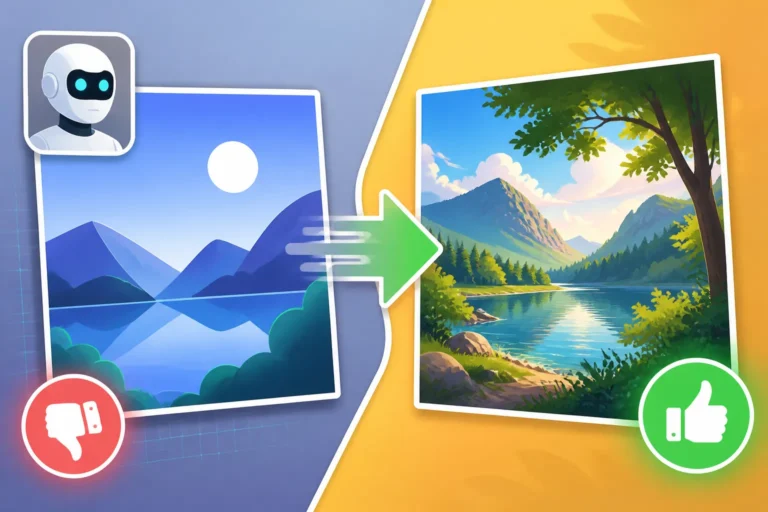
Generating realistic AI images requires specific prompts, negative prompts, and editing techniques to remove artificial flaws and smooth textures.