How to Make Holiday Graphics with AI
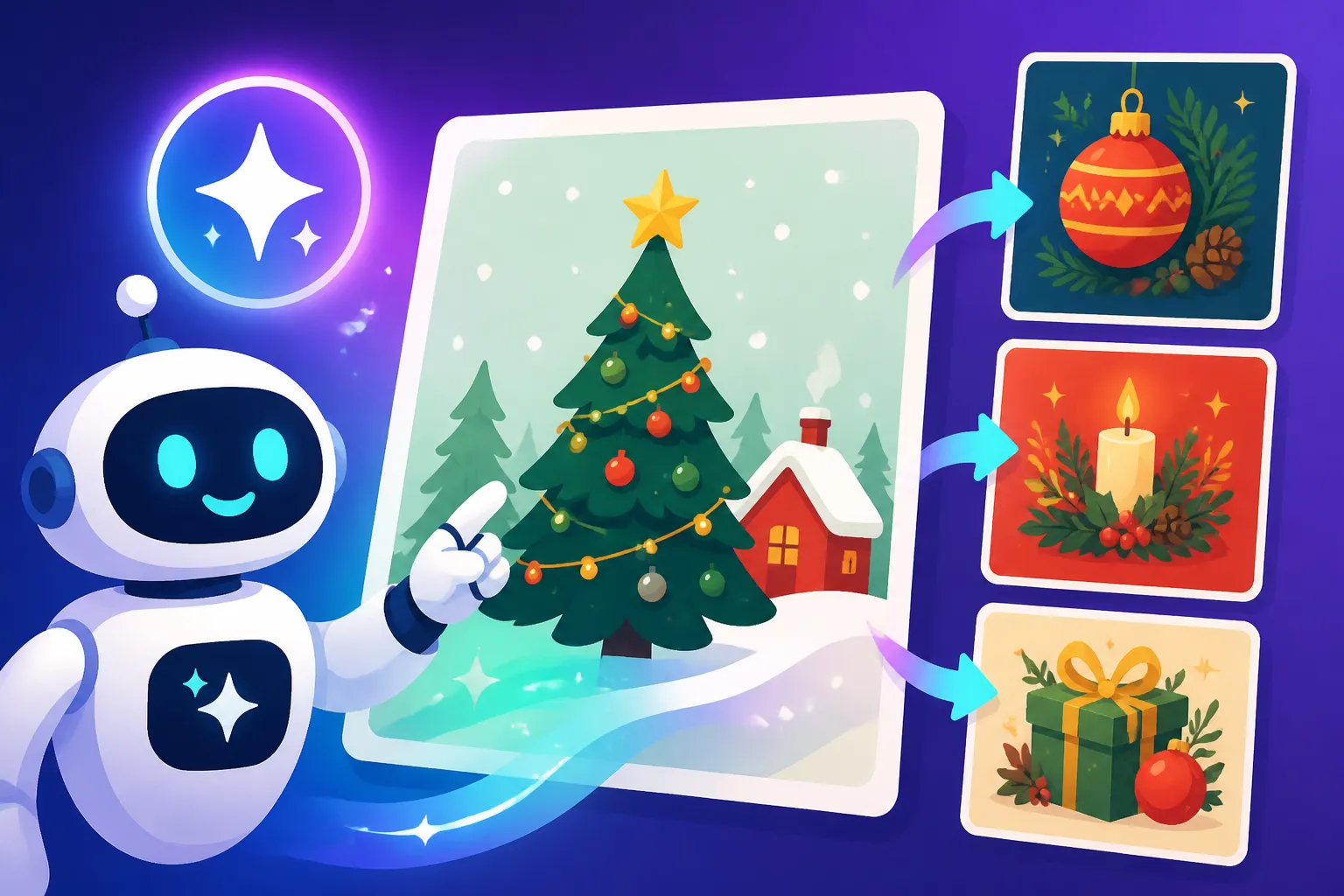
The holiday season always brings a flurry of activity, doesn't it? Between coordinating family gatherings, finding the perfect gifts, and maybe even planning a little getaway, the last thing most of us want to do is spend hours painstakingly designing custom graphics for our social media, heartfelt greeting cards, or festive marketing campaigns. The pressure to create visually appealing content can be overwhelming, leaving many feeling stretched thin. This comprehensive guide is designed to be your holiday helper, showing you exactly how AI image tools can become your go-to resource for quickly and effortlessly generating stunning, unique holiday graphics, reclaiming your precious time and creative energy.
Why AI is Your Holiday Season's Best-Kept Secret
Let's be honest, the holidays are wonderful, but they're also a massive time sink. From Thanksgiving through New Year's, our schedules are packed, and the thought of firing up a complex design program or hiring a graphic designer for every little festive touch can feel like one more chore. This is precisely where AI image generators shine as a truly invaluable asset. They democratize design, allowing anyone, regardless of artistic skill or budget, to produce high-quality visuals that capture the spirit of the season. Imagine needing a unique header for your Christmas newsletter or a cheerful graphic for your store's Black Friday sale – with AI, it's not a multi-hour project; it's a matter of minutes.
The real magic of AI for holiday graphics lies in its ability to quickly iterate on ideas. If you have a specific vision in mind for a snowy village scene on a greeting card, but you're not quite sure about the lighting or the style of the houses, AI allows you to experiment with countless variations almost instantly. You can test out a whimsical, cartoonish look versus a more realistic, detailed rendering without starting from scratch each time. This rapid prototyping saves immense frustration and opens up creative avenues you might not have explored otherwise, ensuring your final graphic truly matches the festive vibe you're aiming for. It’s like having an army of tireless artists at your beck and call, eager to bring your festive fantasies to life.
Beyond personal use, for small business owners and content creators, AI-generated holiday graphics can be a game-changer for engagement and branding. Running a special holiday promotion? You need eye-catching banners and social media posts. Hosting a virtual New Year's Eve party? A custom digital invitation can make all the difference. AI tools make it possible to maintain a consistent, professional brand aesthetic across all your holiday communications, even if you’re a one-person show. The ability to churn out a variety of visuals for different platforms – think Instagram stories, Facebook covers, Pinterest pins, and blog post featured images – ensures your seasonal messaging is always fresh and captivating. You can even check out how to use AI image generators for social media graphics to streamline your entire seasonal content strategy.
Choosing the Right AI Pal for Festive Creations
The landscape of AI image generators can feel a bit like Santa's workshop – full of wonders, but how do you know which tool is right for your specific needs? When it comes to holiday graphics, different platforms offer unique strengths. For photorealistic scenes, like a cozy living room decorated for Christmas or a bustling New Year's Eve street party, tools excelling in realism, such as Midjourney or certain models within Stable Diffusion, might be your best bet. They can render textures, lighting, and reflections with impressive accuracy, creating images that are hard to distinguish from actual photographs.
If your holiday vision leans more towards whimsical illustrations, cartoon characters, or stylized designs for a festive children's book or a cute greeting card, you'll want to explore tools known for their artistic versatility. Many platforms offer specific styles or allow for fine-tuning to achieve that perfect storybook aesthetic. For instance, some generators are fantastic at creating vibrant, playful scenes that would be perfect for a holiday-themed digital sticker pack or a cheerful email banner. It really depends on the particular artistic direction you want your festive designs to take.
Then there's the crucial aspect of incorporating text into your holiday greetings or marketing materials. Let's face it, nothing says "Happy Holidays" quite like legible, beautifully integrated typography. Historically, AI has struggled with text generation, often producing gibberish. However, tools like Ideogram have made significant strides in this area, allowing you to generate images with crisp, accurate text directly within the graphic. This feature is a lifesaver for creating holiday cards with a personalized message, event flyers with dates and times, or promotional banners with clear calls to action. If clean text is a priority for your holiday project, you’ll definitely want to lean into the capabilities of specialized text-friendly AI tools, and a guide like Best AI Image Generator for Text can point you in the right direction.
| Holiday Graphic Type | Recommended AI Tool Focus | Key Features to Look For | Example Use Case |
|---|---|---|---|
| Photorealistic Scene | Midjourney, Stable Diffusion | High detail, realistic lighting, texture rendering | Holiday product photography, realistic landscapes |
| Stylized Illustration | DALL-E, Playground AI, Leonardo AI | Diverse artistic styles, cartooning, painterly effects | Children's book illustrations, whimsical greeting cards |
| Graphics with Text | Ideogram, Canva AI | Accurate text rendering, font control, template integration | Personalized greeting cards, promotional banners |
| Vector-like Art/Logos | Recraft, Adobe Firefly | Scalable vector output, simple shapes, clean lines | Holiday icons, minimalist seasonal logos |
| Quick Social Posts | Bing Image Creator, Canva AI | Fast generation, user-friendly interface, built-in templates | Daily festive social media updates, quick event invites |
Your AI Holiday Workshop: Step-by-Step Prompting
Now for the fun part: actually making those holiday graphics! The key to successful AI image generation is crafting effective prompts. Think of a prompt as your wish list to Santa, but for the AI. The more detailed and clear your wish, the closer the AI will get to delivering exactly what you envision. A good prompt for holiday graphics should typically include the subject, the desired mood or atmosphere, the specific holiday elements, and the artistic style you're going for. If you're new to this, don't worry, there are plenty of resources like How to Write AI Image Prompts to help you get started.
Let's walk through an example. Suppose you want a graphic for a festive social media post promoting a winter sale. Instead of just typing "Christmas sale," which will give you very generic results, try something more descriptive:
- Subject: A cozy, snowy street scene in a charming European village.
- Holiday Elements: Christmas lights twinkling, a snow-covered storefront with a "Winter Sale" banner.
- Mood/Atmosphere: Warm, inviting, magical, nostalgic.
- Artistic Style: Oil painting, realistic, hyper-detailed, golden hour lighting.
Putting it all together, a strong prompt might be: "A charming European village street scene at dusk, blanketed in fresh snow, with warm glowing Christmas lights strung across storefronts and lampposts. A cozy boutique window displays a subtle 'Winter Sale' banner. Hyper-detailed oil painting, cinematic lighting, f/1.8, golden hour." You can also delve into an AI Image Prompt Guide for Beginners for more foundational knowledge. Remember, adding details about lighting, camera angles, and specific textures can dramatically improve your output.
Don't be afraid to experiment and iterate. If the first image isn't quite right, adjust your prompt. Maybe the snow isn't thick enough, or the lights aren't twinkling as brightly as you imagined. Add phrases like "heavy snowfall," "brilliant, sparkling lights," or "bokeh effect in background" to refine your vision. Most AI tools also allow you to use "negative prompts" – telling the AI what not to include. For example, if you're generating a festive scene and keep getting modern cars, add "no modern cars" to your negative prompt. This iterative process is where the true power of AI for creative endeavors lies, allowing you to sculpt your vision with precision.
Elevating Your AI-Generated Holiday Graphics
Generating the initial image is often just the first step. To truly make your holiday graphics shine and stand out, you'll want to refine and enhance them. One common challenge with AI-generated images is achieving perfect consistency, especially if you need multiple graphics for a campaign. For example, if you're creating a series of social media posts, you'll want a similar aesthetic across all of them. Tools that offer "style reference" features or allow you to use a "seed" number can help maintain a cohesive look. Otherwise, carefully replicating key descriptive elements in your prompts for each image is crucial. Consistency in branding is vital, even for seasonal content, so learning how to keep brand consistency with AI images is incredibly helpful.
Post-processing is another powerful way to elevate your AI art. Sometimes, the AI might generate an image that's 90% perfect, but it needs a little tweak here or there – maybe the colors aren't quite vibrant enough, or a specific element could use a slight adjustment. Tools like Adobe Firefly, with its integrated generative fill and expand features, or even simpler photo editing software, can be used to fine-tune your images. You can brighten colors, adjust contrast, crop for better composition, or even add subtle text overlays if your AI tool didn't get the typography quite right. For graphics you plan to print, like holiday cards, you'll also want to make sure the resolution is high enough. You can learn how to upscale AI images to 4K using various tools to ensure crisp, clear prints.
Finally, consider the broader context of where your holiday graphic will live. Is it a small icon for a website, a large banner for a blog, or a square image for Instagram? Different platforms have different aspect ratio requirements. Many AI tools allow you to specify aspect ratios in your prompt (e.g., "–ar 16:9" for a widescreen image, or "–ar 1:1" for a square). Thinking about the final destination of your graphic from the outset can save you a lot of resizing and cropping headaches later on. Exploring general AI Image Generation Tips and Tricks can provide a broader understanding of how to optimize your workflow for various use cases, including festive designs. The goal is to create not just an image, but the right image, perfectly tailored for its festive purpose.
Disclaimer
The information provided in this article is for general guidance and informational purposes only. While AI image generation tools offer incredible creative potential, users should be mindful of copyright, usage rights, and ethical considerations surrounding AI-generated content. Always review the terms of service of any AI tool you use, especially for commercial projects.