How to Use AI Images in Print
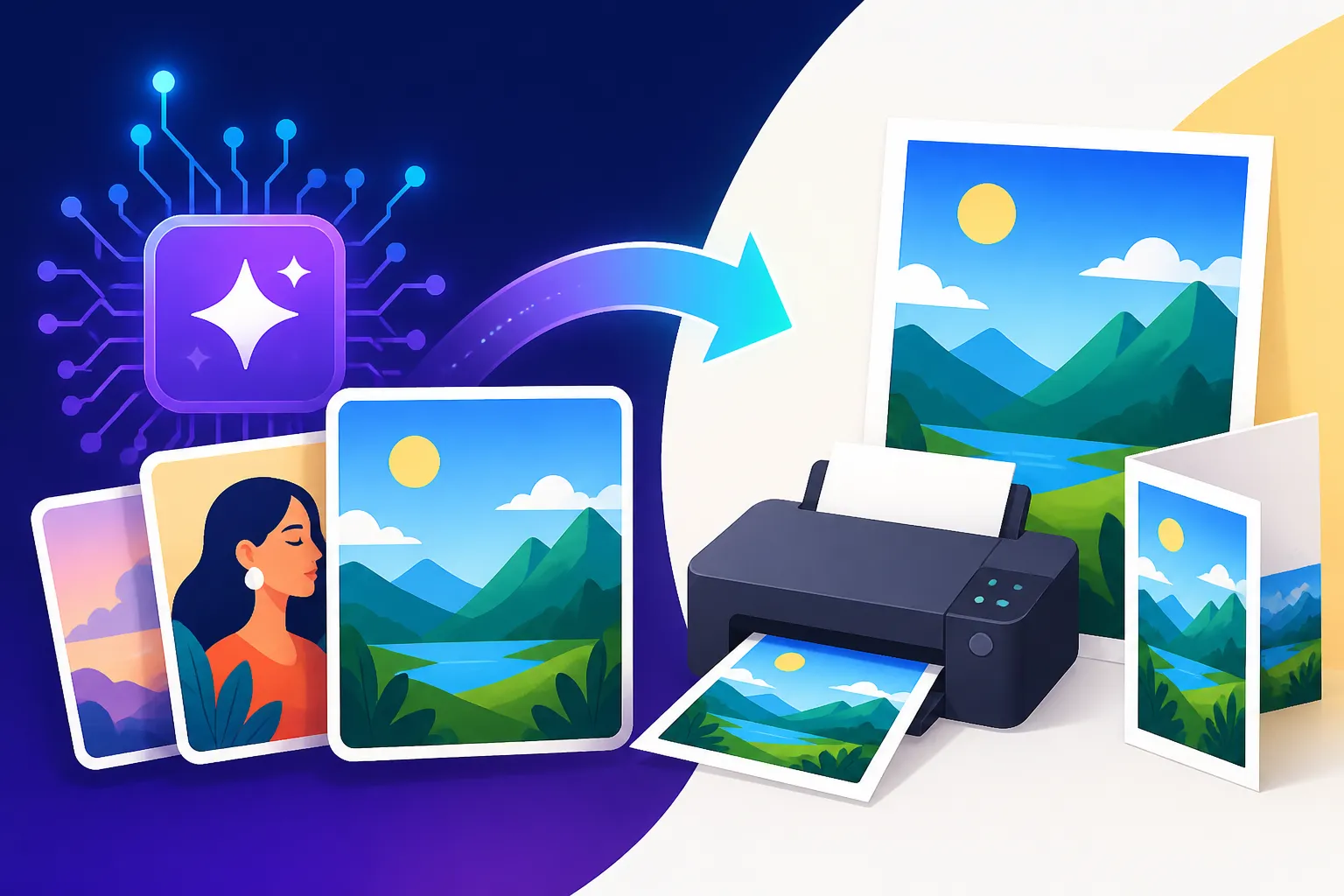
You’ve finally nailed that perfect AI-generated image – maybe it’s a stunning piece of abstract art, a hyper-realistic product shot, or a whimsical character you want to bring to life. But then the big question hits: can this digital masterpiece actually look good in print? The truth is, moving from screen to paper isn't always straightforward, and many creators struggle with ensuring their AI art maintains its quality, resolution, and legal standing when printed. This comprehensive guide will walk you through the nitty-gritty of preparing and successfully using AI images for any print project, from business cards to large format posters.
Understanding AI Image Limitations for Print
It's easy to get swept up in the magic of generating incredible images with AI tools like Midjourney or DALL-E, but when it comes to printing, there are some fundamental hurdles we need to address. Many people discover these issues the hard way, spending time and money only to end up with a blurry, pixelated, or just plain weird-looking print.
The Resolution and DPI Dilemma
One of the biggest frustrations for AI artists and content creators is the raw output resolution. Most AI image generators, by default, produce images that are perfectly adequate for web use – think social media posts, blog headers, or digital presentations. These are usually in the range of 1024×1024 pixels or similar, designed for screens where pixels per inch (PPI) is the key metric.
However, print is a whole different beast. For high-quality prints, like photos or detailed artwork, you typically need at least 300 dots per inch (DPI). What does that mean? It means that for every inch of physical print, there should be 300 tiny dots of ink. If your AI-generated image is only 1024 pixels wide, and you want to print it at 300 DPI, you're looking at a physical size of just over 3 inches (1024 pixels / 300 DPI ≈ 3.4 inches). Try to print that small image larger, say, on an 8×10 inch photo paper, and you'll quickly see the pixels becoming visible, resulting in a fuzzy, stair-stepped appearance that’s far from professional. The common mistake is assuming a beautiful digital image will magically translate to a large, crisp print.
The struggle is real when you envision a stunning poster but realize your favorite AI image is barely large enough for a sticker. Even for less demanding prints, like flyers or brochures that might only need 150-200 DPI, many AI outputs fall short. This is why understanding DPI and planning for your final print size is absolutely critical before you even hit the "generate" button or, more importantly, the "print" button.
Image Quality and Artifacts
Beyond just resolution, the inherent quality and potential "artifacts" in AI-generated images pose another challenge for print. While AI models have come a long way in creating visually stunning and coherent images, they're not infallible. You might generate an image that looks fantastic at a glance on your phone screen, but zoom in, and you might notice subtle oddities.
These can range from the infamous "extra fingers" or distorted hands, bizarrely rendered eyes, or sometimes an overall uncanny valley effect where something just feels "off" about a person or object. Backgrounds can sometimes have strange, repetitive patterns or textures that look artificial upon closer inspection. These imperfections, often barely noticeable in a small digital format, become glaringly obvious and quite distracting when blown up onto a physical medium. Imagine printing a beautiful portrait for a gallery wall, only to find the subject's hand has seven fingers – it completely undermines the artwork.
This can be incredibly frustrating, especially after you've spent time perfecting your prompts. It’s not just about the major flaws either; sometimes it's a subtle lack of photographic depth or texture that makes an image feel flat when printed, compared to a professionally shot photograph. Overcoming this requires a discerning eye and often some strategic post-processing, which we'll dive into next. Thankfully, there are techniques and tools to help you identify and rectify these common AI glitches before they make it to print. If you're encountering persistent issues, a guide on How to Fix Bad AI Image Results can offer valuable troubleshooting tips.
Essential Steps for Preparing AI Images for Print
Okay, so we know AI images can have some quirks when it comes to print. But don't worry, it's not a lost cause! With the right preparation, you can absolutely get those AI masterpieces looking fantastic on paper. It just takes a few extra steps and a bit of know-how to bridge the gap between digital generation and physical output.
Upscaling for High-Resolution Output
The first and most critical step for almost any AI image destined for print is upscaling. As we discussed, raw AI outputs are rarely high-resolution enough for quality printing. Upscaling essentially increases the pixel dimensions of your image, creating more pixels where there were none, allowing for larger, sharper prints. Think of it like turning a small digital photo into a much bigger one, but intelligently, without just stretching it and making it blurry.
There are various ways to upscale. Basic image editing software like Photoshop or GIMP can do simple resizing, but they often rely on interpolation methods that can lead to a softer, less detailed image. The real game-changer here is dedicated AI upscaling software. These tools use their own artificial intelligence models to analyze the image, detect details, and intelligently add pixels, often enhancing textures and sharpening edges in the process. Many creators rave about tools like Magnific AI, which is specifically designed for high-quality upscaling, allowing you to transform a small AI creation into a print-ready file with remarkable detail. Other options like Topaz Photo AI also offer impressive upscaling capabilities alongside other image enhancement features. We often get asked, Magnific Upscaler: Worth the Price? For print projects, the answer is often a resounding yes due to the quality it provides.
When choosing an upscaler, consider the final print size and desired DPI. For a standard 8×10 inch photo at 300 DPI, you'd need an image around 2400×3000 pixels. If your original AI image is 1024×1024, you'll need to upscale it significantly. Always aim for a resolution that matches or exceeds your print shop's recommendations. For instance, a local print shop might suggest 300 DPI for fine art prints, but only 150 DPI for a large banner viewed from a distance. Knowing these targets helps you determine how much to upscale without over-processing your image.
Post-Processing and Refinement
Once you've upscaled your image, don't just send it straight to the printer! Post-processing is your opportunity to add that final polish and correct any lingering AI oddities that the upscaler might not have fixed entirely. This is where your human touch truly shines, transforming a great AI-generated image into a flawless print-ready asset.
Common tasks include color correction to ensure the hues are vibrant and accurate for print. Sometimes AI tools can produce slightly muted or overly saturated colors, so a quick adjustment in an editor like Adobe Photoshop or Affinity Photo can make a huge difference. Sharpening can also be beneficial, especially after upscaling, to bring out fine details and make the image pop on paper. Be careful not to over-sharpen, as this can introduce an artificial, grainy look. Noise reduction can help clean up any digital graininess, particularly noticeable in darker areas of the image.
Most importantly, this stage is for fixing those subtle AI anomalies. Did the upscaler highlight a slightly deformed ear or an unnatural fold in clothing? Now's the time to use tools like the clone stamp, healing brush, or content-aware fill to seamlessly correct these imperfections. For example, if you're creating a book cover with an AI-generated character, ensuring every facial feature and hand looks absolutely perfect before printing is paramount. A quick rundown on How to Edit AI Images with Inpainting can give you precise techniques for fixing specific areas of your image. This meticulous refinement ensures that when your image makes it to print, it looks professionally finished, not merely AI-generated.
Color Profiles and Print Calibration
Here's a common scenario: you create a beautiful, vibrant image on your screen, send it to the printer, and when it comes back, the colors look dull, faded, or just plain wrong. This frustrating phenomenon is often due to a mismatch in color profiles, specifically between RGB and CMYK.
Computer monitors and digital devices display images using the RGB (Red, Green, Blue) color model. This is an "additive" color model, meaning colors are created by adding different intensities of red, green, and blue light. RGB has a vast color gamut, allowing for millions of bright, luminous colors. Print, on the other hand, typically uses the CMYK (Cyan, Magenta, Yellow, Key/Black) color model. This is a "subtractive" model, where colors are created by subtracting wavelengths of light through ink absorption. CMYK has a smaller color gamut than RGB, meaning some of the brilliant, glowing colors you see on your screen simply cannot be replicated with ink on paper.
The solution involves converting your RGB AI image to CMYK before printing. Most professional print shops will expect CMYK files. You can do this in photo editing software like Photoshop. When converting, be aware that some colors might shift. It's crucial to "soft-proof" your image – this means using your editing software to simulate how the CMYK colors will look on a specific type of paper using an ICC (International Color Consortium) profile provided by your printer. This allows you to make adjustments to your RGB file before conversion, minimizing unpleasant surprises. For instance, if you’re ordering prints from a service like Shutterfly or a local print shop in downtown Portland, check their specific color profile recommendations. They might have a generic CMYK profile, or even one tailored to their specific presses and paper stocks. Always ask your print provider for their preferred file format and color profile to ensure the closest match between your screen and their output. Getting this step right ensures your printed AI images retain as much of their intended vibrancy as possible.
Navigating Copyright and Commercial Use in Print
One of the thorniest, yet most crucial, aspects of using AI-generated images, especially for print, revolves around copyright and commercial rights. The legal landscape here is still evolving, and missteps can lead to significant headaches. It's a Wild West scenario, and understanding the rules of engagement is vital before you print that batch of 500 brochures or a stunning canvas for sale.
Understanding Commercial Rights for AI Tools
The biggest question facing anyone using AI images for printed materials is: can I legally use this for commercial purposes? The answer is nuanced and depends heavily on the specific AI image generator you are using and its terms of service. This is a common source of anxiety for creators and businesses, and rightly so, as getting it wrong could have financial and reputational consequences.
Some AI tools offer clear commercial rights, meaning you can use the images you generate for profit without issue. For instance, Adobe Firefly has been designed with commercial use in mind, and Adobe even offers intellectual property indemnification to enterprise users, providing a layer of legal protection. This is a huge relief for businesses wanting to use Firefly images for printed advertisements, product packaging, or branding materials. Other tools, like the paid tiers of Midjourney, generally allow commercial use, but it's always wise to check their most current terms. You can dive deeper into how specific tools handle this in articles like the Adobe Firefly Commercial Safety Review or by looking at the Midjourney Pros and Cons for Creators which often discusses their terms.
However, many free or open-source tools might have more restrictive licenses, or their commercial use policies could be ambiguous. Some might only allow personal, non-commercial use, while others might require specific attribution or have limitations on how the images can be modified or sold. It’s absolutely critical to read the terms and conditions of every AI image generator you use. Don't assume. A quick glance often isn't enough; dig into the licensing details. Imagine printing 1,000 t-shirts with an AI-generated design, only to find out you've violated the commercial terms of the free tool you used. This isn't just a theoretical problem; it’s a very real concern for small businesses and independent artists. When in doubt, always err on the side of caution or seek clarification from the tool's developers.
Attribution and Ethical Considerations
Beyond the legalities, there's the evolving conversation around the ethics of AI art and whether attribution is necessary or appropriate, especially in print. On one hand, you’ve poured your creativity into crafting the perfect prompt, guiding the AI, and refining the output. On the other hand, the AI model did "create" the image based on its training data. This leads to a lot of internal conflict and uncertainty among artists and designers.
From a purely legal standpoint, if your AI tool's terms don't require attribution for commercial print use, you might not be legally obligated to provide it. However, the ethical landscape is broader. Many creators feel it's important to be transparent about the use of AI, especially in artistic or creative contexts, to foster trust with their audience and contribute to the ongoing dialogue around AI's role in creative industries. For a small business printing marketing materials, explicitly stating "AI-generated image" might be overkill or even detrimental to their brand message, but for an artist selling limited edition prints, transparency could be appreciated.
Consider the context of your print project. For a personal greeting card, attribution is irrelevant. For a fine art print being sold at a gallery in Santa Fe, you might opt for a discreet mention (e.g., "AI-assisted art by [Your Name]"). For a blog illustration in a physical magazine, a small "(AI-generated)" alongside the caption might be appropriate, or you could weave it into an "About the Artist" section. The key is to make an informed decision that aligns with your personal values, your brand's image, and the expectations of your target audience. You can find more nuanced discussions on this topic in guides like How to Credit AI-Generated Images, which offer practical advice.
Protecting Your Printed AI Creations
So, you've gone through all the steps: upscaled, refined, checked commercial rights, and you're ready to print. Now, how do you protect your hard work, especially if you intend to sell these printed AI images or use them as part of your brand identity? This area remains a complex legal gray zone, but there are still steps you can take.
In the United States, the Copyright Office has taken the stance that purely AI-generated works without human creative input are not eligible for copyright. However, if your work involves significant human creativity in the selection, arrangement, modification, or prompting of AI outputs, portions of it may be eligible. This means if you heavily edit an AI image in Photoshop, combine multiple AI images, or use AI as a tool within a larger creative process, you might have a claim to copyright on the human-contributed elements.
For printed materials, it's always a good practice to include a standard copyright notice: "© [Year] [Your Name/Company Name]. All rights reserved." This serves as a public assertion of your rights, even if the underlying legal framework for AI art is still being clarified. If your print is part of a larger brand or product (e.g., a logo on merchandise), registering your brand's overall identity, including the AI-assisted logo, as a trademark can offer stronger protection for that specific commercial use. For those deeply concerned about legal implications, especially with high-value commercial prints, consulting with an intellectual property lawyer is highly recommended. The legal landscape is constantly shifting, so staying informed, perhaps through resources like How to Use AI Images Without Copyright Issues, is crucial for long-term protection.
Practical Print Applications for AI Images
Now that we’ve navigated the technical and legal hurdles, let’s talk about the exciting part: how you can actually leverage AI images for various print projects. The possibilities are truly expansive, allowing creators and businesses to produce unique, high-quality printed materials quickly and efficiently.
Enhancing Marketing Materials
For businesses of all sizes, from a bustling cafe in Brooklyn to a tech startup in Silicon Valley, marketing materials are essential. AI image generators can be an absolute game-changer here, offering speed, variety, and cost-effectiveness that traditional photography or graphic design might struggle to match. Think about the common need for a steady stream of fresh visuals for promotions, events, or product launches.
Imagine a small bakery wanting to print flyers for their new seasonal pastry. Instead of hiring a food photographer, they could use an AI tool to generate mouth-watering images of their croissant, maybe with artistic steam rising, or placed in a cozy, rustic setting. The prompt could specify "photorealistic croissant, golden brown, flaky, steam rising, shallow depth of field, natural lighting, rustic wooden table, bakery background." This can be done in minutes, allowing for multiple variations that can be A/B tested for effectiveness before printing. This approach is not just for small businesses; even larger brands are using AI to generate compelling visuals for their print ads. A guide on How to Create AI Images for Marketing Images can provide more specific strategies.
Beyond flyers, AI images are perfect for brochures, business cards, posters, and even packaging designs. A real estate agent could generate elegant virtual staging photos for property brochures. A startup could create unique, abstract patterns for their brand's business cards. The ability to quickly generate diverse visuals means you're no longer limited by stock photo libraries or expensive custom shoots, allowing for more dynamic and engaging printed marketing collateral.
Personal Projects and Artistic Endeavors
The artistic community has embraced AI image generation with open arms, and for good reason. It’s an incredible tool for visualizing concepts, exploring new styles, and creating truly unique pieces that are then brought to life through print. The personal satisfaction of holding a physical print of your AI-generated art is immense.
Consider someone who loves to create custom greeting cards for friends and family. With AI, they can generate highly personalized illustrations or humorous scenarios that would be impossible to draw themselves. "A whimsical otter playing a tiny banjo in a field of sunflowers, watercolor style, soft lighting" could become a delightful birthday card. Or perhaps you're an aspiring author struggling to afford a professional illustrator for your new fantasy novel. AI tools can generate stunning book covers that perfectly capture the mood and characters of your story. Imagine creating a gothic castle shrouded in mist for your horror novel's cover, or a vibrant, fantastical landscape for an adventure tale – all ready to be printed and bound. We delve into this more deeply in How to Create AI Book Covers.
For home décor, printing AI art as wall art is a growing trend. A minimalist might generate abstract geometric patterns in specific color palettes to match their living room. A fan of vintage aesthetics could create AI images mimicking old travel posters or retro advertisements. The beauty is that you have complete control over the style, subject, and color scheme, ensuring your printed artwork perfectly suits your vision and space.
Merchandise and Print-on-Demand
The print-on-demand (POD) market has exploded, and AI images are a natural fit for this industry. Whether you're an Etsy seller, a Redbubble artist, or simply want to make custom gifts, AI offers an endless supply of unique designs for physical products.
Imagine designing custom t-shirts. With AI, you can generate hundreds of unique graphics, slogans with specific aesthetics, or intricate patterns. A prompt like "vintage sci-fi movie poster, retro robots fighting aliens, distressed look, screen print ready" could yield a fantastic t-shirt design. You can quickly test different concepts, generate variations, and then upload the print-ready files to a POD platform. This significantly lowers the barrier to entry for aspiring entrepreneurs, as they don't need advanced drawing skills to create compelling merchandise. If you're interested in making clothing designs, checking out How to Design AI T-Shirts That Sell is a great next step.
Beyond t-shirts, think about mugs, phone cases, stickers, tote bags, and even personalized stationery. An AI tool could generate beautiful floral patterns for a set of stationery, or funny cartoon characters for children's water bottles. The scalability of AI generation means you can create a wide range of products and designs without extensive manual labor, constantly refreshing your inventory with new, unique items. Just remember the importance of high-resolution images and clear commercial rights for any product you plan to sell.
| Print Project Type | Recommended Print DPI (Min) | Typical AI Output Resolution (Before Upscaling) | Upscaling Needs | Common Color Profile |
|---|---|---|---|---|
| Business Cards | 300 DPI | 1024×1024 px | High | CMYK |
| Flyers/Brochures | 150-300 DPI | 1024×1024 px – 1792×1024 px | Medium to High | CMYK |
| Standard Photo Prints (4×6, 8×10) | 300 DPI | 1024×1024 px – 1792×1024 px | High | RGB (for photo labs) / CMYK (for graphic prints) |
| Large Posters/Banners | 72-150 DPI | 1024×1024 px – 1792×1024 px | Variable (Medium for large view distance) | CMYK |
| T-shirt Designs | 150-300 DPI | 1024×1024 px | High | RGB or CMYK (depends on printer) |
| Book Covers | 300 DPI | 1024×1024 px – 1792×1024 px | High | CMYK |
| Fine Art Prints | 300-600 DPI | 1024×1024 px – 1792×1024 px | Very High | RGB (for giclee) / CMYK |
Disclaimer
Please remember that the information provided in this article is for general guidance only and should not be considered legal advice. The fields of AI technology, copyright law, and commercial usage rights are rapidly evolving. Always consult the specific terms of service for any AI tool you use and seek professional legal counsel for specific situations concerning intellectual property or commercial ventures.