How to Turn a Photo into an AI Prompt
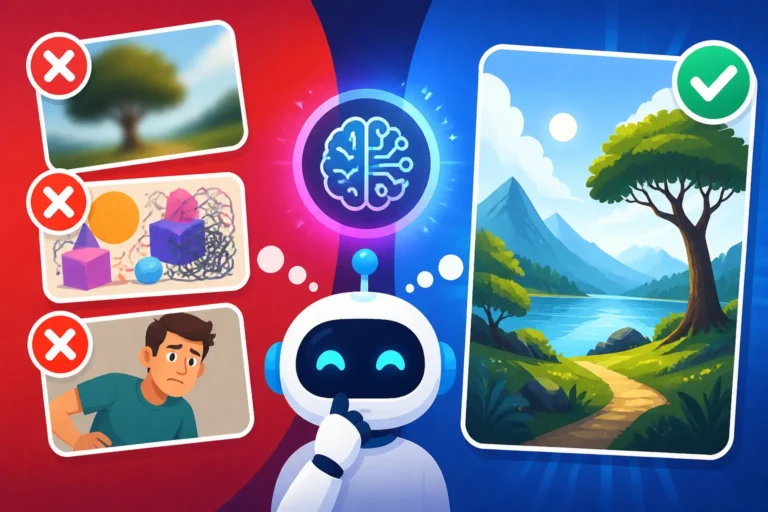
You've got this amazing photograph, maybe it's a breathtaking landscape from your last vacation, a quirky product shot for your small business, or a candid family moment. And you think, "Wow, if only I could get an AI to generate something just like this, but with a slight tweak." But then you sit down, stare at the blinking cursor, and realize that describing that perfect blend of lighting, texture, emotion, and composition in words feels like trying to paint a masterpiece with only a few crayons. It's frustrating when your visual inspiration gets lost in translation, isn't it? This guide is all about bridging that gap, transforming your beloved images into compelling AI prompts that truly capture the essence you're aiming for.
The Frustration of Descriptive Language vs. Visuals
It’s a universal truth: a picture is worth a thousand words. But when it comes to AI image generation, those thousand words need to be meticulously chosen and arranged, almost like a secret code. You know what you want to see, but articulating the nuances of a specific photograph in a way an AI can understand is often a colossal challenge. It feels like you're talking to a highly intelligent alien who understands human language but lacks all context for visual art.
Why Traditional Prompting Falls Short for Existing Images
Most people approach AI prompting by thinking about what they want to create from scratch. They conjure up ideas like "a cyberpunk city at sunset" or "a fluffy cat wearing a crown." This works well for conceptual generation. However, when you're starting with an actual image, your brain automatically references specific visual details that are incredibly difficult to translate into simple text. You might notice the specific bokeh in the background, the subtle color gradient on a character's clothing, or the unique brushstrokes if it's a painting.
For example, you might see a photo of a person laughing, bathed in the warm glow of a cafe window. Your internal monologue instantly recognizes the joy, the soft light, the cozy atmosphere. But how do you write that into a prompt? "Person laughing, warm light, cafe" is too generic. "A woman with tousled auburn hair, eyes crinkling at the corners in genuine mirth, seated by a tall arch-window in a Parisian cafe, diffused golden hour light filtering through, creating soft highlights on her cheekbones, background subtly blurred with bokeh" is getting closer, but it's a huge mental leap and requires a keen eye for detail and an extensive vocabulary. This mental overhead is why many creators give up, feeling like they just can't get the AI to "see" what they see.
The "Show, Don't Tell" Dilemma in AI Generation
In creative writing, we're always told to "show, don't tell." AI image generation often flips this on its head, demanding you "tell, don't show" through your prompts. But when your starting point is literally a "show" (an existing image), you’re caught in this awkward translation loop. You’re trying to describe something that already exists, rather than imagining something new. This is where many users hit a wall. They want the AI to emulate a specific photograph's vibe, its composition, or its artistic style, but they lack the vocabulary or the understanding of how AI models interpret these complex visual cues from text.
Consider a vintage photograph. You don't just want "vintage photo." You want the faded colors, the subtle sepia tone, the fine grain, perhaps the specific photographic lens distortion common in the 1950s. Each of these elements needs to be articulated. It's like being a detective, dissecting every visual component of your source image and then finding the perfect words or parameters to convey that dissection to the AI. Without a structured approach, this can quickly become overwhelming, leading to generic outputs that bear little resemblance to your original inspiration. It often feels like a frustrating game of Pictionary where the AI just isn't getting your clues.
Core Techniques for Photo-to-Prompt Conversion
The good news is that there are systematic ways to approach turning a photo into an AI prompt. It's not magic, but a combination of analytical observation and understanding how AI models process information. We’re moving beyond just throwing keywords at the model and instead adopting a more strategic, iterative process.
Leveraging AI's Own Vision Capabilities
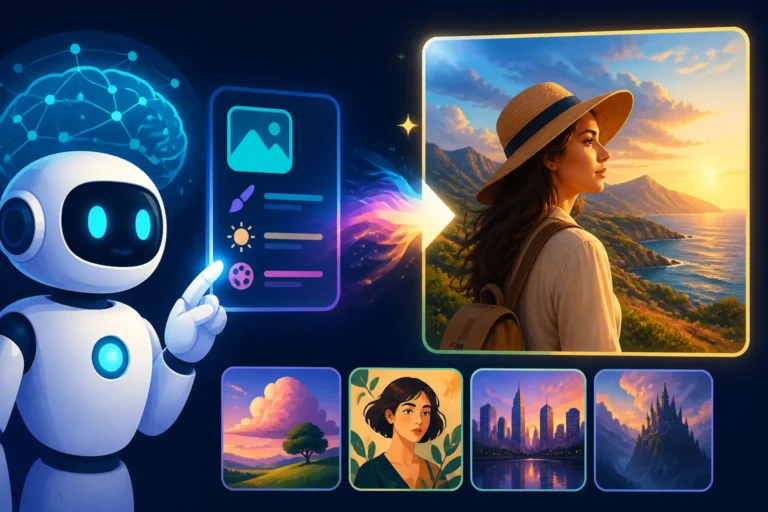
One of the most powerful and often overlooked techniques is to use an AI's own descriptive capabilities. Many advanced AI image generators, or even separate multimodal AI tools like Claude, Google Gemini, or ChatGPT with vision, can analyze an image and generate a textual description of it. Think of this as getting a "first draft" prompt directly from an AI that has been trained to understand visuals.
You simply upload your reference photo to one of these tools and ask it to describe the image in detail, focusing on elements like style, composition, lighting, subject matter, and mood. For instance, you could upload a picture of a bustling street market in Marrakech and ask, "Describe this image for an AI art generator, focusing on details, style, and atmosphere." The AI might return something like: "A vibrant, hyperrealistic photograph of a Moroccan spice market, intricate details of colorful textiles and conical spice piles, warm directional lighting from the stalls, a dynamic crowd of people in traditional attire, shot with a shallow depth of field, leading lines of market stalls, atmospheric haze."
This AI-generated description is an excellent starting point. It often picks up on nuances you might miss or struggle to articulate. From there, you can refine it, add specific artistic styles, or inject your creative intent. It saves you a significant amount of guesswork and provides a solid foundation. Tools like Midjourney even have an /describe command that will suggest four possible prompts based on an uploaded image, giving you a direct entry point into their generation system. For a deeper dive into crafting effective prompts, you might find our guide on How to Write AI Image Prompts quite useful.
Manual Deconstruction: Becoming Your Own AI Analyst
While AI vision models are helpful, sometimes you need a more granular, human touch. This involves manually deconstructing your image, breaking it down into its fundamental visual components. It’s like being an art critic, but instead of writing a review, you’re extracting actionable data points for an algorithm.
Start by identifying the main subject. Is it a person, an animal, an object, or a scene? Then, move on to attributes:
- Subject Details: What is it wearing? What is its expression? What actions is it performing?
- Setting/Background: Where is it located? What elements are present in the background? Is it blurred or detailed?
- Lighting: Is it natural or artificial? What time of day is it? Is it harsh, soft, diffused, dramatic? What are the shadows like?
- Color Palette: Are the colors vibrant, muted, monochromatic, warm, cool? Are there dominant colors?
- Composition: Is it a close-up, wide shot, rule of thirds, symmetrical, asymmetrical? What is the camera angle?
- Artistic Style/Medium: Does it look like a photograph, painting (oil, watercolor, digital), sketch, 3D render, cartoon? Are there specific artists or art movements it reminds you of? (e.g., "in the style of Van Gogh," "cinematic still," "anime art style").
- Mood/Atmosphere: Is it joyful, melancholic, eerie, peaceful, energetic?
By systematically going through these elements, you build a comprehensive list of descriptive terms. This process, while more labor-intensive than using an AI describer, gives you much greater control and precision, especially for subtle effects or highly specific artistic directions. This kind of detailed analysis is crucial if you want to generate images that truly stand out, as explained in articles like How to Get Better AI Image Results.
Step-by-Step Guide: Turning Your Image into a Powerful Prompt
Now that we've covered the core techniques, let's walk through the actual process. It's less about finding a single "perfect" prompt and more about an iterative refinement process, much like sculpting.
Analyze the Core Elements of Your Photo
The first and most critical step is to truly see your photo. Don't just glance at it; immerse yourself in its details. Print it out if you can, or view it on a large screen. Take notes.
- Subject First: Who or what is the main focus? Be specific. Instead of "dog," think "golden retriever puppy, slightly wet fur, looking up with wide, curious eyes."
- Action and Context: What is the subject doing? Where is it? "The puppy is playing in a grassy park, a faint rainbow visible in the misty background."
- Environment: Describe the surroundings. Is it indoors or outdoors? What kind of architecture, nature, or objects are present? "Lush green grass, dew drops visible, large oak trees in the distance, soft morning light."
- Technical Photography Terms: If you know them, use them! Terms like "shallow depth of field," "wide-angle lens," "macro shot," "anamorphic flare" can be incredibly powerful. If you don't, focus on the visual effect: "background very blurry," "everything in sharp focus," "streaks of light."
Here's a simple table to guide your analysis:
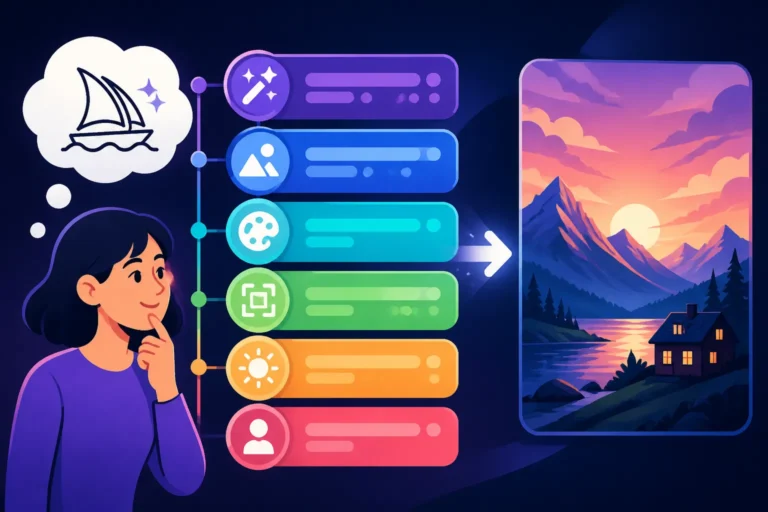
| Element Category | What to Look For | Prompt Examples (Fragments) |
|---|---|---|
| Subject | Main focus, specific details, expression, pose | "A serene woman, flowing blonde hair, gazing thoughtfully" |
| Action/Context | What's happening, relationship to environment | "meditating by a tranquil lake," "mid-jump, skateboard competition" |
| Environment | Setting, background, foreground elements, time of day | "dense enchanted forest, dappled sunlight," "futuristic cityscape at dusk" |
| Lighting | Type, direction, intensity, shadows, highlights | "golden hour backlighting," "dramatic chiaroscuro," "soft ambient glow" |
| Color Palette | Dominant colors, mood, contrast | "vibrant neon pinks and purples," "muted earth tones," "monochromatic blue" |
| Composition | Framing, perspective, angle, depth of field | "rule of thirds, low angle shot," "extreme close-up," "panoramic view" |
| Artistic Style | Overall aesthetic, medium, artistic influences | "hyperrealistic photograph," "impressionist oil painting," "pixel art" |
| Mood/Atmosphere | Emotion, feeling evoked, texture, weather | "eerie fog, suspenseful mood," "joyful celebration," "cosy autumn day" |
This structured breakdown ensures you don't miss crucial elements that contribute to the overall look and feel of your source image.
Extracting Style and Artistic Influences
Beyond the literal description, the style is where an AI image generator truly shines. This is where you elevate your prompt from a mere description to an artistic direction.
- Photographic Style: Is it a photojournalistic shot, a portrait, a landscape, a still life? Is it gritty, clean, glossy, matte? Think about film photography terms: "Kodachrome effect," "polaroid photo," "film noir."
- Artistic Movement: Does it evoke Cubism, Surrealism, Renaissance, Art Nouveau? Don't be afraid to experiment with these terms, even if your original image isn't explicitly from that movement. For example, applying "cubist painting" to a portrait can lead to fascinating interpretations.
- Specific Artists: If your photo reminds you of a particular artist's work, incorporate their name. "In the style of Annie Leibovitz" for a powerful portrait, or "reminiscent of Hayao Miyazaki" for whimsical animation. Be mindful of copyright if you plan commercial use, but for personal exploration, this is a great way to guide the AI.
- Media and Tools: Specify the medium or tool. "Oil painting on canvas," "watercolor illustration," "digital art," "pencil sketch," "3D render," "bokeh photography," "long exposure." These terms tell the AI what kind of output you’re looking for.
Don't forget the power of visual descriptors like "cinematic," "epic," "dreamlike," "gritty," "ethereal," or "minimalist." These can convey an overarching aesthetic that ties all the individual elements together. For specific tips on realistic outputs, explore How to Write Prompts for Photorealistic Images.
Refining and Iterating Your Prompt
You won't get it perfect on the first try, and that's completely okay! AI image generation is a process of iteration and refinement.
- Start Simple: Begin with the most critical elements: subject, action, basic lighting, and one or two style descriptors.
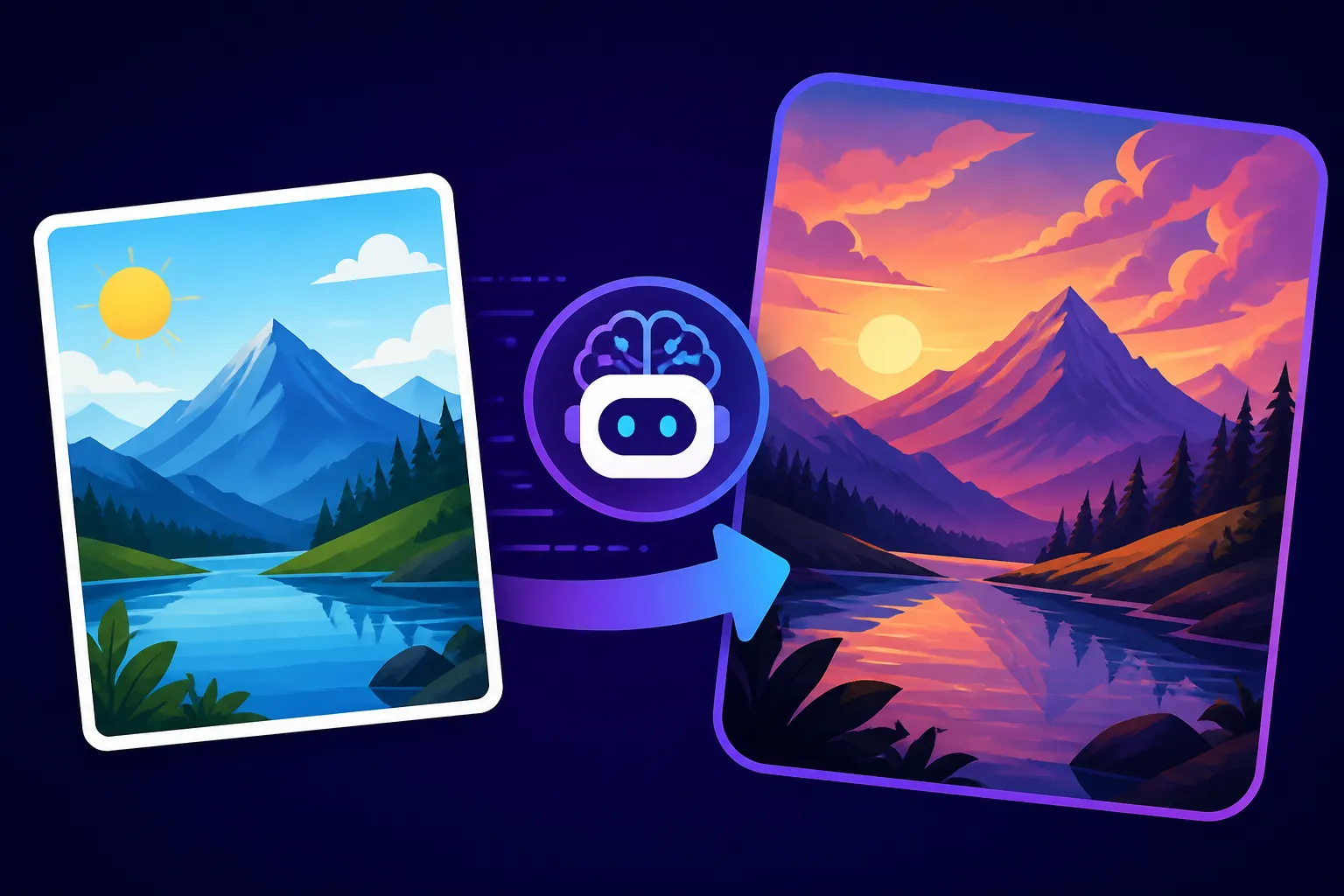
- Example initial prompt: "Golden retriever puppy, wet fur, playing in park, soft morning light, hyperrealistic."
- Generate and Observe: Create a few images. Pay close attention to what the AI did and didn't get right.
- Observation: "The puppy looks good, but the park is generic, and the light isn't soft enough. No rainbow."
- Add Specificity: Based on your observations, add more detail to the prompt.
- Revised prompt: "Golden retriever puppy, slightly wet fur, looking up with wide, curious eyes, playing in a lush grassy park with dew drops, large oak trees in distance, extremely soft golden hour backlighting, faint rainbow in misty background, shallow depth of field, hyperrealistic photograph."
- Experiment with Parameters: Many AI tools offer parameters to control aspect ratio, stylization, chaos, or negative prompts. Use them! For instance, if you're using Midjourney, adding
--ar 16:9might match your original photo's aspect ratio, or--style rawcould reduce artistic interpretation. Understanding Midjourney Parameters Explained can significantly enhance your control. - Use Negative Prompts: Sometimes it's easier to tell the AI what you don't want. If your generated images keep showing cartoonish puppies, add "cartoon, animation, drawing" to your negative prompt. This is a game-changer, and we'll dive deeper into it next. Our guide on How to Use Negative Prompts offers extensive strategies.
- Iterate, Iterate, Iterate: Each generation provides feedback. Adjust, re-run, observe, and adjust again. Don't be afraid to try wildly different wording or even remove elements if they're causing issues. This cyclical process is key to achieving your desired outcome. If you find yourself consistently getting bad results, checking out How to Fix Bad AI Image Results can help troubleshoot.
Advanced Strategies and Considerations
Once you've mastered the basics, you can elevate your photo-to-prompt game even further. This involves thinking about what the AI isn't doing and how to guide it more subtly.
The Power of Negative Prompting with Image Inputs
Negative prompting is like telling the AI, "Hey, whatever you do, please don't include this." It's incredibly powerful when you have a specific reference image because you often know exactly what elements you want to avoid. For example, if your original photo has a beautifully natural, unedited look, you might want to negatively prompt for terms like "over-edited," "photoshopped," "blurry," "distorted," or "low quality."
Let's say you're trying to recreate a historical photograph with a gritty, realistic feel. You've described the scene, the characters, and the lighting. However, the AI keeps adding an almost glossy, modern finish to the faces, making them look too pristine. Your negative prompt could include: "modern, polished, smooth skin, plastic look, digital art, high contrast, saturated colors." By explicitly ruling out these stylistic elements, you push the AI towards a more authentic, aged aesthetic that aligns with your source image. This is particularly effective for removing unwanted artifacts or ensuring realism. When trying to achieve a specific aesthetic, negative prompts often provide that extra layer of control that makes all the difference.
Ethical Considerations and Copyright Awareness
When you're turning a photo into an AI prompt, you're essentially deriving new work from an existing source. This brings up some important ethical and legal considerations, especially if you intend to use the generated images commercially.
- Originality of the Source Photo: Is the photo you're using your own work? Did you take it, or do you have permission to use it? If you're using a photo you found online, even if it's royalty-free, be aware of its licensing terms. Just because you can generate an image "in the style of" a photographer doesn't mean you own the rights to that style, especially if the generated image is too derivative.
- Commercial Use: Most AI image generators have different terms for commercial use. Some offer "IP indemnification" (like Adobe Firefly for commercial use) meaning they'll back you up if a copyright claim arises from their model's output. Others leave it entirely up to you. Always check the terms of service for your chosen AI tool. If your goal is commercial, you might also consider reading about Adobe Firefly Commercial Safety Review to understand its offerings.
- Ethical Sourcing: Be mindful if your source image contains identifiable people, trademarks, or copyrighted artwork. While AI might transform it, the essence of the original elements might still be recognizable, leading to potential issues. It's generally safer to work with your own photography or images explicitly licensed for derivative works.
- Attribution: While not always legally required for AI-generated images, it's good practice to acknowledge the AI tool used (e.g., "Generated with Midjourney from a prompt inspired by my photograph"). This fosters transparency and helps manage expectations about the image's origin.
Ultimately, using your own photos as inspiration for AI prompts is a fantastic creative avenue. Just approach it with an awareness of the implications, ensuring your generated output is respectful of original creators and complies with the usage policies of the platforms you're employing. This careful approach helps you enjoy the creative freedom AI offers without unnecessary legal headaches down the line.
Disclaimer
The information provided in this article is for general informational and educational purposes only and does not constitute legal or professional advice. While we strive to provide accurate and up-to-date content, AI technologies and their associated legal frameworks are rapidly evolving. Always consult with a qualified professional for specific advice regarding copyright, commercial use, and any other legal concerns related to AI-generated content.