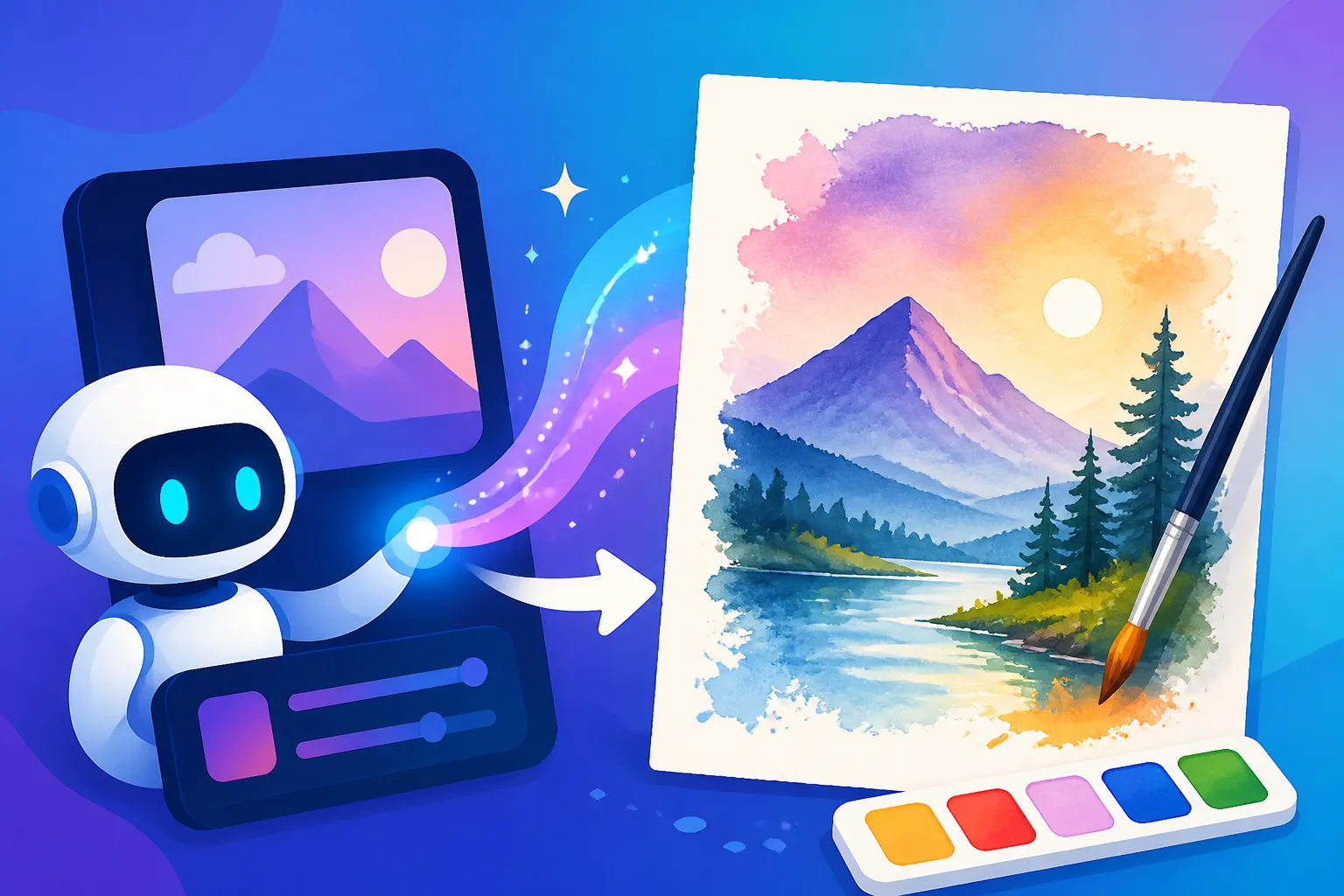
AI Prompt Examples for Watercolor Art
It can be incredibly frustrating when you're trying to coax beautiful, flowing watercolor art out of an AI image generator, only to end up with something that looks more like a digital painting or a muddy mess. The subtle nuances of watercolor, with its delicate washes and organic imperfections, are hard to articulate into a prompt. This guide is here to unravel that mystery, providing you with actionable prompt examples and techniques to create stunning AI-generated watercolor art that truly captures the medium's unique charm.
Understanding the Essence of Watercolor in AI Prompts
Watercolor isn't just a style; it's a medium with very specific characteristics that make it beloved by artists and art enthusiasts alike. When you're trying to translate this into an AI prompt, it's crucial to understand what those core elements are and how they often get lost in translation.
What Makes Watercolor Unique?
Think about a traditional watercolor painting. What immediately comes to mind? For many, it's the beautiful translucence of the colors, allowing underlying layers and the paper itself to show through. This isn't opaque like oil or acrylic; it's all about luminosity. The way colors blend on the wet paper, creating soft, diffused edges, or the granular texture that some pigments leave behind – these are all hallmarks of true watercolor. You also get those wonderful "blooms" or "cauliflowers" where water pushes pigment to the edge of a drying wash, adding an organic, unpredictable quality that's hard to replicate digitally. The flow, the spontaneous marks, the way light plays through the transparent layers – these are the visual cues we need to feed our AI.
Many aspiring digital artists and content creators discover that getting an AI to mimic this delicate artistry is far more challenging than simply adding "watercolor painting" to a prompt. It often requires a deeper dive into the specific characteristics that define the medium. If you're new to the world of AI art, a great place to start learning the basics of getting what you want is our article on How to Write AI Image Prompts.
Common Frustrations with AI Watercolor Generation
One of the biggest headaches when prompting for watercolor is ending up with images that look flat, digitally rendered, or just plain muddy. Instead of transparent washes, you might get solid blocks of color that defeat the purpose. The AI might struggle with those soft, flowing transitions between hues, instead producing stark lines or overly blended, indistinct areas. Sometimes, the "paper texture" ends up looking artificial, or worse, entirely absent, making the piece feel disconnected from the physical medium. It's like asking for a fresh-baked croissant and getting a perfectly uniform, but ultimately soulless, factory-made pastry.
Another common complaint is the lack of "happy accidents." Real watercolor thrives on a certain level of unpredictability; the water and pigment do their own dance. AI, being deterministic, often struggles to introduce this organic spontaneity unless you explicitly prompt for it. You might find the generated "brushstrokes" look too uniform or simulated, lacking the genuine hand-painted feel. It's a common issue across many artistic styles, but particularly noticeable with watercolor due to its inherent fluidity. Learning How to Fix Bad AI Image Results can be a lifesaver when these issues pop up.
Essential Prompt Elements for Authentic Watercolor Art
To overcome these hurdles and truly guide the AI toward producing genuine-looking watercolor, you need to be precise and descriptive in your prompts. It's not enough to say "watercolor"; you need to tell it how it should be watercolor.
Key Keywords for Watercolor Styles and Techniques
This is where you get specific about the methodology of watercolor. Instead of general terms, think about the techniques an artist would use.
- "Wet-on-wet watercolor": This technique involves applying wet paint to a wet surface, resulting in soft, diffused edges and spontaneous blends. It’s perfect for skies, water, or dreamy backgrounds.
- "Dry brush watercolor": Here, a brush with minimal water and paint is used on dry paper, creating textured, broken lines and granular effects. Great for rough textures, distant trees, or subtle details.
- "Watercolor washes": Refers to a thin, transparent layer of paint, often applied evenly or with gradations (e.g., "gradient watercolor wash"). This is fundamental to the medium's transparency.
- "Lifting technique": Where wet paint is lifted from the paper with a clean brush or sponge, creating highlights or soft transitions.
- "Splatter" or "sprinkled watercolor": Adding droplets of paint or water onto wet or dry areas for texture and dynamism.
- "Gouache effects": While technically opaque, sometimes mixing a hint of gouache-like opaqueness in areas can give a nice depth, but use this sparingly to maintain the core watercolor feel.
- "Granulation": Describes how some pigments separate and settle into the paper's texture, creating a speckled or granular appearance.
- "Bleeding" or "flowing watercolor": Emphasizes the organic, uncontrolled spread of color.
By combining these, you can instruct the AI on the precise textural and blending qualities you desire. For example: "A tranquil forest landscape, wet-on-wet watercolor washes with subtle granulation in the foliage, and delicate bleeding of blues into greens for the distant trees."
Describing Subject Matter with a Watercolor Lens
The subject itself needs to be described in a way that suits watercolor's inherent qualities. Watercolor often lends itself to subjects that benefit from softness, vibrancy, or an ethereal quality.
- Soft Edges: Instead of "sharp details," think "softly rendered," "diffused edges," "blurry transitions." This helps maintain that characteristic watercolor look where elements often melt into one another.
- Vibrant Hues, Ethereal Quality: Emphasize "luminous colors," "bright and airy," "ethereal glow," "delicate palette." Watercolor shines when colors are vibrant but translucent, not heavy and dull.
- Implied Detail: Often, watercolor suggests detail rather than explicitly drawing it. Use terms like "implied forms," "suggestive outlines," or "impressionistic style" to encourage this.
- Light and Air: Describe how light interacts with the subject. "Sunlight filtering through transparent leaves," "soft morning light reflecting on wet cobblestones," "glowing atmosphere."
For instance, if you want a portrait, instead of just "portrait of a woman," try: "An expressive portrait of a woman, rendered in soft, luminous watercolor with diffused edges and an ethereal glow, her hair flowing with wet-on-wet washes." This guides the AI to interpret the subject through the lens of the medium. When you dive deeper into specific styles, you might find our article on How to Prompt for Specific Art Styles very helpful.
Incorporating Composition and Lighting for Watercolor Aesthetics
Composition and lighting are critical, and they, too, can be described with a watercolor aesthetic in mind.
- Composition: Watercolor pieces often benefit from a sense of openness and flow. Think "minimalist composition," "expansive view," "flowing lines," "balanced negative space." Sometimes the white of the paper is just as important as the painted areas.
- Lighting: Natural, diffuse, or atmospheric lighting often complements watercolor beautifully. Harsh shadows can sometimes contradict the transparent nature of the medium.
- "Soft, natural light"
- "Diffuse light from a cloudy sky"
- "Backlighting creating luminous edges"
- "Golden hour glow with subtle atmospheric haze"
- "Bright, airy studio light"
- Paper Texture: Don't forget to explicitly ask for the substrate! "On rough watercolor paper," "textured archival paper," "cold-press paper texture," or "handmade cotton paper." This adds a tactile realism to the digital output.
Consider a landscape prompt: "A vast mountain range at dawn, rendered in transparent watercolor washes with soft, diffused lighting from the rising sun. Emphasize wet-on-wet blending for the sky and distant peaks. Composition features expansive negative space and flowing lines. Painted on cold-press watercolor paper." This comprehensive approach leaves less to the AI's imagination and more to your specific vision.
Advanced Techniques and Specific Examples for Watercolor Prompts
Once you've got the basics down, you can start combining elements and refining your approach for even more stunning results.
Combining Watercolor with Other Artistic Styles
Watercolor is incredibly versatile and can be effectively blended with other styles to create unique hybrid aesthetics. This allows for a much broader range of artistic expression.
- Ink and Wash: This classic combination uses ink for definition and linework, with watercolor washes filling in the color. Your prompt could look something like: "A whimsical cityscape, ink and wash style. Detailed black ink outlines with vibrant, transparent watercolor washes filling the buildings, and a splattered effect on the ground." This works wonderfully for travel sketches, architectural illustrations, or even comic-book-esque art.
- Abstract Watercolor: Focus on color, form, and texture without a defined subject. Prompts like: "Abstract composition of overlapping transparent watercolor washes in shades of blue, green, and gold. Emphasize wet-on-wet bleeding and fluid movements. Dynamic, organic shapes with subtle granulation on textured paper." This can create stunning, expressive backgrounds or standalone pieces.
- Botanical Illustration in Watercolor: Often characterized by precise detail alongside flowing color. Try: "Detailed botanical illustration of a single peony, watercolor style. Focus on delicate, transparent layers for the petals, with fine line details (implied ink or very thin dry brush) for the veins. Soft, natural lighting. Painted on clean white paper."
- Watercolor with Pen Details: Similar to ink and wash but perhaps with less dominant linework, where the pen adds subtle texture or definition after the washes are laid down. Example: "A charming cafe scene, watercolor painting with subtle pen details. Warm, diffused lighting, soft edges on figures, with light pen strokes defining window frames and distant architectural elements. Vibrant street life through transparent washes."
This blending opens up a whole new world of creative possibilities, allowing you to push the boundaries of what AI can generate.
Troubleshooting and Refining Your Watercolor Prompts
It’s rare to get a perfect image on the first try, especially with a nuanced style like watercolor. Refining your prompts is part art, part science.
- Adding Negative Prompts: These are just as crucial as your positive prompts. If you're getting images that look too digital, too sharp, or too opaque, tell the AI what not to do.
- "–no digital art, –no sharp edges, –no flat colors, –no opaque paint, –no vector art, –no photography"
- Using "How to Use Negative Prompts" can significantly improve your outputs by preventing common issues.
- Iterative Testing: Think of prompt writing as a conversation. Start with a basic idea, generate, then add or remove details based on the results. If the colors aren't vibrant enough, add "luminous palette." If it lacks texture, add "rough paper texture" and "granulation." This iterative process is key to mastering AI art generation and getting How to Get Better AI Image Results.
- Varying Strength of Keywords: Some platforms allow you to assign weights to keywords (e.g.,
(watercolor:1.2)or::2). Experiment with these to see if certain elements need more emphasis. - Model Choice: Different AI models excel at different styles. For photorealistic or highly detailed work, you might choose one model, but for artistic styles like watercolor, another might be superior. Experiment with tools like Midjourney, DALL-E, or Stable Diffusion, as each has its own strengths. For example, some users find that certain custom models on platforms like Leonardo AI, like their Phoenix model, can produce particularly expressive artistic outputs. You might want to check out the "Leonardo AI Phoenix Model Review" for more on that.
- Aspect Ratios: The composition of a watercolor piece can be greatly affected by its aspect ratio. A wide landscape might benefit from a 16:9 ratio, while a delicate portrait might shine in a 2:3 or 3:4. Don't underestimate this subtle but impactful choice.
Specific Prompt Examples for Diverse Watercolor Subjects
Let's put all this theory into practice with some concrete examples.
1. Tranquil Landscape:
"A serene coastal landscape, transparent watercolor washes depicting a lighthouse on a rocky outcrop. Soft, diffused light from a hazy morning sky. Emphasis on wet-on-wet blending for the sky and ocean, with subtle dry brush textures on the rocks. Dreamy, ethereal atmosphere. Painted on cold-press paper, high resolution, --ar 16:9."
2. Expressive Portrait:
"A captivating portrait of an elderly woman, rendered in expressive watercolor. Her face shows character, with soft, delicate blending of skin tones. Her hair flows with loose, wet-on-wet washes in natural shades. Luminous eyes with a touch of detail, the rest of the portrait has diffused edges. Organic flow, subtle granulations on textured paper. –no digital painting, –no sharp lines, –ar 2:3."
3. Whimsical Animal:
"A playful fox cub curled up in a forest glade, whimsical watercolor illustration style. Vibrant, transparent reds and oranges for the fox, blending into soft green and brown washes for the forest floor. Light splatters of paint around the fox for added texture. Dreamlike background with implied foliage. Painted on rough watercolor paper, –ar 4:5."
4. Delicate Still Life:
"A still life arrangement of a single glass vase holding a sprig of lavender, minimalist watercolor style. The vase is rendered with sheer, transparent washes reflecting subtle light. Lavender details are kept delicate with soft dry brush strokes. Focus on negative space and luminous quality. Light source from the left, casting a soft shadow. Painted on smooth, high-quality watercolor paper, –no heavy outlines, –ar 1:1."
These examples provide a solid foundation, but remember, the true art is in making them your own! Experimentation is key when using any AI tool, whether it's Midjourney Prompt Guide or DALL-E Prompt Guide.
Here's a quick reference table to help you build your watercolor prompts:
| Element Category | Keywords to Include | Desired Effect |
|---|---|---|
| Medium/Style | watercolor painting, transparent watercolor, wet-on-wet, dry brush, washes, ink and wash, abstract watercolor, botanical watercolor | Authentic watercolor look, specific techniques |
| Qualities | luminous, ethereal, delicate, soft edges, diffused, bleeding, flowing, organic, vibrant, grainy, textured, spontaneous, whimsical | Captures characteristic fluidity and light |
| Texture/Paper | rough watercolor paper, cold-press paper texture, handmade cotton paper, granulations, splatters, drips | Adds realism and tactile feel to the image |
| Lighting | soft natural light, diffuse light, backlit, golden hour glow, airy, atmospheric haze | Enhances the translucent quality of watercolor |
| Composition | minimalist, expansive, flowing lines, balanced negative space, impressionistic | Guides the overall arrangement and feel |
| Negative Prompts | --no digital art, --no sharp edges, --no opaque paint, --no photography, --no vector art, --no muddy colors |
Prevents undesirable digital artifacts and incorrect styles |
Common Pitfalls and How to Avoid Them
Even with the best intentions and carefully crafted prompts, it's easy to fall into traps that hinder your watercolor output. Knowing these common issues can save you a lot of time and frustration.
Over-Prompting and Losing Artistic Nuance
One of the most common mistakes I see people make, especially when they're first learning AI Image Prompt Guide for Beginners, is trying to cram too much into a single prompt. While specificity is good, over-prompting can lead to a cluttered, confused image that lacks the very organic, flowing nuance watercolor is known for. The AI might try to incorporate every single detail, resulting in a busy, unnatural look.
Imagine you're trying to describe a beautiful, serene watercolor landscape. If you list out "blue sky, green trees, white clouds, calm lake, fluffy clouds, sharp mountains, flowing river, small boat, distant village, vibrant flowers, smooth water, clear reflections, sun shining, slight breeze…" you're essentially giving the AI too many conflicting instructions or forcing it to create a scene that's too busy for the subtle nature of watercolor. Watercolor often thrives on simplification and suggestion.
How to avoid this:
- Prioritize key elements: Decide what the absolute most important elements are for your image. Is it the light? The texture? The feeling? Focus on those.
- Use descriptive adjectives, not just nouns: Instead of "green trees," try "forest rendered in loose, wet-on-wet green washes." This allows the AI more artistic freedom within your specified style.
- Embrace negative space: Watercolor artists often leave areas of the paper unpainted to create a sense of light and air. You can prompt for "ample negative space" or "minimalist composition" to encourage this.
- Iterate and simplify: Start with a simpler prompt. If something is missing, add a specific detail. If it looks cluttered, remove redundant or less important elements. Think of it as sculpting; sometimes you need to chip away to reveal the true form.
Ignoring the Importance of Aspect Ratios and Resolution for Watercolor
While it might seem like a minor technical detail, the aspect ratio and desired resolution of your image can significantly impact how your AI watercolor piece turns out. Forgetting these can lead to awkward compositions or a loss of the delicate detail that watercolor requires.
-
Aspect Ratios: Different aspect ratios (like 1:1 for squares, 16:9 for wide landscapes, or 2:3 for portraits) naturally lend themselves to different types of compositions. If you're envisioning a flowing landscape with lots of atmospheric perspective, generating it in a square 1:1 ratio might cut off crucial elements or force a cramped composition. Conversely, a delicate floral study might look lost in an ultra-wide format. Many AI tools will default to a square or a specific ratio, but you can usually override this with parameters like
--ar 16:9or-aspect 3:4. Think about the final destination of your image – will it be a social media post, a blog header, or a print? -
Resolution: Watercolor relies on the subtle interplay of pigment and paper texture. If you generate a low-resolution image, these delicate details – the granulation, the slight bleed of colors, the texture of the paper itself – can be lost or appear pixelated and artificial. While most AI generators produce decent resolution, always aim for the highest possible if your platform allows, especially if you plan to print the art or use it in a high-quality presentation. If your initial output isn't quite sharp enough, you might need to use an upscaler. Knowing how to generate "Nano Banana Pro 4K Review" quality images or understanding how tools like Magnific AI work can make a huge difference in the final polish of your artwork. Achieving a good resolution also contributes to making How to Make AI Images Look Less AI.
By paying attention to these seemingly small details, you can ensure that your AI-generated watercolor art not only looks beautiful but also feels authentic to the medium, ready for whatever creative project you have in mind. Don't forget, if you're serious about creating high-quality art, comparing tools can be very helpful; check out the "Best AI Image Generator for Artists" to see which platforms excel in artistic rendering.
Disclaimer
Please remember that AI image generation is an evolving field. The quality and style of images produced can vary significantly between different AI models and updates. Always review the terms of service for any AI tool you use regarding commercial rights and usage. The information provided here is for creative guidance and informational purposes only.