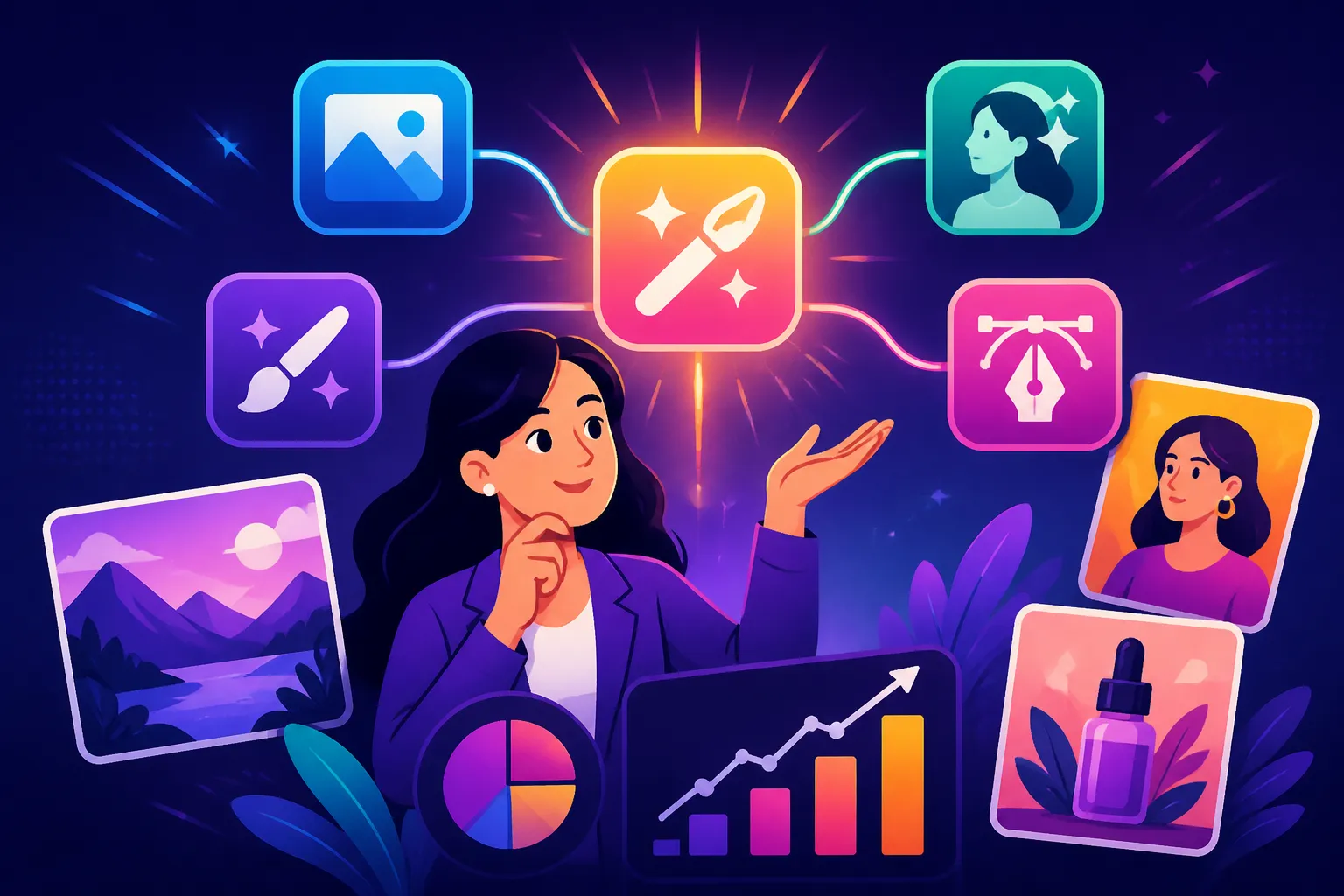
Best AI Image Tool Combo for Marketers
Navigating the world of AI image generation can feel like a maze for marketers. You're constantly challenged to produce high-quality, on-brand visuals at lightning speed, but relying on a single AI tool often leaves you frustrated with its limitations—be it wonky text, unrealistic faces, or a lack of granular control. This guide dives deep into how marketers can strategically combine different AI image tools to overcome these hurdles, boost efficiency, and consistently generate stunning visuals that truly resonate with their audience.
Why Marketers Need the Right AI Image Tool Combo
As a marketer, your visual content needs are incredibly diverse. From eye-catching social media graphics and engaging blog post headers to compelling ad creatives and professional product mockups, you're juggling a myriad of demands. Expecting one AI tool to be a master of all trades is simply unrealistic, and that's where the beauty of a strategic tool combination truly shines.
The Struggle with Single Tools
You've probably experienced it firsthand: you try to generate a banner with a specific call-to-action using a tool known for its stunning artistic output, only to end up with garbled text that looks like a foreign language. Or perhaps you're using a tool renowned for its photorealism, but it consistently messes up hands or generates slightly uncanny valley faces, making it unsuitable for client-facing campaigns. The frustration is real when a tool excels in one area but falls flat in another, forcing you to compromise on quality or spend hours manually correcting imperfections in traditional design software. This often leads to inconsistent branding, especially when different campaigns demand different visual styles, and it ultimately eats into your precious time and budget.
Maximizing Efficiency and Quality
The secret to conquering these challenges isn't about finding the one perfect tool; it's about building a synergistic stack that leverages the unique strengths of multiple AI platforms. By combining tools, you can create a seamless workflow where each step of your creative process is handled by an AI that excels at it. Imagine using one tool for its unparalleled photorealism, another for precise text integration, and yet another for powerful editing or upscaling. This approach allows you to maintain a high bar for quality across all your marketing assets, streamline your content creation process, and ultimately free up valuable time for strategic planning and audience engagement. It's about working smarter, not harder, to deliver impactful visual campaigns.
Understanding Different AI Image Tool Strengths
Just like in a marketing team, each AI image generator has its own specialization. Understanding these core strengths is the first step to building a powerful, complementary toolkit that addresses all your visual needs.
Photorealism and Artistic Expression
When you need an image that looks like it was captured by a professional photographer, certain AI tools are simply head and shoulders above the rest. Tools like Midjourney, especially its latest iterations, are often celebrated for their incredible ability to generate highly photorealistic images, rich in detail and atmospheric quality. If you're looking for an honest take on who should use Midjourney, it often comes down to those prioritizing raw aesthetic power. Similarly, platforms like Flux AI Image Generator are gaining traction for their capabilities in creating stunning, lifelike visuals. These tools are fantastic for generating lifestyle shots for your website, high-end product visuals that feel premium, or evocative hero images for landing pages.
On the flip side, some tools excel at artistic expression, allowing you to easily generate images in various styles—from watercolor and oil painting to pixel art and 3D renders. This is invaluable for marketers needing diverse visual content for different brand narratives or social media themes. For example, creating a whimsical cartoon illustration for a blog post or a sleek, futuristic 3D render for a tech product launch is well within their wheelhouse. These tools allow for immense creative flexibility, pushing the boundaries of what's possible with just a text prompt.
Text and Logo Generation
One of the biggest pain points for marketers using early AI image generators was the notoriously poor text rendering. Trying to generate a poster with a clear headline often resulted in gibberish. Thankfully, tools like Ideogram have emerged as game-changers in this arena. Ideogram excels at incorporating legible and stylistically consistent text directly into your generated images, making it an indispensable tool for creating social media graphics, ad creatives, or simple logos where text is paramount. If you're wondering which AI Image Generator for Text is best, Ideogram is frequently cited as a leader.
Beyond text, some platforms are also adept at generating vector-like art and even initial logo concepts. Recraft, for instance, focuses on vector output, which is crucial for branding elements that need to be scalable without losing quality. This means you can create mockups for brand identities or generate unique graphic elements that are perfect for incorporating into your larger design projects. Combining a strong text-generation tool with one capable of vector output can drastically cut down the time spent on design tasks.
Editing, Upscaling, and Control
Even the most perfect AI-generated image might need a tweak or two to fit your exact marketing vision. This is where tools with robust editing, upscaling, and control features come into play. Adobe Firefly, deeply integrated with the Adobe ecosystem, offers powerful editing capabilities like Generative Fill, allowing you to seamlessly add or remove elements, extend images, or change backgrounds directly within familiar interfaces like Photoshop. This is particularly valuable for commercial safety review due to its IP indemnification.
For those critical situations where high-resolution output is non-negotiable, upscaling tools like Magnific AI Upscaler are invaluable. They can take a lower-resolution AI-generated image and intelligently enhance its detail and sharpness, making it suitable for print materials or large displays without pixelation.
Furthermore, some AI generators offer granular control over the image generation process. Stable Diffusion, for example, especially when paired with plugins like ControlNet, gives users immense power to dictate composition, pose, and style through reference images, sketches, or depth maps. This level of control is a lifesaver when you need to maintain visual consistency across a series of images, like for product photography where a consistent angle or lighting is essential. Understanding how to use ControlNet in Stable Diffusion can transform your workflow.
Strategic Combinations for Common Marketing Needs
Building the perfect AI image toolkit isn't about collecting every tool out there; it's about thoughtfully combining their strengths to meet your specific marketing objectives. Let's explore some effective pairings for different scenarios.
The "All-Rounder" Combo for General Marketing
For marketers who need a versatile solution to cover a broad spectrum of daily tasks—think blog posts, social media updates, and basic ad visuals—an "all-rounder" combo is ideal. This typically involves pairing a strong generalist AI image generator with a specialized tool for text or quick edits.
A fantastic combination might be Midjourney (or DALL-E) paired with Ideogram. Midjourney excels at generating visually stunning, high-quality, and often photorealistic or artistically rich images for your primary visuals. Whether you need a captivating hero image for a new article or striking visuals for Instagram, Midjourney delivers. However, as noted, text can be a challenge. That's where Ideogram steps in. After generating your core image concept in Midjourney, you can use Ideogram to create clear, stylized text overlays, calls-to-action, or even simple logo placements that you can then combine in a basic design tool like Canva or Adobe Express. This allows you to quickly produce diverse marketing assets without compromising on either visual appeal or textual clarity. For those wondering, "Who Should Use Midjourney: An Honest Take," it often comes down to creators prioritizing unparalleled image quality. Similarly, if you're exploring the nuances of Ideogram for Text in Images, its capabilities are unmatched.
The "Deep Dive" Combo for Niche Marketing Campaigns
Sometimes, your marketing campaigns demand highly specific visual outputs—whether it's ultra-realistic product photography, intricate vector logos, or detailed illustrations that require specific compositional control. For these niche needs, a "deep dive" combo focused on specialized strengths is your best bet.
Consider a scenario where you need to create a series of photorealistic product photos for an e-commerce launch. You could start with a tool like Flux AI Image Generator or Midjourney to generate initial product concepts or lifestyle shots, leveraging their photorealism capabilities. Once you have your base images, you might then bring them into a tool like Adobe Firefly for precise editing—perhaps to remove backgrounds, add a specific texture, or apply a consistent aesthetic using its generative fill features. If the resolution isn't high enough for print or detailed web banners, a final step would be to run them through an upscaler like Magnific AI Upscaler to ensure crystal-clear, professional-grade output. This stack allows for incredible precision and quality, far beyond what any single tool could achieve. If you're working on how to create AI product photos, this multi-step approach is incredibly effective.
Alternatively, if your campaign is heavily focused on brand identity, logos, and vector graphics, a combo of Ideogram and Recraft could be powerful. Ideogram can handle sophisticated text-based branding and initial logo concepts with ease, while Recraft specializes in generating scalable vector art, perfect for creating brand icons, patterns, or graphic elements that will be used across various mediums, from web to print. This ensures your brand assets are sharp, consistent, and versatile. For more on logos, you might explore "How to Make AI Logos for a Business."
Budget-Friendly Yet Powerful Combos
Not every marketer has a limitless budget for AI tools, especially small businesses, startups, or freelancers. The good news is, you don't need to break the bank to create impactful AI-generated visuals. Several free or highly affordable options can be combined to form a surprisingly robust toolkit.
A prime example of a budget-friendly combo involves leveraging free tiers and affordable subscriptions. You could start with Bing Image Creator (which uses DALL-E 3) for its impressively accurate general image generation, especially for its cost (free!). It's a great choice for quick social media posts or blog header images. For commercial use, checking "Free AI Image Generators with Commercial Use" is a must. However, if you need more control, editing capabilities, or text integration, you could then complement it with a platform like Canva AI. Canva's free plan offers basic AI image generation and powerful design features that allow you to easily add text, combine elements, and apply branding to your Bing-generated images. For a low monthly fee, Canva Pro unlocks even more AI features and design assets. This combination provides excellent value, allowing you to generate and refine visuals for almost any marketing need without a hefty investment. Learning how to generate AI images for free is a skill every budget-conscious marketer should master.
| Marketing Need | Primary Tool Type | Complementary Tool Type | Example Combo (General) |
|---|---|---|---|
| Photorealistic Imagery | High-Quality Generative AI | Upscaler / Editor | Midjourney + Magnific |
| Text-in-Image Graphics | Text-focused Generative AI | Design Editor | Ideogram + Canva AI |
| Brand Logos & Vectors | Vector Generative AI | Text-focused Generative AI | Recraft + Ideogram |
| Product Mockups | Photorealistic Generative AI | Generative Editing / Upscaler | Flux AI + Adobe Firefly + Magnific |
| Quick Social Graphics | Easy-to-Use Generative AI | Template-based Design Tool | Bing Image Creator + Canva AI |
| Detailed Illustrations | High-Control Generative AI | Image Editor / Style Transfer | Stable Diffusion + Photoshop |
The Workflow Advantage: Integrating Your Chosen Tools
The real magic of an AI image tool combo isn't just having the right tools; it's knowing how to make them work together seamlessly. A well-defined workflow can transform your content creation from a disjointed struggle into an efficient, high-quality production line.
Seamless Hand-offs Between Tools
Imagine you're generating a series of images for a new campaign. You might start in Midjourney to capture the core aesthetic and composition because of its superior image quality tested and reviewed extensively. Once you have a few strong candidates, you'll download them. Now, let's say one image has a small element you want to remove or a background you need to change. Instead of starting from scratch, you'd seamlessly transfer that image to Adobe Firefly (or another capable editor like Photoshop with its AI features). There, you can use generative fill to effortlessly replace the background or "heal" unwanted objects. If the image is for a print ad or a high-resolution display, the next logical step would be to pass it through an upscaler like Magnific AI Upscaler to ensure it looks crisp and professional at any size.
The key to these hand-offs is understanding file formats and resolution. Most AI tools output standard image files (JPG, PNG), making transfers straightforward. Always aim for the highest resolution output from your initial generative tool, as it gives you more flexibility for editing and upscaling later without losing quality. Think of it as a relay race: each tool runs its leg, perfecting the image before passing it to the next, ultimately leading to a superior finish. This approach significantly helps you speed up content creation with AI images.
Maintaining Brand Consistency Across Platforms
One of the biggest challenges for marketers is ensuring visual consistency across all touchpoints, especially when using multiple AI tools. Without a strategy, your brand's aesthetic can quickly become fragmented.
Firstly, develop a clear visual style guide. This isn't just for human designers; it's for your AI prompts too. Document your brand colors, preferred lighting, photographic styles (e.g., cinematic, minimalist, vibrant), and general mood. Use these elements consistently in your prompts across all tools. For instance, if your brand uses a specific color palette, ensure you're explicitly including those hex codes or color descriptions in your prompts where possible.
Secondly, leverage reference images. Many AI tools, including newer versions of Midjourney and Stable Diffusion, allow you to upload an image and use it as a visual reference. This is incredibly powerful for maintaining character consistency or ensuring specific visual elements are replicated. If you have an existing brand image or a character you want to feature, feed it into your AI as a prompt element.
Finally, consider template creation. Tools like Canva AI allow you to save branded templates for social media posts, ads, or headers. You can generate your core AI image in your preferred generative tool, then drop it into a pre-designed Canva template that already includes your brand fonts, logos, and color overlays. This hybrid approach guarantees that even diverse AI-generated visuals always align with your brand's established look and feel. For marketers, learning how to keep brand consistency with AI images is paramount.
Key Considerations When Building Your AI Image Stack
Choosing the right AI image tools is more than just picking the ones that generate the prettiest pictures. For marketers, there are practical considerations that impact workflow, budget, and legal safety.
Ease of Use vs. Granular Control
This is a classic trade-off in the world of AI image generation. Some tools, like Bing Image Creator or Canva AI, are incredibly user-friendly. They offer intuitive interfaces, straightforward prompting, and often integrate easily into existing design workflows. These are fantastic for marketers who need quick, good-enough visuals without a steep learning curve, especially if you're just starting or managing a small team with limited design experience. They allow for rapid iteration and often come with template libraries, making content creation a breeze for common marketing assets. You might find "Is Canva AI Good Enough for Pros" to be a useful read as you consider this.
On the other hand, tools like Stable Diffusion (especially when run locally or through platforms that expose its advanced features) or Midjourney offer significantly more granular control. With parameters, seeds, style references, and the ability to use advanced techniques like ControlNet, you can dictate almost every aspect of your image. This level of control is invaluable for professional designers, artists, or marketers who need highly specific, precise outputs that adhere to strict brand guidelines or complex creative briefs. The learning curve is steeper, often requiring a deeper understanding of prompt engineering, but the creative possibilities are vast. Your choice here depends on your team's skill set, the complexity of your projects, and the amount of time you can dedicate to mastering advanced tools.
Commercial Rights and Licensing
This is perhaps the single most critical factor for marketers using AI-generated images. The legal landscape around AI art is still evolving, and you absolutely must understand the commercial terms of each tool you use. Using an image for commercial purposes (ads, product packaging, website content, client work) without the proper rights can lead to significant legal issues and financial penalties.
Always check the Terms of Service for each AI image generator. Many popular tools, including Midjourney, DALL-E, and Adobe Firefly, explicitly state their policies on commercial use. Some offer blanket commercial rights with a paid subscription (like Adobe Firefly, which even provides IP indemnification, a huge benefit for businesses worried about copyright infringement claims). Others might have more nuanced terms, such as requiring attribution or prohibiting certain types of use. Free tiers often come with more restrictive commercial licenses or may include watermarks. Ensure that any tool in your combo allows for your intended commercial use without ambiguity. Prioritizing tools with clear, robust commercial licenses (like those often detailed in "Adobe Firefly Commercial Safety Review") is non-negotiable for professional marketers.
Cost-Effectiveness Over Time
When building your AI image stack, think beyond the sticker price. Evaluate the cost-effectiveness based on your volume of usage and the value derived.
- Subscription Tiers: Most paid AI tools offer various subscription tiers. A basic plan might offer limited fast generations or credits, while a professional plan provides unlimited usage or more powerful features. Analyze your average monthly image generation needs. If you're a high-volume marketer, a higher-tier subscription with unlimited generations might be more cost-effective than constantly buying credit packs on a cheaper plan.
- Credit Systems: Many tools operate on a credit system. Understand how many credits you get for your money, how quickly they are consumed (e.g., fast generations versus relaxed generations), and if they roll over. Comparing the "cheapest AI image generator per image" can reveal surprising insights.
- Hidden Costs: Consider potential hidden costs. Do you need a separate subscription for an upscaler? Does editing require an additional software license? Factor in the time spent learning complex tools, as time is money in marketing.
- Free Tiers and Trials: Leverage free tiers and trials to thoroughly test tools before committing. This allows you to evaluate image quality, workflow integration, and ease of use in a real-world scenario without financial commitment. This is particularly important when seeking "Which AI Image Tool Has the Best Free Trial."
By carefully weighing these factors, you can assemble an AI image tool combo that not only meets your creative needs but also aligns with your budget and business requirements, ensuring a sustainable and effective visual content strategy.
Disclaimer
The information provided in this article is for general informational purposes only and does not constitute professional advice. The field of AI image generation is rapidly evolving, and specific features, pricing, and legal terms of tools mentioned can change at any time. Always consult the official websites and terms of service of any AI tool before making purchasing decisions or using generated content for commercial purposes.