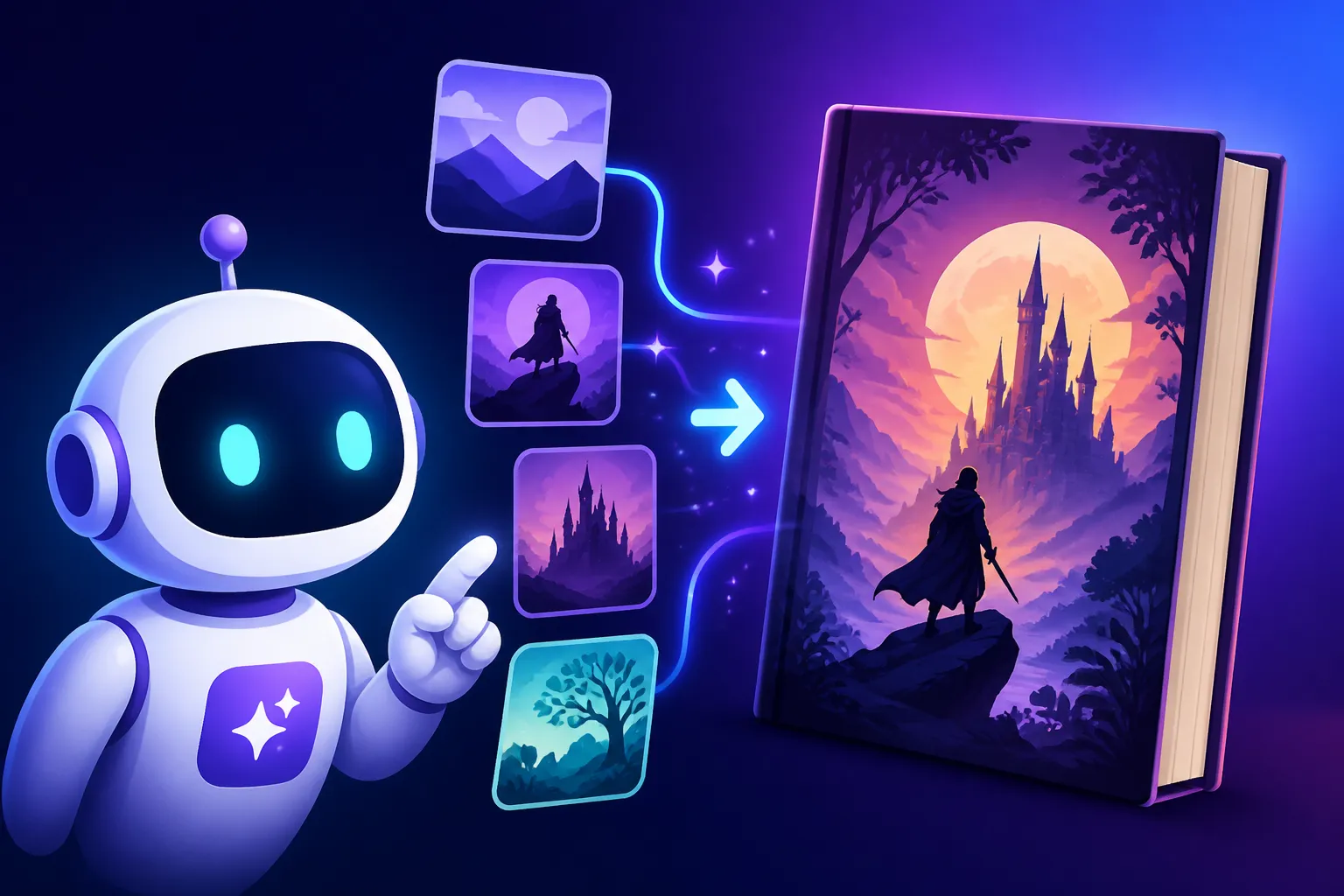
How to Create AI Book Covers
Creating a captivating book cover often feels like climbing Mount Everest without a map. You've poured your heart and soul into writing your masterpiece, only to be confronted with the daunting task of designing a visual representation that not only grabs attention but also accurately conveys your story's essence. This guide is here to demystify the process, showing you exactly how AI image tools can be your secret weapon in crafting stunning, professional-quality book covers, saving you time, money, and a whole lot of creative frustration.
The Vision: Why AI is a Game-Changer for Book Covers
Let's be real, for many authors, especially those just starting out or working on an independent release, professional cover design can feel like an insurmountable expense. The thought of spending hundreds, even thousands, of dollars on a single image is enough to make anyone second-guess their publishing dreams. This is where AI image generation steps in, offering a truly revolutionary approach to visual storytelling that's accessible and incredibly powerful.
Unlocking Creative Potential and Efficiency
One of the biggest hurdles in traditional cover design is the back-and-forth, the endless revisions, and the slow pace of finding the perfect visual. AI obliterates these bottlenecks. Imagine being able to brainstorm dozens of distinct cover concepts in mere minutes, exploring various art styles, moods, and compositions with a few simple text commands. This kind of rapid prototyping wasn't just expensive before; it was practically impossible for most.
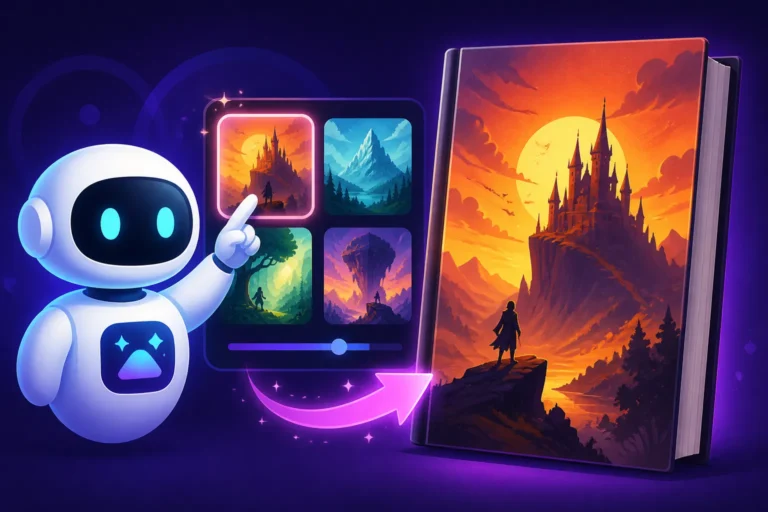
For instance, if you're writing a dark fantasy novel, you can quickly generate images depicting ancient castles shrouded in mist, a lone warrior facing a monstrous beast, or a mystical artifact glowing with ominous power, all while experimenting with different artistic renditions like "oil painting," "digital art," or "cinematic realism." This empowers you to iterate on ideas faster than ever, allowing you to visually explore your story's world in a way that truly resonates before committing to a single design path. It's like having an entire art department at your fingertips, ready to bring your wildest ideas to life on demand. This efficiency is invaluable for indie authors juggling writing, editing, and marketing all on their own.
Navigating the Nuances: What AI Can and Cannot Do
While AI is a powerful ally, it's crucial to approach it with realistic expectations. It's not a magic wand that instantly produces a flawless, print-ready cover without any human input. One common frustration users face is the occasional "AI artifact"—strange distortions, particularly in hands, faces, or complex textures. You might get an otherwise perfect image of a wizard, only to find he has seven fingers or his eyes are slightly off-kilter. Similarly, while great strides have been made, generating perfect, legible text directly within the image can still be a hit-or-miss affair for many tools.
Another aspect to consider is originality. While AI generates novel images, if your prompts are too generic, your results might also feel generic, resembling covers that already exist. The key is to refine your vision and guide the AI with specificity. Think of AI as a brilliant, incredibly fast apprentice. It can create amazing things, but it needs clear instructions and a master's eye for the final polish. Understanding these limitations upfront helps you plan your workflow, knowing where you'll likely need to step in with traditional editing tools or further prompt refinements.
The Practical Steps: Generating Your AI Book Cover
Alright, let's roll up our sleeves and get into the nitty-gritty of actually creating these covers. It's less about being a technical wizard and more about being a creative director for your digital artist.
Deconstructing the Perfect Prompt for Your Genre
The prompt is everything. It's your conversation with the AI, your way of describing the image you see in your mind's eye. A well-crafted prompt acts like a detailed brief for a human designer, leaving less to chance and guiding the AI toward your vision. Start by breaking down your cover concept into key elements.
Consider these components for your prompt:
- Genre: Is it sci-fi, fantasy, romance, thriller, mystery? This sets the overall tone.
- Subject: Who or what is the focal point? A lone hero, a spaceship, a mysterious object, a couple embracing?
- Setting: Where does it take place? A bustling cityscape, a serene forest, a futuristic laboratory, a haunted mansion?
- Mood/Atmosphere: What feeling do you want to evoke? Eerie, hopeful, suspenseful, romantic, epic?
- Art Style: How should it look? Photorealistic, watercolor, comic book, cyberpunk, painterly?
- Color Palette: Dominant colors? Warm, cool, vibrant, muted?
- Composition/Camera Angle: Is it a close-up, a wide shot, from a low angle looking up, a dramatic overhead view?
- Specific Details: Any crucial elements like a glowing sword, a specific type of ancient ruin, or a particular species of alien.
Let's say you're writing a cozy mystery set in a small English village. A basic prompt like "mystery book cover" would give you very generic results. Instead, try something more specific: "Cozy mystery book cover, a quaint English village in autumn, a detective cat peering from behind a teacup on a window sill, warm lamplight, intricate details, watercolor style, soft pastel colors, slightly whimsical, intricate." This gives the AI so much more to work with. Remember, the more descriptive and specific you are, the better the AI can interpret your request. For more granular advice on structuring your requests, explore guides like How to Write AI Image Prompts which delve deep into prompt engineering.
Leveraging AI Tools for Diverse Styles
Different AI image generators excel at different things. Some are renowned for their incredible photorealistic output, perfect for contemporary fiction or thrillers, while others shine with artistic, illustrative, or even cartoonish styles, ideal for fantasy, children's books, or graphic novels. While I won't name specific brands here, you can typically find tools that are strong in:
- Photorealism: Great for covers that need to look like actual photographs, often suitable for contemporary romance, thrillers, or non-fiction. These tools often allow for fine-tuning of lighting, depth of field, and textures.
- Artistic/Painterly Styles: If you envision a cover that looks like it was hand-painted with oils, watercolors, or acrylics, there are AI tools adept at mimicking these traditional art forms. They can render expressive brushstrokes and rich textures.
- Conceptual/Abstract: For genres that benefit from more symbolic or less literal covers, some tools can create stunning abstract compositions or surreal imagery based on your keywords.
- Specific Aesthetics: Some generators are particularly good at niche aesthetics like pixel art, isometric views, anime, or retro-futuristic designs.
It's often helpful to experiment with a few different platforms or models if you have access, especially early in the process, to see which one best captures the specific artistic flavor you're after. A good starting point for exploring options might be reviewing resources like Best AI Image Generator Comparison to understand the landscape of features available.
The Art of Iteration: From Draft to Near-Final
Getting the perfect image on the first try is rare, and that's perfectly okay! The real magic of AI lies in its iterative nature. Once you generate an initial batch of images, review them critically.
- Identify what works: Did the AI get the mood right? Is the subject clear? Do you like the art style?
- Identify what needs improvement: Are the colors too dark? Is the composition off-center? Is a character's pose awkward? Is there an unwanted element?
Then, you go back to your prompt and tweak it. This might involve:
- Adding more descriptive words: "Add a faint glow around the sword," "change the sky to a stormy grey," "move the character to the left side."
- Using negative prompts: Many tools allow you to specify things you don't want. For example,
no blurred edges,no extra limbs,no generic background. This is incredibly useful for cleaning up unwanted elements. - Adjusting parameters: Some tools offer advanced settings for
stylization,chaos,quality, oraspect ratio. Experimenting with these can drastically alter your output. - Creating variations: Most AI tools have a "Vary" or "Generate Similar" option, which takes one of your generated images and creates new versions based on its style and composition, allowing you to fine-tune without starting from scratch.
This back-and-forth process is where you truly shape the image to your specific needs. Don't be afraid to generate dozens of images. The goal is to get as close as possible to your ideal visual before moving on to external editing. For deeper dives into making your AI images pop, consider reading guides like How to Get Better AI Image Results or How to Iterate on AI Image Prompts.
Polishing Your Masterpiece: Advanced AI Book Cover Techniques
Once you have a strong candidate image from your AI generator, the real "human touch" often comes into play. This is where you transform a great AI image into an exceptional, commercially viable book cover.
Integrating and Perfecting Text Elements
One of the most persistent challenges with AI-generated images is the text. While some advanced tools are improving, getting clean, legible, and stylistically appropriate typography directly from the AI can still be a headache. You often end up with gibberish or distorted letters.
The most effective strategy is to generate your core cover image with AI and then use a dedicated graphic design tool (like Adobe Photoshop, GIMP, Canva, or Affinity Designer) to add your title, author name, and any taglines. This gives you complete control over:
- Font Selection: Choosing a typeface that perfectly matches your genre and mood.
- Placement and Layout: Ensuring the text is easily readable and doesn't clash with key visual elements.
- Styling: Adding shadows, gradients, outlines, or textures to make your text pop.
- Consistency: Maintaining branding across your series.
When prompting the AI for your image, you can include phrases like "leave space at the top for title" or "minimalist background for text overlay" to guide the composition specifically for text integration. If you're exploring tools that have better text rendering capabilities, articles like How to Write Prompts for Text in Images can offer valuable insights.
Ensuring High-Quality Output and Commercial Readiness
A fantastic-looking image on your screen might not always translate into a high-quality print or digital file. Here's what you need to consider:
- Resolution and Upscaling: Most AI tools generate images at a decent resolution, but for print-quality covers, you might need to upscale them. Many AI upscaling tools exist (some built into the generators themselves, others standalone) that can intelligently increase resolution without introducing pixelation, making your cover sharp and professional. A standard print book cover usually requires 300 DPI (dots per inch) at the final trim size. For ebooks, 72 DPI is sufficient, but higher resolution is generally better for future-proofing and display on high-res screens. Learn more about enhancing your images with How to Upscale AI Images.
- Checking for Artifacts: Scrutinize your final image for any lingering AI oddities. These could be subtle distortions, strange textures, or illogical elements in the background. A quick pass in a photo editor can often fix minor issues like cloning out a weird leaf or adjusting a slightly skewed horizon line.
- Commercial Use and Licensing: This is a big one. Before using any AI-generated image for a commercial product like a book cover, thoroughly understand the terms of service of the AI tool you're using. Many popular AI generators explicitly grant commercial usage rights for images created on their paid tiers, but always double-check. Some may have restrictions, or require attribution. Ensuring your cover is legally clear for distribution is paramount. It’s also wise to check out resources on How to Make AI Images Commercially Safe for the latest guidance.
Crafting a Consistent Series Look with AI
If you're planning a book series, maintaining a consistent visual identity across all covers is vital for branding. AI can be incredibly helpful here, but it requires a strategic approach:
- Seed Numbers/Style References: Many AI tools allow you to use a "seed number" or "style reference" from a previously generated image. This acts as a starting point, helping the AI reproduce a similar aesthetic, composition, or even character.
- Consistent Prompt Elements: Use the same core descriptive elements in your prompts for each book. While you'll change the specific subject matter (e.g., "Book 1: lone wizard in a forest" vs. "Book 2: same wizard battling a dragon on a mountain"), maintain the same art style, color palette descriptions, and general mood.
- Template Design: Once you've established a successful AI-generated background or stylistic element for one cover, you can use it as a base. Then, in your graphic design software, you can place varying central characters or objects on top, ensuring the overall look of the series remains cohesive. This approach allows for creative freedom within a defined brand identity. For tips on maintaining character consistency, see How to Keep Characters Consistent Across Images.
Here's a quick overview of key considerations:
| Feature/Aspect | AI's Role | Human Input Required | Importance Level |
|---|---|---|---|
| Concept Generation | Rapidly creates diverse visual ideas based on prompts. | Defining core story elements, genre, mood, and initial vision. | High |
| Image Creation | Generates unique images, exploring various styles and compositions. | Crafting detailed prompts, iterative refinement, selecting best outputs. | High |
| Text Integration | Can sometimes generate text, but often with imperfections. | Adding legible titles, author names, and taglines using dedicated design software. | Critical |
| Artistic Style | Excels at mimicking a wide range of styles (photorealistic, watercolor, digital painting, etc.). | Specifying desired style in prompts, choosing tools best suited for that style. | High |
| Resolution/Quality | Generates images at varying resolutions; needs upscaling for print. | Upscaling, checking for artifacts, making minor edits in photo editing software. | High |
| Commercial Use | Output can often be used commercially, depending on the tool's terms. | Thoroughly reading and understanding licensing agreements. | Critical |
| Series Consistency | Can maintain aesthetic consistency through similar prompts, seeds, or style references. | Deliberately applying consistent prompt elements and design templates across books. | Medium |
Creating AI book covers isn't about replacing human creativity; it's about empowering it. By understanding how to effectively communicate with these tools and where to apply your own design judgment, you can produce stunning, professional book covers that truly stand out on any bookshelf—digital or physical.
Disclaimer
Please remember that the field of AI image generation is evolving rapidly. While we strive to provide the most current and accurate information, capabilities, pricing, and terms of service for various AI tools can change without notice. Always verify the latest information directly with the service providers, especially regarding commercial use and licensing, before relying on AI-generated content for your projects.