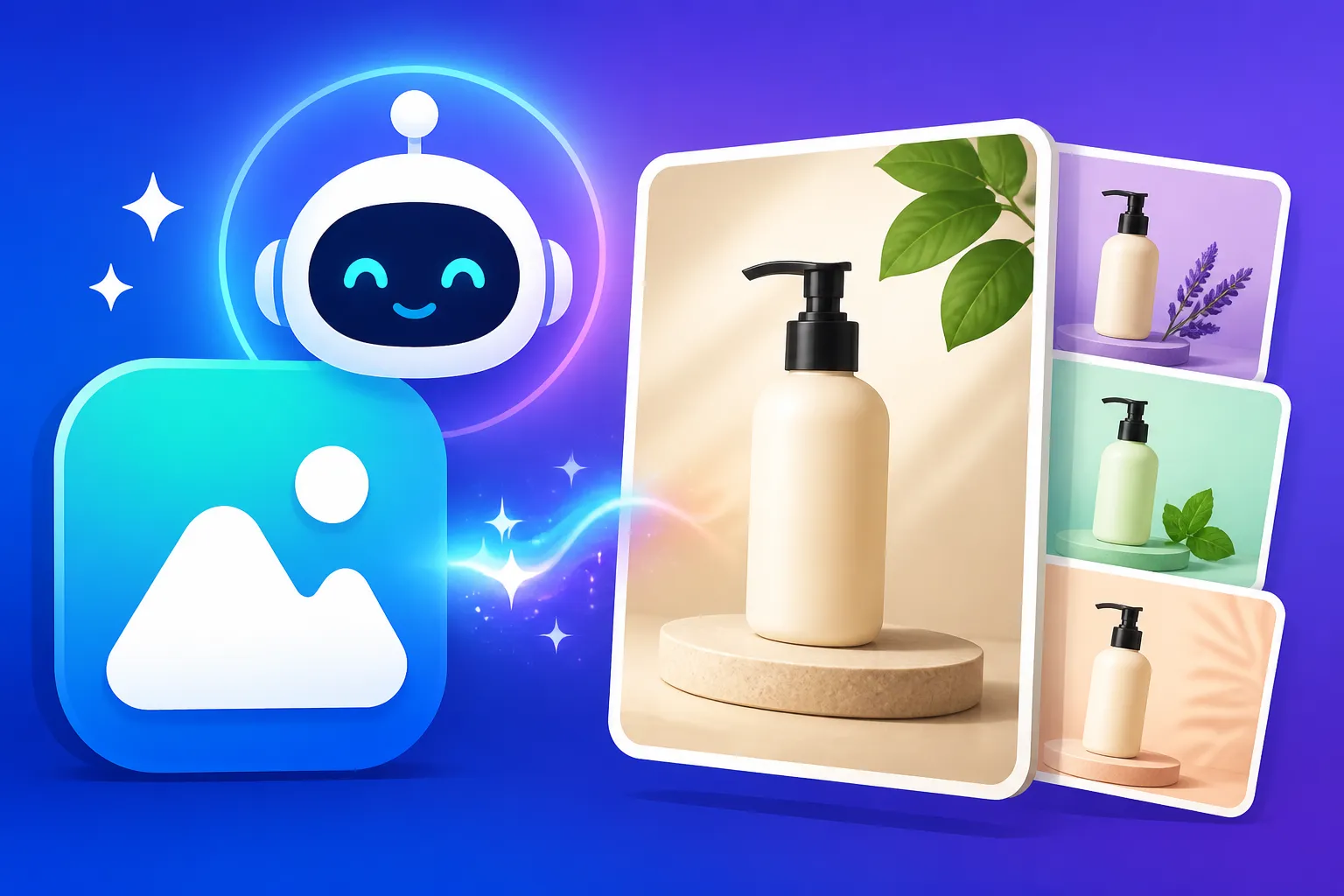
Best Free AI Image Generator for Product Photos
Running a small business or trying to launch a new product can feel like a financial tightrope walk, and professional product photography often takes a huge chunk out of an already stretched budget. It's incredibly frustrating when you know your product deserves to shine, but the cost of hiring photographers or setting up elaborate shoots is just too high. This comprehensive guide is here to cut through the noise, showing you how to leverage truly free AI image generators to create compelling product photos without spending a dime, helping you elevate your brand without breaking the bank.
The Appeal and Challenges of Free AI for Product Photos
It wasn't that long ago that generating high-quality images, especially for commercial purposes like product photography, seemed utterly out of reach without significant investment. Now, with the rapid advancement of artificial intelligence, a new frontier has opened up, offering incredible opportunities for creators and small business owners. But it’s not all sunshine and rainbows; free tools come with their own set of unique hurdles.
Why Free AI is a Game-Changer for Small Businesses
Imagine you're an artisan who handcrafts bespoke leather goods. You've poured your heart and soul into each wallet and bag, but when it comes time to list them online, your smartphone photos just don't capture their true beauty. Hiring a professional photographer in a city like Portland or Austin could easily cost hundreds, if not thousands, of dollars per session. This is where free AI image generators step in as a true hero.
These tools allow you to bypass the traditional expenses entirely. You can generate multiple variations of product shots, experiment with different backgrounds, lighting conditions, and even mockups, all from the comfort of your home. It means faster iterations, the ability to test out new product angles for marketing campaigns, and a significant reduction in upfront costs, which is crucial for startups or solo entrepreneurs. For instance, an Etsy shop owner selling unique candles can instantly create lifestyle shots featuring their products in cozy living room settings or sleek modern bathrooms, providing diverse visuals for their listings without ever needing to stage a physical photoshoot.
The Realistic Limitations of Free Tools
While the promise of free AI is enticing, it's vital to set realistic expectations. It's easy to get swept up in the hype and then hit a wall when you realize that most free tiers come with significant limitations. Many free AI image generators have daily credit caps, meaning you might only be able to generate a handful of images before needing to wait or upgrade. Other tools might embed watermarks that render your product photos unusable for professional marketing unless you pay to remove them.
Beyond these practical constraints, you'll often find that the level of control over composition, lighting, and consistency can be significantly reduced compared to paid alternatives. You might generate a fantastic image, but then struggle to replicate the exact style or angle for another product in the same line. Sometimes, the quality can be inconsistent, with details like reflections, textures, or even the product's shape appearing slightly off or distorted. It can be incredibly frustrating to get a near-perfect image only to have a subtle flaw ruin its commercial viability, forcing you to generate dozens more in hopes of striking gold.
Key Features to Look for in a Free Product Photo AI Generator
When you're trying to create product photos, your needs are a little different than someone just looking to generate whimsical art. You're aiming for clarity, appeal, and a certain level of professionalism. So, let's break down the must-have features in any free AI tool you consider.
Image Quality and Resolution
For product photography, image quality is paramount. A blurry, pixelated, or unnatural-looking image won't entice customers, no matter how great your product is. You need generators that can produce sharp, detailed images where your product looks realistic and appealing. This means paying attention to texture rendering, accurate colors, and overall visual fidelity.
Many free tools might cap the output resolution, which can be a problem if you need images for larger displays or print. While some tools will generate smaller images, it's worth checking if they offer upscaling options, either built-in or through integration with other services. You might find that you need to use a separate upscaler like one mentioned in our Magnific Upscaler: Worth the Price review to get your images to a commercially viable resolution. Look for tools that aim for photorealism over overly stylized outputs, as this often translates better for product showcases.
Commercial Use Rights
This is arguably the most critical feature for product photography. What good is a stunning image if you can't legally use it to sell your products? Many free AI generators have restrictive licenses that prohibit commercial use unless you subscribe to a paid plan. It’s a common pitfall that can derail your marketing efforts if not carefully checked.
Before you invest time into learning a specific free tool, thoroughly read its terms of service regarding commercial rights. Some tools offer free commercial use with attribution, while others restrict it completely. For instance, using an image for an Instagram post might be okay, but using it on a product listing page or in a paid advertisement could be a breach of terms. It's a tricky area, and knowing your rights is essential to avoid potential legal headaches down the line. We often discuss the nuances of this in articles like Free AI Image Generators with Commercial Use.
Ease of Use and Prompting Capabilities
You're a business owner, not a prompt engineer. While learning to write effective prompts is valuable, a good free tool for product photos should offer an intuitive interface that doesn't require a steep learning curve. The easier it is to input your desired scenario and get a decent result, the more efficient your workflow will be.
Look for tools that allow you to easily specify common product photography elements: background (e.g., "white studio background," "rustic wooden table," "urban cafe setting"), lighting (e.g., "soft natural light," "dramatic studio lighting," "golden hour"), and camera angles (e.g., "close-up," "overhead shot," "eye-level"). The ability to fine-tune these elements through simple prompt additions or direct UI controls can make a huge difference. A tool that understands straightforward language and translates it into a high-quality visual is a winner. For more on crafting effective inputs, check out our guide on How to Write AI Image Prompts for Product Photography.
Editing Features and Background Removal
While the primary goal is generation, some basic in-app editing features can be incredibly helpful. The ability to quickly remove an unwanted element, adjust colors, or crop an image without needing to export it to another program saves precious time. Even better are tools that offer background removal or replacement capabilities.
Imagine generating a fantastic product shot, but the background isn't quite right, or you need to place your product against a pure white background for an e-commerce listing. A tool that allows you to easily isolate your product and swap out backgrounds can be a lifesaver. This cuts down on post-processing work and allows you to create versatile assets for different platforms and marketing needs.
Top Free AI Image Generators for Product Photography
Now, let's get to the tools that truly stand out in the free landscape for generating product photos. Remember, "free" often comes with caveats, so we'll look at the strengths and weaknesses of each for our specific use case.
Bing Image Creator (Powered by DALL-E 3)
When it comes to high-quality, relatively photorealistic image generation from a free tool, Bing Image Creator, powered by the impressive DALL-E 3, often takes the crown. If you have a Microsoft account, you're already halfway there. This tool gives you a decent number of "boosts" daily for faster generation and then switches to a slightly slower mode, but you can continue generating.
The quality of images generated by DALL-E 3 is generally excellent, capable of producing crisp details and good lighting. It excels at understanding complex prompts, making it easier to describe your desired product shot, whether it's "a minimalist ceramic vase on a floating shelf with soft natural light" or "a close-up of a smartwatch on a fitness mat, blurred gym background." The commercial use terms, generally, are favorable for users within Microsoft's ecosystem, allowing commercial use as long as you adhere to their terms of service. This makes it a strong contender for those needing images for online stores or social media. For a deeper dive into the underlying tech, you can read our DALL-E Review: Is It Worth It guide. It's truly a powerful option for generating marketing materials without direct cost, as explored in Is Bing Image Creator Really Free: What to Know.
Leonardo AI Free Tier
Leonardo AI has quickly become a favorite among creators, and its free tier offers a generous amount of daily credits that can be strategically used for product photos. What sets Leonardo AI apart is its emphasis on fine-tuned models and a user-friendly interface that offers more control than many other free options. You can choose from various models optimized for realism, photography, or specific art styles, giving you a better chance of hitting the desired aesthetic for your product.
While the free credits are finite, they reset daily, making it a reliable option for ongoing small-scale needs. The ability to generate images in different aspect ratios and utilize negative prompts helps steer the AI toward better product-focused results, avoiding common AI quirks. It's particularly strong for products that require a slightly artistic touch, like handcrafted goods, apparel, or unique home decor. You might find yourself experimenting with various background options for a new clothing line, trying out a "sun-drenched beach" or a "cozy urban loft" as a backdrop. For more details on its accessibility, check out our Leonardo AI Free Tier Review and the full scope in Is Leonardo AI Really Free: What to Know.
Ideogram AI Free Tier
If your product photos require text – whether it's a product label, a slogan on a t-shirt, or a logo on packaging – Ideogram AI is a powerhouse, even on its free tier. Most AI image generators notoriously struggle with accurate and legible text, but Ideogram has made this a core strength. This is invaluable for branding and ensuring your product's unique identifiers are correctly represented.
The free tier provides a good number of generations daily, and its focus on typography makes it a unique asset for businesses. While it might sometimes lean towards a more stylized or illustrative aesthetic rather than pure photorealism, it's constantly improving. Imagine designing a new brand of artisanal coffee and wanting to showcase the packaging with a clear, custom-designed label. Ideogram handles this with remarkable precision. This focus on text is a significant advantage that often gets overlooked, as highlighted in our Ideogram Review: Best for Text in Images and details on How Many Free Images Ideogram Gives.
Playground AI
Playground AI distinguishes itself by offering a truly generous free plan that includes unlimited image generations (with some specific limitations on models and usage). This makes it an excellent choice for extensive experimentation and generating a large volume of images for testing or brainstorming ideas for product marketing.
While the quality can sometimes be less consistent than DALL-E 3 or Leonardo AI, Playground AI provides a robust set of editing tools, including the ability to erase parts of an image, add elements, and even change backgrounds. These in-app editing capabilities reduce the need for external software, streamlining your workflow. For someone needing to quickly generate various mockups or wanting to iterate endlessly on a specific product concept without worrying about credit limits, Playground AI is a fantastic resource. If you're looking to generate a high volume of images for different social media ads or blog posts showcasing your product, this could be your go-to. Learn more about its features in our comprehensive Playground AI Review and how its free plan works in Playground AI Free Plan Explained.
Here's a quick comparison of these top free contenders:
| Feature / Tool | Bing Image Creator (DALL-E 3) | Leonardo AI (Free Tier) | Ideogram AI (Free Tier) | Playground AI (Free Tier) |
|---|---|---|---|---|
| Image Quality | Excellent (Photorealistic) | Very Good (Customizable) | Good (Stylized) | Good (Inconsistent) |
| Text Rendering | Fair | Fair | Excellent | Fair |
| Commercial Use | Generally Allowed | Generally Allowed | Generally Allowed | Check Model/License |
| Credit System | Daily Boosts, then Slower | Daily Credits | Daily Credits | Unlimited (some limits) |
| Control Options | Prompt-based | Models, Prompts, UI | Prompt-based | Editing Tools, Prompts |
| Best For | Realistic product shots, diverse scenes | Artistic/Stylized products, fine-tuning | Products with text/branding | High volume, experimentation, basic edits |
Practical Tips for Maximizing Free AI Product Photos
Getting the most out of free AI tools requires a bit of strategy and understanding. It's not just about typing a few words and hoping for the best; it's about being an active participant in the creative process.
Crafting Effective Prompts for Products
The quality of your AI-generated product photo is heavily dependent on the prompt you provide. Think of it as giving instructions to a very talented but literal artist. Be specific, descriptive, and imagine every detail you want to see. Don't just say "a shoe"; say "a sleek, minimalist white leather sneaker, shot from a low angle, on a polished concrete floor, with soft, diffused studio lighting, shallow depth of field, 8k, photorealistic."
Break down your prompt into key components:
- Subject: Your product (material, color, specific features).
- Setting: Background, environment (e.g., "minimalist white studio," "outdoor market stall," "luxurious hotel lobby").
- Lighting: Type and direction (e.g., "natural sunlight," "softbox lighting," "backlit," "golden hour").
- Camera Angle/Shot Type: (e.g., "close-up," "wide shot," "overhead," "eye-level").
- Style/Quality: (e.g., "photorealistic," "high resolution," "8k," "commercial photography style").
- Negative Prompts (if available): Tell the AI what you don't want (e.g., "blurry, cartoon, watermark, distorted").
Experimentation is key. Start with a basic prompt and then add details one by one to see how the output changes. It's an iterative process, and you'll quickly learn what keywords resonate best with the specific AI model you're using. For more detailed strategies, our guide on How to Get Better AI Image Results offers excellent insights.
Using Control Features and Editing
Many free tools offer some degree of control beyond just the prompt. Pay attention to options for aspect ratio, which can dramatically change the composition of your image. A square aspect ratio (1:1) is perfect for Instagram, while a wider ratio (16:9) might suit a website banner.
Don't be afraid to use the limited in-app editing features provided by tools like Playground AI. Even simple cropping or color adjustments can elevate a good image to a great one. For more extensive editing, consider free external photo editors like GIMP or Canva. You can take your AI-generated image, import it into one of these tools, and refine colors, remove minor imperfections, or add text overlays for promotional purposes. This "two-step" process often yields significantly better results than relying solely on the AI's initial output.
Understanding and Navigating Commercial Rights
Revisiting this crucial point, always prioritize understanding the commercial rights associated with your chosen free AI image generator. While many free tiers do allow commercial use, there can be subtle conditions. Some might require attribution (mentioning the tool or creator), while others might have limitations based on the specific AI model used within the platform (e.g., a "community" model versus a proprietary one).
It's your responsibility as the business owner to ensure you're using these images legally. Keep screenshots of the terms and conditions if they're particularly nuanced. When in doubt, err on the side of caution or consider generating images that are distinct enough that they wouldn't be easily traced back to a specific AI aesthetic if there were any legal ambiguities. For comprehensive advice on this, make sure to read How to Use AI Images Commercially Safe, which provides crucial details for protecting your business.
Disclaimer
The information provided in this article is for general informational purposes only and does not constitute professional advice. While we strive to offer accurate and up-to-date information regarding AI image generators and their features, terms of service and capabilities can change rapidly. Always consult the official terms and conditions of any AI tool you use, especially concerning commercial use rights and licensing. We do not endorse specific tools over others but aim to provide a balanced overview for your consideration.