How to Use AI Images for Email Campaigns
It's a familiar scenario for many of us: you've poured your heart into crafting the perfect email copy, but then you stare at the blank space for an image, feeling the pressure to create something truly eye-catching that will make your message stand out. The struggle to consistently produce high-quality, relevant visuals for every email campaign can be a huge time sink and often leads to settling for generic stock photos. This guide is here to show you how AI image tools can revolutionize your email marketing efforts, helping you effortlessly generate compelling visuals that grab attention and drive engagement.
The Core Challenge of Visuals in Email Campaigns
Let's be honest, getting your emails opened is one thing, but getting them read and acted upon often comes down to the visual appeal. Inboxes are more crowded than ever, and if your emails look bland or uninspired, they're likely to be scrolled past or, worse, sent straight to the trash.
Standing Out in a Crowded Inbox
Think about your own inbox. How many promotional emails do you receive daily? Probably dozens. What makes you click on one over another? Often, it's the subject line, but once you're in, it's the initial visual impression that truly hooks you. Generic stock photos, while sometimes necessary, often fail to convey your unique brand voice or the specific message of your campaign.
For small businesses or content creators, this is a particularly acute problem. You might have an incredible product or a valuable piece of content, but if your accompanying email image looks like every other ad, you're losing a golden opportunity to connect with your audience. You need imagery that feels fresh, relevant, and authentically you. This isn't just about aesthetics; it's about making a memorable impact. A visually striking email can significantly increase engagement rates, from open rates to click-throughs, simply because it demands attention in a way plain text or uninspired visuals cannot.
The Time and Cost Sink of Traditional Image Creation
Before AI, your options for email visuals were largely limited: hire a graphic designer, spend hours trying to create something yourself in design software, or trawl through expensive stock photo libraries. Each of these paths comes with its own set of frustrations. Hiring a designer is fantastic for quality, but it's often beyond the budget for frequent campaigns, and the turnaround time might not match your fast-paced marketing schedule. Trying to design something yourself without proper training can lead to amateurish results that detract from your brand. And while stock photo sites offer convenience, the perfect image is often elusive, sometimes requiring expensive licenses, and always carrying the risk of looking exactly like your competitor's marketing material.
This cycle of searching, purchasing, and tweaking eats up valuable resources that could be better spent on other aspects of your business. Imagine launching a new product line or a seasonal sale; you need a cohesive set of visuals for your website, social media, and, of course, your email campaigns. Manually sourcing or creating these can quickly become overwhelming, especially when you need variations for A/B testing or different audience segments. This is where the sheer efficiency and cost-effectiveness of AI image tools truly shine.
How AI Image Tools Streamline Email Visual Production
The advent of AI image generation has been a game-changer for anyone needing high-quality visuals on demand. For email campaigns, these tools don't just save time; they open up new avenues for creativity and strategic personalization that were once reserved for large marketing teams with significant budgets.
Generating On-Brand, Consistent Imagery
One of the biggest headaches in email marketing is maintaining a consistent brand aesthetic across all your communications. Your brand isn't just a logo; it's a feeling, a color palette, a specific style. Trying to find stock photos that perfectly align with your brand's unique look and feel can feel like searching for a needle in a haystack.
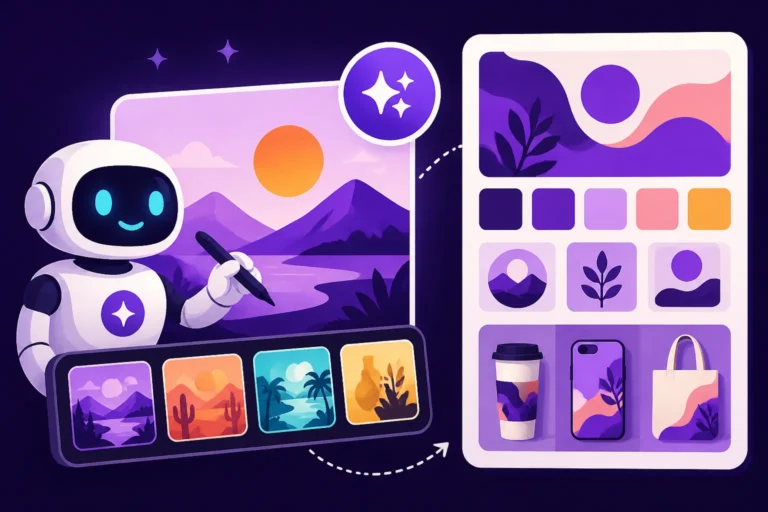
AI image generators allow you to feed in detailed prompts that specify everything from color schemes and artistic styles to the mood and subject matter, ensuring that the output is perfectly tailored to your brand guidelines. For example, if your brand uses a warm, minimalist aesthetic with pastel colors, you can instruct the AI to generate images within those parameters every single time. This means your emails, whether they're a weekly newsletter or a flash sale announcement, will always feel cohesive and instantly recognizable to your subscribers. This consistency builds trust and reinforces your brand identity, making your emails feel more professional and reliable. You can even generate images with specific elements, like a particular type of product or a consistent character, ensuring that your visuals tell a continuous story across your campaigns. If you're looking for guidance on how to create a visual identity with AI, there are many excellent resources available.
Rapid Iteration and A/B Testing Visuals
In marketing, testing is king. You never truly know what resonates with your audience until you put it out there and measure the results. This holds especially true for email visuals. Different images can elicit vastly different responses, impacting open rates, click-through rates, and ultimately, conversions. However, creating multiple variations of an image for A/B testing using traditional methods is incredibly time-consuming and expensive.
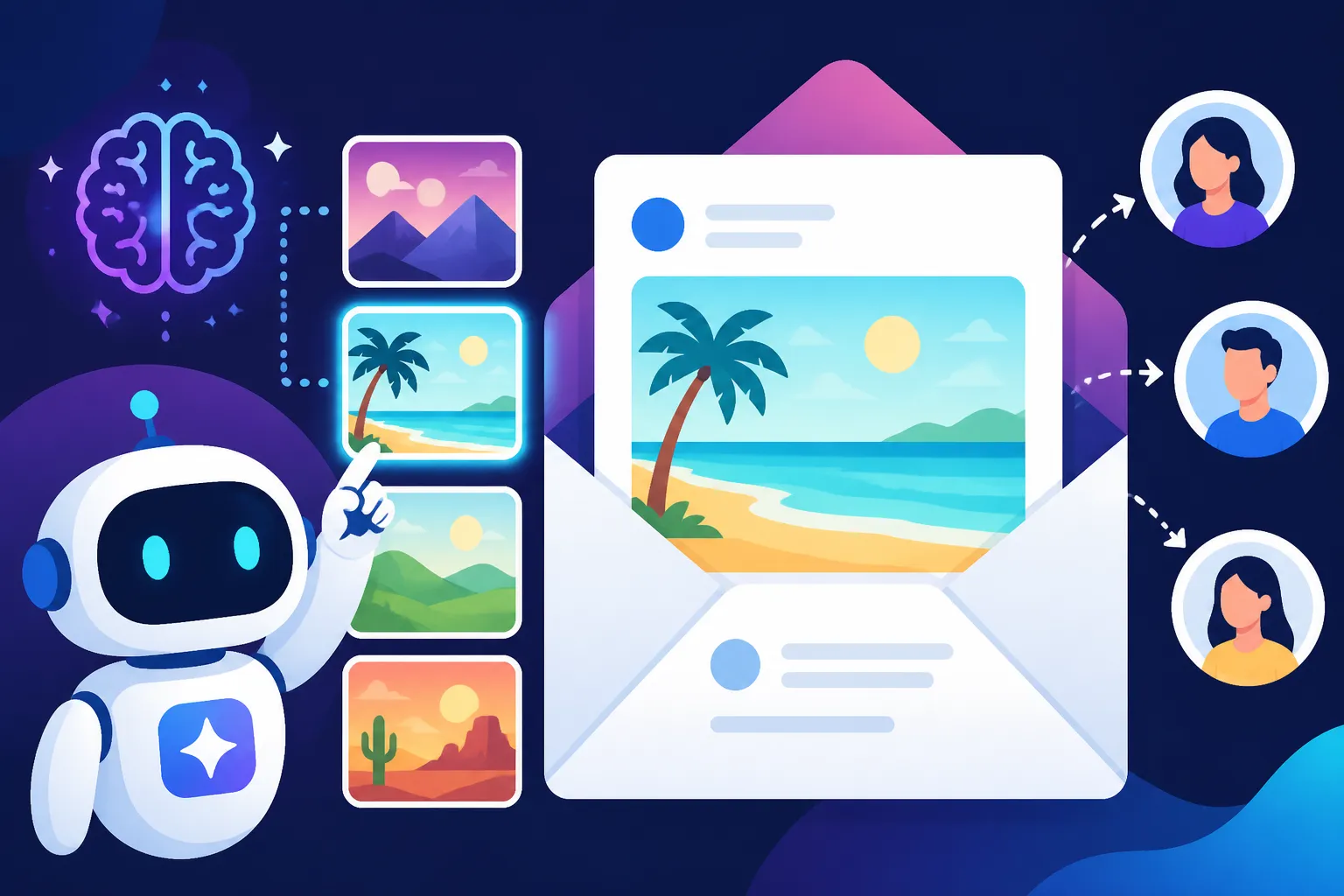
AI tools make rapid iteration a breeze. With just a few tweaks to your initial prompt, you can generate dozens of visually distinct options in minutes, not hours or days. Want to see if a bright, energetic image performs better than a soft, calming one? Or perhaps test a close-up product shot versus a lifestyle scene? AI can churn out these variations on demand. This allows you to quickly test which visual styles, compositions, and color palettes drive the best engagement for different segments of your audience. This agile approach to visual content means you're always optimizing, always learning, and always improving your email campaign performance. If you're ever faced with less-than-perfect outputs, understanding how to fix bad AI image results can help you quickly refine your iterations.
Personalizing Visuals for Segmentation
Modern email marketing thrives on personalization. Sending the same generic email to everyone in your audience is a surefire way to be ignored. While personalizing text content is common, imagine being able to personalize the visuals based on subscriber demographics, past behavior, or expressed interests. This level of segmentation used to be incredibly complex and resource-intensive, if not impossible.
With AI image generation, it's becoming a realistic and powerful strategy. For instance, if you have a segment interested in hiking gear, you can generate an image featuring a scenic trail and hiking boots. For another segment focused on urban fashion, you could create an image of trendy streetwear in a city setting. You can even personalize based on location, gender, or age group if your data allows. This hyper-relevant visual content makes your emails feel incredibly bespoke, as if they were crafted just for that individual. This significantly boosts engagement because the recipient feels understood and values the tailored content. The more relevant your visuals, the more likely your audience is to engage, making AI an invaluable asset in your quest for sophisticated email personalization.
Practical Steps to Integrate AI Images into Your Email Workflow
Ready to dive in and supercharge your email campaigns with AI-generated visuals? It's not as daunting as it might seem. By following a few key steps, you can seamlessly integrate these powerful tools into your existing workflow.
Crafting Effective Prompts for Email Campaigns
The magic of AI image generation lies in the prompt you provide. A well-crafted prompt is the difference between a generic image and one that perfectly captures your campaign's essence. For email campaigns, your prompts need to be clear, concise, and focused on the message and aesthetic you want to convey.
Start with the core subject: What is the email about? Is it a product, an event, a piece of content? Then, add descriptive adjectives that convey the mood, style, and desired atmosphere. Think about colors, lighting, and composition. Finally, consider the context of an email – you often need space for text overlays or a specific aspect ratio for banners.
Here’s a simple formula to consider:
[Subject] + [Key Descriptors] + [Art Style/Lighting/Mood] + [Email Context/Aspect Ratio]
Examples:
- "A steaming cup of artisanal coffee on a rustic wooden table, soft morning light filtering through a window, cozy, hygge aesthetic, minimalist, email banner, 16:9 aspect ratio."
- "Close-up of a new smartwatch on a runner's wrist, dynamic motion blur in the background, vibrant urban park setting, high-energy, modern, promotional email graphic, vertical for mobile."
- "Illustration of a person reading a book under a large oak tree, peaceful, serene, watercolor painting style, perfect for a newsletter header, horizontal layout."
Don't be afraid to experiment with negative prompts (e.g., "–no blurry, –no cartoonish") to refine your results further. Resources like a guide on how to write AI image prompts or exploring the best AI image prompt formulas can offer even deeper insights into mastering this skill. Remember, the more specific and descriptive you are, the better the AI can understand and fulfill your vision for your email visuals.
Choosing the Right AI Tool for Your Needs
The landscape of AI image generators is constantly evolving, with new tools emerging and existing ones improving rapidly. Deciding which one is right for your email campaigns depends on your specific needs, budget, and desired output quality.
Here's a quick overview of what to consider:
| Feature/Consideration | Description |
|---|---|
| Ease of Use | Are you a beginner or an experienced prompt engineer? Some tools offer simpler interfaces, while others provide more granular control. |
| Image Quality & Style | Do you need photorealistic images, artistic illustrations, or something specific like vector graphics? Different tools excel in different areas. |
| Text Rendering | If your email visuals require text within the image (e.g., a simple call to action or a product name), ensure the tool handles typography well. |
| Commercial Rights | This is CRITICAL for email campaigns. Verify that the terms of service grant you commercial use rights for generated images. |
| Cost | Many tools offer free tiers with limitations or subscription plans. Consider your expected volume of image generation. |
| Integration | Does the tool offer any integration with design software or other marketing platforms you use? |
| Editing Capabilities | Can you make simple edits, upscale, or remove backgrounds directly within the tool, or will you need external software? |
For instance, tools like Adobe Firefly are known for their commercial safety and integration with the Adobe creative suite, making them a strong contender for professional marketers. Others, like Midjourney, excel at artistic and photorealistic outputs, though they might require more finessing for perfect branding consistency. Stable Diffusion offers immense customization for those willing to dive deeper into its parameters. For quick, easy-to-use options, you might look into tools integrated into platforms like Canva AI. Many articles compare the strengths of different platforms, such as the best AI image generator for commercial use or who should use Midjourney, which can help you make an informed decision.
Optimizing AI Images for Email Performance
Generating a beautiful image is only half the battle; ensuring it performs well in an email environment is the other. Email clients and devices vary wildly, so optimization is key to prevent slow loading times, broken layouts, or distorted visuals.
- File Size Matters: Large image files can drastically slow down email loading times, leading to frustrated subscribers and abandoned emails. Always compress your AI-generated images before embedding them. Tools like TinyPNG or Optimizilla can significantly reduce file size without a noticeable drop in quality. Aim for images under 1MB, ideally closer to 100-300KB for typical email banners.
- Appropriate Dimensions and Aspect Ratios: Most email clients and templates have specific recommended image dimensions. A common width for email banners is 600-800 pixels. Generating images with the correct aspect ratio (e.g., 16:9 for banners, 1:1 for square product shots) from the start will save you cropping headaches and ensure your image looks good on both desktop and mobile. Remember to check how your email service provider handles responsive images and scale accordingly.
- Alt Text is Non-Negotiable: Not all images will load for all recipients, and accessibility is crucial. Always add descriptive alt text to your images. This text appears if the image doesn't load and is also read by screen readers for visually impaired users. It's an opportunity to reiterate your message and include relevant keywords. For example, instead of "Image 1," use "Young woman smiling while holding a new coffee mug, highlighting our limited-time offer."
- Consider Mobile First: A significant portion of your audience likely opens emails on their mobile devices. Ensure your AI images look good and are legible on smaller screens. Avoid images with tiny text or intricate details that get lost when scaled down. When generating images, keep the overall simplicity and clarity in mind.
By taking these optimization steps, you ensure that your stunning AI-generated visuals enhance, rather than hinder, the performance of your email campaigns, leading to a better experience for your subscribers and stronger results for your business.
Advanced Strategies and Considerations
Integrating AI images into your email campaigns goes beyond just generating pretty pictures. To truly leverage their power, you need to think strategically about how they fit into your overall brand identity and understand the broader implications.
Maintaining Brand Voice and Aesthetic
While AI can generate a vast array of images, the real art is in guiding it to produce visuals that are unmistakably yours. It's not enough for an image to be high-quality; it needs to speak in your brand's unique visual language. This involves more than just consistent colors; it's about the mood, the subject matter, the level of realism, and even the subtle compositional choices.
To achieve this, consider developing a "prompt library" or "brand style guide" specifically for your AI image generation. This could include:
- Core Keywords: A list of adjectives that describe your brand (e.g., "minimalist," "luxurious," "playful," "rugged").
- Color Palettes: Hex codes or descriptive terms for your brand colors (e.g., "deep forest green," "pastel blush pink").
- Preferred Styles: Is your brand leaning towards photorealism, watercolor, vector art, or something else?
- Common Subjects: What objects, scenes, or characters are frequently featured in your branding?
- Negative Prompts: What visual elements do you never want to see? (e.g., "–no cartoon, –no blurry text").
By consistently using these elements in your prompts, you'll train the AI (and yourself!) to produce images that are cohesive and on-brand. Imagine running a campaign for a local artisan bakery. Your prompts might always include terms like "rustic charm," "warm golden light," "freshly baked," and "handmade." This ensures every email visual reinforces the cozy, authentic feel of your brand. Tools like those discussed in "How to Create a Visual Identity with AI" can provide further ideas on establishing and maintaining this visual consistency.
Legal and Ethical Considerations
The world of AI-generated content is rapidly evolving, and with it, the legal and ethical landscape. When using AI images for commercial purposes like email campaigns, it's absolutely crucial to be aware of the potential pitfalls. Ignoring these aspects could lead to significant legal troubles or damage to your brand reputation.
- Commercial Use Rights: This is paramount. Before using any AI image tool, meticulously read its terms of service regarding commercial usage. Many free tiers or open-source models might have restrictions. Some paid tools offer explicit commercial licenses and even indemnification (like Adobe Firefly), providing peace of mind. Always confirm that you have the right to use the generated images in marketing materials like email campaigns.
- Copyright and Originality: The concept of copyright for AI-generated works is still being debated and defined by legal systems worldwide. Some jurisdictions may not grant copyright to works created solely by AI, or the copyright might reside with the prompt creator, the AI developer, or even be uncopyrightable. While many tools are designed to prevent the direct replication of existing copyrighted works, the possibility of unintended similarities always exists. It's wise to ensure your prompts are original and specific to your needs, rather than trying to mimic existing art directly.
- Ethical Implications and Bias: AI models are trained on vast datasets of existing images, which can carry inherent biases from the real world. This can lead to AI generating images that perpetuate stereotypes or lack diversity. Always review your AI-generated images for any unintended biases or potentially offensive content before using them. Strive for inclusive and representative imagery.
- Disclosure and Transparency: While not always legally required, transparently disclosing the use of AI in your content can build trust with your audience. For email campaigns, this might mean a subtle note in the footer or an "About Our Imagery" section on your website. This approach demonstrates honesty and can position your brand as forward-thinking.
Understanding how to use AI images commercially safe is not just about avoiding lawsuits; it's about building a sustainable and trustworthy brand presence in an AI-driven world. Staying informed about the latest developments in AI ethics and copyright law is an ongoing responsibility for any marketer utilizing these powerful tools.
Disclaimer
The information provided in this article is for general informational purposes only and does not constitute legal, financial, or professional advice. While we strive to provide accurate and up-to-date content, the field of AI image generation is rapidly evolving, and specific tool features, terms of service, and legal implications may change. Always consult the official documentation and terms of service of any AI tool you use and seek professional advice when necessary, especially regarding commercial use rights and copyright.