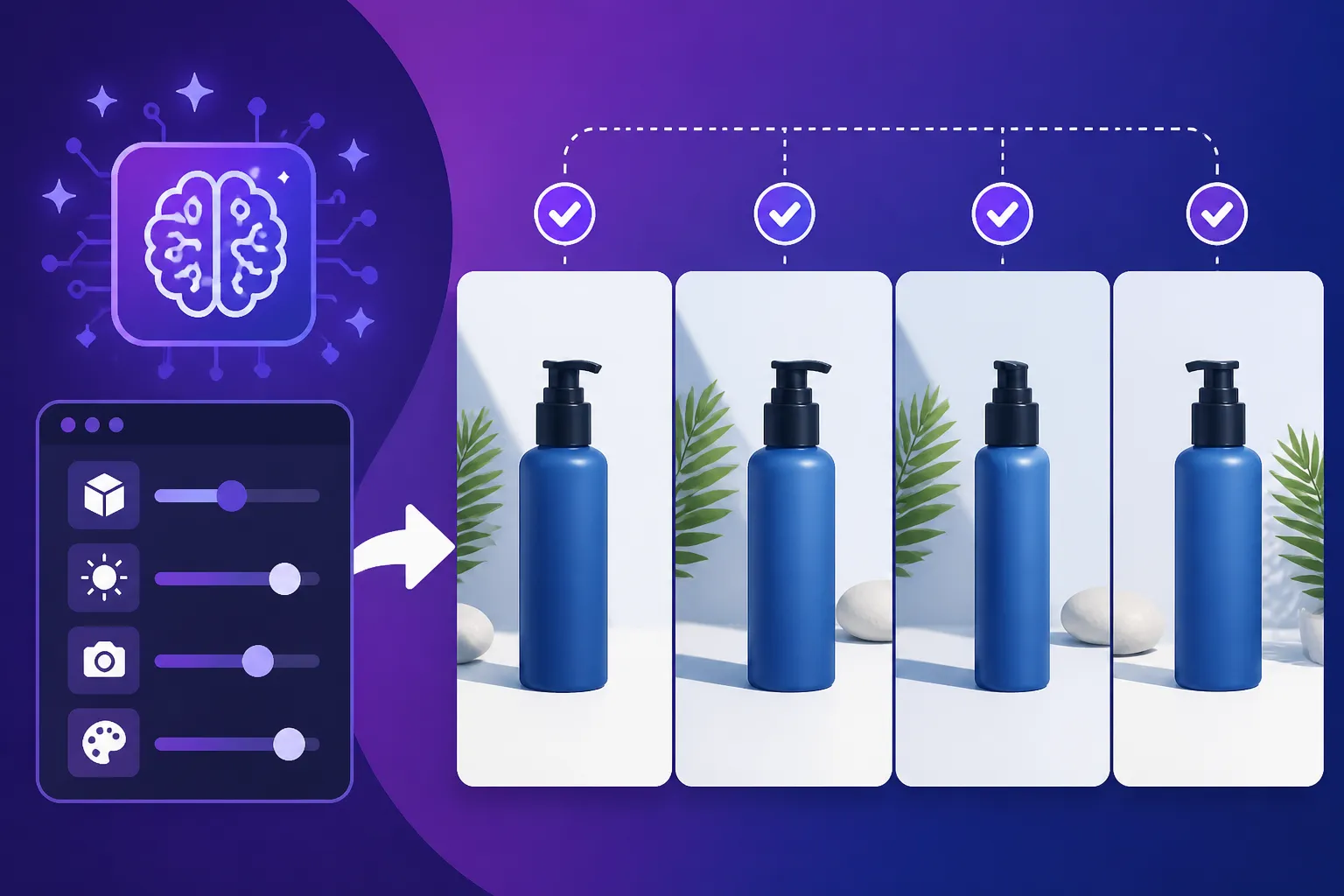
How to Create Consistent AI Product Shots
Creating a whole series of product shots with AI can feel like an uphill battle, especially when you need them to look cohesive across your website, social media, and marketing materials. You spend ages perfecting one image, only to generate another that's almost right but subtly different—a slightly off angle, a change in lighting, or a background that just doesn't match the previous one. It's frustrating when consistency is key to a professional brand image. This guide is here to walk you through proven strategies to tackle that inconsistency head-on, ensuring your AI-generated product visuals are unified and impactful.
Understanding the Fickle Nature of AI Image Generation
Before we dive into solutions, let's acknowledge why achieving consistency with AI can feel like chasing a ghost. AI image generators, for all their magic, are essentially complex prediction engines. They take your prompt and try to fill in the blanks based on the vast datasets they've been trained on. Each generation is, in many ways, a new interpretation, even if your prompt remains identical. This inherent variability is what makes it so challenging to get a series of product shots that look like they belong together.
Why AI Struggles with Exact Replication
Think of it like this: if you ask ten different artists to draw a "sleek, modern coffee mug on a minimalist wooden table with soft, natural light," you'd get ten unique interpretations. Each artist brings their own style, understanding of "sleek" or "natural light," and compositional choices. AI models operate similarly, but on an algorithmic level. Even when using the same prompt, the internal "noise" or randomness applied at the start of the generation process means that the AI often begins from a slightly different conceptual point each time. This leads to subtle shifts in camera angle, the exact texture of materials, the intensity and direction of shadows, or even the reflection characteristics of your product. It’s not a bug; it’s just how these models inherently work to create variety.
The Human Eye's Sensitivity to Minor Variations
And here's the kicker: our brains are incredibly good at spotting these tiny differences, especially when looking at a series of images meant to represent the same item or brand aesthetic. A slight change in the product's reflection, a background element that shifts by an inch, or a shadow that falls a little differently can immediately disrupt the sense of uniformity. For e-commerce, where product photography needs to be clean, consistent, and trustworthy, these small inconsistencies can actually undermine a brand's professionalism. Customers expect to see the same product represented accurately and cohesively, no matter where they encounter it. This is why getting those perfectly aligned shots feels so crucial.
Foundational Strategies for Consistent AI Product Shots
To combat this inherent variability, we need to implement a structured approach. It’s less about fighting the AI and more about guiding it firmly. Building a solid foundation for your image generation process is paramount.
Leveraging Seed Numbers and Reference Images
This is probably one of the most powerful tools in your consistency arsenal. Many AI image generators, like Midjourney or Stable Diffusion, use a "seed" number. This number is essentially the starting point for the random noise that the AI begins with. If you generate an image you love, finding its seed number allows you to regenerate it (or a very similar variation) by feeding that same seed back into the system with your prompt.
- How Seed Numbers Work: Imagine the AI starting with a canvas of static. The seed number determines the initial pattern of that static. By using the same seed, you're essentially giving the AI the same starting canvas, making subsequent generations much more similar. This is incredibly useful for maintaining general composition, lighting, and even the "vibe" of an image series. For instance, if you generated a fantastic shot of your eco-friendly water bottle with a specific angle and diffused lighting, grabbing that seed means you can then swap out the water bottle for a matching travel mug and likely retain a similar aesthetic.
- The Power of Reference Images: Beyond seed numbers, using existing images as a starting point, often called "image prompts" or "image-to-image," can dramatically improve consistency. If you have an existing product photo that perfectly captures the lighting, angle, and style you want, you can feed that image into the AI alongside your text prompt. The AI will then try to generate a new image that stylistically aligns with your reference, but incorporates the elements from your text prompt. This is especially helpful when creating variations of an existing product line or when trying to match a specific brand aesthetic. Think of a scenario where you have a beautiful shot of a piece of jewelry, and you want to generate similar shots for 10 other pieces in the collection; the original image can act as a powerful visual guide. You can learn more about How to Use Reference Images in Prompts.
Developing a Comprehensive Prompt Library and Style Guide
Consistency often breaks down when your prompts themselves are inconsistent. One day you describe "soft, diffused lighting," the next you say "bright, airy studio light." Even subtle word changes can lead to vastly different results. This is where a meticulously crafted prompt library and an internal style guide become invaluable.
- Standardized Prompt Structure: Create a template for your product prompts. This might include elements like:
- Subject: "A minimalist ceramic vase"
- Material/Texture: "smooth matte finish, warm beige tone"
- Setting/Background: "on a polished concrete surface, subtly textured light grey background"
- Lighting: "soft, directional studio lighting from the top-right, creating gentle shadows"
- Camera Angle: "eye-level shot, slightly wide angle, close-up"
- Style/Aesthetic: "product photography, high resolution, clean, modern, crisp, professional"
By sticking to this structure and using the exact same descriptive words for recurring elements (like "soft, directional studio lighting"), you drastically reduce variability. This approach is similar to how you would structure any good prompt, as covered in How to Write AI Image Prompts.
- The Power of a Style Guide: Go a step further and create a simple document outlining your preferred visual elements. What does "minimalist" mean to your brand? What specific color palettes are acceptable for backgrounds? What kind of shadows are desired (sharp, soft, absent)? For example, a style guide might specify: "All product shots should feature a neutral, light-toned background (HEX #F5F5F5), with illumination resembling a softbox setup from above-left, resulting in subtle, elongated shadows. Aspect ratio should always be 3:2." This detailed guidance provides a clear benchmark for your AI images, making it easier to identify when a generation is off-brand.
Leveraging Specific AI Tool Features for Control
Different AI image generators offer unique features that can be harnessed for consistency. While the core idea of seeds and prompts applies broadly, understanding tool-specific nuances can give you an edge.
- Inpainting and Outpainting: Many tools now include editing features like inpainting (filling in a selected area of an image) and outpainting (extending the canvas beyond the original image). If you have a near-perfect product shot but the background isn't quite right, or a small detail on the product needs adjustment, inpainting allows you to fix just that section without regenerating the entire image. This is a game-changer for maintaining consistency across a series. You can dive deeper into these techniques with resources like How to Inpaint and Edit AI Images.
- Style References and Image Weighting: Some advanced tools, particularly those built around Stable Diffusion models or even newer versions of Midjourney (like Midjourney V7), offer parameters for "style reference" or "image weighting." This lets you tell the AI how much influence a reference image should have versus the text prompt. If you want strong stylistic adherence, you'd give the image a higher weight. This is particularly useful for applying a consistent visual texture, color grading, or photographic style across diverse product forms.
- ControlNet (for Stable Diffusion users): For those working with Stable Diffusion, ControlNet is an absolute superpower for consistency. It allows you to use an input image to dictate composition, pose, depth, and even edges. For example, you can create a simple line drawing of your product's desired angle and placement, then use ControlNet to ensure every generated image adheres to that exact composition, no matter how much you change the product or background details in your text prompt. This offers an unparalleled level of control for precise product alignment.
Practical Steps to Implement Consistent AI Product Shots
Now that we've covered the foundational strategies, let's break down the actionable steps you can take to put these into practice. This is about workflow and execution.
Crafting the Master Prompt: The Foundation of Your Visual Brand
Your prompt is your instruction manual for the AI. A well-crafted "master prompt" ensures that the AI understands precisely what you need for consistency.
- Start with Specificity: Don't be vague. Instead of "a product shot," try "a high-resolution product photograph of a sleek, minimalist smart speaker."
- Detail the Environment: Describe the background, surface, and any props meticulously. "on a clean, seamless white cyclorama background," or "on a natural oak wood countertop, diffused window light."
- Define Lighting and Shadows: This is crucial. "soft, even studio lighting from overhead," "dramatic chiaroscuro lighting, casting long, defined shadows," or "bright, sunlit outdoor scene, golden hour glow."
- Specify Camera and Lens Attributes: Even though it's AI, you can prompt for photographic terms. "shot with a Canon R5, 50mm f/1.8 lens," "low angle shot," "macro photography," "bokeh background."
- Add Quality Modifiers: Include terms that push for high-quality output. "photorealistic," "ultra detailed," "8K," "commercial photography," "professional studio quality."
- Example Master Prompt Template:
[Product Description], [Material/Color/Finish], positioned [Placement/Angle] on a [Surface Description], with [Background Description]. Lighting: [Lighting Type, Direction, Intensity, Shadow Qualities]. Camera: [Lens Type, Aperture, Angle, Depth of Field]. Aesthetic: [Style Keywords - e.g., clean, modern, vibrant, rustic, minimal]. Resolution: [High Resolution Modifier].
By filling in the blanks consistently for each product, you create a robust framework. This approach will significantly enhance your product photo prompting efforts.
Setting Up Your Workspace for Consistency
Your workflow environment also plays a role in maintaining consistency.
- Dedicated Project Folders: Organize your generated images and prompts meticulously. Have a folder for each product line, or even each individual product, within which you keep your 'master prompt,' seed numbers, reference images, and all generated iterations.
- Prompt Management Tools: If your chosen AI tool doesn't have a robust prompt history or saving feature, consider using a separate document (Google Doc, Notion, simple text file) to store your master prompts and any variations. This ensures you can always retrieve the exact phrasing you used.
- Naming Conventions: Implement clear naming conventions for your files. For example:
Product_Name_Color_Angle_Lighting_Seed.png. This makes it easier to track which image was generated with which parameters.
Iterative Refinement and Minor Adjustments
Rarely will your first AI generation be perfect, especially when aiming for a consistent series. This process is about iteration and making small, controlled changes.
- Start Broad, Then Refine: Begin with your master prompt to generate a few variations. Identify the one that comes closest to your ideal.
- Utilize Seeds for Variations: Once you have a promising image, extract its seed number. Now, regenerate using that seed, but make very minor adjustments to your prompt. For example, if the lighting is almost perfect but a touch too harsh, subtly change "bright studio lighting" to "soft studio lighting" while keeping the seed. This helps the AI stay within the established visual framework.
- Small, Controlled Edits: If you need to fix a small anomaly—like a slight distortion or an unwanted reflection—use the inpainting features of your chosen tool. Don't regenerate the whole image for minor flaws if you can avoid it. For instance, if a specific light source created an odd reflection on a shiny surface, you could use a tool like Adobe Firefly's generative fill to remove or smooth it, maintaining the original composition and overall lighting. The goal is to address issues without introducing new inconsistencies. Remember, you're not just trying to generate one good image; you're trying to generate a series of good, cohesive images. Sometimes, the initial results might be considered How to Fix Bad AI Image Results, but with iterative refinement, they can be salvaged.
Example Consistency Checklist Table
Here's a quick checklist to help you maintain consistency across your product shots:
| Element | Checklist Items | Notes |
|---|---|---|
| Product Angle | Consistent viewing angle (e.g., 3/4 view, straight-on, top-down) | Specify in prompt, use ControlNet for precise control. |
| Lighting | Consistent type, direction, intensity, and shadow characteristics | Use specific lighting terms, e.g., "softbox, overhead, subtle shadows." |
| Background | Consistent material, color, texture, and minimalism/detail | Standardize HEX codes or detailed descriptions, e.g., "seamless white cyclorama." |
| Surface | Consistent material, texture, and reflectivity of the surface the product rests on | "matte black slate," "polished concrete," "unfinished wood." |
| Scale/Proportion | Product appears at a consistent size relative to the frame | Use camera distance terms, e.g., "close-up," "full shot," or specify aspect ratios. |
| Color Palette | Overall color grading and saturation consistent across images | Prompt for "vibrant colors" or "muted tones," or use post-processing on AI outputs. |
| Text/Logo | If product features text, ensure it's legible and consistently rendered | Requires tools known for text accuracy like Ideogram, or careful inpainting. |
| Overall Mood | The general feeling or atmosphere conveyed by the images | "luxury," "eco-friendly," "tech-savvy"—prompt for adjectives that evoke this. |
Advanced Techniques for Studio-Quality Consistency
For truly professional, studio-quality consistency, especially across a large catalog, you might need to go beyond the basics.
Employing Multi-Stage Generation and Upscaling
Sometimes a single prompt isn't enough to capture all the desired details and maintain consistency. Breaking down the generation process can help.
- Base Image Generation: First, generate your product in its ideal pose, lighting, and general environment using a core prompt and a consistent seed. Focus solely on getting the product itself perfect.
- Background Integration (Inpainting/Outpainting): If your base image has a simple background (or none), you can then use inpainting or outpainting to carefully extend or replace the background to match your brand's aesthetic. This way, you ensure the product itself remains identical while tailoring the surroundings. Imagine generating a perfectly consistent series of watch photos on a simple gradient, then afterward, adding a specific brand-approved background via inpainting to each.
- Upscaling and Enhancing Details: AI-generated images, especially free-tier ones, might lack the resolution or crispness for high-quality commercial use. Utilizing dedicated AI upscalers like Magnific AI or the upscaling features within tools like Midjourney can significantly improve image quality while preserving consistency. Upscaling takes your existing image and intelligently adds pixels, sharpening details and making it suitable for larger prints or high-resolution displays. You'll find a lot of helpful information on How to Upscale AI Images if you want to make your product shots truly pop.
Batch Processing and Automation for Efficiency
Once you've nailed down your master prompt and consistency strategy, scaling it up manually can be tedious. Look for opportunities to automate.
- Scripting with APIs: For developers or those comfortable with coding, many AI image generators offer APIs (Application Programming Interfaces). This allows you to programmatically submit prompts, retrieve images, and even apply post-processing steps. Imagine a script that takes a list of product names, inserts them into your master prompt template, generates the images, and organizes them into folders—all automatically. This is the ultimate level of consistency and efficiency.
- Pre-set Styles or Modes: Some platforms allow you to save "styles" or "modes" that pre-apply certain parameters (like aspect ratios, quality settings, or even specific aesthetic filters). If your chosen tool has this, setting up a "Product Photography" style that automatically includes your preferred settings can streamline your workflow and reduce human error, thereby enhancing consistency across the board.
- Using Templates in Design Tools: Once your images are generated, if you integrate them into marketing materials, ensure consistency in your design templates. Using tools like Canva or Adobe Express with pre-designed layouts for your product listings or social media posts means that even if there's a slight variation in the AI output, the overall presentation remains unified. This complements the AI generation by ensuring your final output adheres to brand guidelines.
Achieving true consistency with AI product shots takes a bit of planning and a methodical approach. It's about treating your AI like a highly skilled, but sometimes forgetful, studio assistant. By providing clear instructions, using powerful control mechanisms, and iterating thoughtfully, you can build a library of product images that perfectly align with your brand vision.
Disclaimer
The information provided in this article is for general informational and educational purposes only and is not a substitute for professional advice. While we strive to provide accurate and up-to-date information, AI technology is rapidly evolving, and specifics regarding tools, features, and capabilities may change. Always consult the official documentation and terms of service for any AI tool you use.