How to Avoid AI Image Watermarks Legally
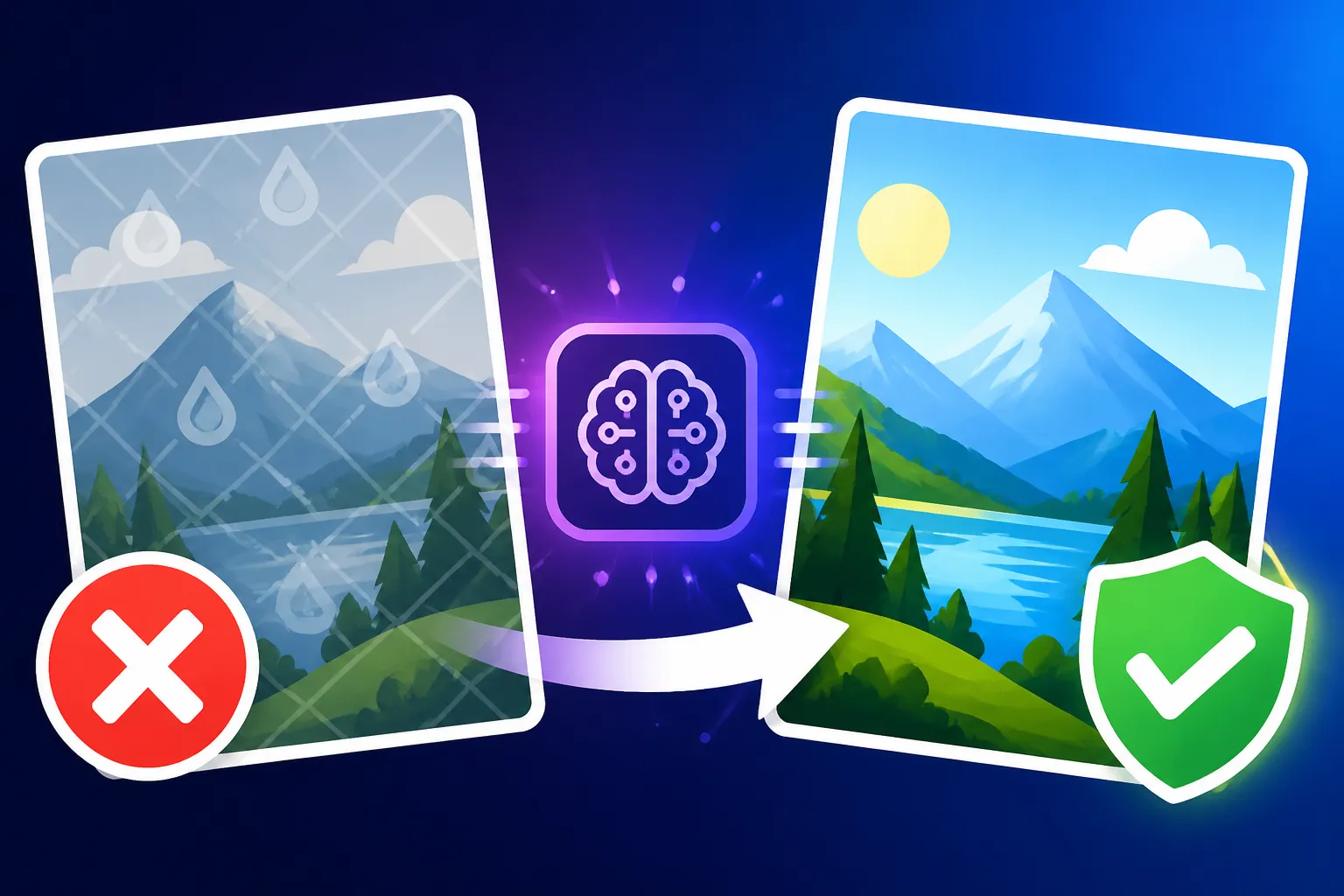
It's incredibly frustrating when you've just generated a stunning AI image, perhaps for a blog post, a social media campaign, or even just a personal project, only to find it stamped with a distracting watermark. These digital signatures can make your images look unprofessional, hinder their usability, and sometimes even prevent you from using them for commercial purposes. This comprehensive guide is here to walk you through all the legal and legitimate ways to avoid those pesky AI image watermarks, ensuring your creations are clean, clear, and ready for whatever you envision.
Understanding Why AI Image Watermarks Exist
Before we dive into how to get rid of watermarks, it’s helpful to understand why they're there in the first place. It's not usually to annoy you, but rather serves several important purposes for the companies providing these powerful generative AI tools. Think of it like a digital signature or a brand stamp.
The Purpose of Watermarks
Many AI image generators, especially those offering a free tier or trial, use watermarks as a form of branding and advertising. When you share an image with a watermark, you're inadvertently promoting the tool that created it. It’s a smart marketing strategy, allowing them to gain visibility without a direct advertising spend on your part.
Beyond marketing, watermarks can also be a way for companies to differentiate between their free and paid services. Offering watermark-free images is a key incentive to upgrade to a paid subscription. For instance, a platform might offer basic generation for free with a prominent logo, but unlock crisp, unbranded images once you become a paying subscriber. This tiered approach is common across many software and service industries, not just AI image generation. It also helps manage server costs and resource allocation; free users might have their images watermarked, while paying users get priority processing and higher quality outputs without the branding impediment.
Another less discussed reason is sometimes related to intellectual property and tracking. While the legal landscape around AI-generated art is still evolving, some platforms might use watermarks as a subtle identifier that the image originated from their system. This could potentially play a role in tracing the origin of images in copyright disputes or in ensuring adherence to their terms of service regarding usage. It's a complex area, but essentially, watermarks serve as a clear indicator of the source, and often, the limitations of usage for free outputs.
The Problem with Watermarks
While the reasons for watermarks might be understandable from a business perspective, they present significant challenges for users. The most immediate problem is aesthetic. A beautiful landscape, a striking portrait, or a meticulously designed product mockup can be instantly cheapened and distracted by a large, opaque, or even subtle watermark across the image. It breaks the immersion and detracts from the artistic quality of the generated output. Imagine trying to use a stunning AI-generated image for a book cover, only to have a company logo emblazoned across the corner or subtly tiled throughout – it simply won't do.
For those looking to use AI images professionally, watermarks are an even bigger hurdle. Most commercial endeavors, whether it's for an advertisement, a website, or a piece of merchandise, require clean, unbranded visuals. A watermark screams "free trial" or "non-commercial use," which can erode trust and professionalism in a business context. Clients are unlikely to accept designs marred by another company's branding, and integrating watermarked images into your marketing materials can make your own brand appear less legitimate or resourceful. This is particularly crucial for designers, marketers, and small business owners who rely on high-quality visuals to convey their message and establish their brand identity.
Furthermore, manipulating or trying to remove watermarks through editing software can be time-consuming, difficult, and often results in a degraded image quality. It's a tedious process that rarely yields perfect results, leaving behind artifacts or smudges that are just as distracting as the original watermark. In some cases, attempting to remove a watermark might even violate the terms of service of the AI tool, potentially leading to account suspension or legal issues if the image is used commercially without proper licensing. This is why understanding the legal and legitimate ways to avoid them is so crucial.
Legal Strategies for Watermark-Free AI Images
The good news is that you absolutely can get watermark-free AI images, and you can do it completely legally and ethically. The key often lies in choosing the right tool and understanding its service model.
Opting for Paid Subscriptions
This is often the most straightforward and reliable path to watermark-free AI images. Most leading AI image generators reserve their unbranded outputs for their paying customers. When you invest in a subscription, you're not just getting more image generations or faster processing; you're often purchasing the right to use those images without the developer's branding.
For example, popular tools like Midjourney, DALL-E (especially through services like ChatGPT Plus), and Adobe Firefly all offer paid tiers that provide watermark-free images. With a Midjourney subscription plan explained, you’ll find that their various tiers unlock commercial usage rights and remove watermarks entirely. Similarly, DALL-E in ChatGPT: How Good Is It typically provides clean images for subscribers, allowing you to integrate them seamlessly into your projects.
The cost can vary significantly, from a few dollars a month for basic plans to hundreds for enterprise-level access. However, for professionals and businesses, this investment is often negligible compared to the time saved and the enhanced professionalism of unbranded images. Think about a small business owner creating social media graphics or product photos; the monthly fee for a tool like Adobe Firefly for commercial use could easily be justified by the clean, high-quality visuals it provides, without needing to worry about watermarks or usage rights. Before committing, always check the specific pricing plans and their associated benefits, especially regarding commercial use.
Exploring Free Tools with No Watermarks
It might surprise you, but there are indeed genuinely free AI image generators that do not slap watermarks onto your creations. These are fantastic options for hobbyists, students, or anyone on a tight budget who still needs clean visuals.
One of the most prominent examples is Bing Image Creator. Powered by DALL-E, it often generates images without any visible watermarks, especially if you're logged into a Microsoft account. It offers a certain number of "boosts" daily for faster generation, and while regular generations might be slower, they generally remain watermark-free. This makes it an excellent choice for casual use or when you need a quick image for a personal project or a blog post where commercial rights aren't a primary concern (though it's always good to check their latest terms).
Another avenue is exploring open-source AI models like Stable Diffusion. While running Stable Diffusion locally can require some technical know-how and a powerful computer, it offers unparalleled control and, crucially, completely watermark-free output. There are also various web-based interfaces and community platforms built on Stable Diffusion that might offer free, unwatermarked generations, often supported by ads or limited daily credits. For instance, sites like Playground AI or Leonardo AI often provide free tiers where images can be generated without watermarks, though they might have daily limits or lower resolution outputs compared to their paid plans. Many people find Stable Diffusion to still be worth learning precisely for this level of control and freedom.
It's crucial to note that "free" often comes with other trade-offs, such as slower generation speeds, less advanced features, or smaller daily quotas. However, for those prioritizing watermark-free images above all else and operating within a budget, these free options are invaluable. Always double-check the terms of service for any free tool, as policies can change, and what's free and clear today might have subtle restrictions tomorrow.
Utilizing Tools with Commercial Use Rights
This point is perhaps the most critical for anyone intending to use AI-generated images for business or monetization. Avoiding watermarks isn't just about aesthetics; it's deeply tied to commercial licensing. Many platforms include watermark removal as a feature of their commercial use plans. This means that by subscribing to a service that explicitly grants commercial rights, you're almost always guaranteed watermark-free images.
For example, when you sign up for a service like Adobe Firefly, their commercial plans not only remove watermarks but also often come with indemnification clauses, protecting you from potential intellectual property claims related to the AI's training data. This is a massive peace of mind for businesses. Similarly, platforms like Ideogram often offer clear commercial licenses on their paid tiers, ensuring that any text-heavy images or logos you create are not only watermark-free but also legally viable for your brand. Understanding Adobe Firefly's IP indemnification is key for serious commercial users.
It’s important to distinguish between a tool that happens to not put a watermark on free images and a tool that explicitly grants commercial use rights. The former might be fine for a personal project, but the latter is essential for anything business-related. Always read the fine print in the terms of service or FAQs for each AI image generator to confirm what rights you have over the generated content, especially if you're planning to use it to make money. A clean image is one thing; a legally usable clean image is another entirely. For a deeper dive into making your creations viable, consider reading about How to Make AI Images Commercially Safe.
Practical Steps and Best Practices for Watermark-Free Images
Navigating the world of AI image generation can feel a bit like the Wild West, especially concerning legalities and usage. But with a few smart practices, you can ensure your images are clean and compliant.
Checking Licensing and Terms of Service
I cannot stress this enough: always, always, always read the fine print. This might sound tedious, but it's the single most important step to legally avoiding watermarks and ensuring you can use your AI-generated images without future headaches. Each AI image generator has its own set of rules, and these rules are subject to change. What was permissible last month might have a new caveat today.
Before you invest time in creating images, and especially before you consider using them commercially, head straight to the "Terms of Service," "Licensing," "FAQ," or "Legal" sections of the platform. Look for clauses specifically addressing:
- Watermarks: Does the free tier include watermarks? Are watermarks removed on paid plans?
- Commercial Use: Are you allowed to use the images for commercial purposes? What tiers enable this?
- Attribution: Is attribution required, even if there's no watermark?
- Copyright Ownership: Who owns the copyright to the generated images (you, the AI company, or is it public domain)? This varies wildly by platform.
For instance, Is Midjourney Worth the Subscription often boils down to a creator's need for commercial rights and watermark-free output. Many creators find the investment worthwhile because it clarifies these legal aspects. Similarly, understanding DALL-E's pricing and plans explained will reveal that their subscription tiers are designed to provide clear usage rights alongside watermark removal. Don't assume that just because an image has no watermark, it's free for any use. Get the facts directly from the source. It’s your responsibility to ensure you’re compliant.
Ethical Considerations and Attribution
Even when a platform doesn't impose a watermark or explicitly require attribution on its paid tiers, there are still ethical considerations to ponder. The AI models are trained on vast datasets of existing art and images, created by human artists and photographers. While the generated output might be transformative, acknowledging the underlying creative process can be a good practice.
Some artists and creators choose to attribute the AI tool they used, even if not legally required. For example, stating "Image generated with Leonardo AI" or "AI-assisted art created using Stable Diffusion" provides transparency and contributes to a broader understanding of how these tools are being utilized. This is particularly relevant in creative industries where the line between human and AI creation is constantly being debated. It also helps manage audience expectations; some people might react differently to an image they know was AI-generated versus one they assume was entirely human-made.
While strict legal requirements for attribution are rare when watermarks are absent and commercial rights are granted, adopting a transparent approach can build trust with your audience and contribute positively to the evolving conversation around AI art. It’s a way of being a good digital citizen in a new frontier.
Avoiding Illegal Removal Methods
Let’s be crystal clear: trying to "edit out" watermarks from images you've generated on a free tier is a bad idea, both practically and legally.
From a practical standpoint, removing a watermark without specialized, expensive software is incredibly difficult. Most attempts with standard image editors will leave behind noticeable blurring, pixelation, or discoloration, making the image look amateurish and often worse than if you had just left the watermark. It's a time sink that rarely yields satisfactory results for high-quality images.
More importantly, it can have legal repercussions. When a platform places a watermark on a free-tier image, it's often a condition of its free use. By actively removing that watermark, you could be violating the platform's terms of service. This could lead to your account being terminated, loss of access to the service, and in some cases, potential legal action for copyright infringement or breach of contract, especially if you then proceed to use the altered image for commercial gain. While individual cases against hobbyists might be rare, businesses or professional creators taking such shortcuts expose themselves to significant risks.
The legitimate and ethical approach is always to use tools that offer watermark-free images through their standard operation, whether that's via a paid subscription or a genuinely free, unwatermarked tier. Don't waste your time or risk your reputation trying to circumvent a system that's designed to protect intellectual property and service models. It's simply not worth the hassle or the potential legal fallout.
Comparing Watermark Policies of Popular AI Image Generators
To help you navigate the landscape, here’s a quick overview of how some popular AI image generators handle watermarks. This information is based on current general policies, but remember to always check the specific terms of service for the most up-to-date details.
| AI Image Generator | Free Tier Watermark Status | Paid Tier Watermark Status | Commercial Use Available? | Notes |
|---|---|---|---|---|
| Midjourney | N/A (Paid only, but no watermark) | No Watermark | Yes, with subscription | Primarily Discord-based, high quality output. |
| DALL-E (via ChatGPT Plus) | N/A (Paid only) | No Watermark | Yes, with subscription | Integrated into ChatGPT interface for ease of use. |
| Adobe Firefly | Yes (often subtle) | No Watermark | Yes, with subscription | Focus on commercial safety and indemnification. |
| Bing Image Creator | No Watermark (generally) | N/A (Free only) | Check specific terms | Good for casual, personal use. |
| Ideogram | Yes | No Watermark | Yes, with subscription | Excellent for text rendering in images. |
| Leonardo AI | Yes (subtle in free plan) | No Watermark | Yes, with subscription | Generous free credits, strong community features. |
| Stable Diffusion (web-based tools) | Varies by host | Varies by host | Varies by host | Open-source, so policies depend on specific implementation. Local install is watermark-free. |
Remember, this table provides a general snapshot. The specific nuances of "commercial use" can differ greatly. Some free tiers might allow personal commercial use (e.g., selling prints of your AI art) but not corporate branding, for example. Always, always verify directly with the service provider's legal documentation.
Conclusion: Clean Images, Clear Conscience
Navigating the world of AI image generation without watermarks isn't about finding clever loopholes or shady workarounds. It's about being informed and making smart choices that align with your needs and ethical standards. Whether you opt for a premium subscription to a powerhouse like Midjourney or Adobe Firefly, or you leverage the genuinely free, watermark-free offerings of tools like Bing Image Creator, the path to clean, professional-looking AI images is readily available.
The key takeaway here is diligence. Always take a few moments to understand the terms of service of any AI image generator you use. This proactive approach will not only save you from frustrating watermarks but also protect you from potential legal entanglements down the road. With the right tools and knowledge, you can harness the incredible power of AI image generation to bring your creative visions to life, completely unencumbered.
Disclaimer
The information provided in this article is for general informational purposes only and does not constitute legal advice. AI image generation and associated intellectual property rights are rapidly evolving areas of law. Always consult with a qualified legal professional for advice regarding your specific circumstances and intended use of AI-generated content. Terms of service for AI tools can change frequently; always refer to the latest documentation from the service provider.